
Before starting the installation, let's remember some basic concepts:
Primary Domain Controller (PDC): Distributes user account information to backup controllers and validates network login requests. There can only be one primary domain controller in a forest.
What is Active directory?: It is a hierarchical database that allows maintaining a series of objects related to a network, such as users, user groups, permissions and resource allocation, and access policies.
FOREST OPERATIONS MASTER: These functions must be unique in the forest. That is, there can only be one schema master and one domain name master in the entire forest.
Outline Master: It is the one that controls the updates and changes that take place in the schema(THERE CAN ONLY BE ONE SCHEMATIC MASTER IN THE ENTIRE FOREST).
Domain Name Master: Controls the addition or removal of domains from the forest. (THERE CAN ONLY BE ONE DOMINO NAME MASTER IN THE ENTIRE FOREST).
Master of operations by domain: These functions must be unique in each domain. This means that there can only be one RID master, one PDC emulator master, and one infrastructure master in each forest domain.
PDC emulator:It is in charge of synchronizing the properties of user accounts and groups with NT 4.0 domain controllers (It emulates being the PDC in an NT 4.0 domain). It is also in charge of synchronizing the time between the forest.
The PDC emulator on the primary domain must be configured to synchronize with an external time resource. The PDC emulator time can be synchronized with an external server by running the “net time” command with the following syntax: net time file://servername/setsntp:resourceTime.
RID Master: The RID master assigns relative ID (RID) sequences to each of the various controllers in the domain. At any given time, there can only be one domain controller acting as the RID master in each domain in the forest. Whenever a domain controller creates a user, group, or computer object, it assigns a unique security ID (SID) to the created object. This SID is composed of a domain SID, which is the same for all SIDs created in the domain, and a RID, which is unique for each of the SIDs created in the domain.
Infrastructure Master:Responsible for checking universal group membership in multi-domain environments.
Responsible for updating object references from your domain to other domains.
Unless there is a single domain controller in the domain, the infrastructure master role should not be assigned to the domain controller that hosts the global catalog.
GLOBAL CATALOG:It is a domain controller that stores a copy of all AD objects in a forest (Port 3268).
Well, now with a little basic concepts we are going to install a PDC server.
Tools:
Virtualbox: To virtualize our PDC.
Operating system: Windows 2003 Server Enterprise Edition.
Before starting the installation wizard of our Primary Domain Controller, first we are going to configure our IP address, to do this we are going to: My Network Places/Properties/Local Area Connection/Properties/TCP/IP Internet Protocol/Properties.
MY configuration is this, but you can put whatever you think is appropriate:
IP: 192.168.1.104
Subnet: 255.255.255.0
Gateway: 192.168.1.1
DNS: 192.168.1.104
Now... let's INSTALL!.
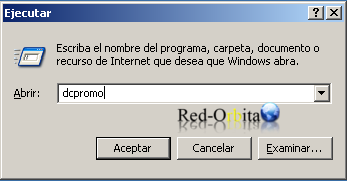
we're leaving start/run and we write DCPROMO to start the installation wizard.
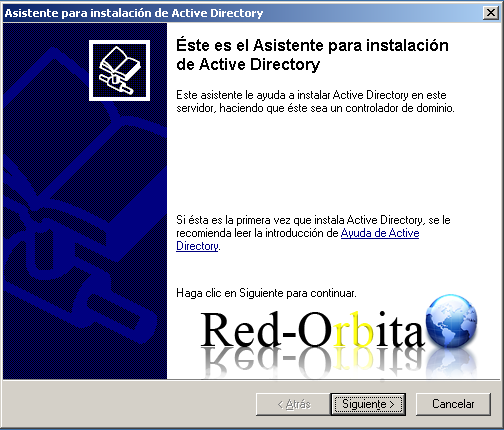
The installation wizard starts and we continue.
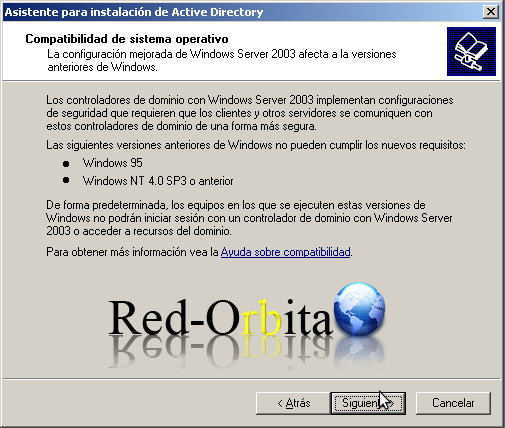
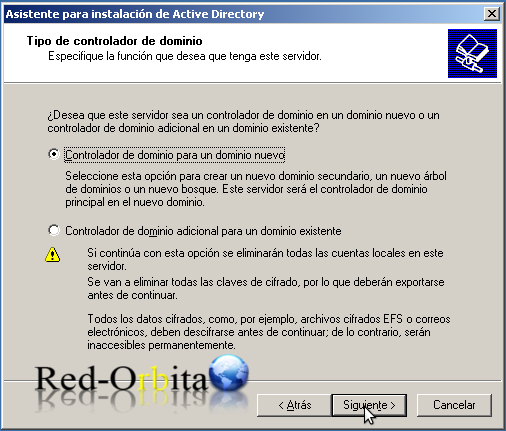
We select Domain Controller for a new domain.
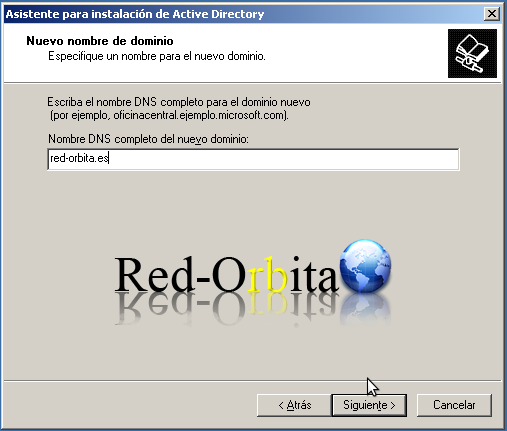
We enter the full domain name.
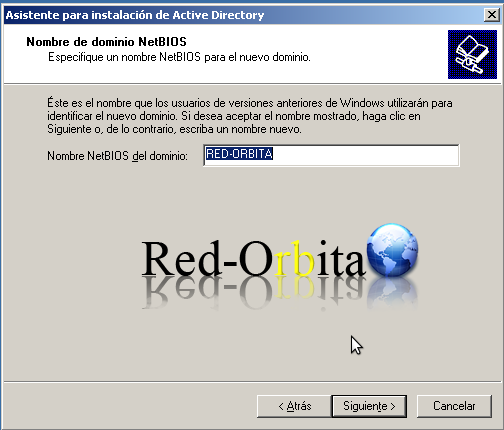
The domain name for NetBios.
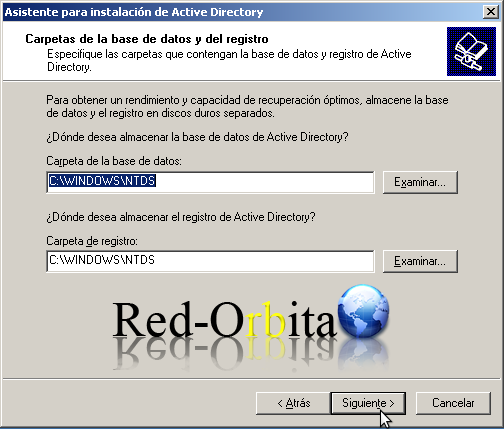
We leave it by default, it is where the Active Directory database and logs are stored.
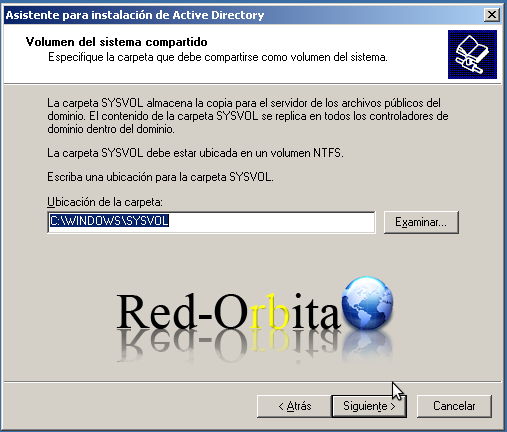
Syslog is a shared directory where the server copy of the domain's public files is stored, which are replicated across all the domain controllers of the domain. we go to next.
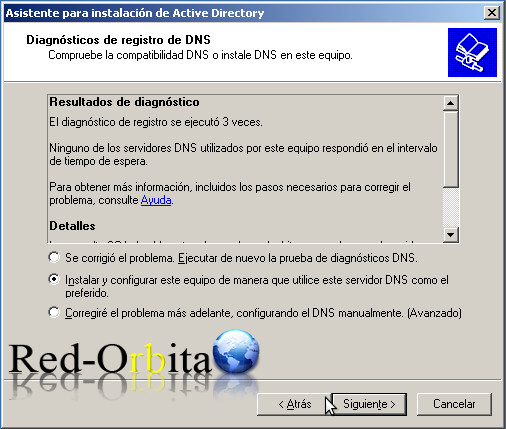
We assign you to use this computer as the default DNS.
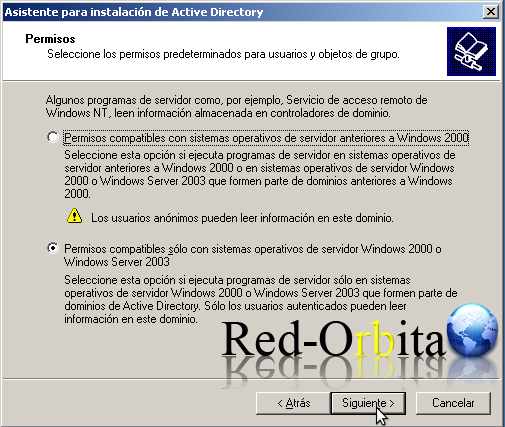
We opted for permissions compatible only with Windows 2000 onwards.
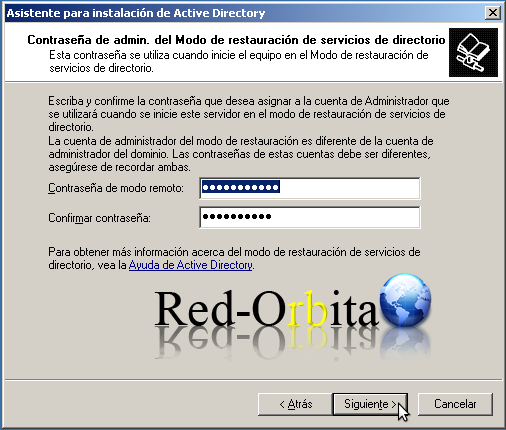
Administrator password for directory services restore mode.
Shows a window with the configuration, next
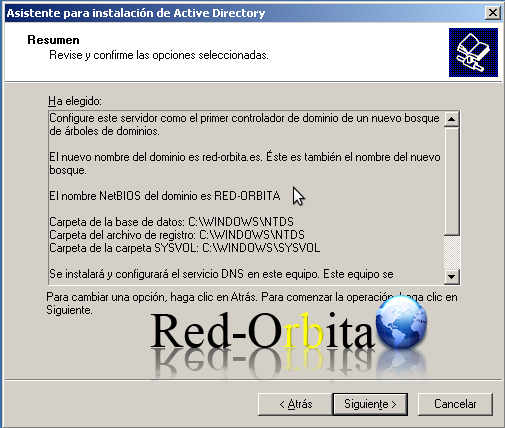
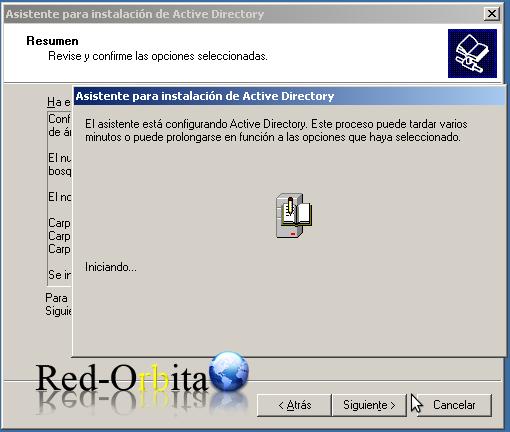
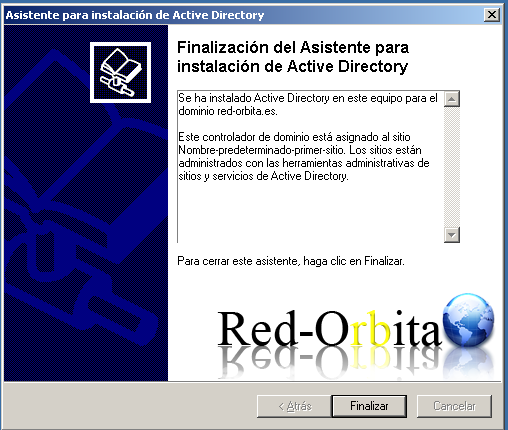
Everything begins to be installed and configured... We wait a little and the installation completion window appears.
Install and configure the DNS server
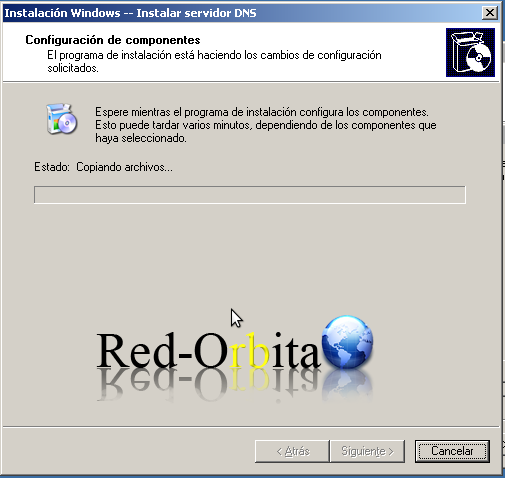
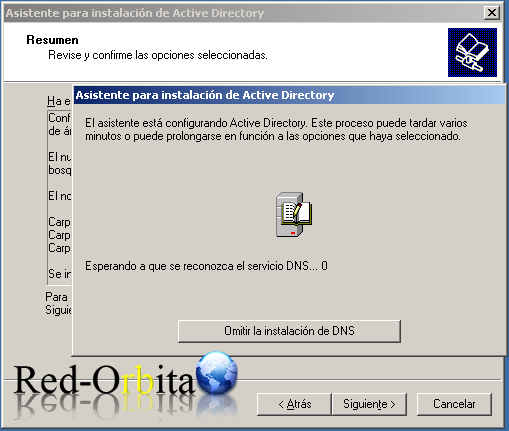
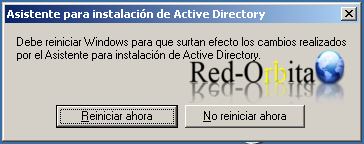
We finish, restart and we now have our main domain controller installed.
We restart for the changes to take effect.
In future tutorials we will show a little of the functions and tools to familiarize ourselves with it. and we will install a CDA, Additional Domain Controller.
Greetings, I hope it helps you, and I will publish later.
Regards, Rokitoh
Comments