

I will try to explain how to install an additional domain controller.
The CDA (Additional Domain Controller) Hosts a copy of our PDC (Primary Domain Controller)
Information about PDC:
INSTALL A MAIN DOMAIN CONTROLLER
Tools:
Virtualbox: To virtualize our CDA.
Operating system: Windows 2003 Server Enterprise Edition.
Before starting the installation wizard of our Primary Domain Controller, first we are going to configure our IP address, to do this we are going to: My Network Places/Properties/Local Area Connection/Properties/TCP/IP Internet Protocol/Properties.
MY configuration is this, but you can put whatever you think is appropriate:
IP: 192.168.1.105
Subnet: 255.255.255.0
Gateway: 192.168.1.104 (PDC)
DNS: 192.168.1.104 (PDC)
DNS2: 192.168.1.105 (CDA)
Well, let's get down to business, install it!
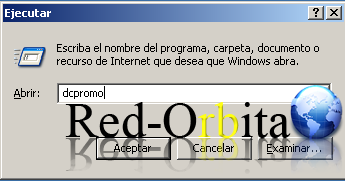
we're leaving start/run and we write DCPROMO to start the installation wizard.
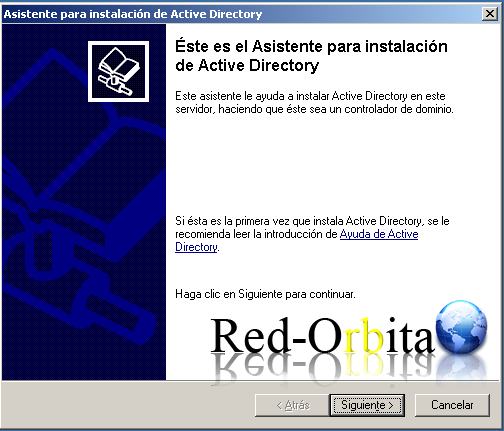
The Active Directory installation wizard starts
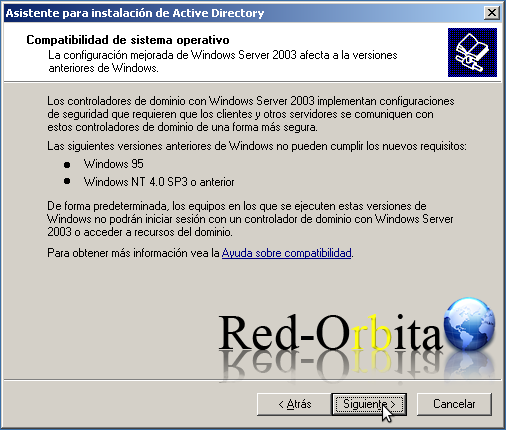
We ignore this here... we move on to the next...
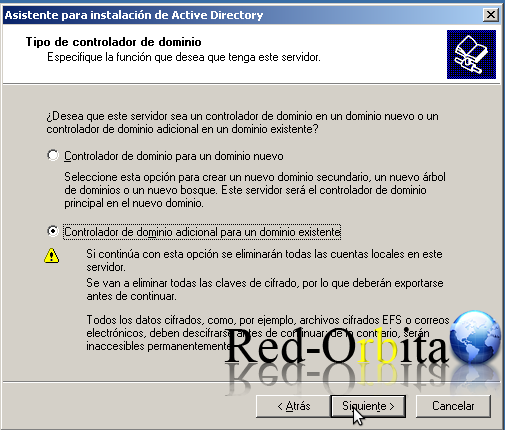
We select additional Domain Controller for an already existing controller
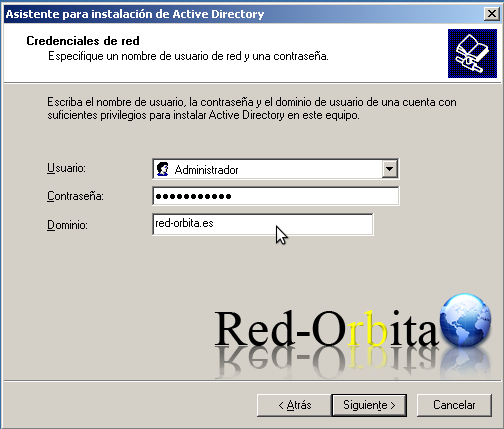
We enter the username and password that has permissions on the domain and to which domain we want to add
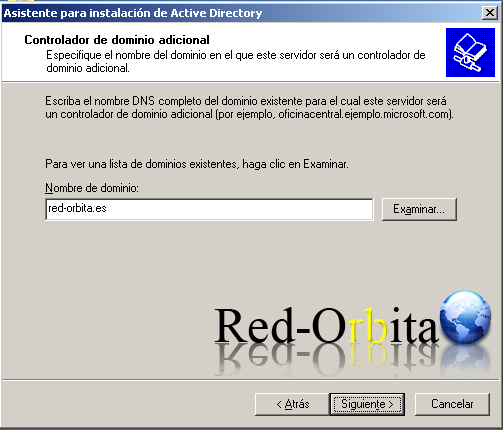
We select which domain we are going to join
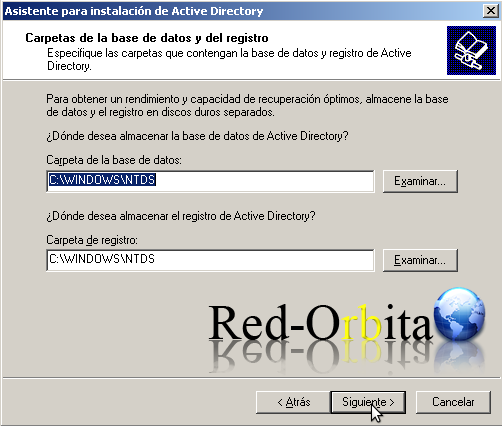
We leave it by default, it is where the Active Directory database and logs are stored.
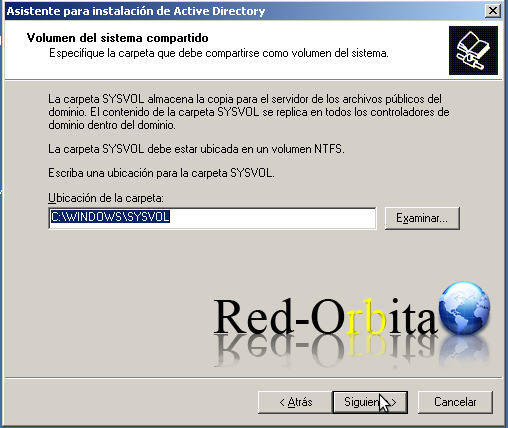
Syslog is a shared directory where the server copy of the domain's public files is stored, which are replicated across all the domain controllers of the domain. we go to next.
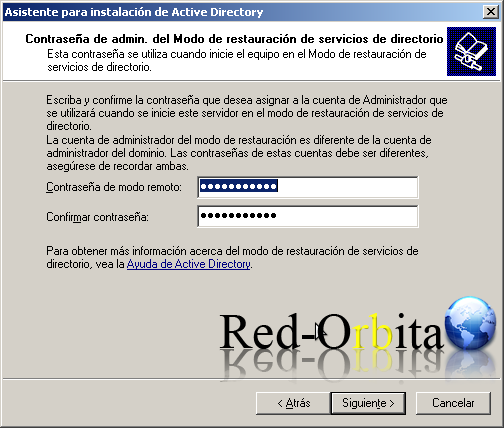
We add the password for the administrator account
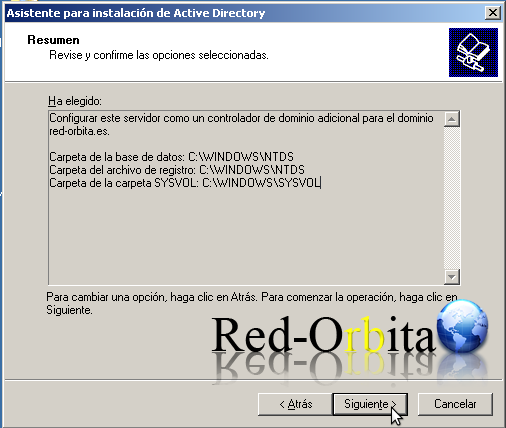
Shows a window with the configuration, next
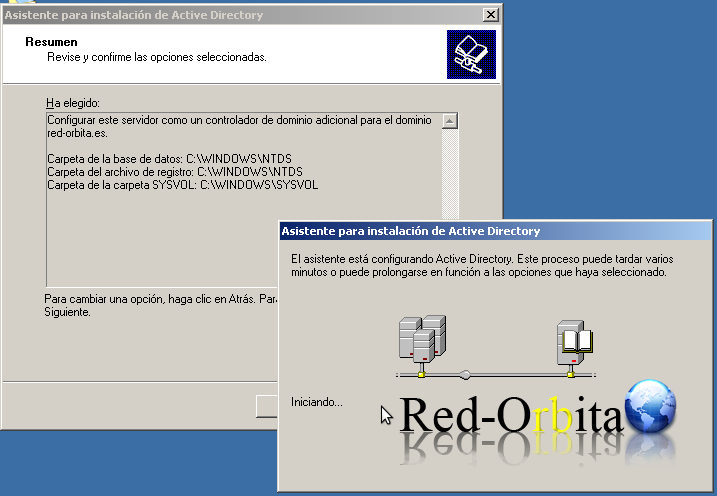
We wait for it to end
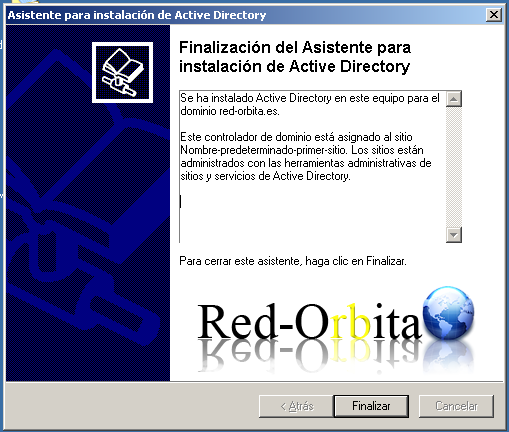
We finish the installation wizard and restart so that the changes are effective
Once our CDA has been restarted, we are going to install DNS. What is DNS?
It is a hierarchical database that stores information associated with domain names on networks such as the Internet. For more information, consult Google.
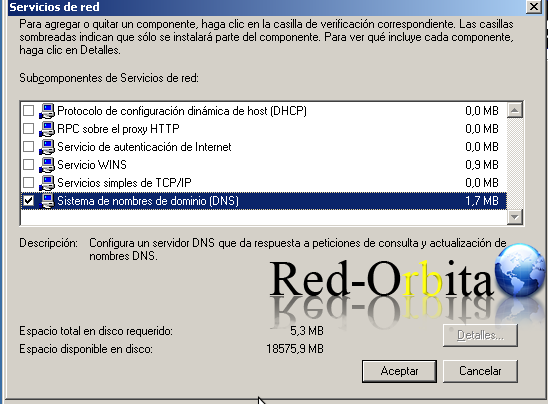
To install DNS we go: Control Panel/Add or Remove Programs/Add or Remove Windows Components/Network Services/Domain Name System (DNS)
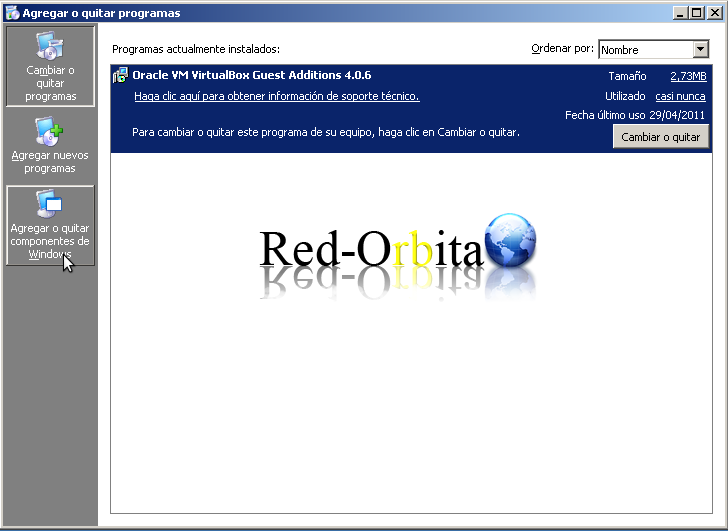
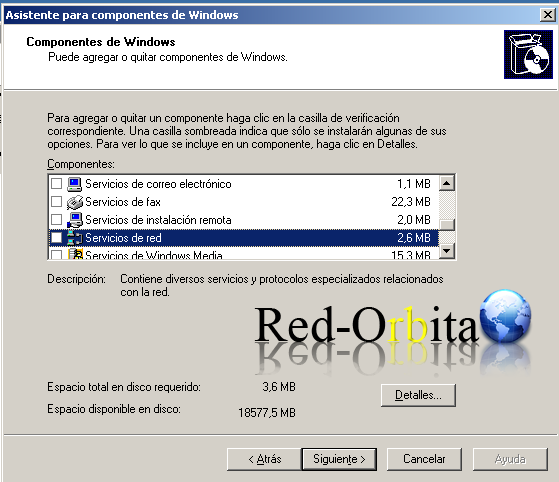
We select the Domain Name System (DNS) checkbox and click OK.
We wait a few seconds for it to install... (It will ask us for the installation CD)
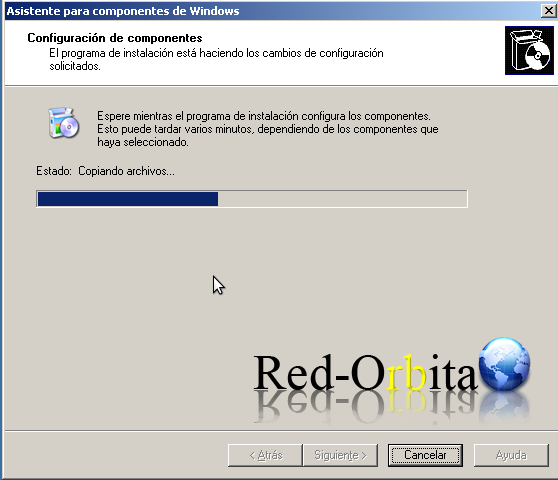
We finish the installation wizard
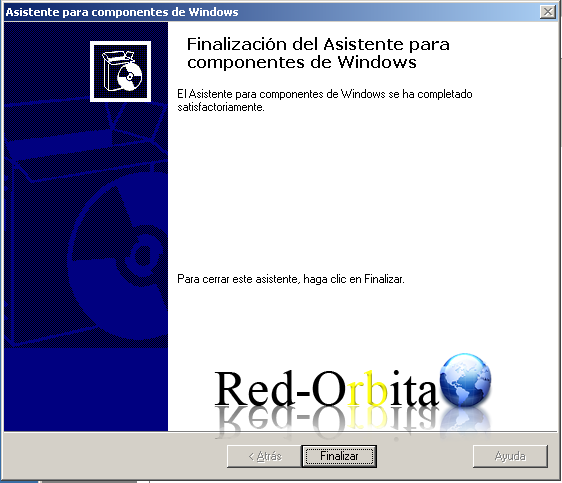
Once installed, let's make a global catalog
GLOBAL CATALOG: It is a domain controller that stores a copy of all AD objects in a forest (Port 3268).
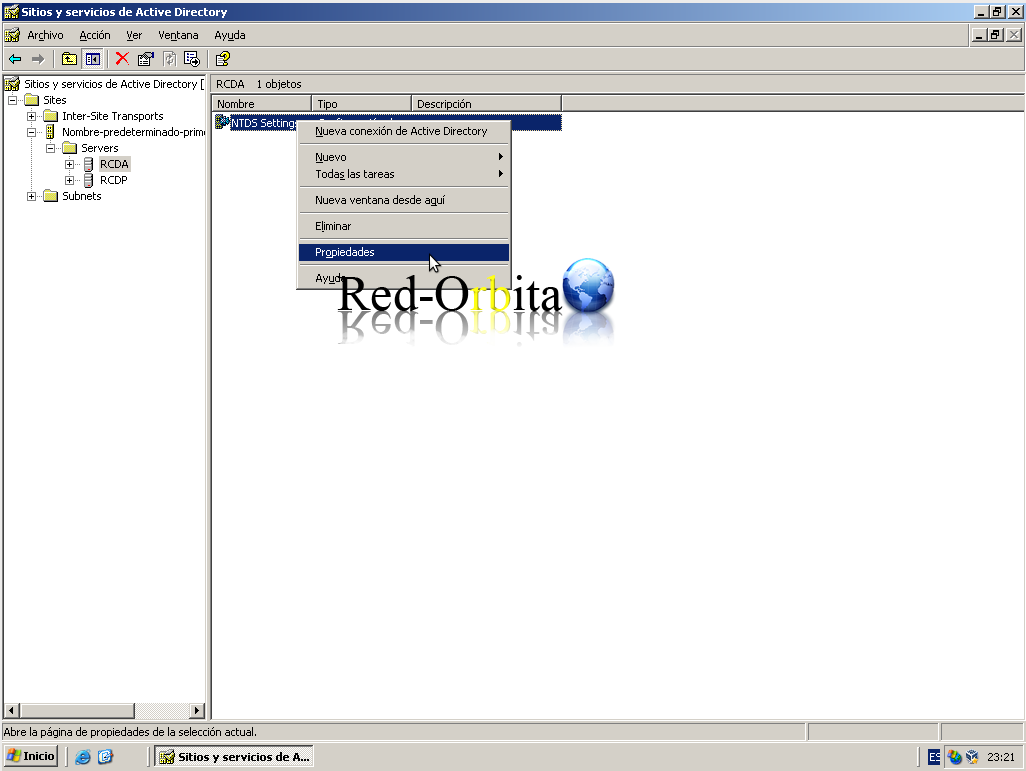
For this we go: IHome/Programs/Administrative Tools/Active Directory Sites and Services
Once in Active Directory Sites and Services we go to: Sites/Default-Name-First-Site/Server2/NTDS Setting/Properties
We select the Checkbox «Global Catalog» and we accept
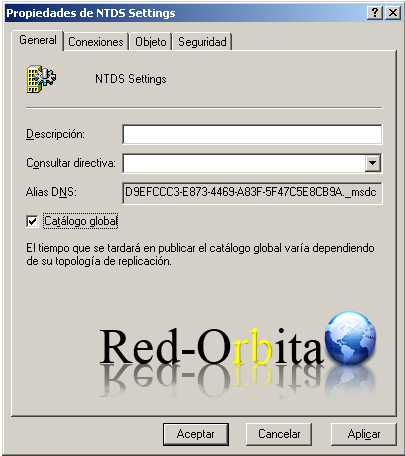
By doing this what we achieve is that we have 2 domain controllers. This can be very useful for fault tolerance, since our CDA would host a copy of our PDC, and in case our PDC broke for any reason, we would perform a role transfer over our CDA. Since once our PDC is broken we could not re-enter our Active Directory network. For more information related to this, you know... Google...
Once you have our PDC and CDA you can test the replication, adding users, groups or computers in one and in the other verifying that it replicates correctly
Greetings and I hope it helps you.
I will upload another manual how to install a secondary domain controller
Greetings, rokitoh!
Comments