
WHAT IS GNS3?
GNS3 is a graphical network simulator that will allow you to easily design network topologies and then run simulations on it. Until now GNS3 supports IOS routers, ATM/Frame Relay/Ethernet switches and PIX firewalls. You can extend your own network by connecting it to the virtual topology.
To perform this magic, GNS3 is based on Dynamips, PEMU (including the encapsulator) and partly on Dynagen, it was developed in Python through PyQt, the graphical interface (GUI) made with the powerful Qt library, famous for its use in the KDE project. GNS3 also uses SVG (ScalableVector Graphics) technology to provide high-quality symbols for designing network topologies.
We add the repositories:
rokitoh@redorbita:~# gedit /etc/apt/source.listand we add:
deb http://gpl.code.de/debian testing/
deb-src http://gpl.code.de/debian testing/
We add the key
rokitoh@redorbita:~# wget http://gpl.code.de/DB898410.key.pub.asc -O - | sudo apt-key add -Here you can find the list of repos:
http://gpl.code.de/oswiki/GplcodedeAptwe update
rokitoh@redorbita:~# apt-get updateWe install the necessary packages:
rokitoh@redorbita:~# apt-get install dynagen python-qt4 wireshark dynamips gns3We open the application and we get a configuration package
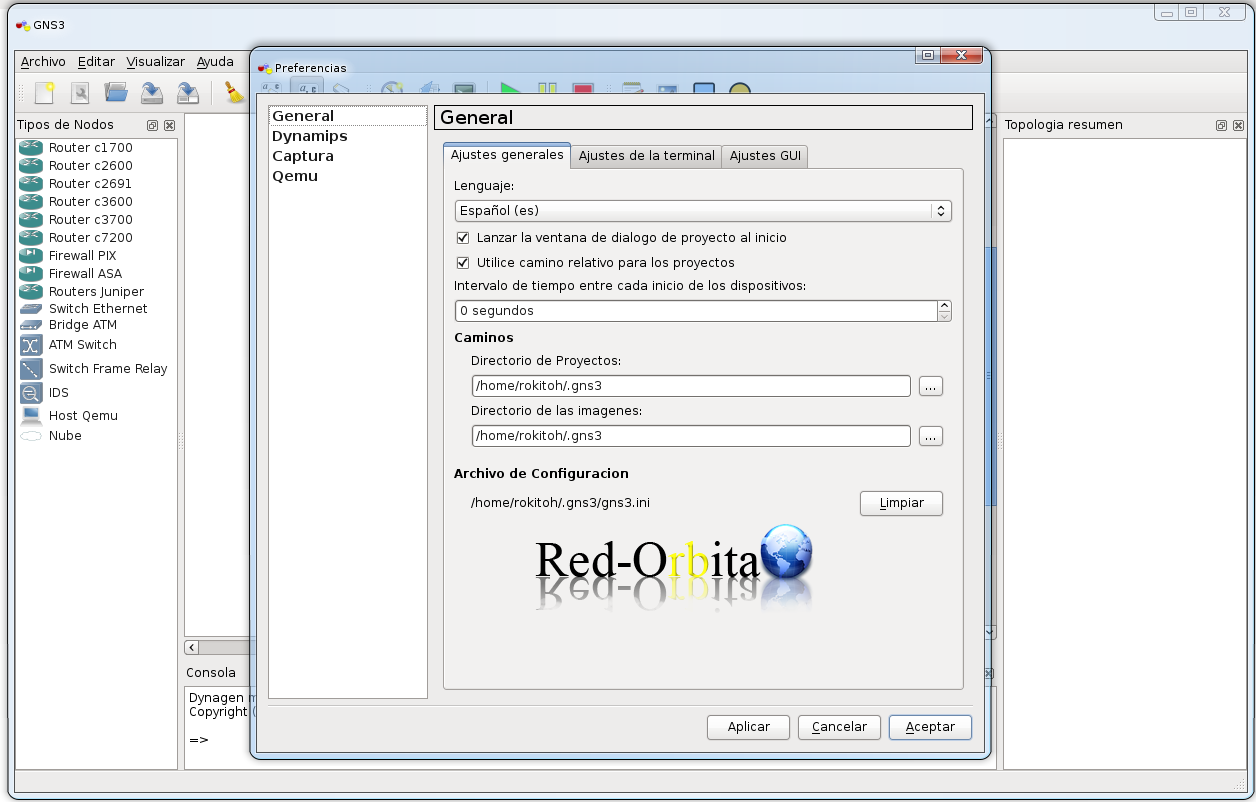
I don't put the configuration... because it's not lost... hahaha it's very intuitive and I'm also very lazy...
Here we can find the IOS that we need to run:
http://gns3.blogspot.com/2007/10/ios.html
and the documentation in perfect Spanish:
http://es.scribd.com/doc/48132833/GNS3-0-4-1-documentation-spanishGreetings, rokitoh!
Comments