

What is LinBerry?
LinBerry is a Desktop Manager style application made for Linux, whose purpose is to manage BlackBerry devices. Unfortunately, the RIM company has decided not to make a desktop manager for Linux, which is a setback for those of us who are users of this excellent phone and who also use Linux as our main system. Many have been forced to have a separate Microsoft partition on their drive just to run Rim's Desktop Manager; LinBerry aims in the medium term to be an efficient and complete alternative in this regard.
LinBerry can currently do the following:
- Make Backups.
- Manage contacts.
- Install and uninstall Applications.
- Update the OS of the device.
- Wipe the device.
- Synchronize with Evolution and/or Thuntherbird Lighting.
- Multilanguage support starting with English language
Well, now knowing what it is... let's install it in our Debian squeeze.
First we download the dependencies necessary for its installation.
rokitoh@redorbita:~# wget http://elavdeveloper.files.wordpress.com/2010/12/dependencias.docWe have to rename that .doc. change the extension to .tar.gz
rokitoh@redorbita:~# mv dependencias.doc dependencias.tar.gzWe extract the files
rokitoh@redorbita:~# tar -xvzf dependencias.tar.gzWe access the folder
rokitoh@redorbita:~# cd dependenciasWe install the necessary libraries for the dependencies
rokitoh@redorbita:~# aptitude install libcairomm-1.0-1 libglibmm-2.4-1c2a libgtkmm-2.4-1c2a libpangomm-1.4-1 libglademm-2.4-1c2a libtarWe install the dependencies
rokitoh@redorbita:~# dpkg -i libglademm-2.4-1c2a_2.6.7-2build1_i386.debWe leave the folder
rokitoh@redorbita:~# cd ..We install LINBERRY!!!!!
rokitoh@redorbita:~# dpkg -i linberry_1.0a3_i386.debWe are going toApplications > Others > LinBerry Desktop Manager
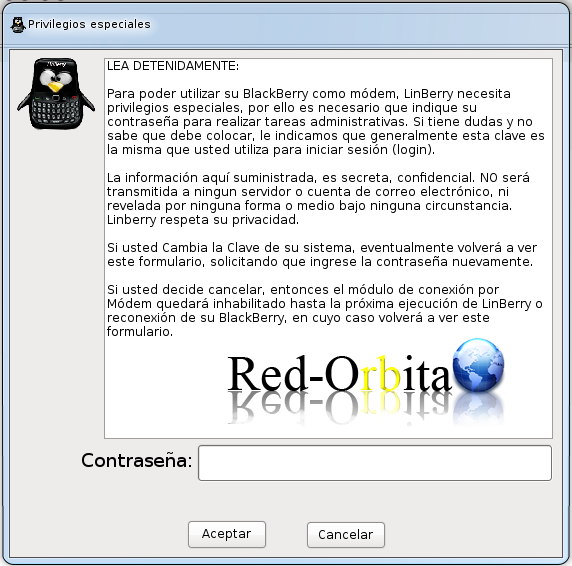
The first screen it shows us is to configure the password in case we want to use it as a moden, this is not my case, so I leave it blank.
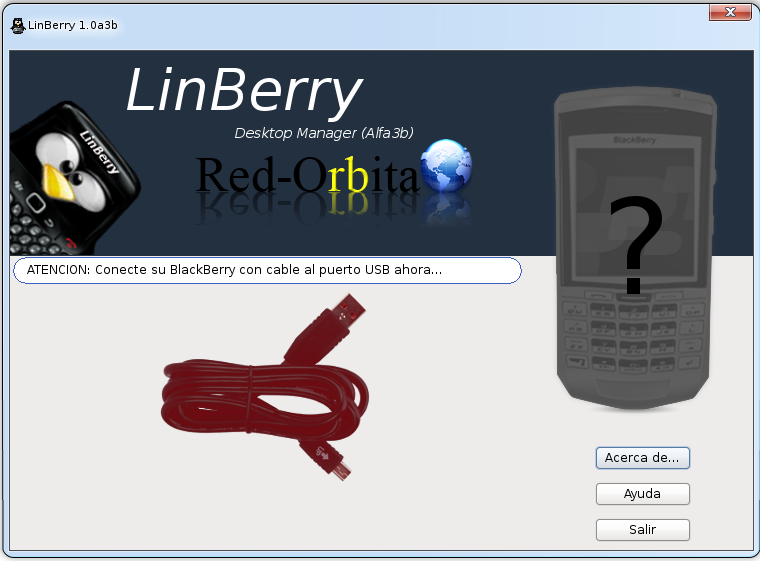
We connect our blackberry
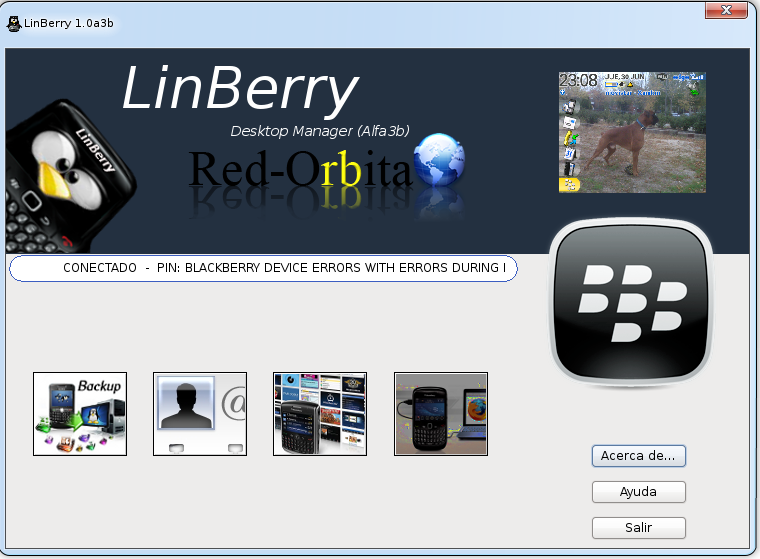
And there we have it! our blackberry, we can now update, install software...etc!
The photo of my dog stands out on the wallpaper! ha ha ha
I hope it is useful to you because I see that these devices are being used more and more.
Greetings, rokitoh!
Comments