

Well, previously I already posted an article published in blackploit about the dark side of the Internet...
Now let's talk about other anonymity networks like i2p which provide anonymity.
What is i2p? (Wikipedia)
I2P (acronym of Invisible Internet Project, what does it meaninvisible internet project) it's a software free and free that offers an anonymous network for communications between computers using internet. I2P makes a protocol that allows anonymous communication between various tools and applications such as anonymous email or an anonymous IRC chat among others.
Operation.
The I2P network is based on the concept of incoming and outgoing tunnels, which offers great ease for adapting pre-existing programs to the I2P network.
Each tunnel is made up of a sequence of peer nodes, which transport information in a unidirectional direction. These tunnels only exist for ten minutes each, then the tunnel, that is, the route that the data takes, changes. Thus, it is not known where/who the information comes from or where it goes or who it is for.
Obviously, all information is encrypted so no one can know what information is being transmitted.
More information:
Install i2p on GNU/Linux
We download from its official website:
rokitoh@red-orbita:~$ java -jar i2pinstall_0.8.7.exeIt shows you a small screen to choose the language.

The installation wizard opens.

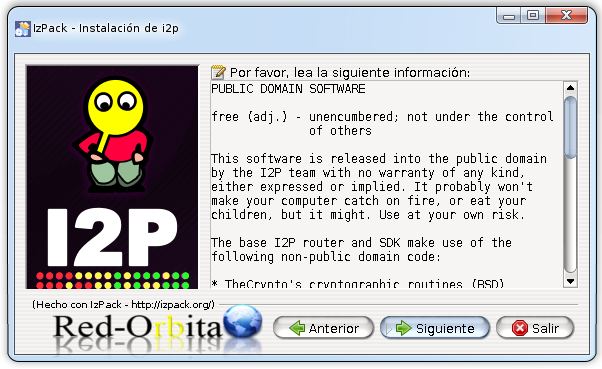
It shows us information about the license…
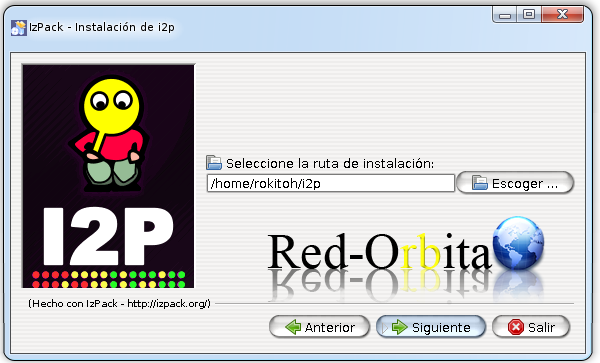
Route where it will be installed.
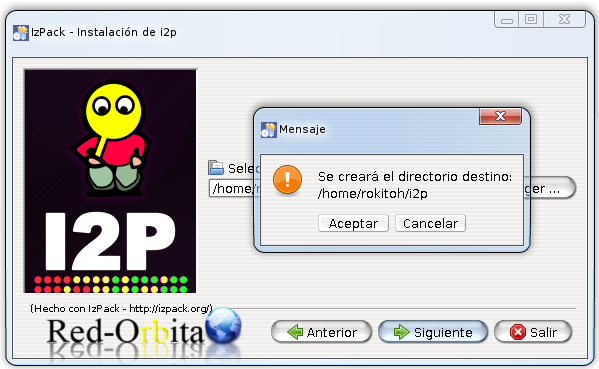
It informs us that the directory has been created.
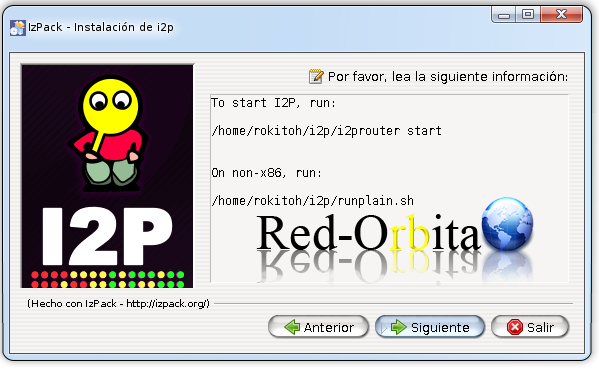
It tells you how to start it...
Carry out the installation process…
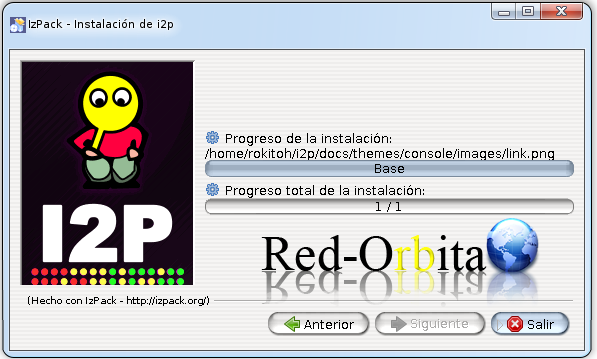
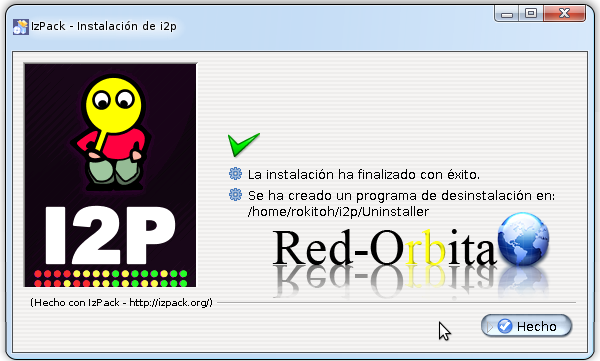
READY, installation completed!
We start i2p
rokitoh@red-orbita:~$ /home/rokitoh/i2p/i2prouter start
Starting I2P Service…done.
We configure the browser to connect through port 4444, for this I am going to use Proxy Switchy!.
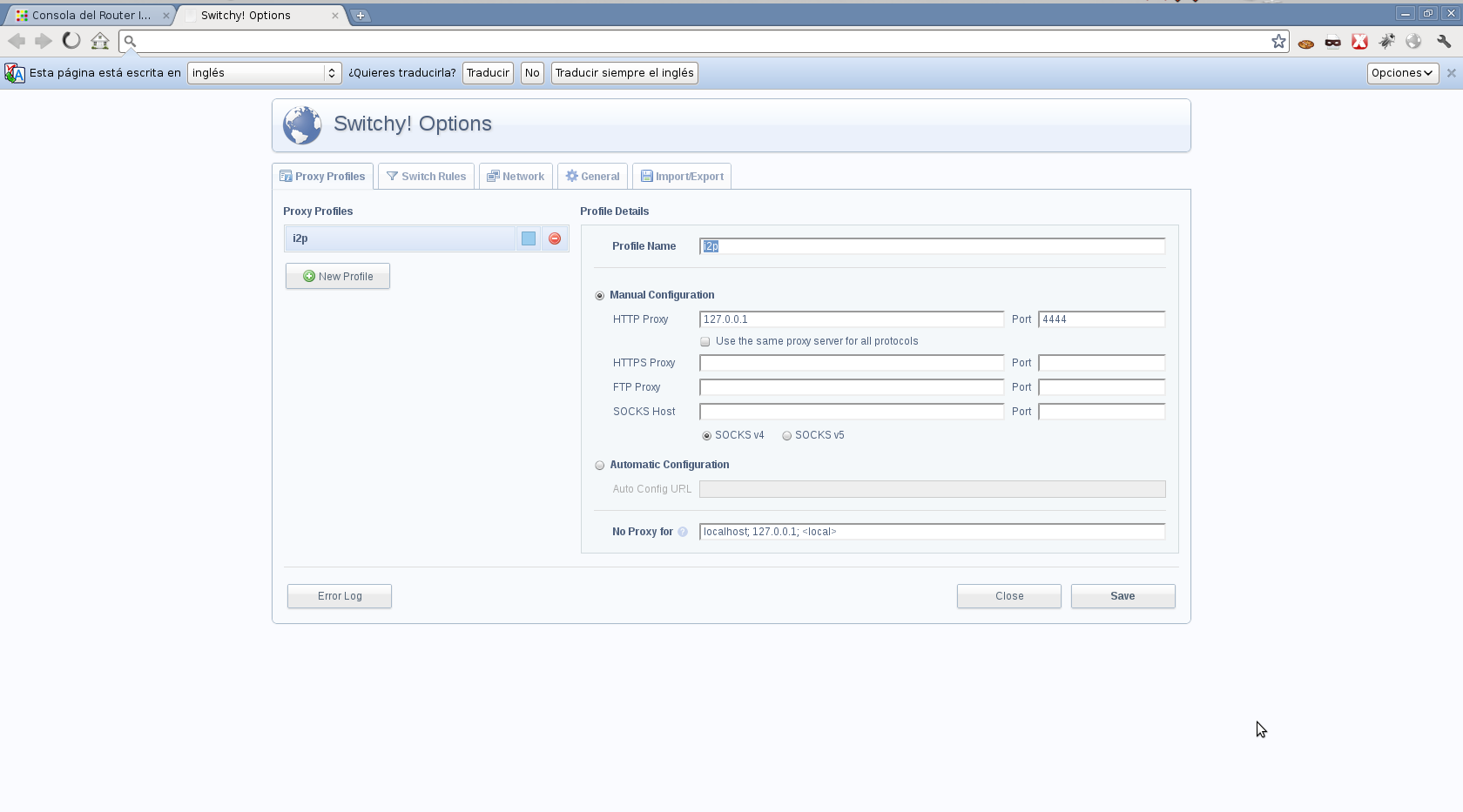
And we connect.
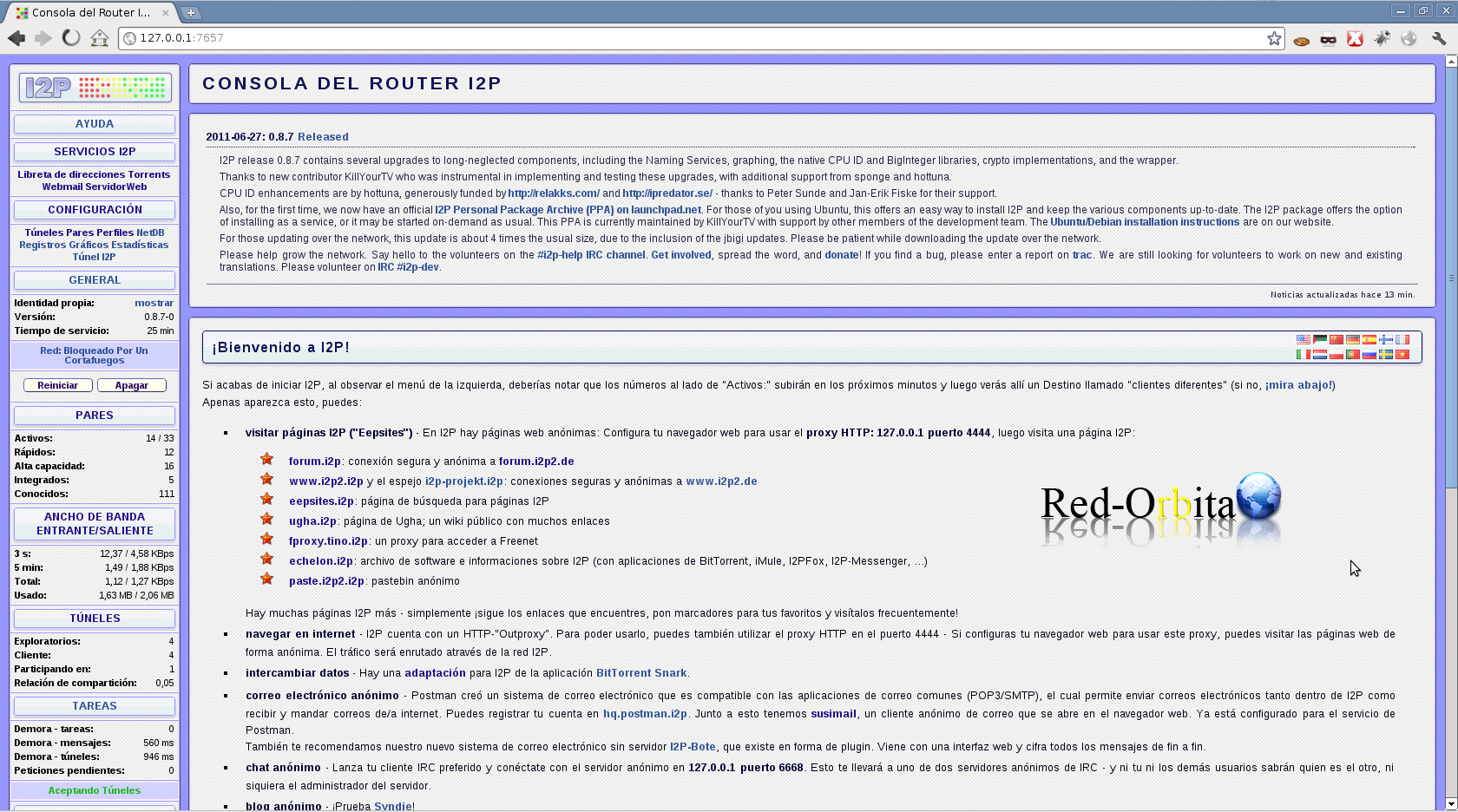
Well, that's it, if you're interested, I'll post more information related to this topic...
Greetings, rokitoh! 
Comments