
Well, as you already know, at Squeeze we do not yet have the LibreOffice suite in the repositories and since downloading the entire suite with its dependencies and installing them is a pain, what we are going to do is install them from Backport.
What are BackPorts?
Backports are recompiled packages of the tests (mostly) and unstable (in some cases only, e.g. security updates), so it will run without new libraries (whenever possible) on a stable Debian distribution.
The best thing of all is to uninstall OpenOffice if we have it
aptitude purge openoffice.org openoffice.org-base-core openoffice.org-common openoffice.org-l10n-es
READY, we add the repositories
cat >> /etc/apt/sources.list

#Repositorios BackPort

deb http://backports.debian.org/debian-backports squeeze-backports main
(CONTROL+D) To exit
We update
aptitude updateOnce the installation is complete, all that remains is to install LibreOffice
aptitude install -t squeeze-backports libreoffice libreoffice-gtk libreoffice-gnome libreoffice-l10n-es
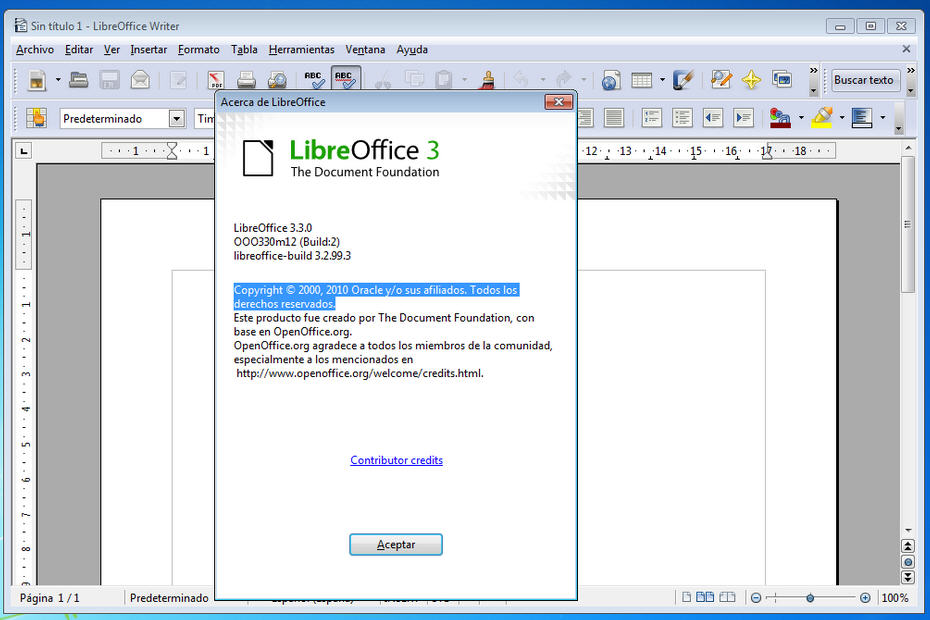
We already have LibreOffice installed.
Greetings, rokitoh!
Comments