
Well, this time we are going to install OpenBSD 4.8, although version 4.9 will be released soon, I don't think it will change too much in its installation...
What is OpenBSD? (WIKIPEDIA)
OpenBSD it's a operating system free guy Unixcross platform, based on 4.4BSD. He is a descendant of NetBSD, with a special focus onsecurity and the cryptography.
This operating system focuses on portability, compliance with standards and regulations, correctness, proactive security and integrated cryptography. OpenBSD includes binary emulation for most system programsSVR4 (Solaris), FreeBSD, Linux, BSD/YOU, SunOS andHP-UX.
We download OpenBSD from its official website.
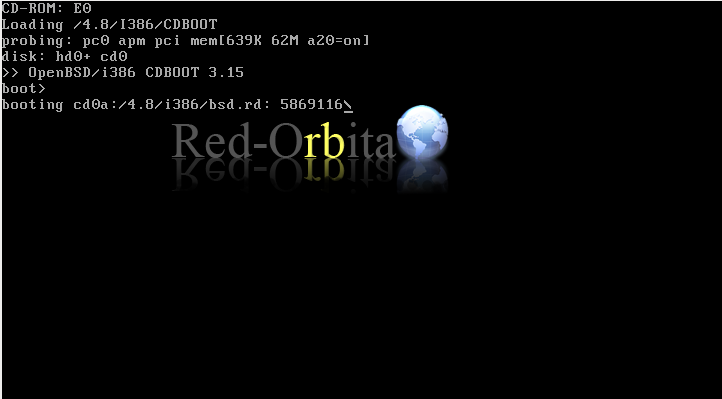
We start from the cd-rom.
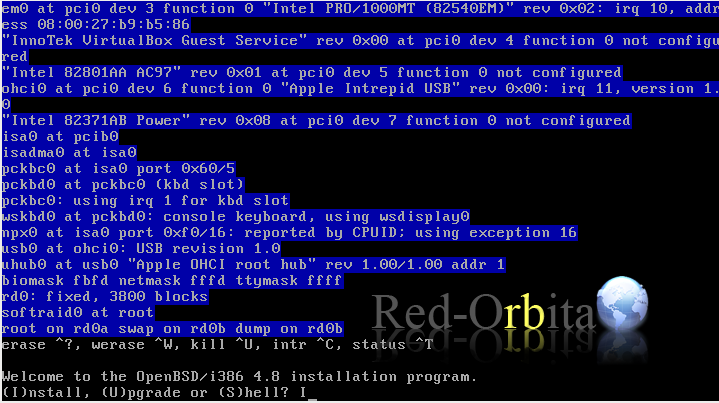
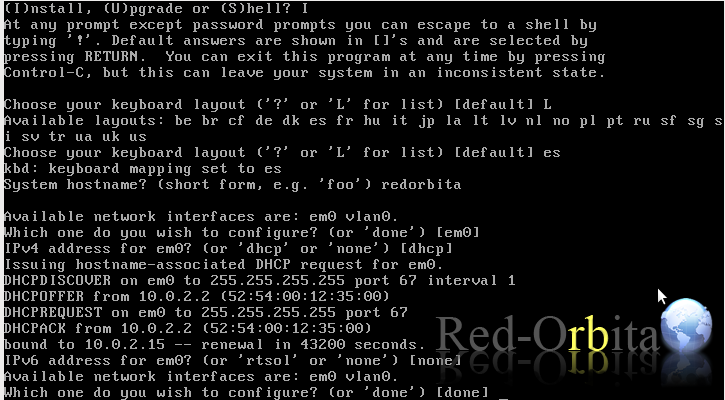
It welcomes us and asks us what we want to do, install, update or access a shell. INSTALL!
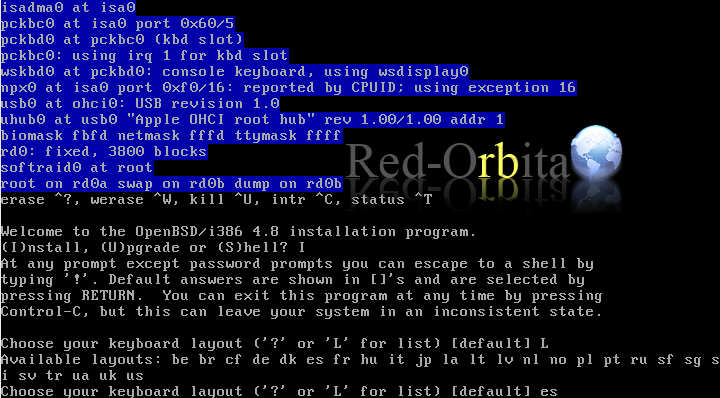
Keyboard language, ES
Team name.
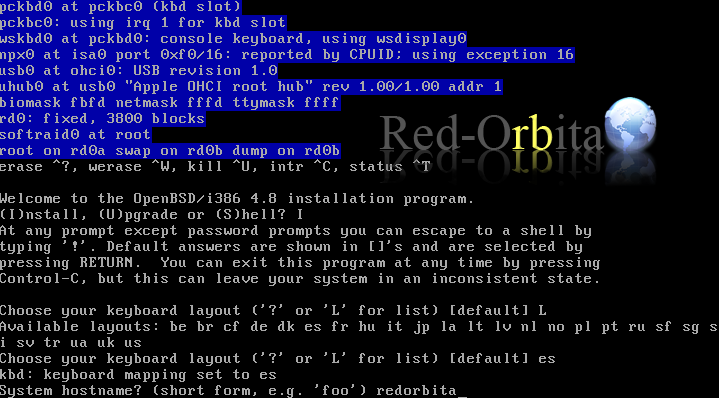
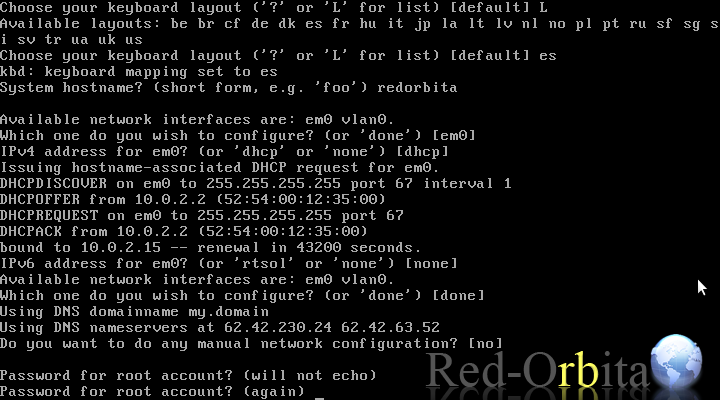
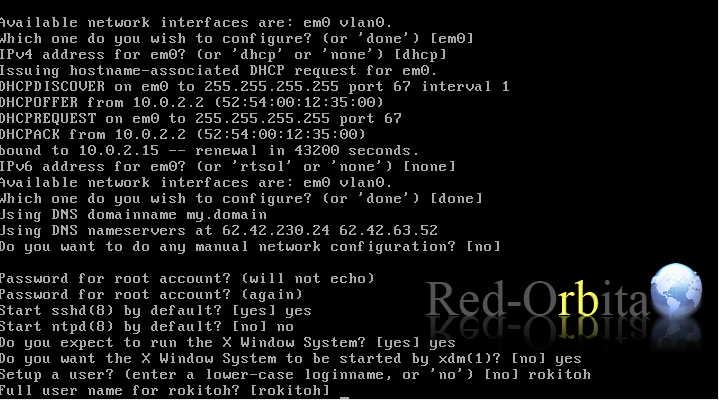
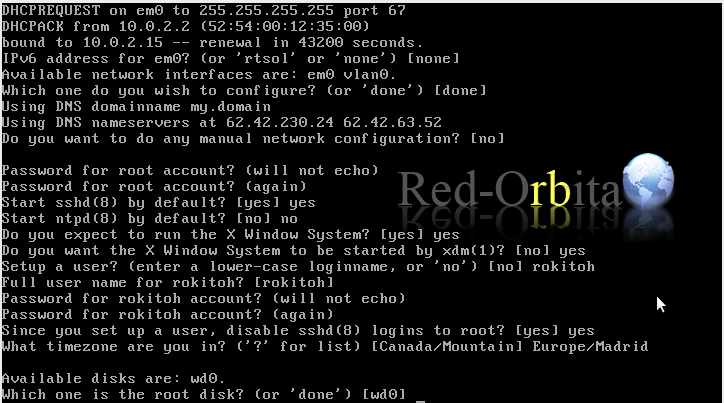
Network interface configuration, default, em0
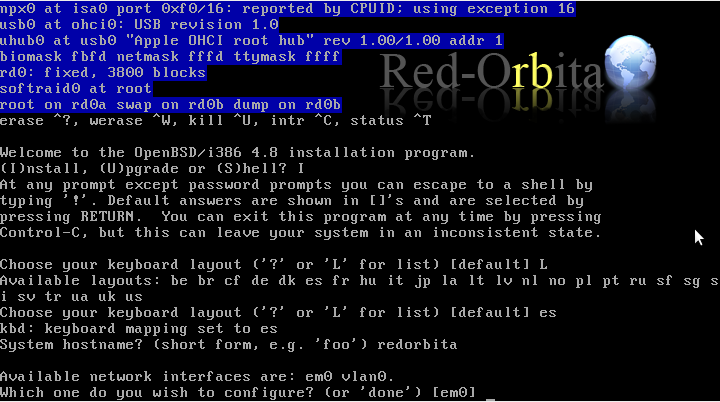
Network configuration, for now the assignment will be through DHCP.
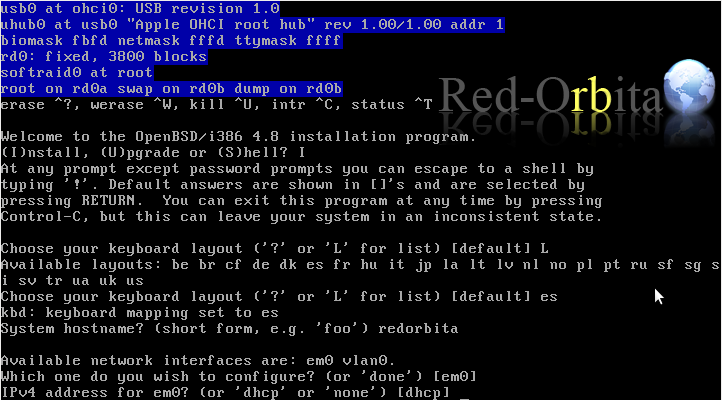
DHCP assigns us an IP address and asks us if we want to configure IPv6, NONE
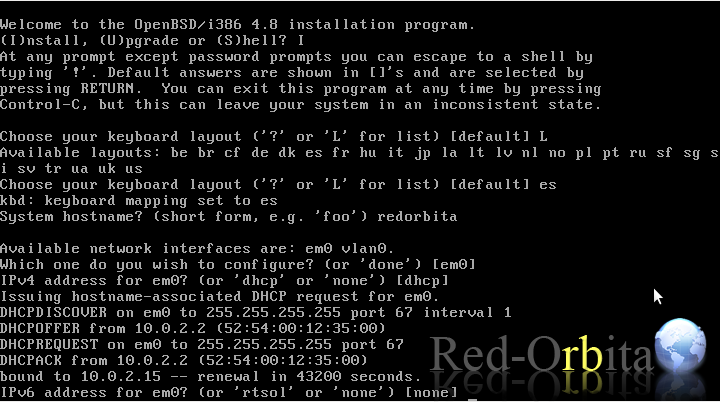
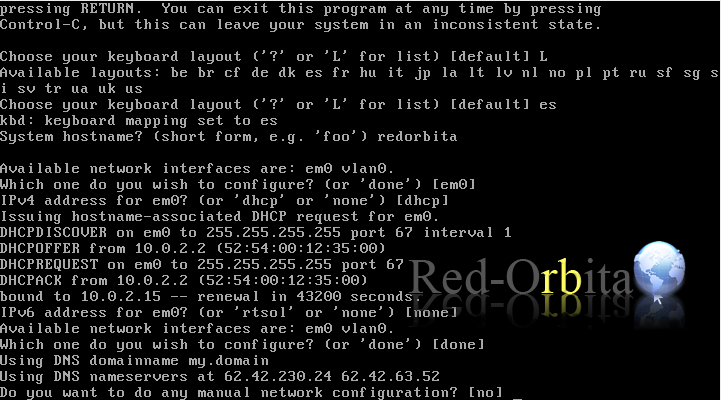
Ask if we want to do a manual configuration... well, NO at the moment
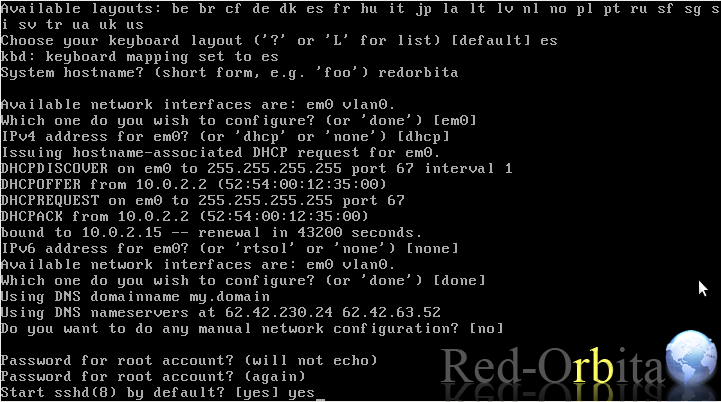
root password
Start the ssh daemon, YES
Start ntpd, in my case not, since it is for testing... but for a server YES
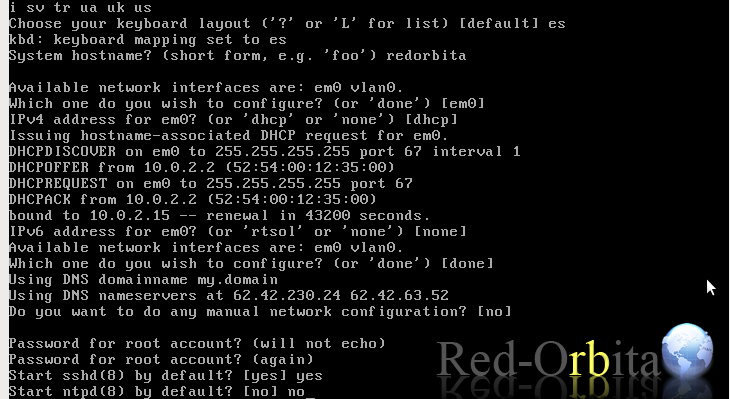
The graphical environment…YES
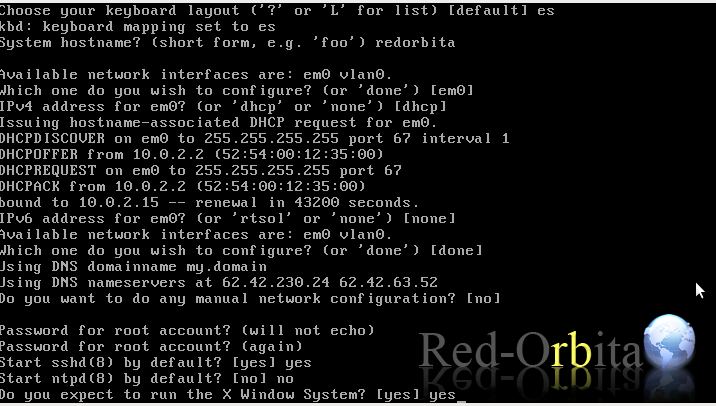
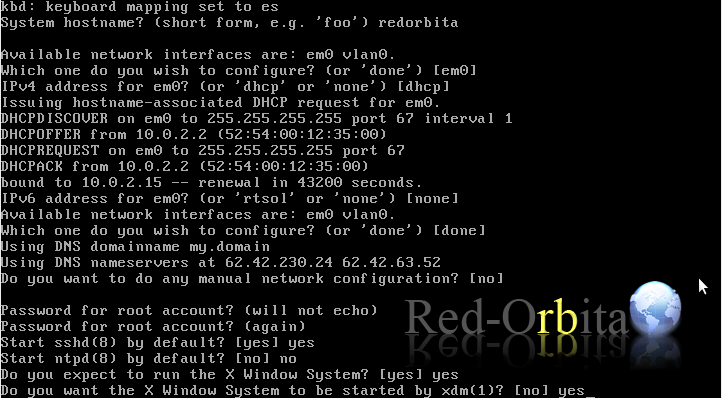
If we want to log in through an xdm graphical environment we say YES (If you are going to install gnome or kde, I would recommend against it, because installing gnome has given me a lot of problems starting it later...)
The user with whom we log in against the machine.
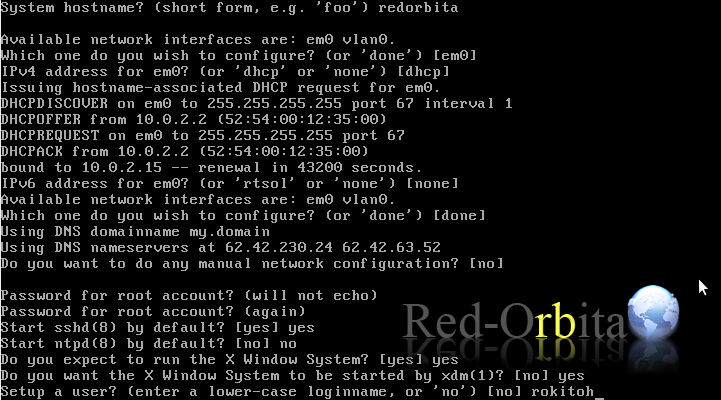
Full name, we can use the same.
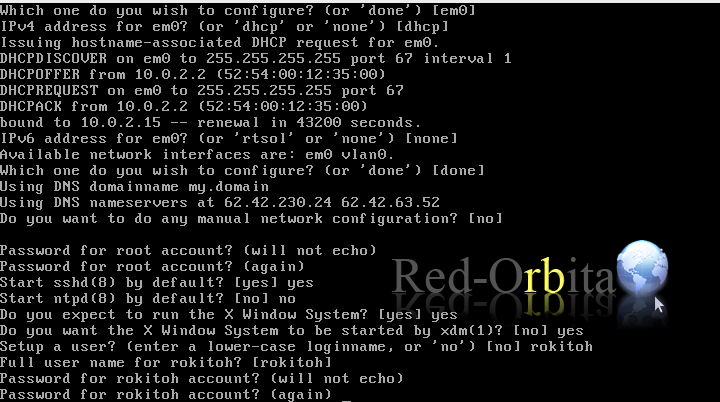
We assign a password to the user.
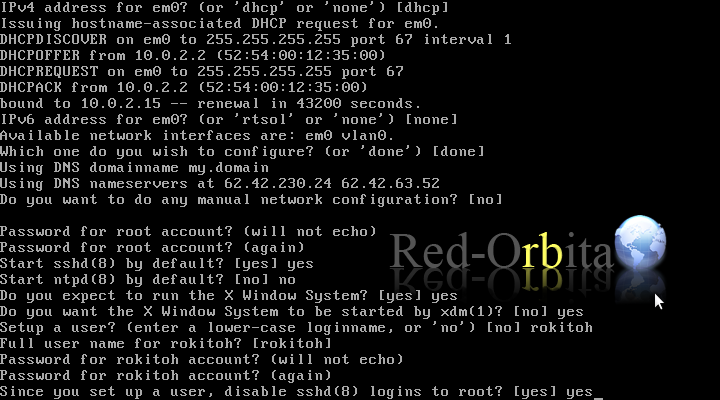
Next they ask us if we want to disable ssh connections to the root user. YES
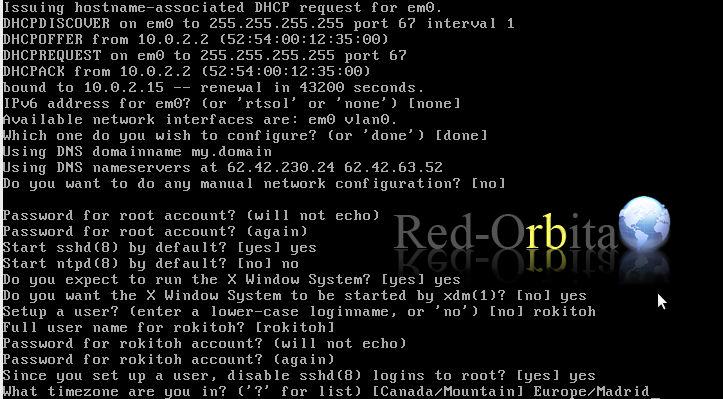
We define the time zone
We select the disk to use.
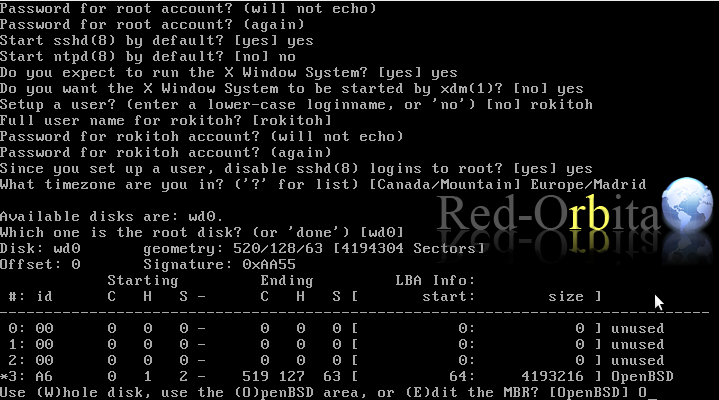
It asks us if we want to use the entire disk for OpenBSD or partition it, Integer
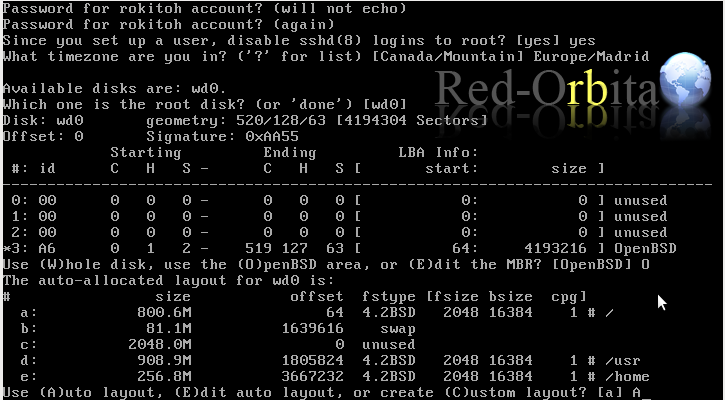
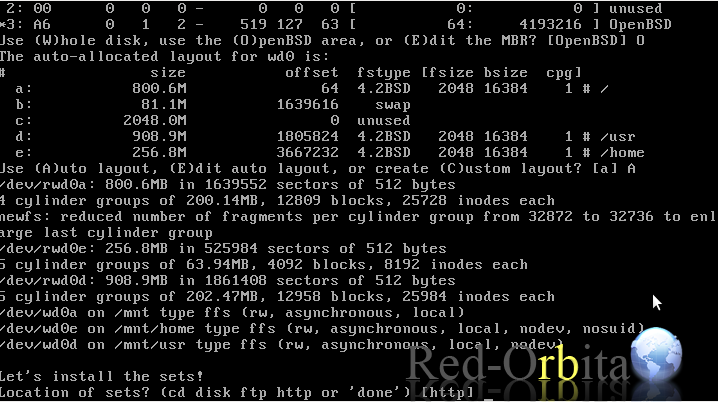
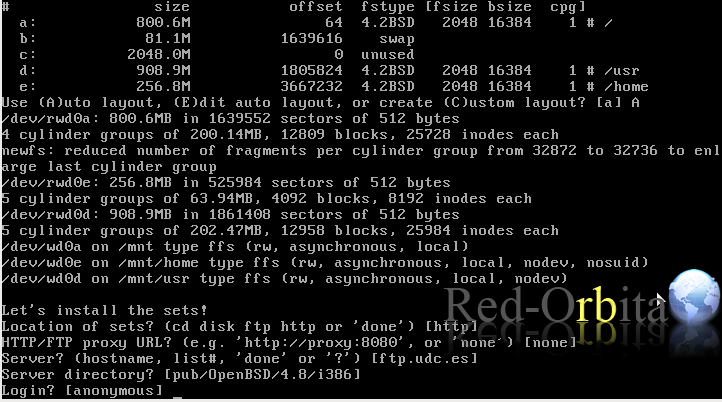
We use auto layout to avoid complications, but the task would be to configure the partitions.
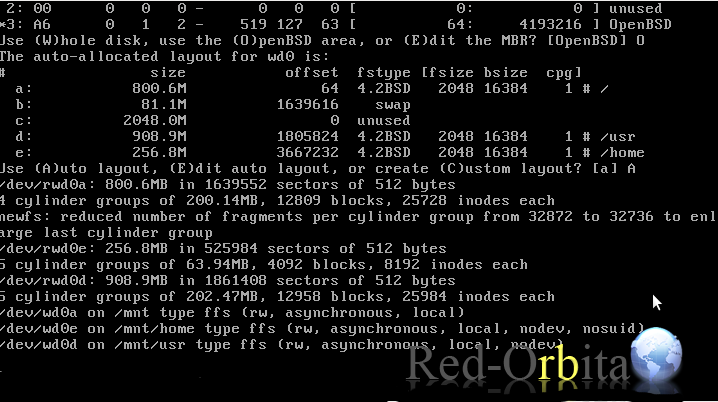
Create file systems and slices
We install the sets via HTTP
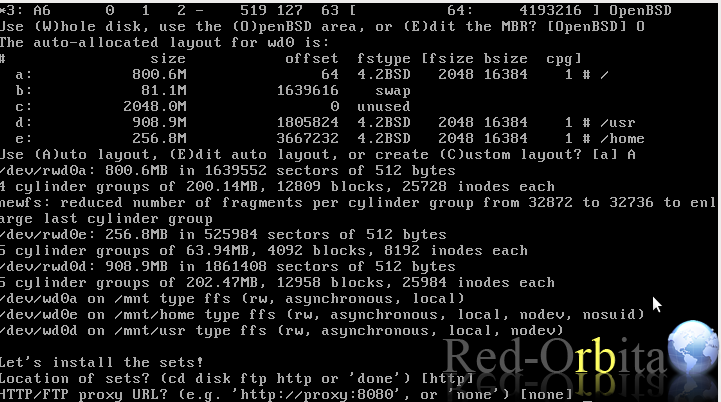
It will ask us if we need a proxy… NO
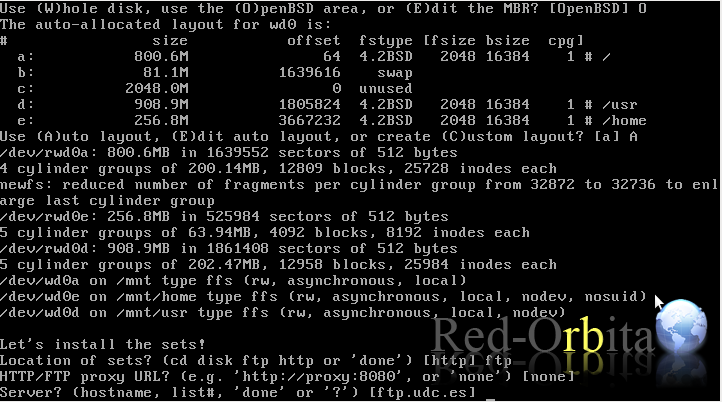
We also have to give you the mirror to use for downloading the sets, one comes by default, ENTER.
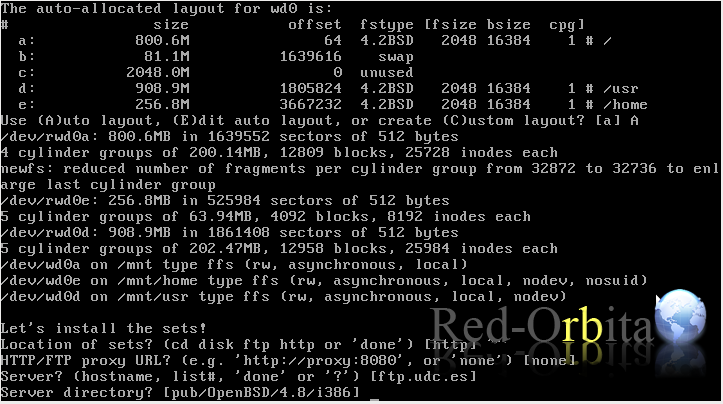
– We select the path where to find the files
anonymous login…
– we select the sets that interest us and we end up with a donated
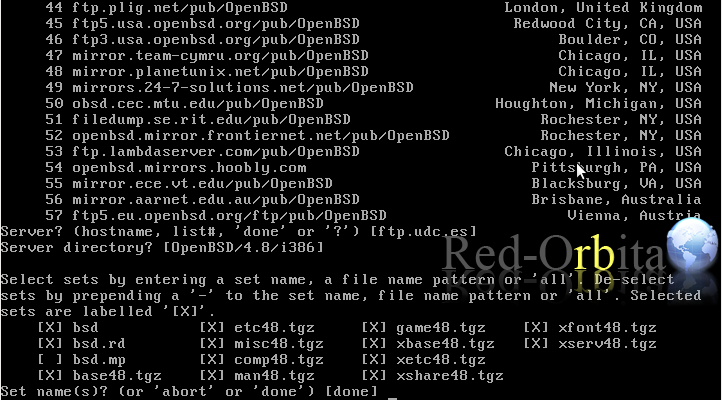
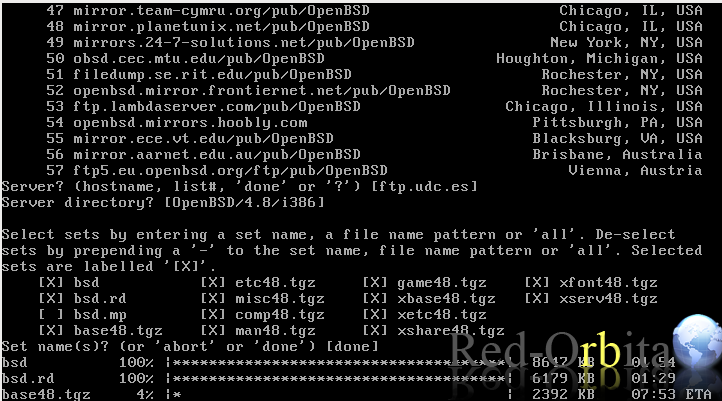
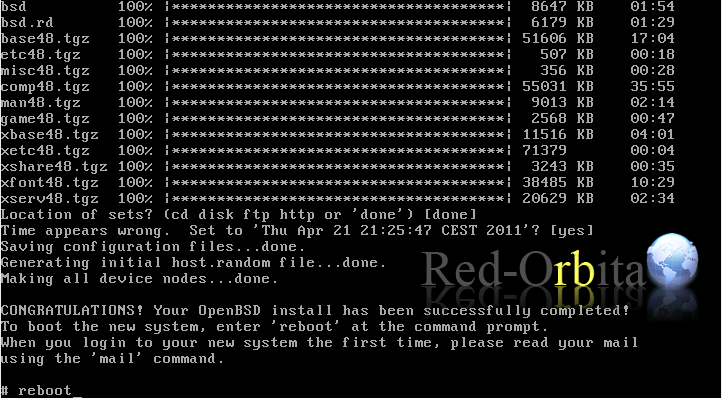
Start downloading everything.
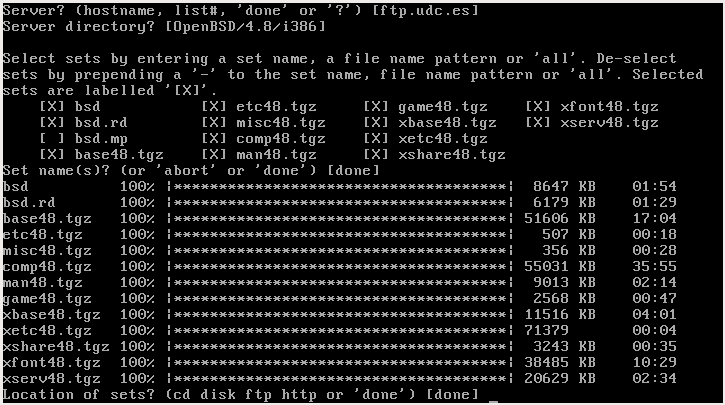
Finally, it downloads and installs everything and asks us if we want to install more sets from another site.
At the end we get a shell and we restart, reboot
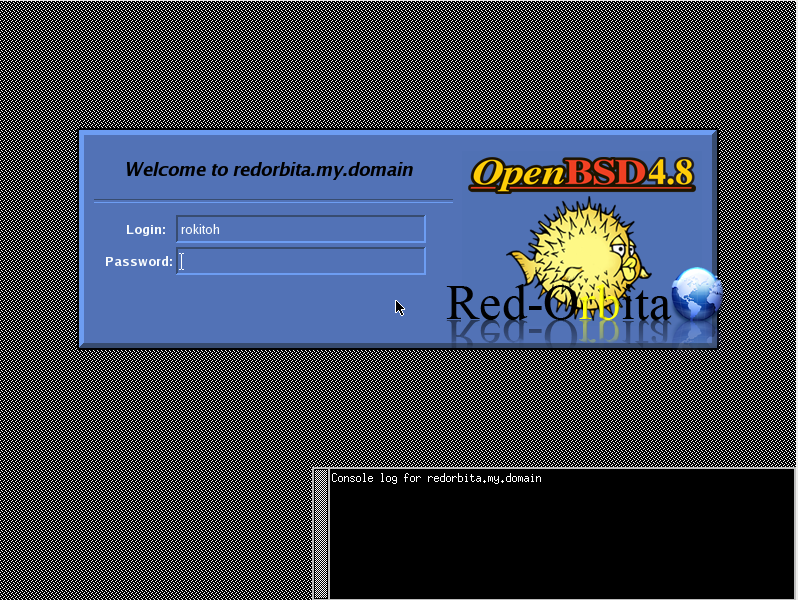
Start with xdm
For those who want to install gnome.
#pkg_add gnome-sessionso that GNOME starts when the system starts we will put it in /etc/rc.local
if [ -x /usr/local/sbin/gdm ]; then
echo -n ‘gdm’; /usr/local/sbin/gdm &
fi
/usr/local/bin/gdm nodaemon
and that's it!!!!
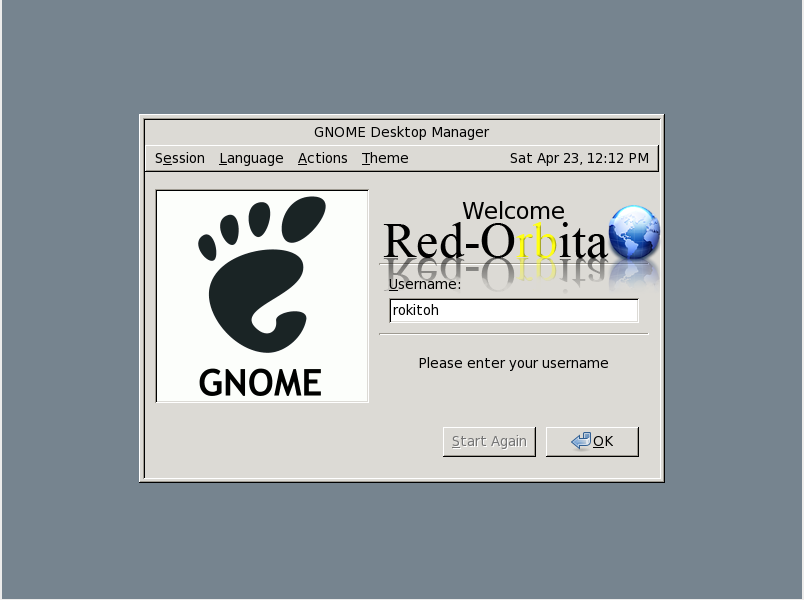
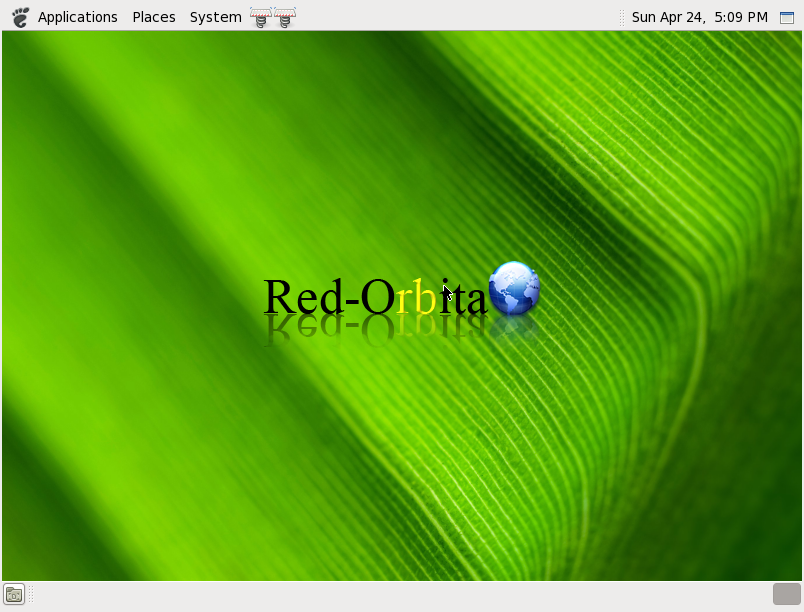
It is a bit of a basic installation, but I hope it has been useful to you.
Greetings, rokitoh! 
Comments