

In the previous document we published how to install FreeNAS, now we are going to add a volume and share it via NFS.
We access it through the shell and create the folder where we are going to mount the volume.
mkdir /mnt/BACKUPS
Once created, we access it with our browser.
We go to Storage > Volumes > Create volume
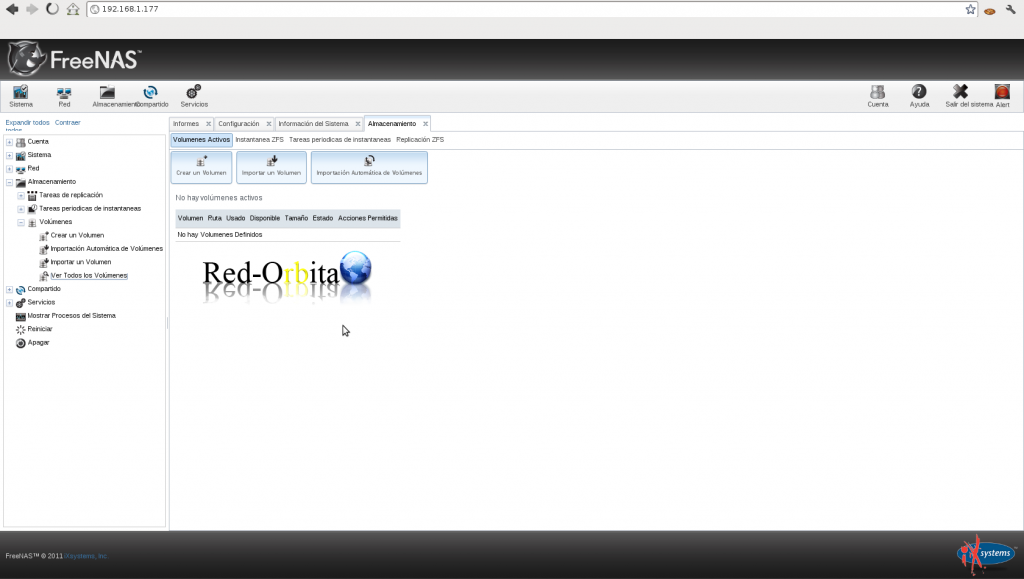
It shows us the configuration panel.
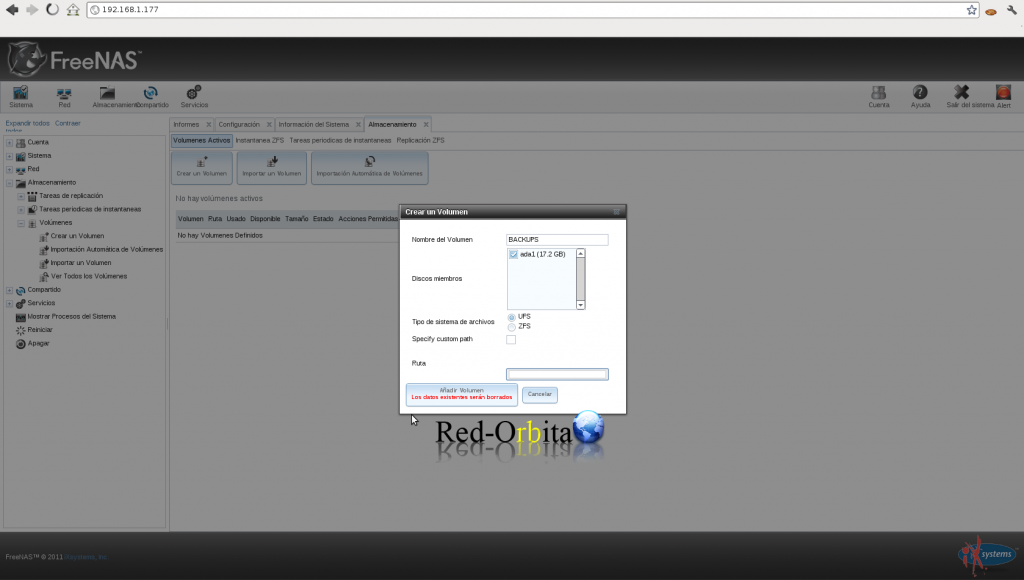
It is created…
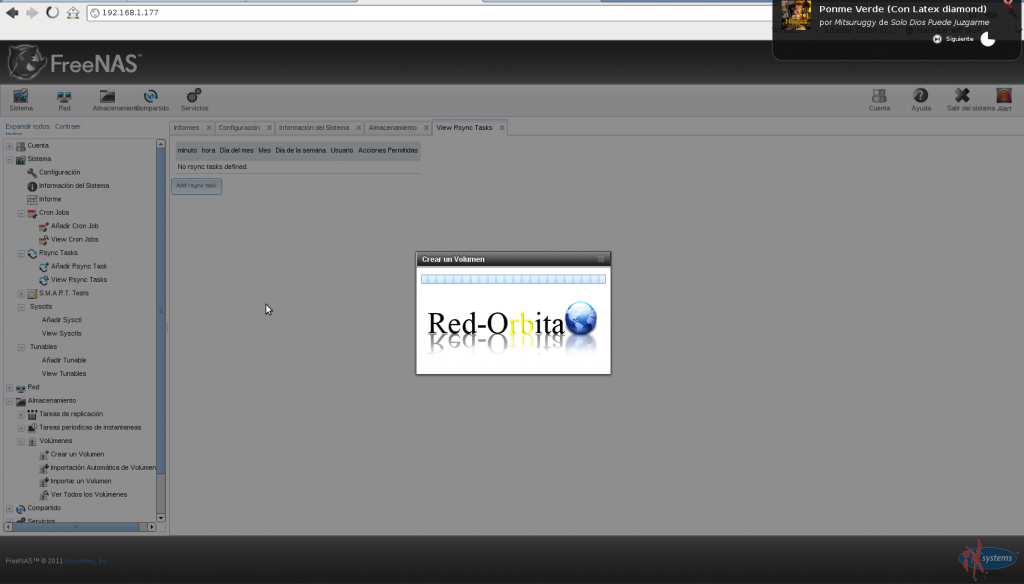
and there we have it...
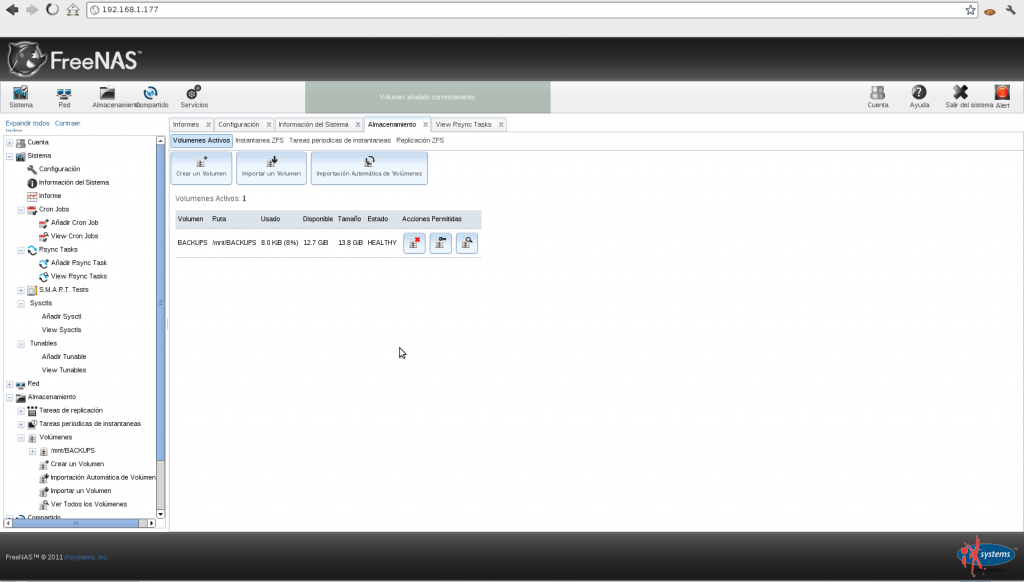
Now we are going to activate NFS to be able to share the volume.
To do this we go to services and activate NFS
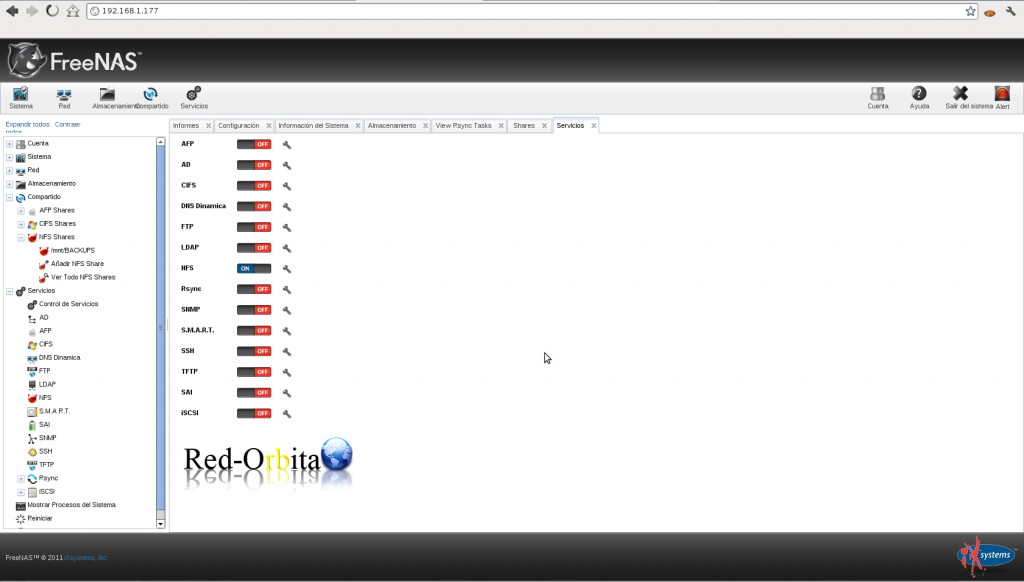
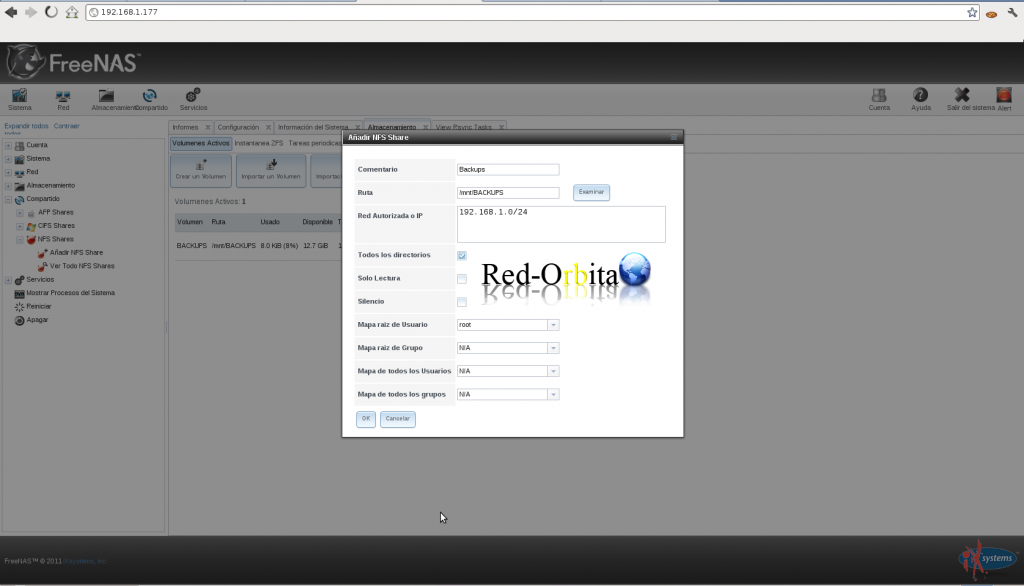
To share that volume we go to: Shared > NFS Shares > Add NFS Shares
It will show us a panel in which we have to fill in the route, IPs that will be able to access and permissions.
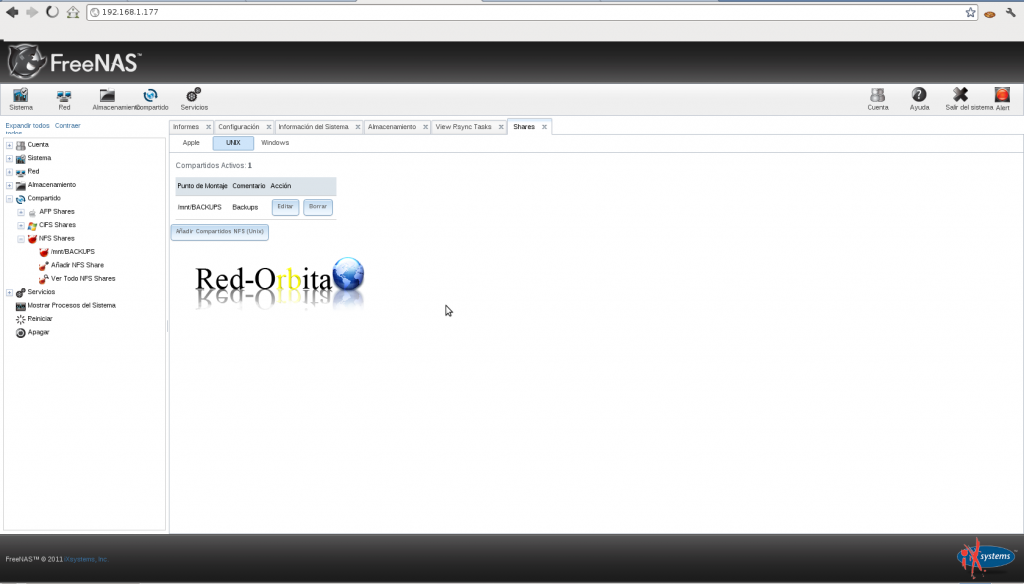
Ready, there we have it.
Greetings, rokitoh!
Comments