
FreeNAS It is an operating system based on FreeBSD which provides network storage services. NAS is the acronym in English for Network Attached Storage (Network Attached Storage).
This free, open-source and free software operating system (based on BSD license) allows you to convert a personal computer into a network-accessible storage medium, for example for mass storage of information, music, backups, etc.
We download the latest version of FreeNAS from the official website:
Official website: http://www.freenas.org/
Once downloaded and toasted on a CD-ROM we start with it.
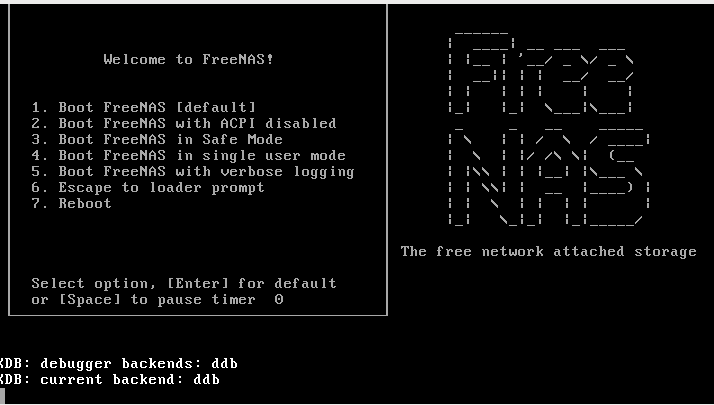
We select option 1 to install…
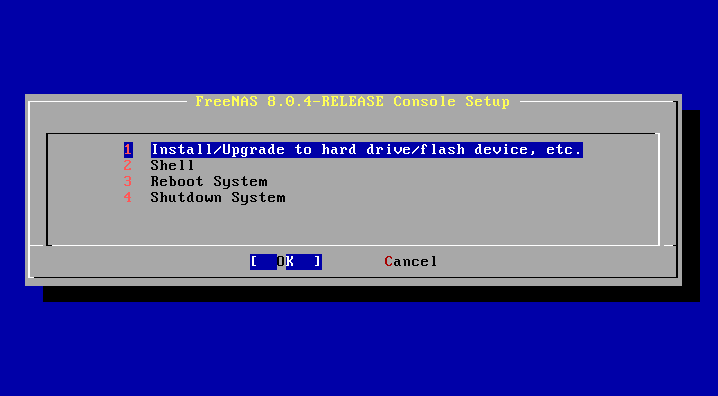
We select the disk where it will be installed.
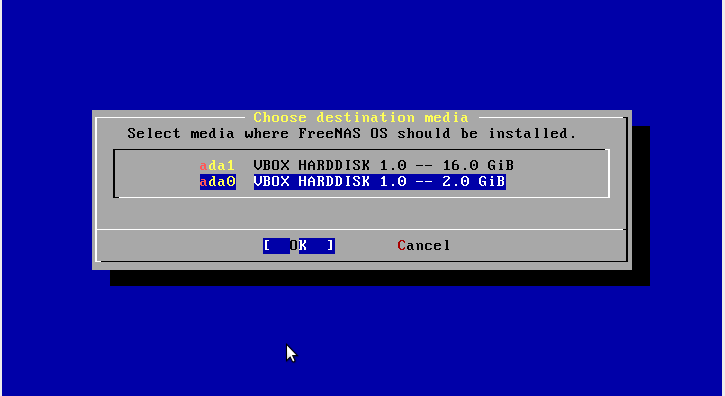
Yes… we continue the installation on that unit
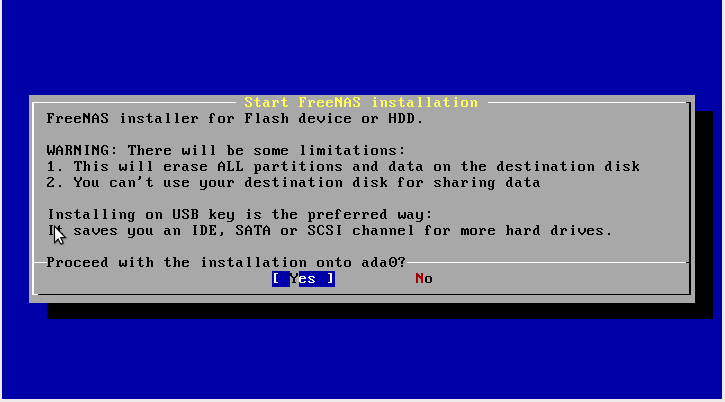
Ok!!
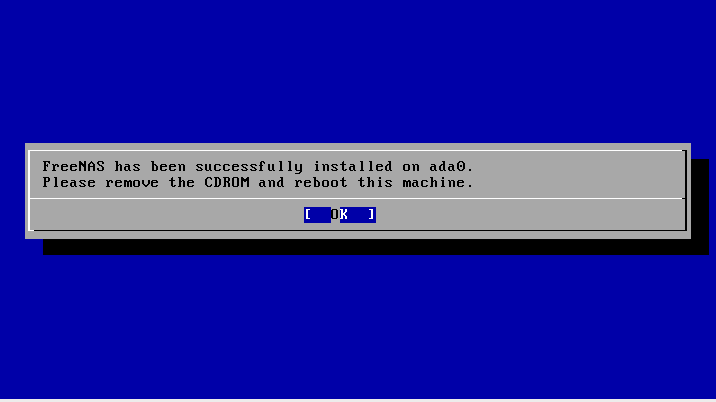
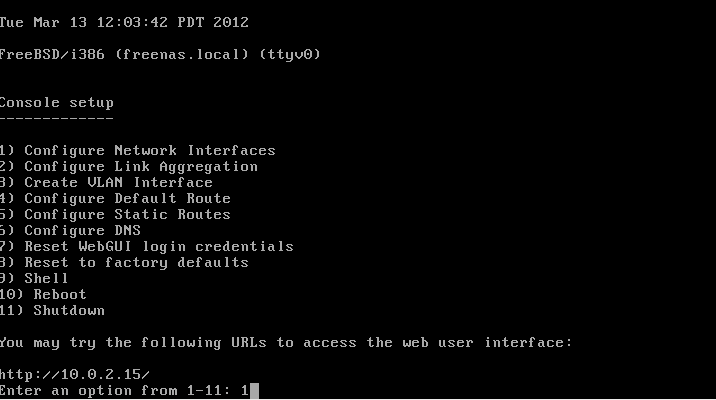
Once restarted, a screen appears to configure, ip, added interfaces, gateway, dns... etc.
We configure a static IP address
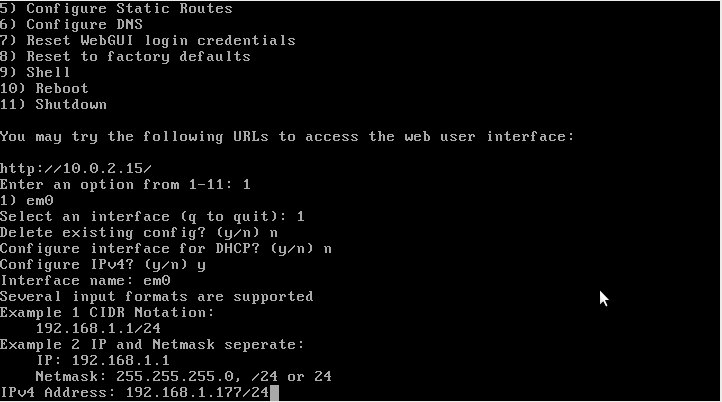

As you can see... the installation and configuration is not very complex... in order not to make this longer, I will not put the rest of the screens, but there is no loss.
Once everything is configured, we access our server through a browser
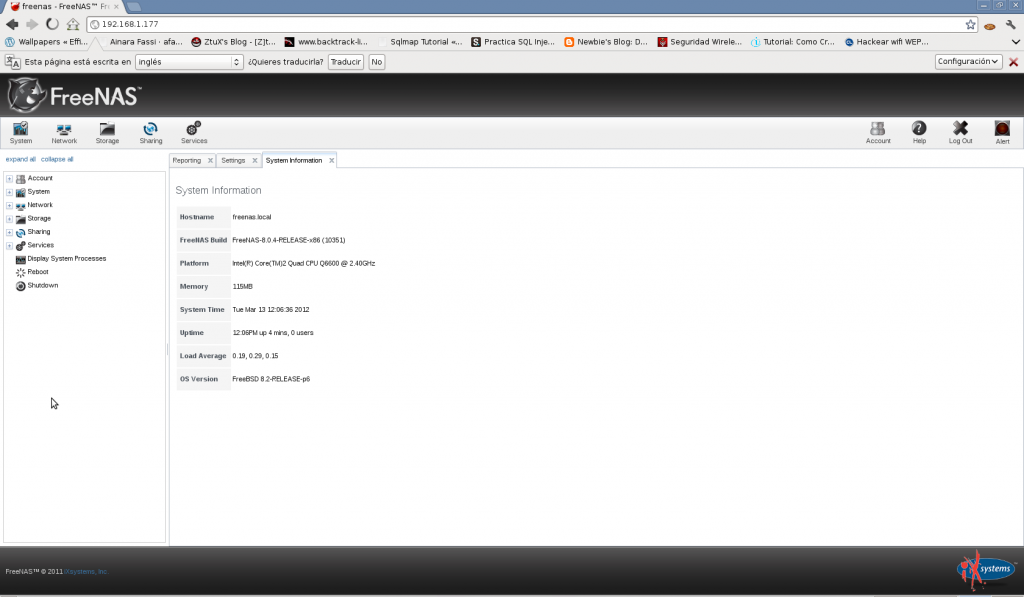
Once our installation is complete, in the next few days (depending on how much free time I have...which is rather little) I will post documentation about its configuration.
Greetings, rokitoh!
Comments