
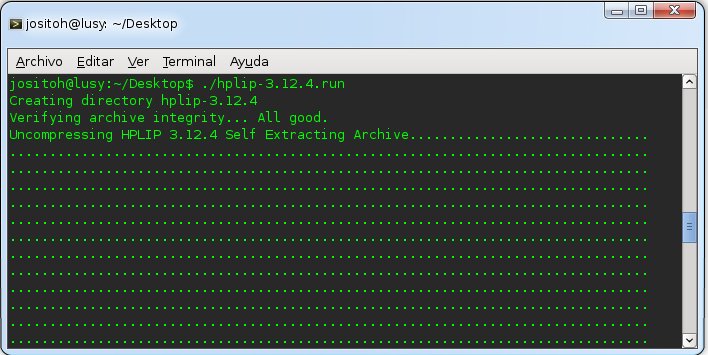
We download the Drivers from http://sourceforge.net/
wget http://sourceforge.net/projects/hplip/files/hplip/3.12.4/hplip-3.12.4.run
Once downloaded we give it execution permissions.
chmod u+x hplip-3.12.4.run
And then we execute the script.
We select the option that best suits us, in my case automatic.
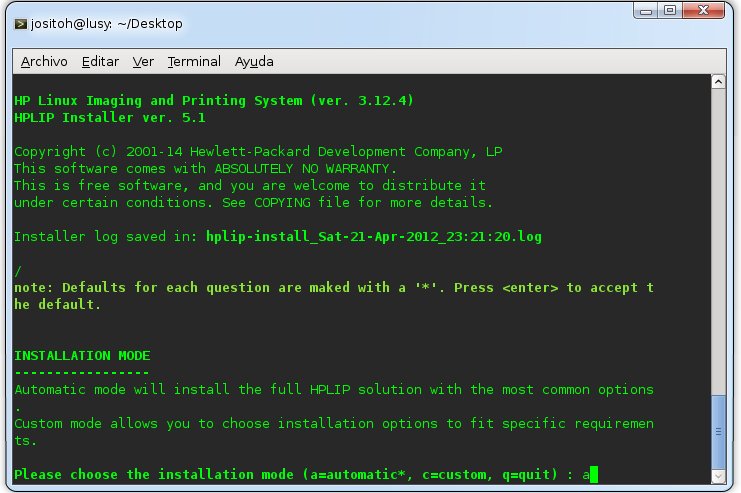
It asks us if we are using Debian... Yes... the answer itself! and we identify ourselves with the root password
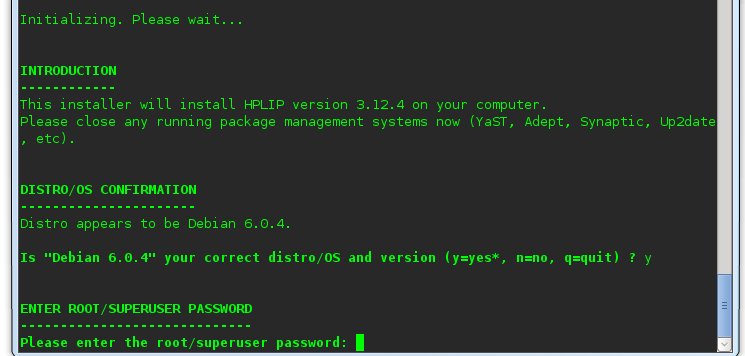

We press Enter to continue!

Then a screen appears which tells us that it is missing dependencies... it tries to resolve them and in theory it resolves them, otherwise it would be up to you to install them!
After resolving all the dependencies it asks us the following, we click update and continue
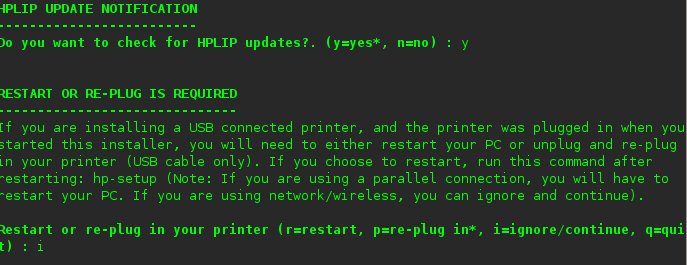
After this, a configuration wizard appears which can be done via USB or Wireless. I'm not going to put those screenshots so as not to make this longer. but there is no loss, it's Next, Next and Next!
All the best! print a lot! xd
Comments