

First of all, it must be clear that 100% anonymity reliable on the internet, does not exist. Even so, with various programs you can "camouflage" yourself in a fairly high percentage.
That's why today we are going to talk about JonDo
What is JonDo?
JonDo (formerly known as JAP) is a VPN client written in Java that routes data through the JonDo network. Unfortunately, being Java-based means the app is a bit bloated. However, JonDo has an attractive and easy-to-use interface, which compensates for the large memory consumption and displays a lot of visual information about your connection to the JonDo network. Being Java-based means it is truly cross-platform. The free service offers speeds between 30-50 kbit/s and unlimited bandwidth. The paid option offers many more options, such as higher speed, access to all ports, and support for SOCKS5. The JonDonym group provides a free browser profile for Firefox called JonDoFox. It is preconfigured to be highly anonymous and features many extras, such as No-Script, CS Lite and AdBlock Plus.
The truth is… the speed is… real shit… I'm trying other VPN services that have higher speed and good security. If anyone knows another free service for GNU/Linux, please say it below so we can take a look at it.
JonDo Installation
We download JonDo:
wget https://anonymous-proxy-servers.net/en/downloads/jondofox-en_all.deb

wget https://anonymous-proxy-servers.net/en/downloads/jondofox-en_all.de
and we install
sudo dpkg -i jondo*.debReady, if we go to: Applications > Internet there we have it.
It can also be added to repositories. They currently support the following: lenny, squeeze, sid, karmic, lucid, maverick, natt and oneiric
deb http://debian.anonymous-proxy-servers.net DISTRI mainWe add the KEY
sudo apt-key adv --keyserver pool.sks-keyservers.net --recv-keys F1305880

sudo apt-key finger
And we update and install.
sudo aptitude update
sudo aptitude install jondo jondofox-en
For people who are not using Debian or derivatives, you can see the installation procedure here:
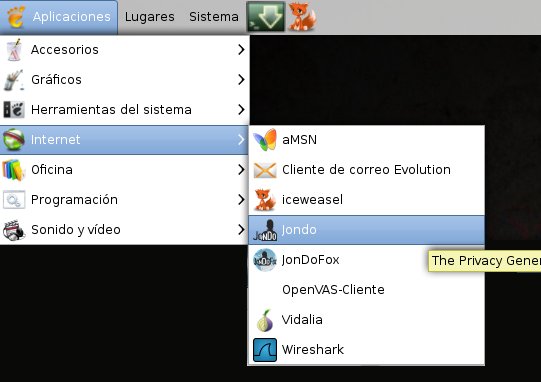
https://anonymous-proxy-servers.net/en/help/firststeps.htmlIf we go to Applications > Internet. There we can see that Jondo and JodoFox are there. We press on Jondo to complete the installation.
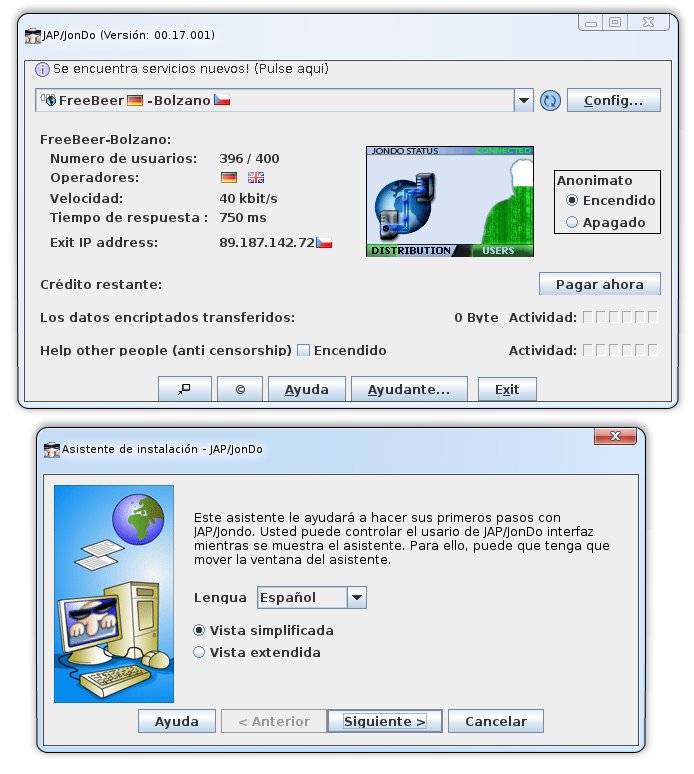
And it shows us these 2 windows. which in one we select the language.
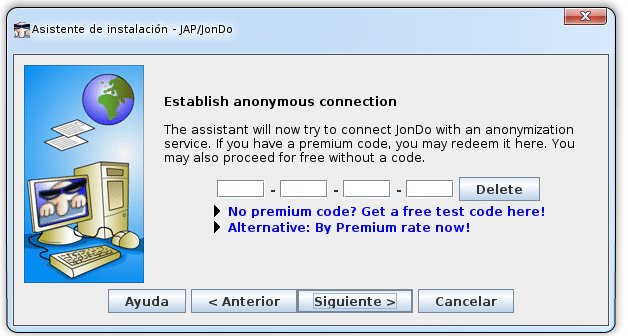
 If we have a Premium account we put the serial number.
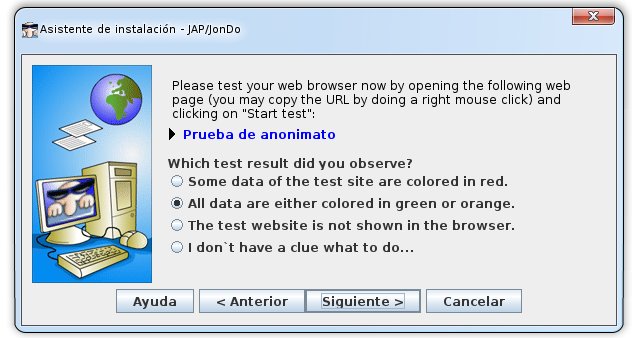
On the next screen we have to do the anonymity test and answer the question
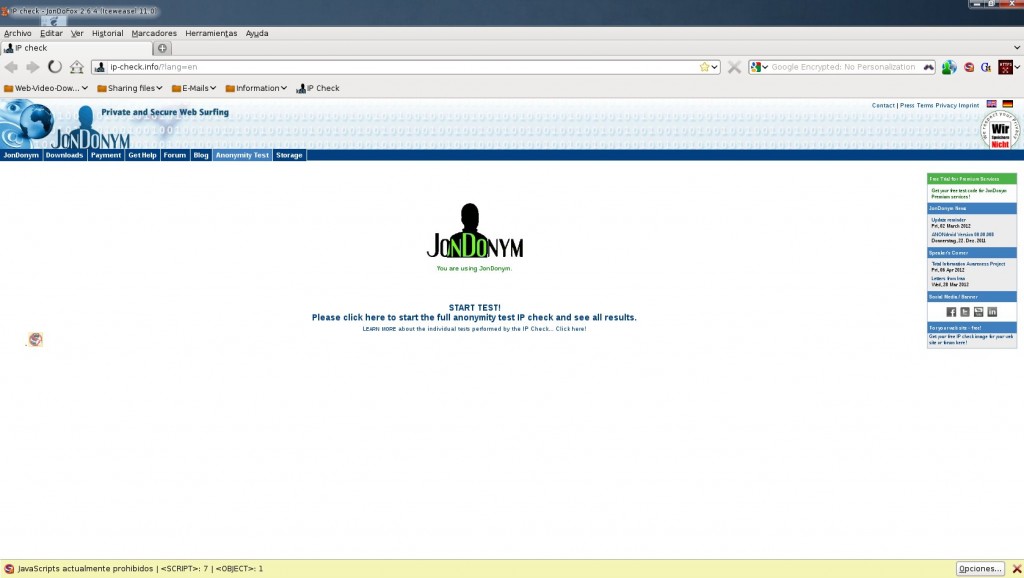
We click Finish.
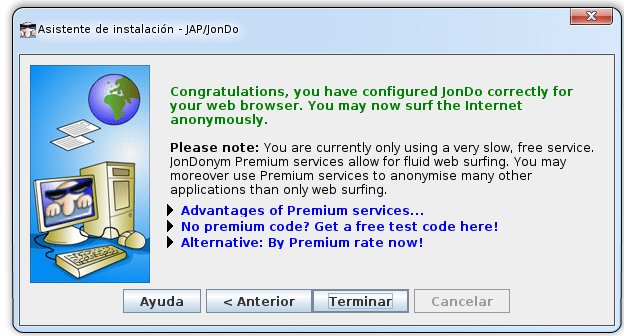
And that's it!
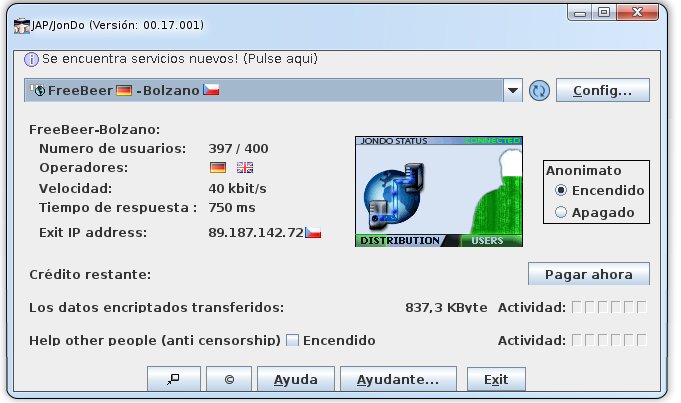
I hope it helps you... although it is very very slow... greetings!
Comments