
SSH File Transfer Protocol (also known as SFTP either Yescure File Ttransfer Qrotocol) is an application layer protocol that provides the functionality necessary for file transfer and manipulation over a reliable data stream. It is commonly used with SSH to provide data security, although it can be used with other security protocols. Therefore, security is not provided directly by the SFTP protocol, but by SSH or the protocol that is used for this purpose.
We install openssh
root@red-orbita:~# apt-get install openssh-server openssh-clientWe create the directories and assign the permissions where the users who have permission will access them.
root@red-orbita:~# mkdir /home/sftp

root@red-orbita:~# mkdir /home/sftp/redorbita

root@red-orbita:~# chmod 755 /home/sftp

root@red-orbita:~# chmod 755 /home/sftp/redorbita
We create the group (sftp) and user (redorbita)
root@red-orbita:~# groupadd sftp

root@red-orbita:~# useradd -g sftp -s /bin/false -d /home/sftp/redorbia redorbita

root@red-orbita:~# passwd redorbita

Introduzca la nueva contraseña de UNIX:

Vuelva a escribir la nueva contraseña de UNIX:

passwd: contraseña actualizada correctamente
Configure Caged SFTP.
we access the configuration file
root@red-orbita:~# vi /etc/ssh/sshd_configWe look for the following line and comment it (We put # in front), as follows:
#Subsystem sftp /usr/lib/openssh/sftp-serverWe go to the end of the document (To go to the end with vi :$) and add the following:
Subsystem sftp internal-sftpIf we want to cage the group to which our users belong (In my opinion the best way) we would cage the root that we created previously.
It would look like this:
Match group sftp

ChrootDirectory /home/sftp

ForceCommand internal-sftp
On the other hand, if we want to cage a specific user we would add the following:
UsePAM yes

Match user redorbita

ChrootDirectory /home/sftp/redorbita

ForceCommand internal-sftp
We restart ssh
root@redorbita:~# /etc/init.d/ssh start

Starting OpenBSD Secure Shell server: sshd.
Now it's time to access with our favorite ftp client...

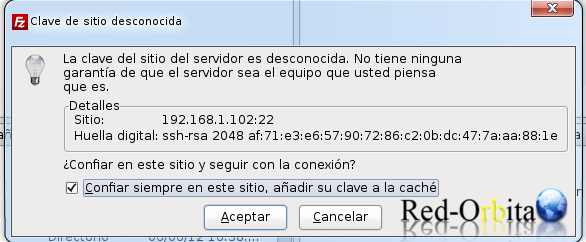
We accept the key.
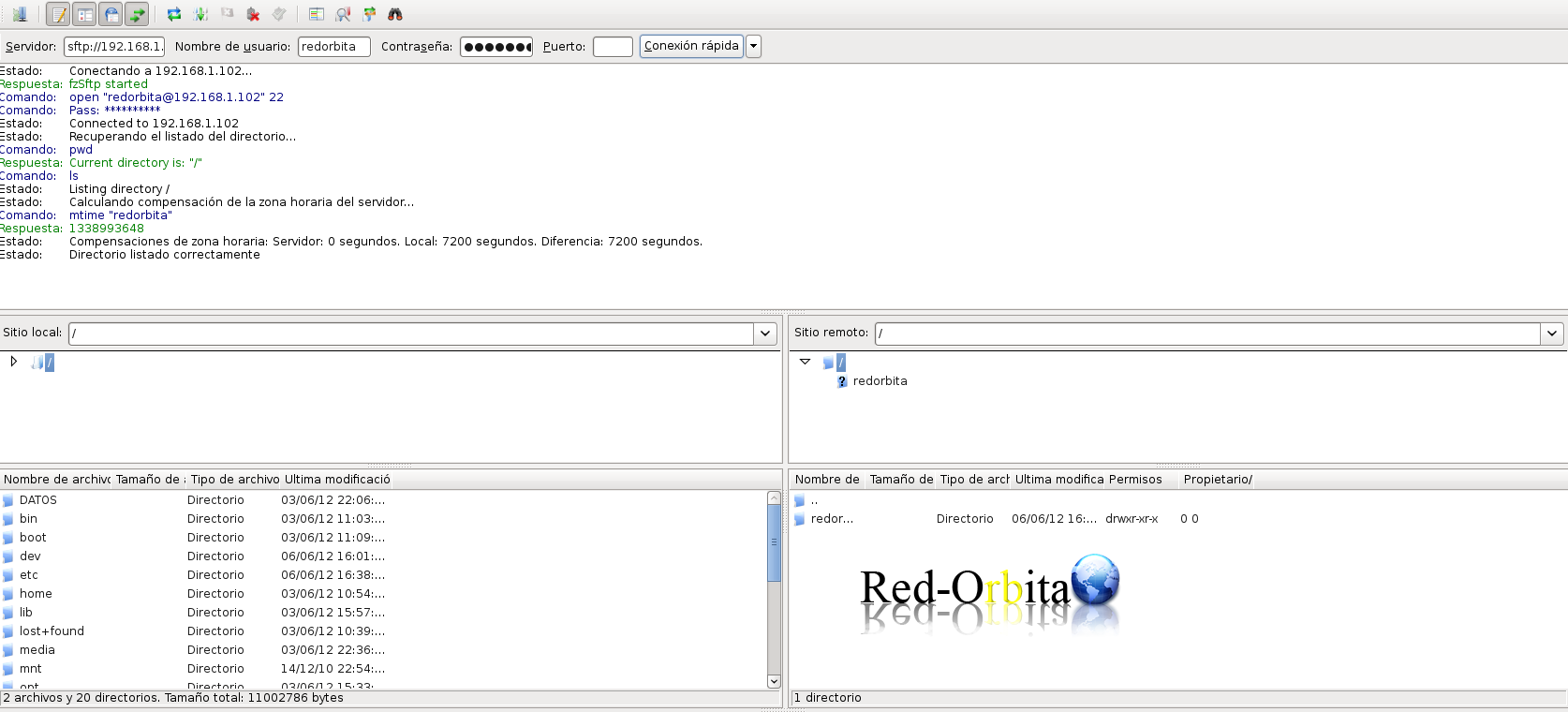
Ready, we have it
Greetings, rokitoh!
Comments