
This document will show how to install and configure the SNMP service on a system with MS Windows 2008 in order to be monitored with CACTI, nagios or another monitoring system.
If it is a recently installed system, it is likely that the SNMP service is not installed.
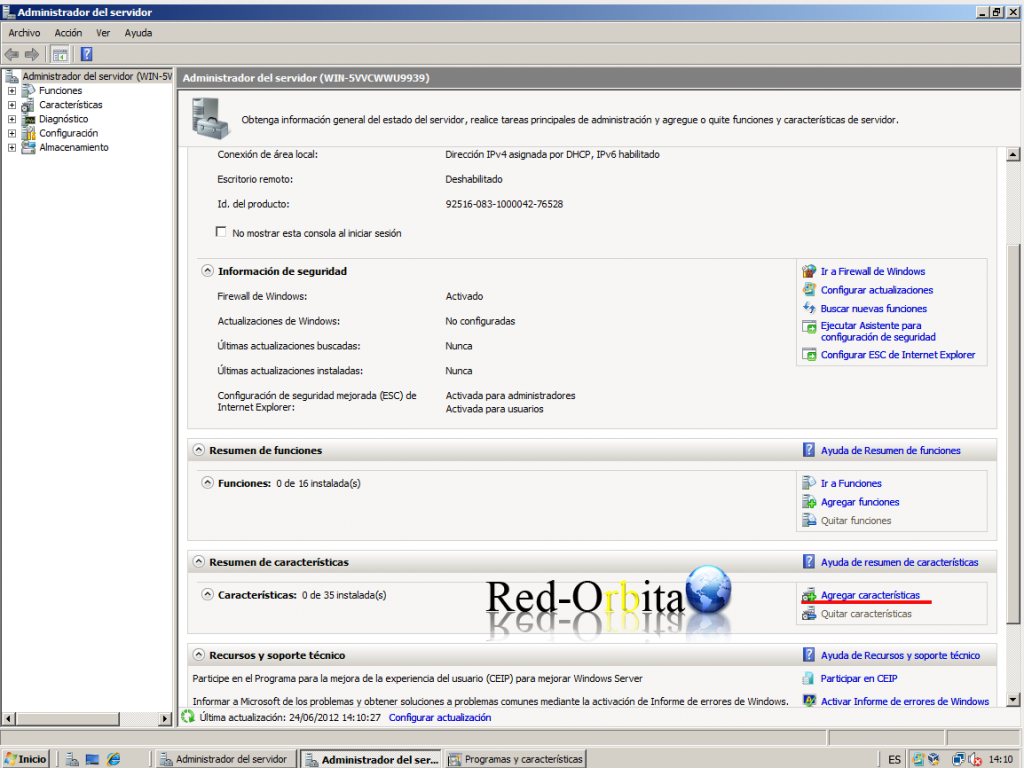
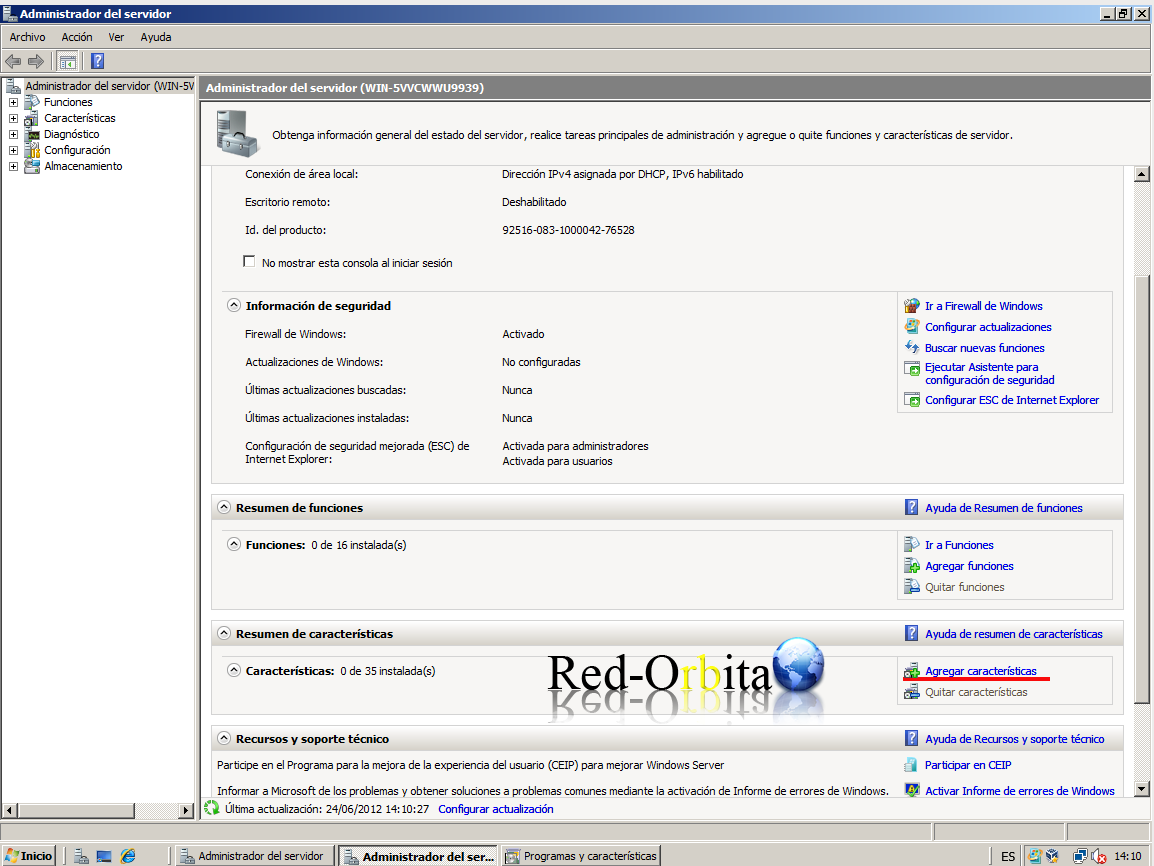
We are going to: Server Administrator > Add Features
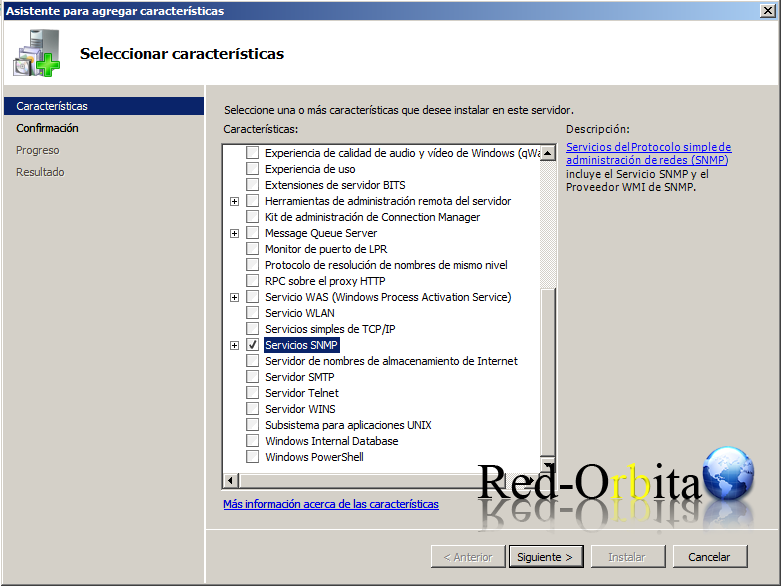
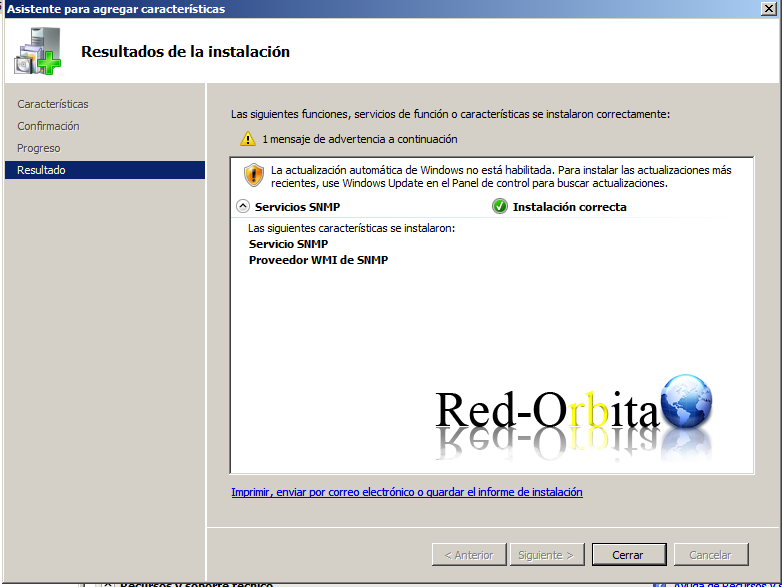
The configuration panel opens, which we must go down and select SNMP Services
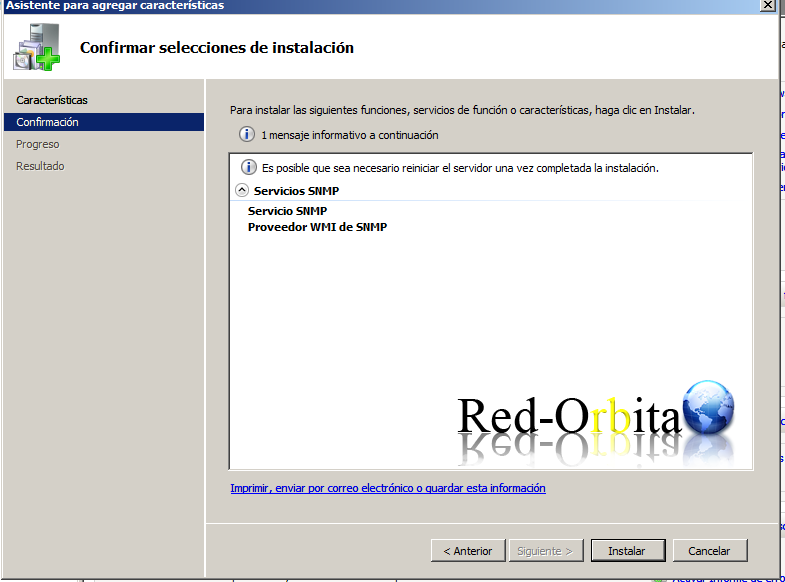
We install…
We wait for it to finish… and we close
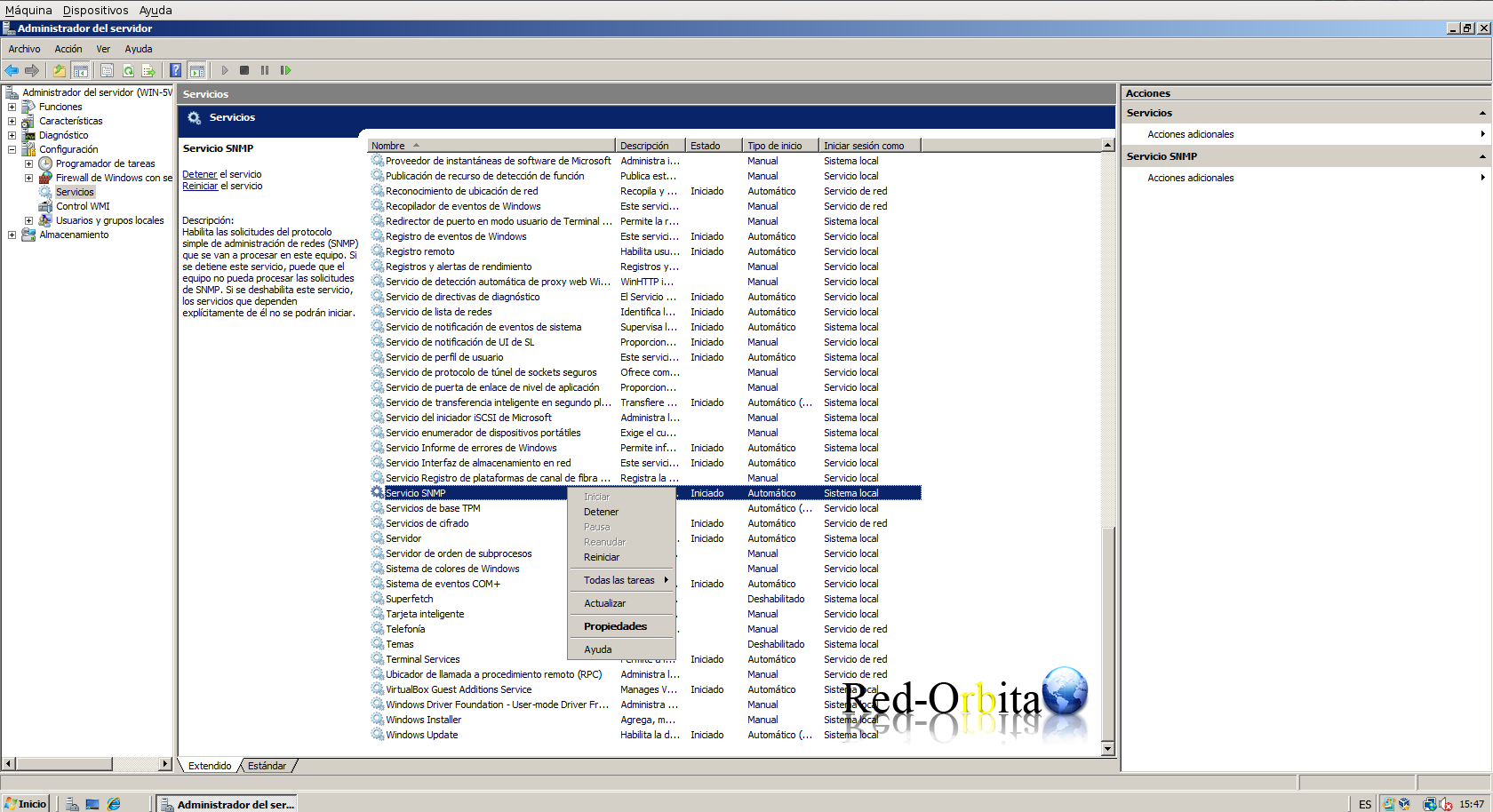
In the Server Manager panel, we are going to Configuration > Services > And we look for SNMP Service.
Right click properties
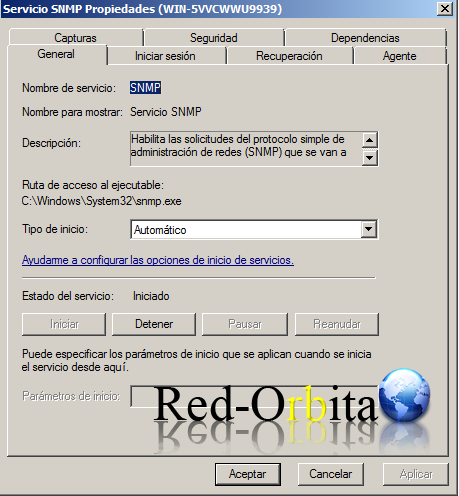
In the generate tab we make sure that it is set to Automatic.
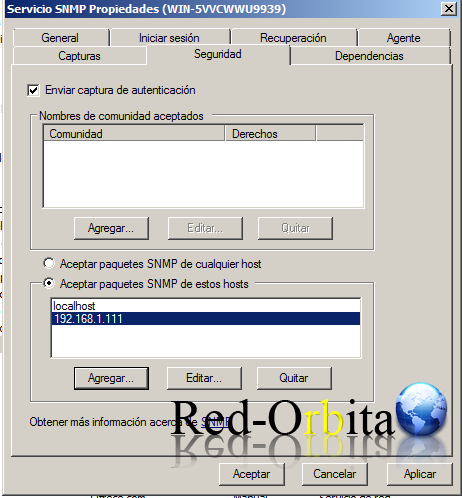
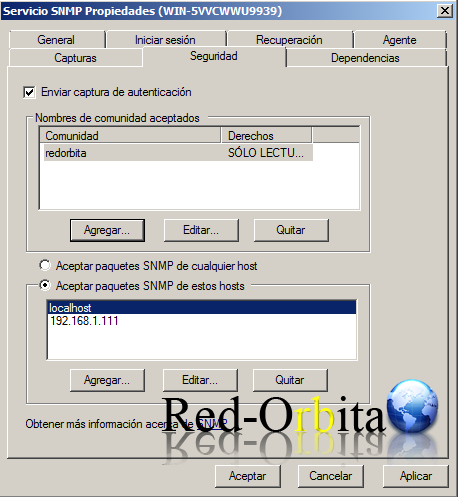
We go to the Security tab and in Accepted Community Names we add the one we want
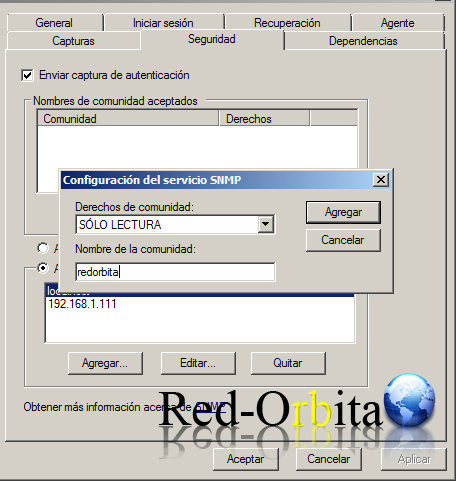
We also configure the ip to: Accept SNMP packets from hosts data.
We add the IP of our server where we are going to monitor.
Once configured everything would look like this, click apply and accept.
We go to the server and check if it works…
root@cacti: ~# snmpwalk -v 2c -c redorbita 192.168.1.112 .1.3.6.1.2.1.1

iso.3.6.1.2.1.1.1.0 = STRING: «Hardware: x86 Family 6 Model 15 Stepping 11 AT/AT COMPATIBLE – Software: Windows Version 6.0 (Build 6001 Multiprocessor Free)»

iso.3.6.1.2.1.1.2.0 = OID: iso.3.6.1.4.1.311.1.1.3.1.2

iso.3.6.1.2.1.1.3.0 = Timeticks: (356271) 0:59:22.71

iso.3.6.1.2.1.1.4.0 = «»

iso.3.6.1.2.1.1.5.0 = STRING: «WIN-5VVCWWU9939»

iso.3.6.1.2.1.1.6.0 = «»

iso.3.6.1.2.1.1.7.0 = INTEGER: 76
Well that's it...
Greetings, rokitoh!!
Comments