
webmin is a web-accessible system configuration tool for OpenSolaris, GNU/Linux and other systems Unix. With it you can configure internal aspects of many operating systems, such as users, space quotas, services, configuration files, computer shutdown, etc., as well as modify and control many applications. free, like the web serverApache, PHP, MySQL, DNS, Samba, DHCP, among others.
Webmin is written in perl, version 5, running as its own process and web server. By default it communicates through TCP via port 10000, and can be configured to use SSLif OpenSSL is installed with additional Perl modules required.
It is built from modules, which have an interface to configuration files and the Webmin server. This makes it easy to add new functionality without much effort. Due to Webmin's modular design, it is possible for anyone interested to write extensions for desktop configuration.
Webmin also allows you to control multiple machines through a simple interface, or log into other webmin servers on the same subnet or local area network.
Coded by Australian Jamie Cameron, Webmin is released under BSD license. There is also Usermin, which is the reduced version of Webmin.
We install the dependencies
rokitoh@webmin:~# apt-get install libauthen-pam-perl libio-pty-perl libmd3-1 libmd5-perl libnet-ssleay-perl apt-show-versions libapt-pkg-perlWe download the webmin
rokitoh@webmin:~# wget http://downloads.sourceforge.net/project/webadmin/webmin/1.580/webmin_1.580_all.debAlso if you go to the official website you can download it for the different environments, redhat, debian, solaris, Suse and Unix
http://www.webmin.com/download.html
We install
rokitoh@webmin:~# dpkg -i webmin_1.580_all.deb

(Leyendo la base de datos … 57431 ficheros o directorios instalados actualmente.)

Preparando para reemplazar webmin 1.580 (usando webmin_1.580_all.deb) …

Desempaquetando el reemplazo de webmin …

Configurando webmin (1.580) …

Webmin install complete. You can now login to https://webmin:10000/

as root with your root password, or as any user who can use sudo

to run commands as root
Now through our favorite browser we access webmin https://IP-ADDRESS:10000.
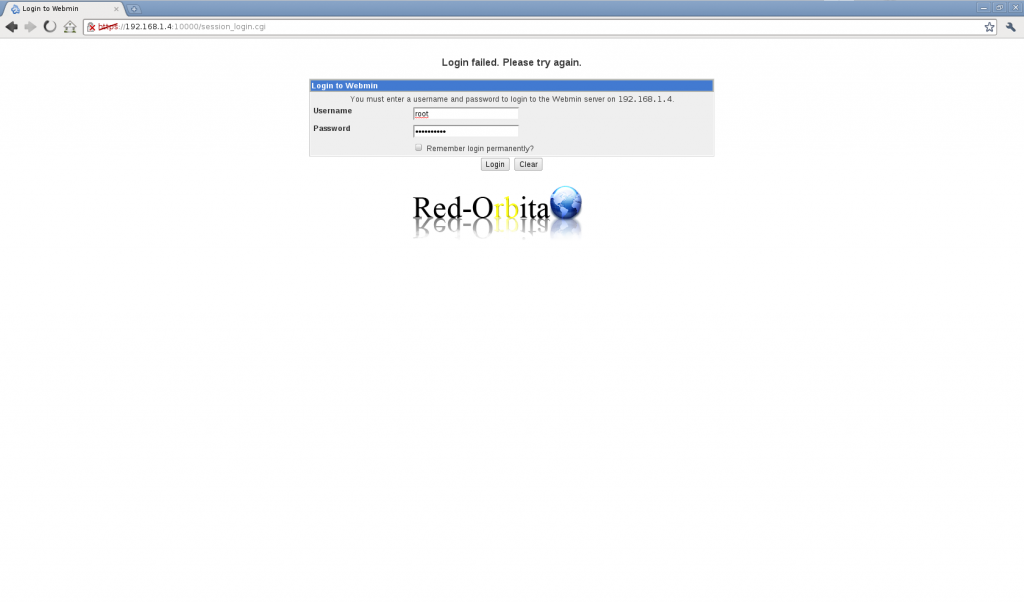
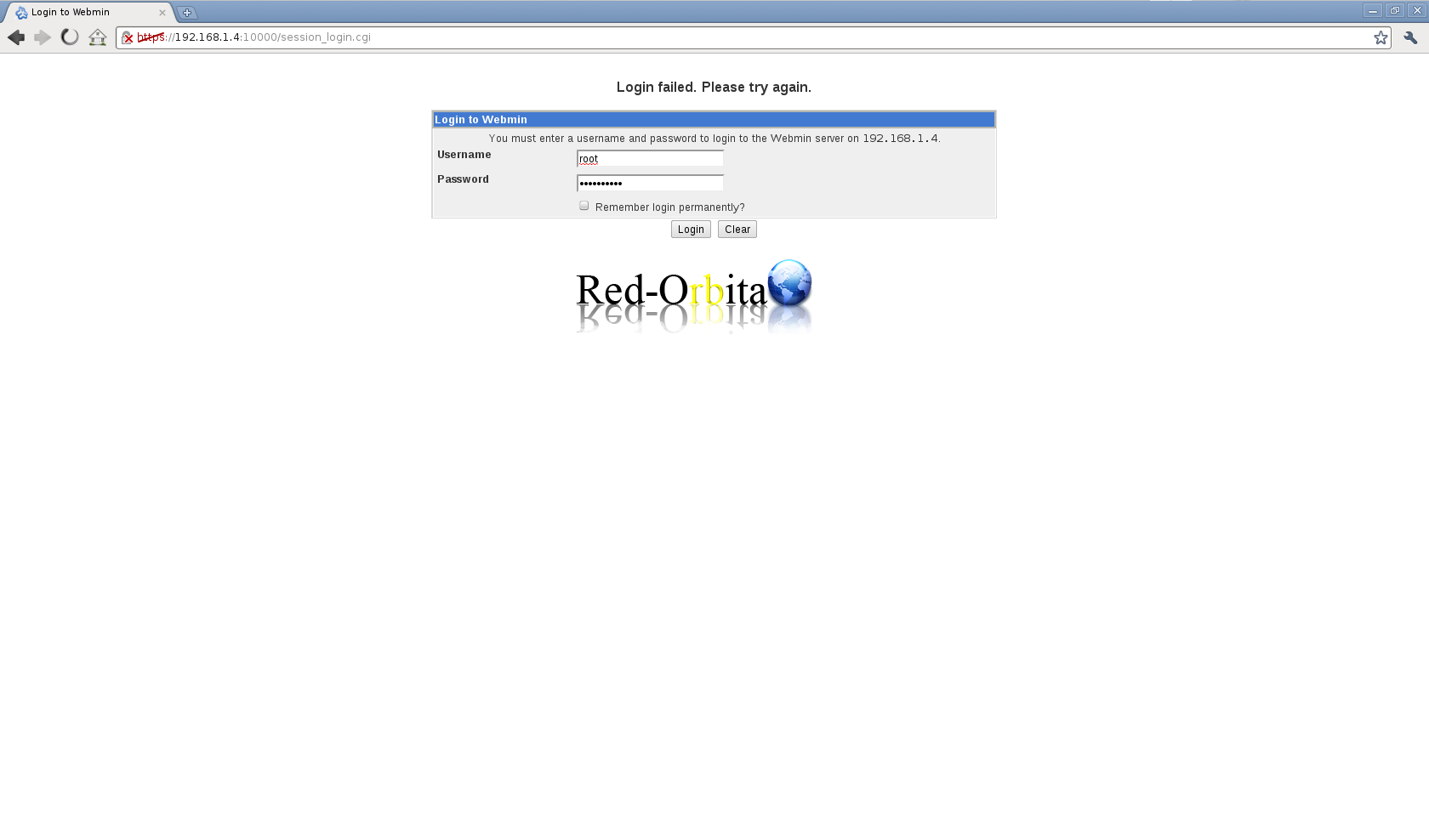
A panel will appear to log in. We access with the root user.
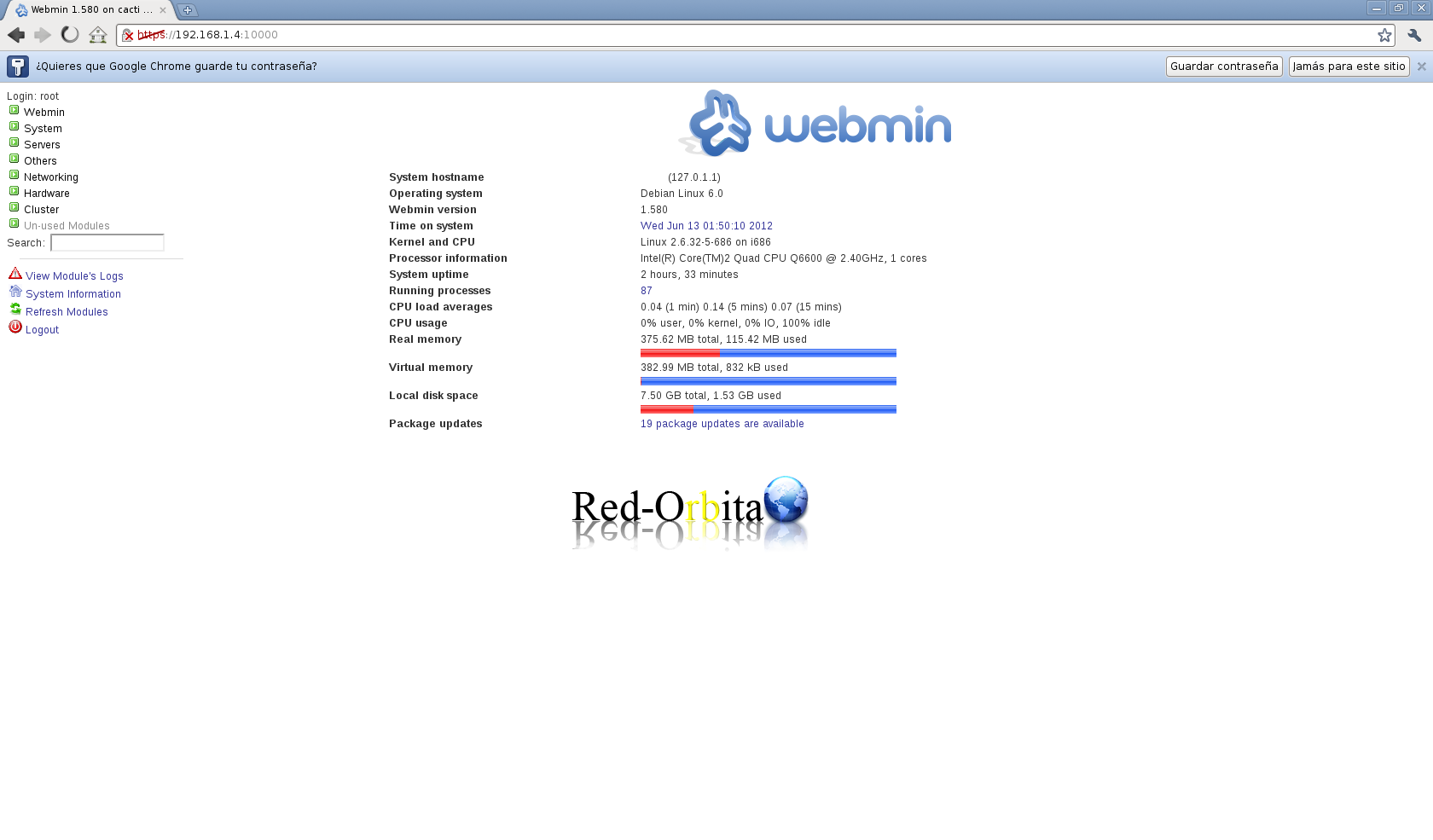
Ready, it shows us the panel where we can control processes, manage servers... users... and many other things.
Greetings, rokitoh!
Comments