
When installing any OS we must know if it is supported by XenServer, more than anything in case we want to take advantage of its paravirtualization drivers.
We can get the list from the installation manuals or from the same templates menu that XenCenter provides when creating a new virtual machine.
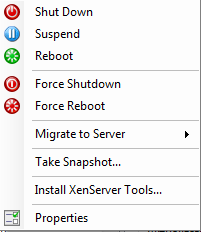
Once it is clear that our distribution is supported and that we have it correctly installed, the alert will appear. “Tools not installed” in the XenCenter overview panel. We will right-click on the virtual machine and tell it that we want to Install XenServer Tools…:
We mount the cd-rom
mkdir /mnt/xe-tools/
mount /dev/cdrom /mnt/xen-tools
The following case can also be given to mount the cdrom:
mount /dev/xvdd /mnt/xe-tools
We access the folder
cd /mnt/xen-tools/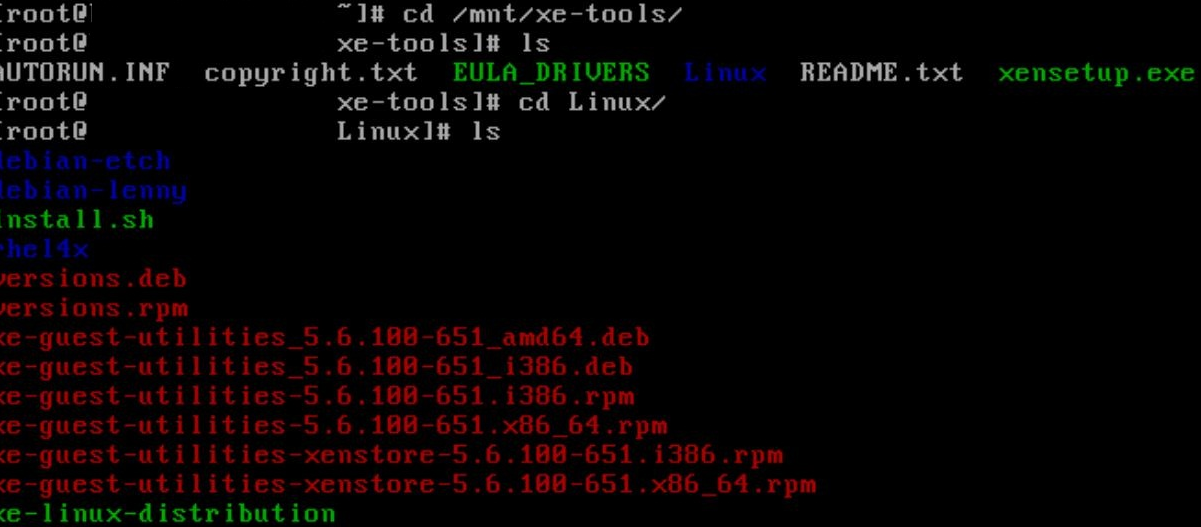
And we run the installer and reboot.
bash install.sh
reboot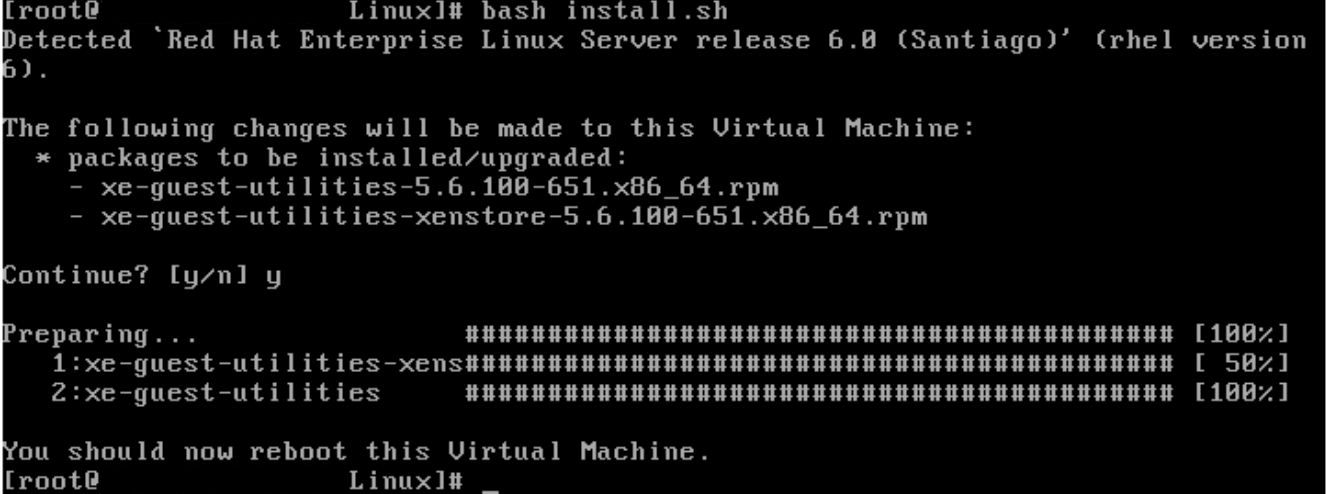
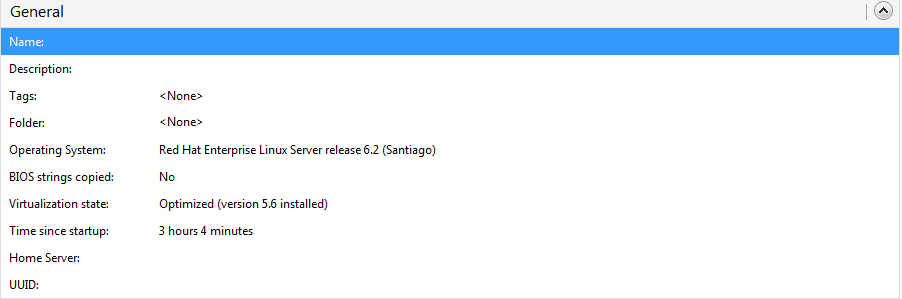
Now if we go back to the general panel we see that it has been installed correctly.
Greetings, rokitoh!
Comments