

Nagios It is a network monitoring system open source ampliamente utilizado, que vigila los equipos (hardware) and services (software) that are specified, alerting when their behavior is not as desired. Among its main features are the monitoring of network services (SMTP, POP3, HTTP, SNMP...), monitoring of hardware system resources (processor load, disk usage, memory, port status...), independence of operating systems, possibility of remote monitoring through tunnels SSL encrypted or SSH, and the possibility of programming specific plugins for new systems.
It is a software that provides great versatility to consult practically any parameter of interest in a system, and generates alerts, which can be received by the corresponding managers through (among other means) email and messages. SMS, when these parameters exceed the margins defined by the network administrator.
We start
Before starting the installation of nagios we have to install our lampp server.
We install necessary packages for nagios to work.
apt-get install apache2 apache2-mpm-prefork pache2-utils libapache2-mod-php5 apache2.2-common build-essential mysql-server-5.1 mysql-client-5.1 php-pear rrdtool librrds-perl php5-gd bsd-mailx exim4-base exim4-daemon-light fancontrol fping libapache2-mod-php5 libapr1 libaprutil1 libaprutil1-dbd-sqlite3 libaprutil1-ldap libgd2-noxpm libmysqlclient16 libnet-snmp-perl libonig2 libperl5.10 libqdbm14 libradiusclient-ng2 libsensors4 libsnmp-base libsnmp15 libtalloc2 libwbclient0 lm-sensors mysql-common php5-cli php5-common php5-suhosin qstat samba-common samba-common-bin smbclient snmp ssl-certWe create the user and group
useradd -m -s /bin/bash nagios

passwd nagios

Introduzca la nueva contraseña de UNIX:

Vuelva a escribir la nueva contraseña de UNIX:

passwd: contraseña actualizada correctamente

groupadd nagiosgroup

usermod -a -G nagiosgroup nagios

usermod -a -G nagiosgroup www-data
We download nagios.
cd /usr/src

wget http://sourceforge.net/projects/nagios/files/nagios-3.x/nagios-3.4.1/nagios-3.4.1.tar.gz
We decompress
tar xvf nagios-3.4.1.tar.gzWe access the folder
cd nagios/We configure our installation (Here it will check the dependencies... if you are missing any... then you install it)
./configure –prefix=/usr/local/nagios –with-command-user=nagios –with-command-group=nagiosgroup –with-nagios-user=nagios –with-nagios-group=nagiosgroup
At the end of having checked all the dependencies... a summary like the following will appear:
reating sample config files in sample-config/ …
*** Configuration summary for nagios 3.4.1 05-11-2012 ***:
General Options:

————————-

Nagios executable: nagios

Nagios user/group: nagios,nagiosgroup

Command user/group: nagios,nagiosgroup

Embedded Perl: no

Event Broker: yes

Install ${prefix}: /usr/local/nagios

Lock file: ${prefix}/var/nagios.lock

Check result directory: ${prefix}/var/spool/checkresults

Init directory: /etc/init.d

Apache conf.d directory: /etc/apache2/conf.d

Mail program: /usr/bin/mail

Host OS: linux-gnu
Web Interface Options:

————————

HTML URL: http://localhost/nagios/

CGI URL: http://localhost/nagios/cgi-bin/

Traceroute (used by WAP): /usr/sbin/traceroute
Review the options above for accuracy. If they look okay,

type ‘make all’ to compile the main program and CGIs.
We install
make all

make install

make install-init

make install-config

make install-commandmode

make install-webconf

htpasswd -c /usr/local/nagios/etc/htpasswd.users nagiosadmin

make install-exfoliation

chmod 660 /usr/local/nagios/etc/htpasswd.users

chown nagios:nagiosgroup /usr/local/nagios/etc/htpasswd.users
We install the plugins.
wget http://sourceforge.net/projects/nagiosplug/files/nagiosplug/1.4.15/nagios-plugins-1.4.15.tar.gzWe decompress
tar xvf nagios-plugins-1.4.15.tar.gzWe access the folder
cd nagios-plugins-1.4.15We configure
./configure –with-nagios-user=nagios –with-nagios-group=nagiosgroupWe compile and install
make && make installWe configure it to wake up whenever it restarts
update-rc.d nagios defaults

update-rc.d: using dependency based boot sequencing

insserv: warning: script ‘K01nagios’ missing LSB tags and overrides

insserv: warning: script ‘nagios’ missing LSB tags and overrides
Install nrpe
This little daemon allows you to run local plugins on remote Linux machines, as is this, the check_nrpe plugin is called by Nagios and makes requests for the plugins to the remote machine, it requires that NRPE be running on that machine as a standalone daemon or as a service in inetd, it also supports native SSL/TLS encryption.
There is a version for Win2 but the truth is I opted for nsclient or nc_net.
We download nrpe
We download
wget http://sourceforge.net/projects/nagios/files/nrpe-2.x/nrpe-2.13/nrpe-2.13.tar.gz
We access the folder
cd nrpe-2.13
We configure
/configure –with-nagios-user=nagios –with-nagios-group=nagiosgroup
We install
make
make install
make install-plugin
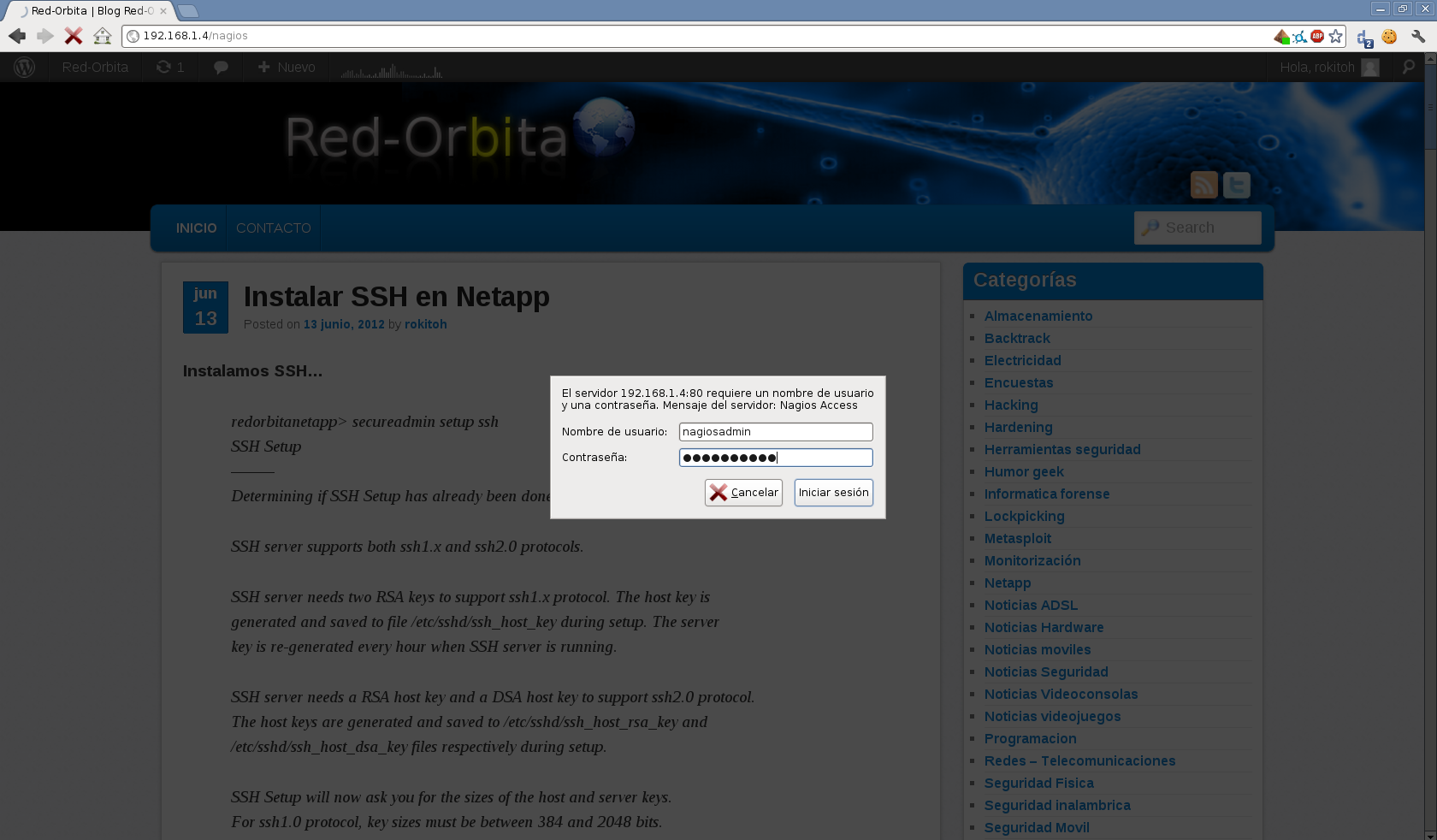
we access the IP address
example: http://192.168.1.4/nagios/
and we log in with the user nagiosadmin and the password that we have assigned.
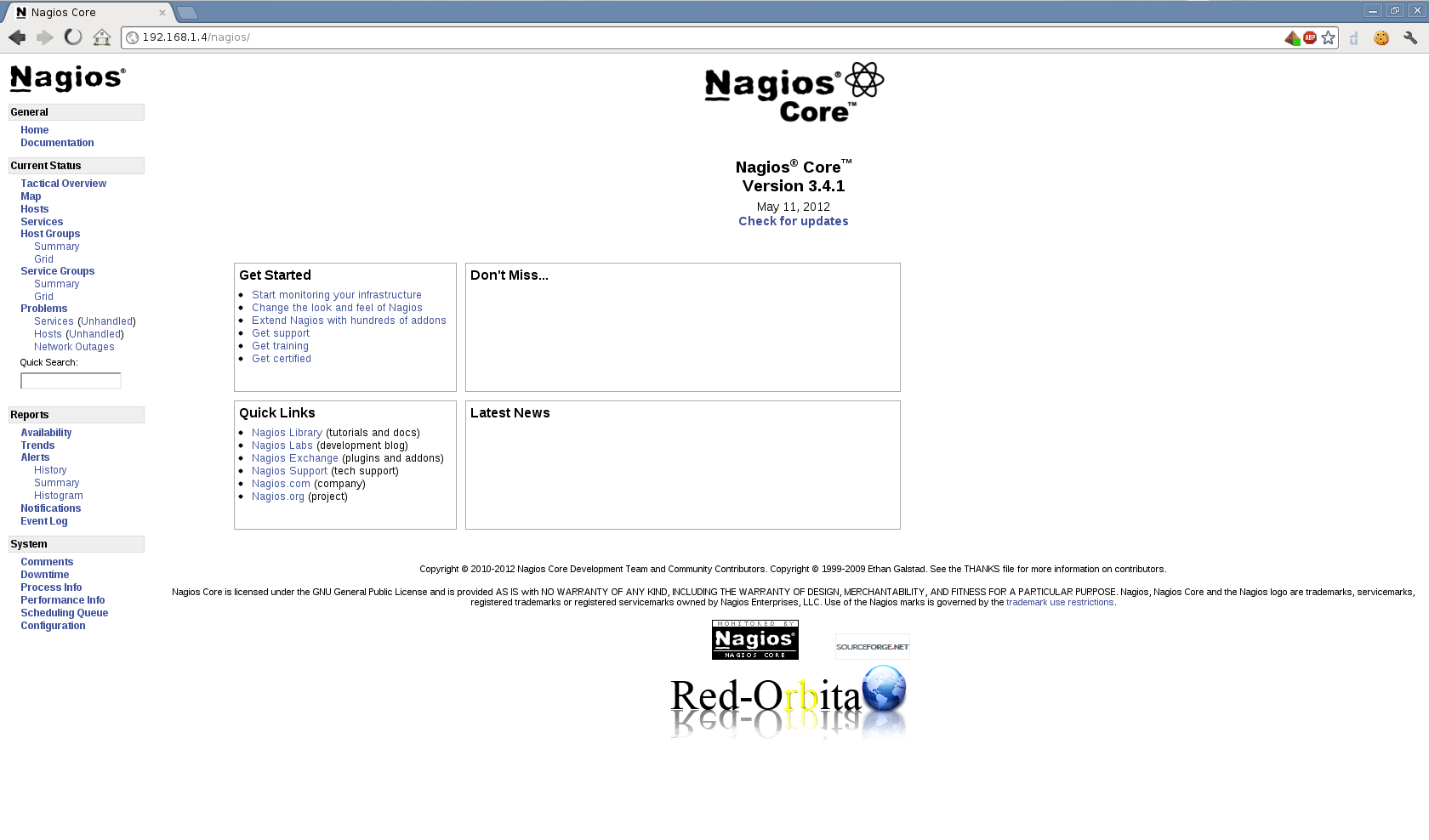
and shows us the following nice screen.
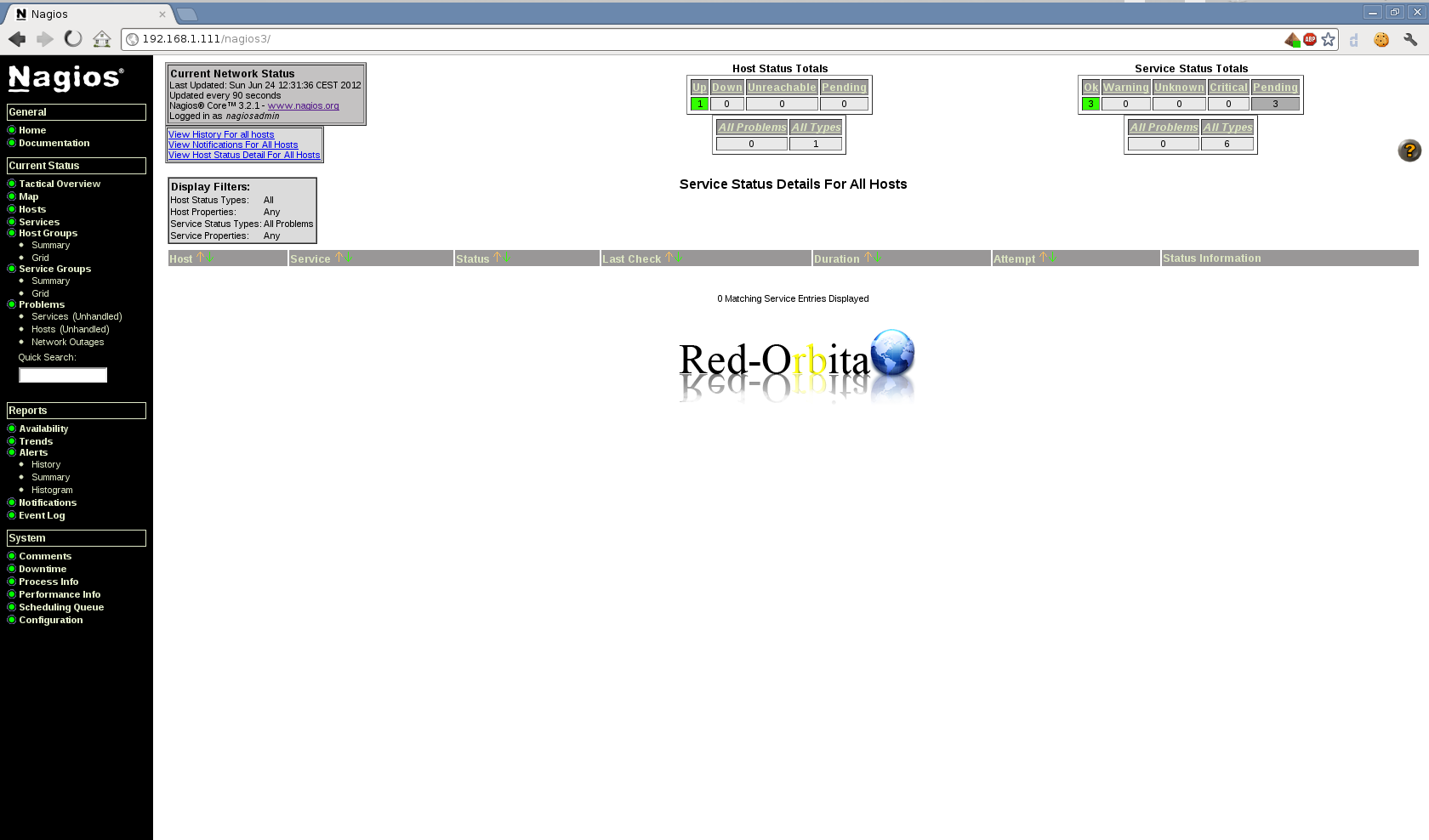
If we don't want to compile everything... because it's a pain, simply do:
apt-get install nagios3It would look something like this, using apt-get
In future manuals I will include monitoring.
Greetings, rokitoh!
Comments