

SP kitToolsit's a open source phishing kit designed for facilitate the task of educating, is ideal for administrators and security officers who want test users with real attacks.
We download from the official website:
http://www.sptoolkit.com/download/
Once downloaded, we decompress it and move it to our web server. I have a xampp server installer.
unip sptoolkit_0.70.zip
mv spt /opt/lampp/htdocs/
We start our xampp server
root@red-orbita:/home/rokitoh # /opt/lampp/lampp start
Starting XAMPP for Linux 1.8.0…
XAMPP: Starting Apache with SSL (and PHP5)…
XAMPP: Starting MySQL…
XAMPP: Starting ProFTPD…
XAMPP for Linux started.
With our browser we access the following URL http://localhost/spt/
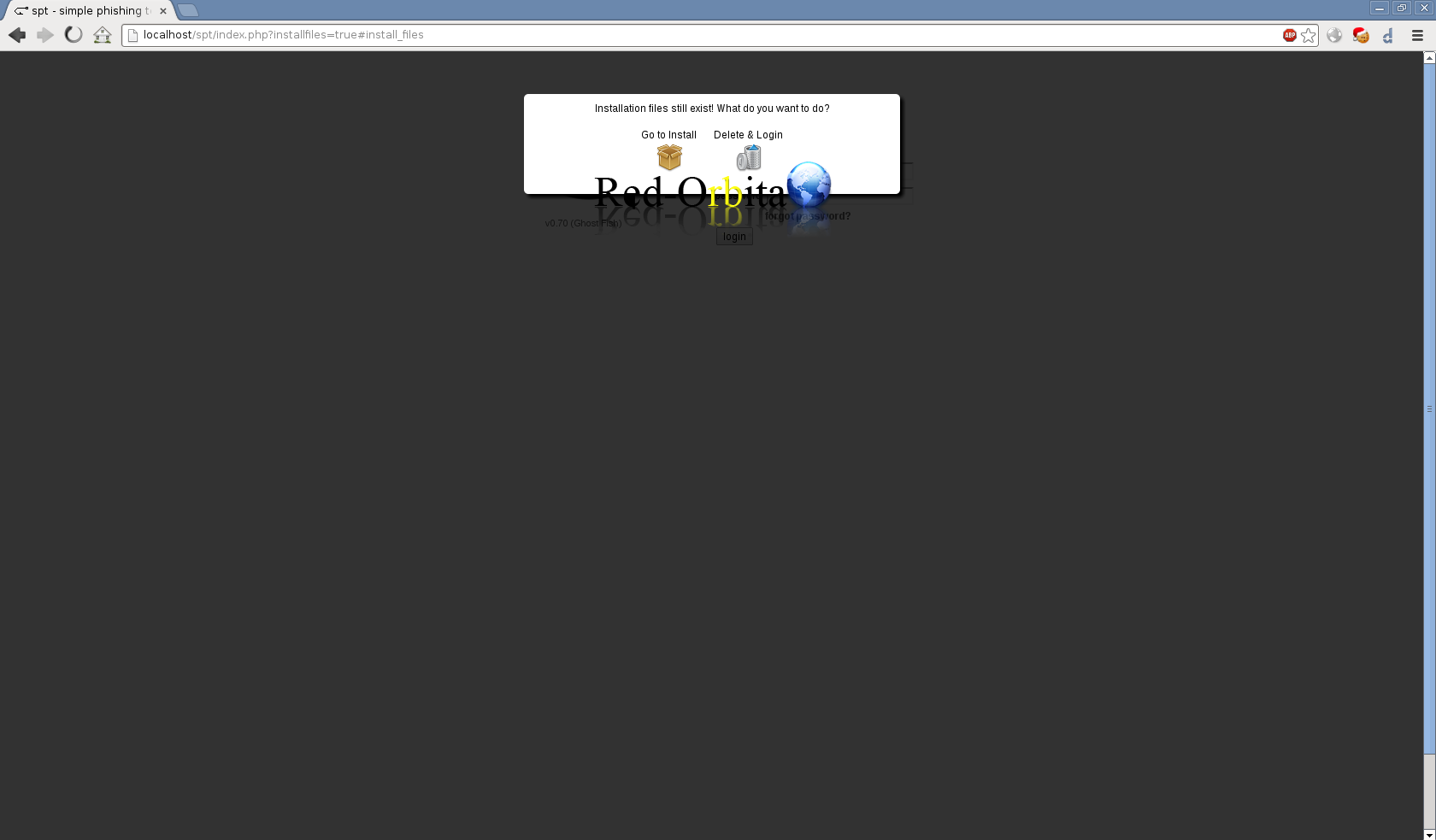
It will show us the following installation wizard.
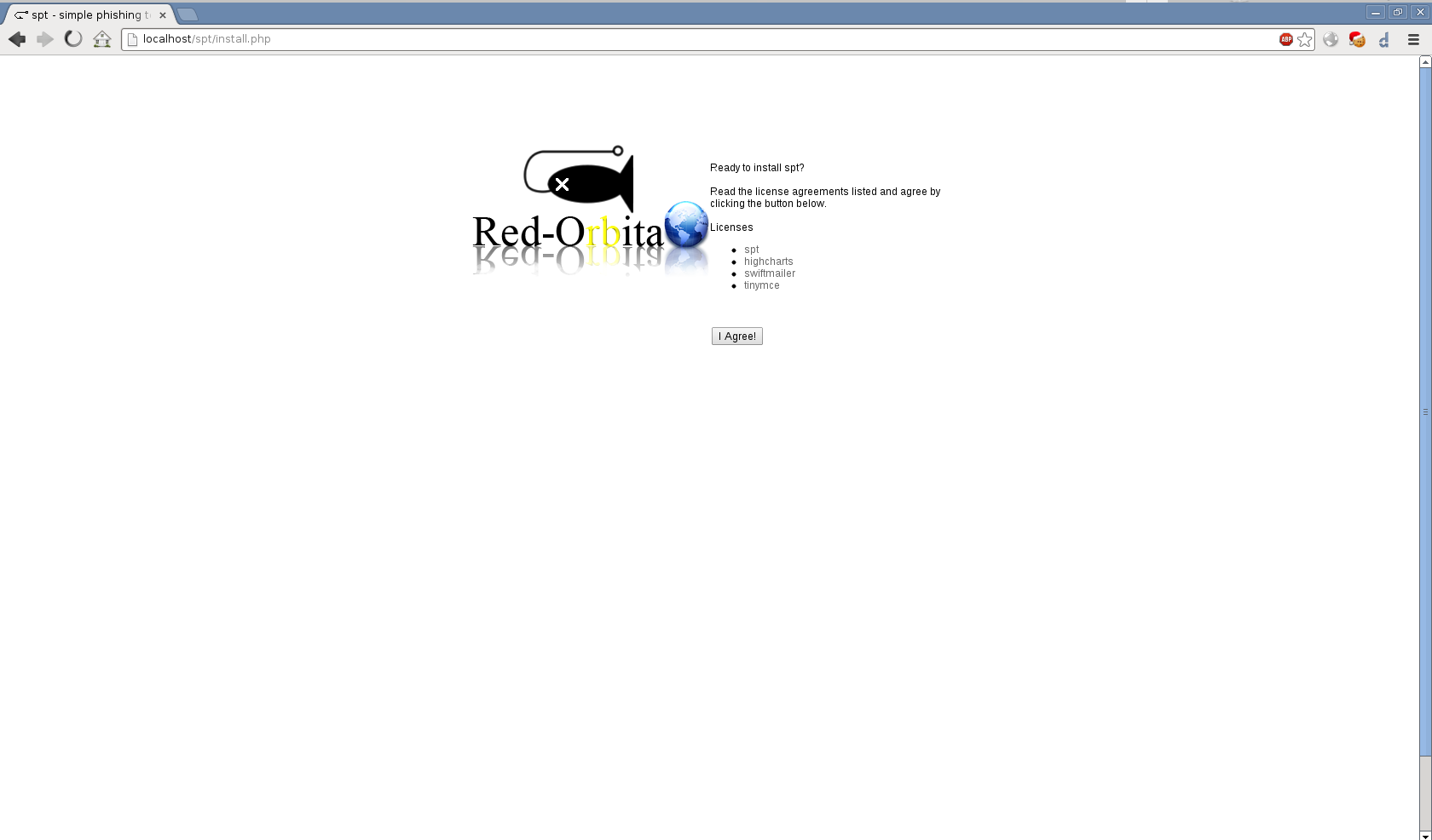
We accept the terms of the installation.
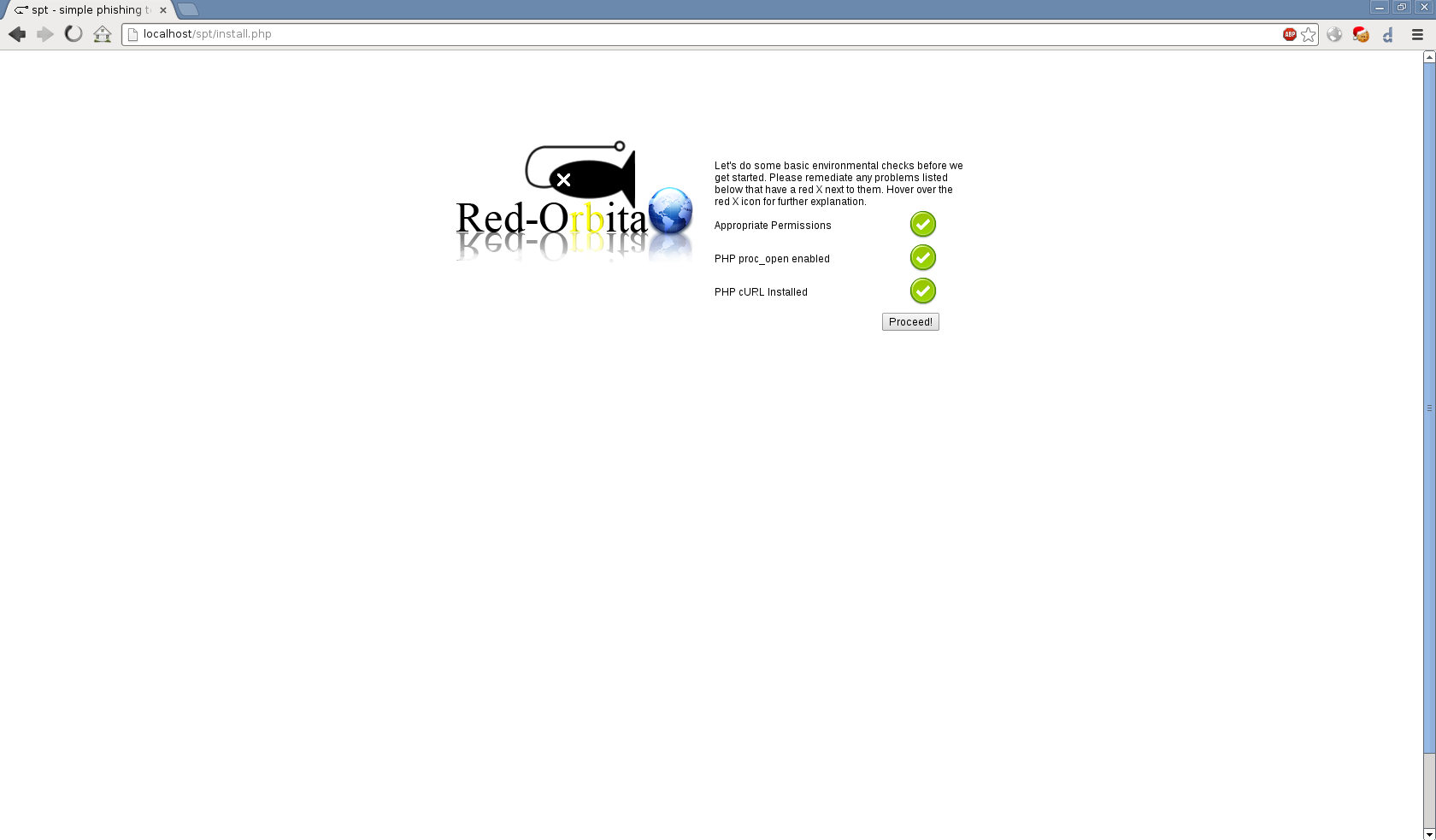
Carry out the checks for your installation.
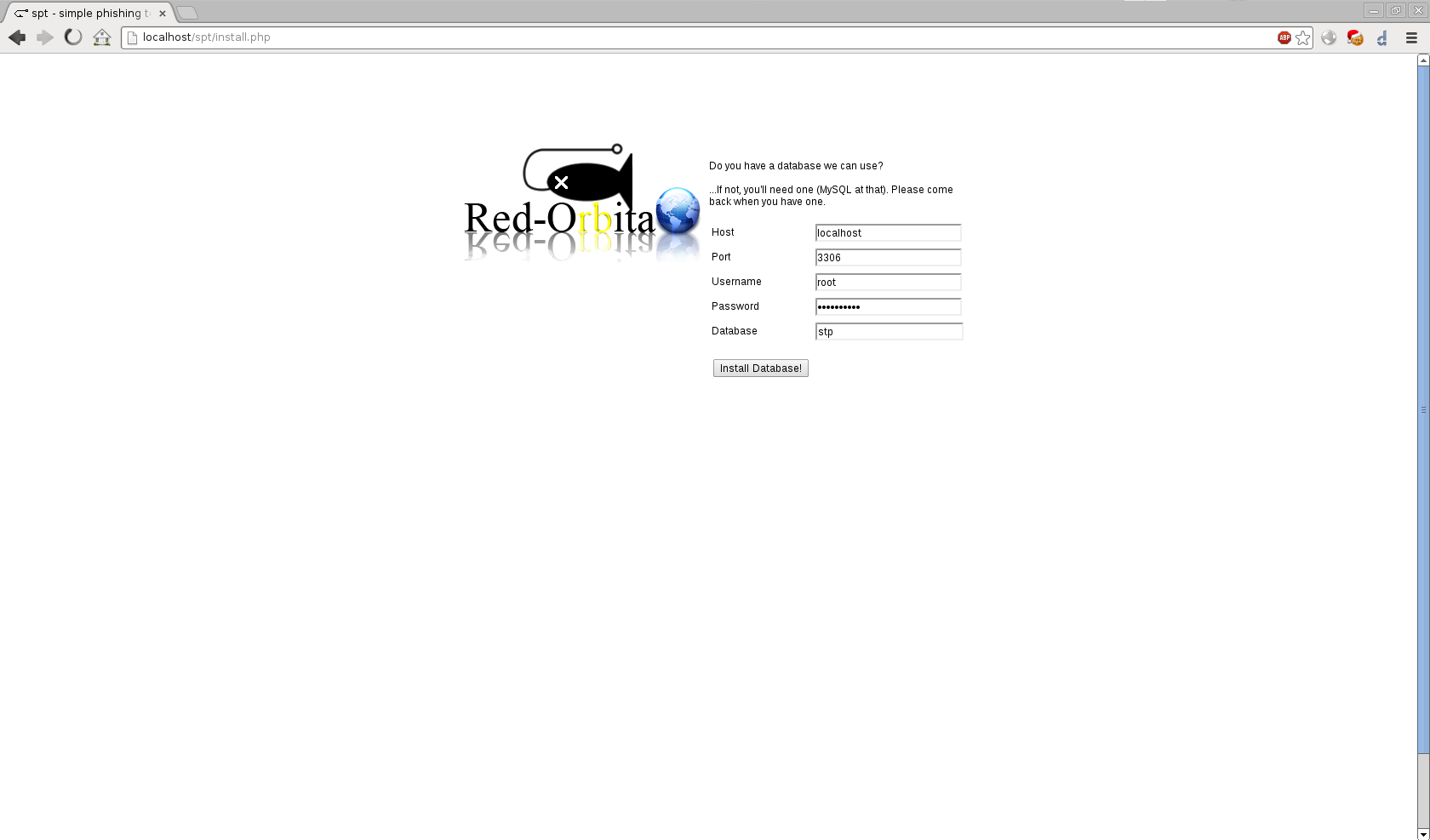
We fill in the data with the configuration of the database to which you are going to connect.
Create the tables. Continue.
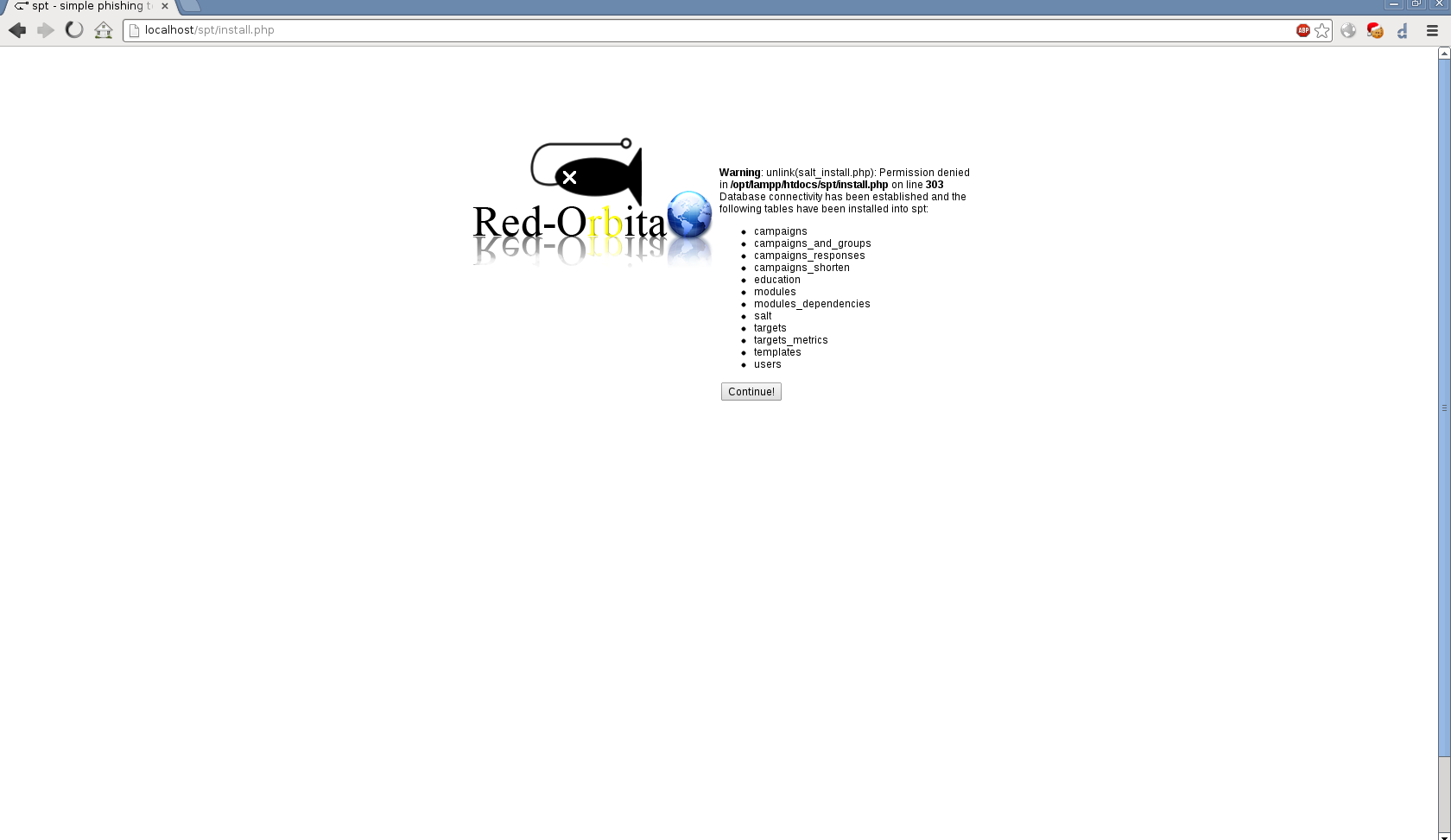
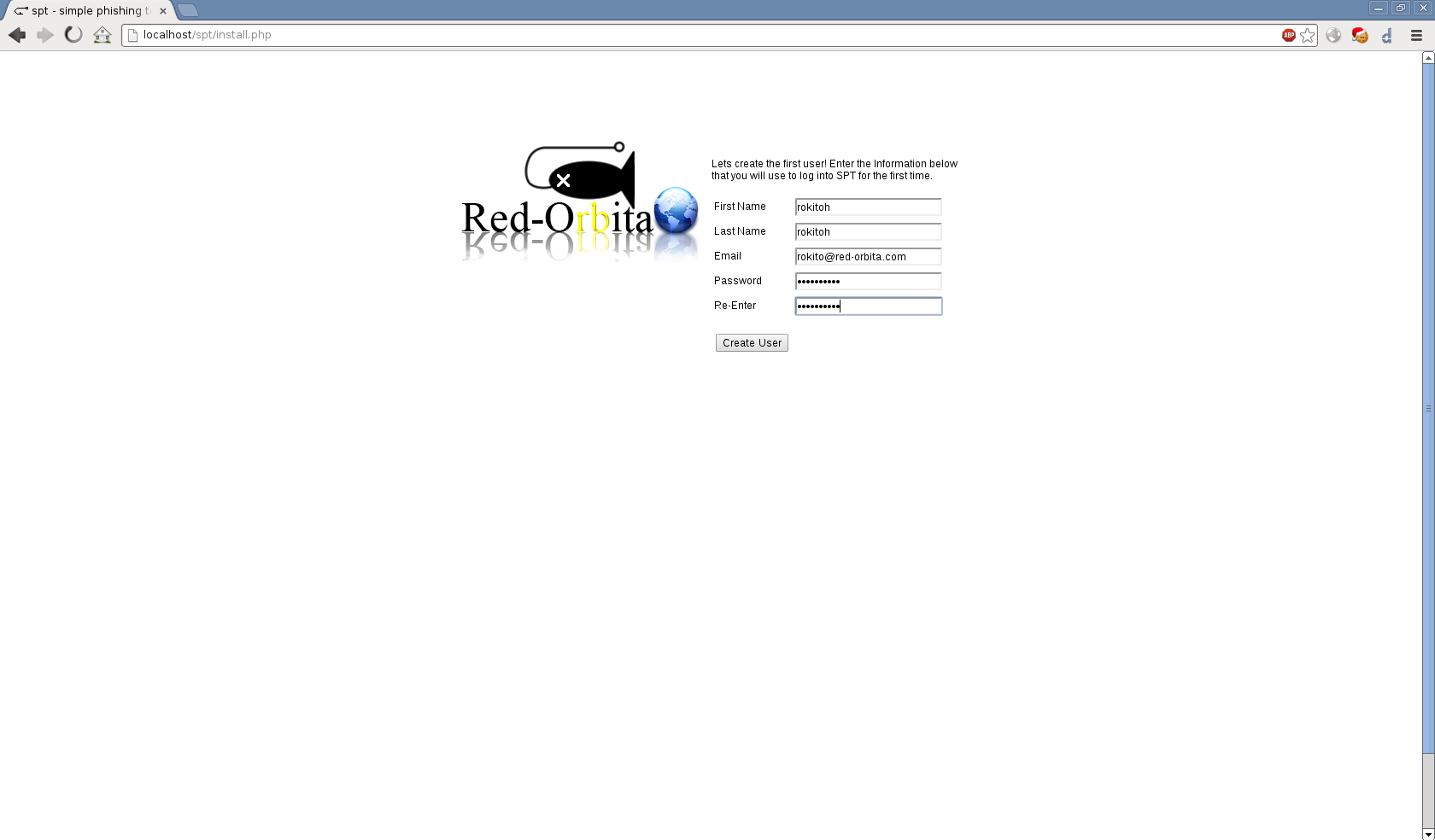
We create the user with which we are going to access the application.
We finish the installation.
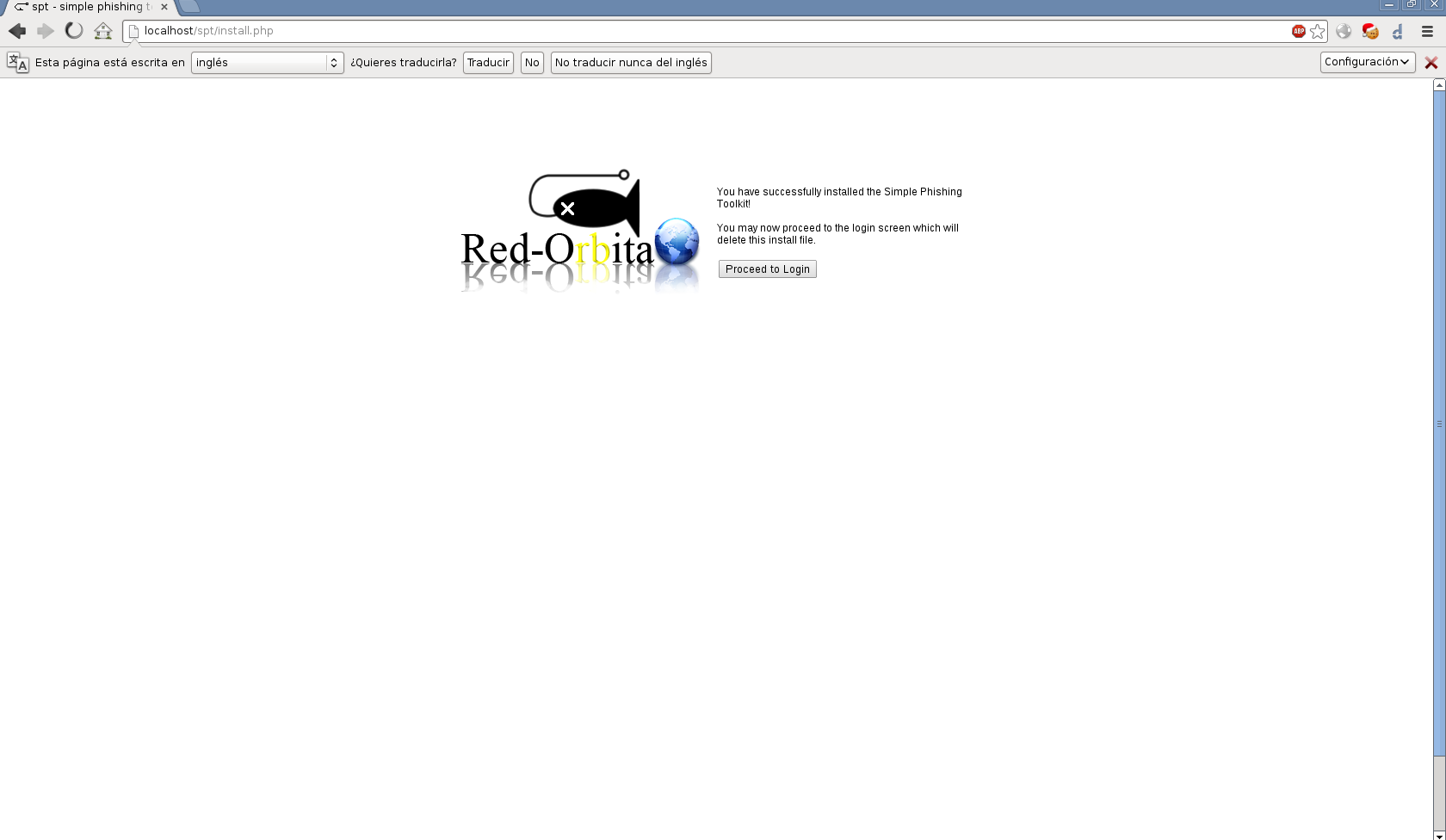
We delete the installation file
rm -r install.php
We access the application with the user created previously.
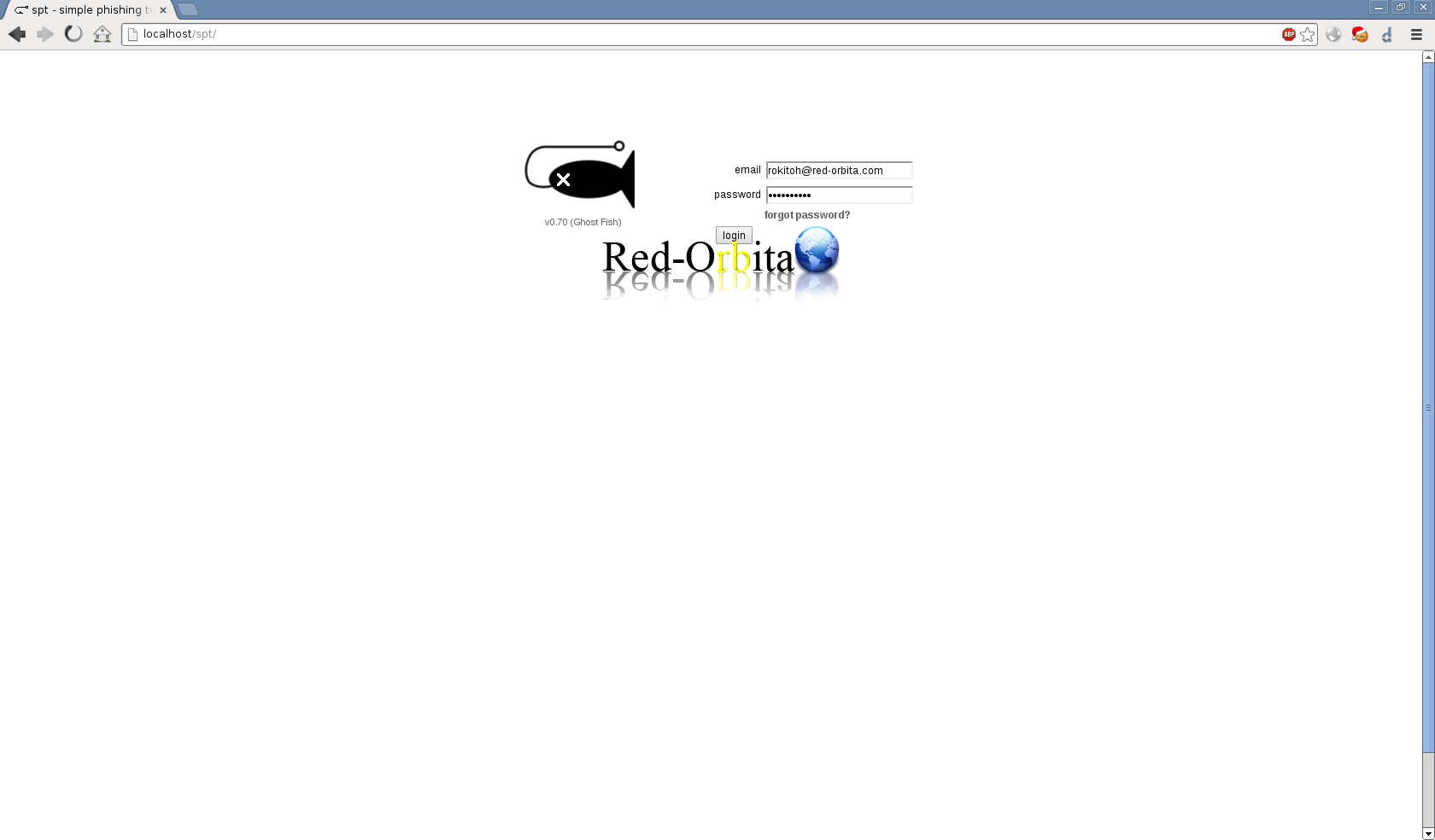
Ready to be used. 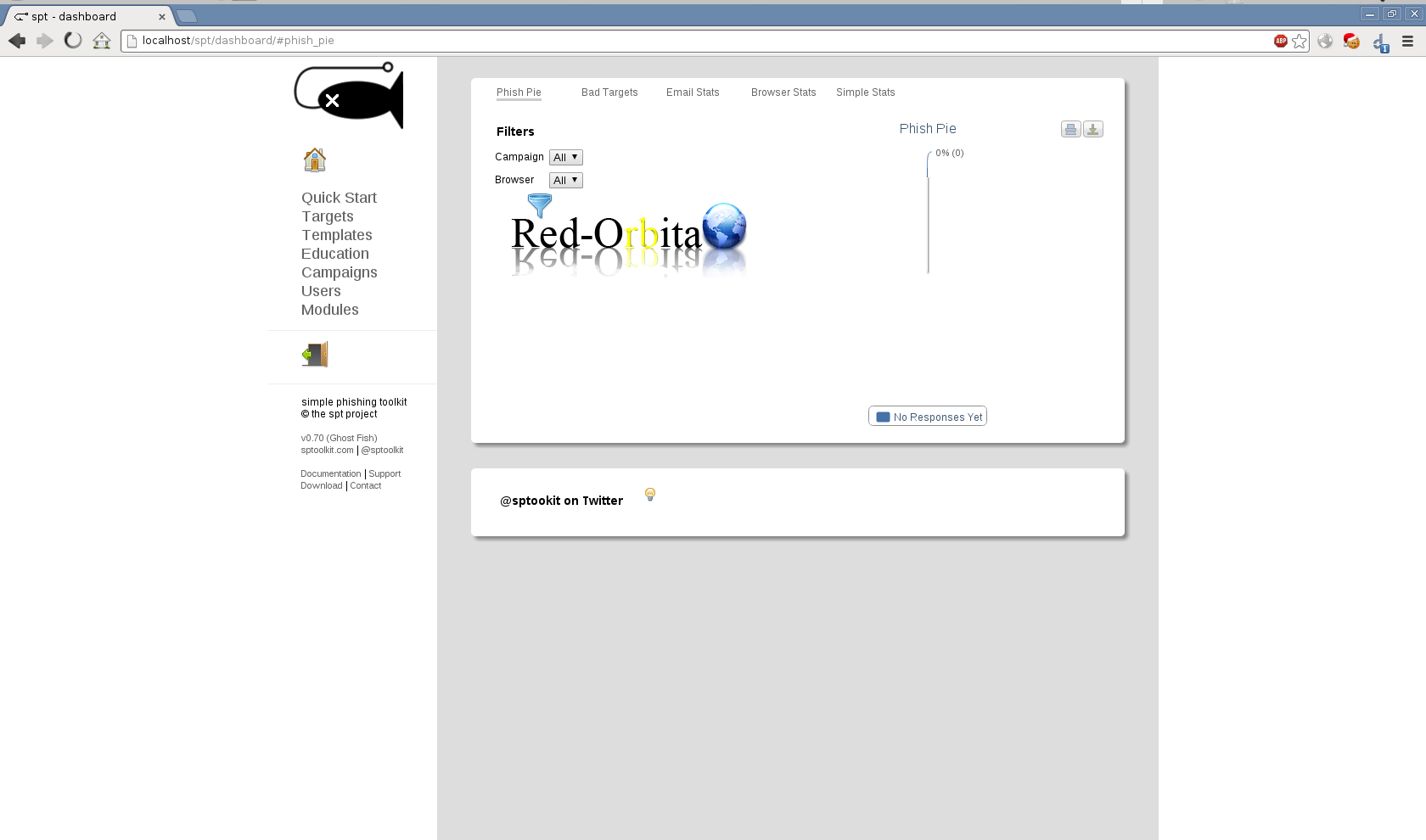
Regards, rokitoh
:wq!
Comments