
What is RED5?
Red5 is an open source flash server written in Java that supports audio/video streaming, stream recording, shared objects, live streaming, etc…
In summary. Red5 is an alternative to Adobe FMS among others…
We install dependencies
Debian-based distributions
CODE
Bash
root@Red5srv01:/# apt-get -y install openjdk-6-jdk openjdk-6-jreRedhat based distributions
BASH
Bash
root@Red5srv01:/# yum install java-1.6.0-openjdk java-1.6.0-openjdk-devel java-1.6.0-openjdk-javadoc java-1.6.0-openjdk-sWe download and install Apache Ant
Bash
root@Red5srv01:/# wget http://mirrors.kahuki.com/apache/ant/binaries/apache-ant-1.8.3-bin.tar.gzWe decompress
Bash
root@Red5srv01:/# tar xvf apache-ant-1.8.3-bin.tar.gzWe move apache-ant
Bash
root@Red5srv01:/# mv apache-ant-1.8.3 /usr/local/ant
root@Red5srv01:/# ln -s /usr/lib/jvm/java-6-openjdk /usr/lib/jvm/java
We export the Apache Ant variables
Bash
root@Red5srv01:/# vi /etc/profile.d/ant.sh
export ANT_HOME=/usr/local/ant

export PATH=$PATH:/usr/local/ant/bin

export JAVA_HOME=usr/lib/jvm/java-6-openjdk/
We download RED5
Bash
root@Red5srv01:/# wget http://red5.org/downloads/red5/1_0_1/red5-1.0.1.tar.gzWe unzip and copy the directory
Bash
root@Red5srv01:/# tar xvzf red5-1.0.0-RC1.tar.gz
root@Red5srv01:/#  mv red5-server-1.0/ /usr/local/red5/
We add the script to start
Bash
root@Red5srv01:/# vi /etc/init.d.red/red5
### BEGIN INIT INFO

# Provides: Red5

# Required-Start:

# Required-Stop:

# Default-Start: 2 3 4 5

# Default-Stop: 0 1 6

# Short-Description: Red5 Streaming Server

# Description: Init script for Red5 server

### END INIT INFO
PATH=/usr/local/sbin:/usr/local/bin:/sbin:/bin:/usr/sbin:/usr/bin

DAEMON=»/usr/local/red5/red5.sh»

NAME=»Red5″

RED5_HOME=/usr/local/red5

PIDFILE=/var/run/$NAME.pid

SCRIPTNAME=/etc/init.d/$NAME

DESC=»Red5 Server»
. /lib/lsb/init-functions

set -e
PROCESS_DIR=»/usr/local/bin/red5-1.0″
case «$1» in

start)

log_daemon_msg «Starting $DESC» «$NAME»

start-stop-daemon –start –pidfile $PIDFILE \

–chdir $RED5_HOME –background –make-pidfile \

–exec $DAEMON

log_end_msg $?

;;

stop)

log_daemon_msg «Stopping $DESC» «$NAME»

start-stop-daemon –stop –quiet –pidfile $PIDFILE \

–name java

rm -f $PIDFILE

log_end_msg $?

;;

restart|force-reload)

echo -n «Restarting $DESC: $NAME»

start-stop-daemon –stop –quiet –pidfile $PIDFILE \

–name java

rm -f $PIDFILE

sleep 1

echo -e

$0 start

;;

*)

echo «Usage: $0 {start|stop|restart|force-reload}» >&2

exit 1

;;

esac
exit 0
We give permissions and add it so that it starts automatically
BASH
Bash
root@Red5srv01:/# chmod +x /etc/init.d/red5
root@Red5srv01:/# update-rc.d red5 defaults
We start
root@Red5srv01:/ # /etc/init.d/red5 start
Starting Red5 Server: Red5.
We verify that it has started
Bash
root@Red5srv01:/ # ps -ef | grep -v grep | grep red5

root 1331 1 1 16:19 ? 00:00:07 /usr/bin/java -Dpython.home=lib -Dred5.root=/usr/share/red5 -Dlogback.ContextSelector=org.red5.logging.LoggingContextSelector -Dcatalina.useNaming=true -Djava.security.debug=failure -cp /usr/share/red5/red5-server-1.0-bootstrap.jar:/usr/share/red5/conf:.:usr/lib/jvm/java-6-openjdk//lib/classes.zip?? org.red5.server.Bootstrap
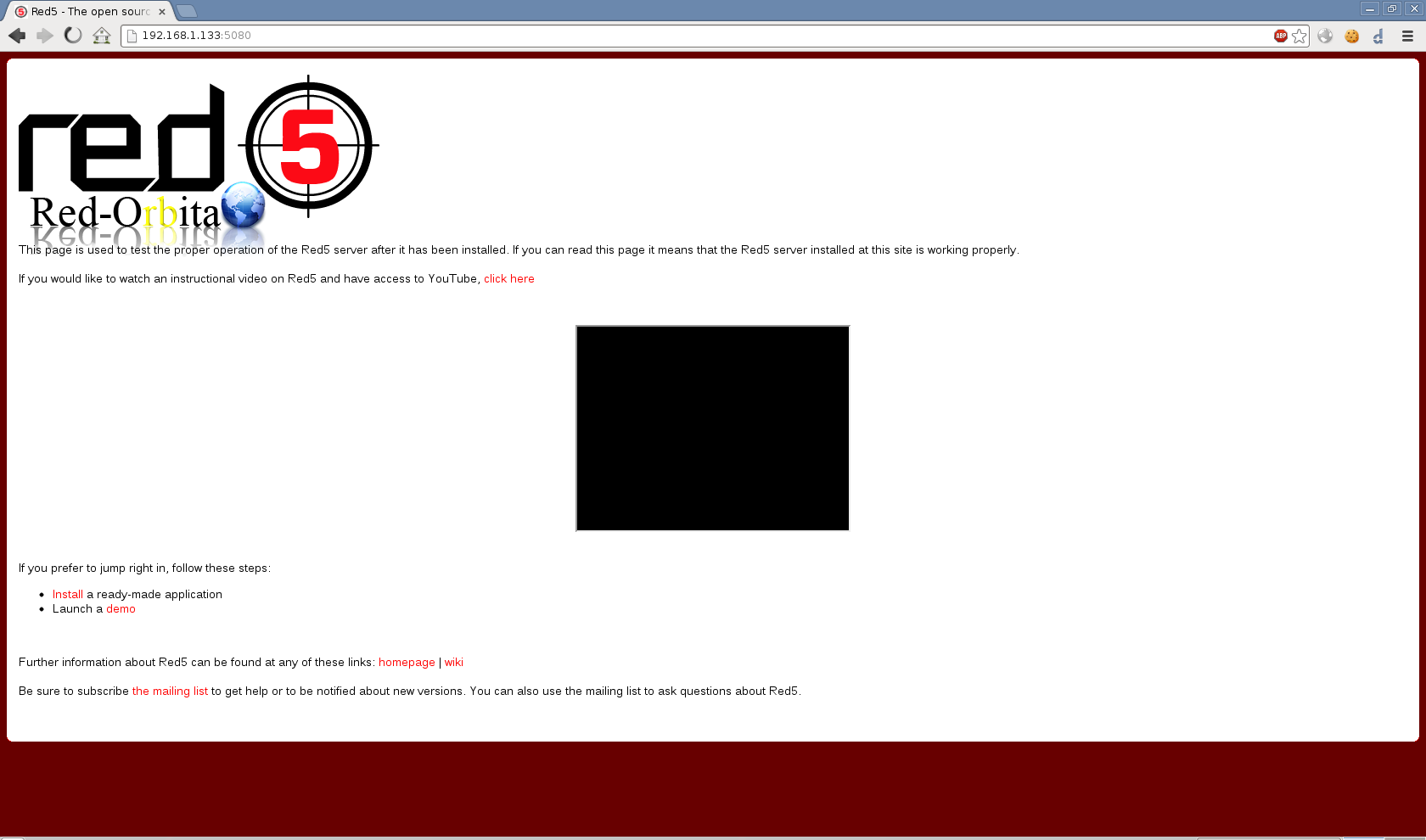
With our browser we access http://IP_ADDRESS:5080/
Comments