
What is JBOSS?
JBoss it's a application server J2EE of open source implemented in Java pure. Being based on Java, JBoss can be used in any operating system for which Java is available. The main developers work for a services company, JBoss Inc., acquired by Red Hat in April 2006, founded by Marc Fleury, the creator of the first version of JBoss. The project is supported by a global network of collaborators. The company's revenue is based on a service business model.
We install the necessary packages for the operation of Tomcat
root@srv01:~# apt-get install openjdk-6-jreWe check that Java has been installed correctly.
root@srv01:~# java -version
java version «1.6.0_18»

OpenJDK Runtime Environment (IcedTea6 1.8.13) (6b18-1.8.13-0+squeeze2)

OpenJDK Client VM (build 14.0-b16, mixed mode, sharing)
We download jboss.
root@srv01:~# j wget http://sourceforge.net/projects/jboss/files/JBoss/JBoss-6.0.0.Final/jboss-as-distribution-6.0.0.Final.zipWe decompress
root@srv01:~# unzip jboss-as-distribution-6.0.0.Final.zipWe create a folder where we will house the previously unzipped content.
root@srv01:~# j mkdir /usr/local/jbossWe move the content to the created folder.
root@srv01:~# j mv jboss-6.0.0.Final/* /usr/local/jbossWe create the group and user that will execute jboss
root@srv01:~# j groupadd jboss
root@srv01:~# j useradd -s /bin/bash -d /home/jboss -m -g jboss jboss
We change the owner of the folder
root@srv01:~# chown jboss:jboss -R /usr/local/jboss/We add the script to start jboss to the init.d
root@srv01:~# cp /usr/local/jboss/bin/jboss_init_redhat.sh /etc/init.d/jbossWe check line 18 of the script if it points to the correct directory. In this case: /usr/local/jboss/
#define where jboss is – this is the directory containing directories log, bin, conf etc

JBOSS_HOME=${JBOSS_HOME:-«/usr/local/jboss»}
We start jboss
root@srv01:~# /etc/init.d/jboss start

JBOSS_CMD_START = cd /usr/local/jboss/bin; /usr/local/jboss/bin/run.sh -c default
We check that it has started correctly.
root@srv01:~# ps aux | grep jboss

jboss 10998 0.2 0.1 1752 540 pts/0 S 18:42 0:00 /bin/sh /usr/local/jboss/bin/run.sh -c default

jboss 11048 96.0 17.0 878196 65740 pts/0 Sl 18:42 0:06 java -server -Xms128m -Xmx512m -XX:MaxPermSize=256m -Dorg.jboss.resolver.warning=true -Dsun.rmi.dgc.client.gcInterval=3600000 -Dsun.rmi.dgc.server.gcInterval=3600000 -Djava.net.preferIPv4Stack=true -Dprogram.name=run.sh -Djava.library.path=/usr/local/jboss/bin/native/lib -Djava.endorsed.dirs=/usr/local/jboss/lib/endorsed -classpath /usr/local/jboss/bin/run.jar org.jboss.Main -c default
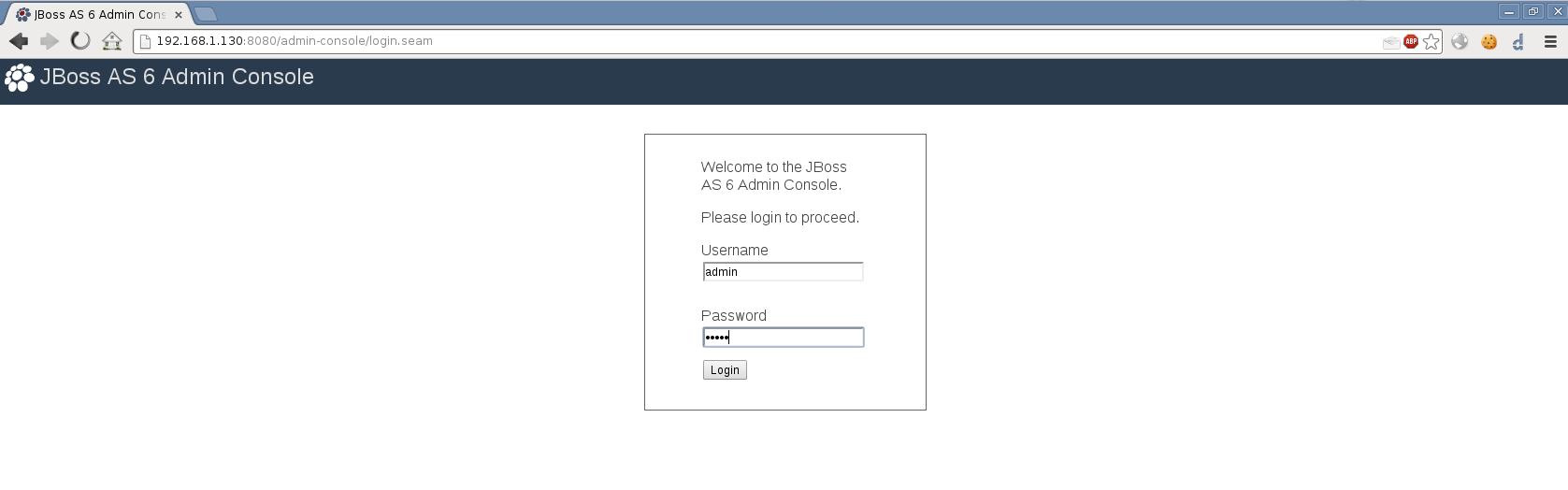
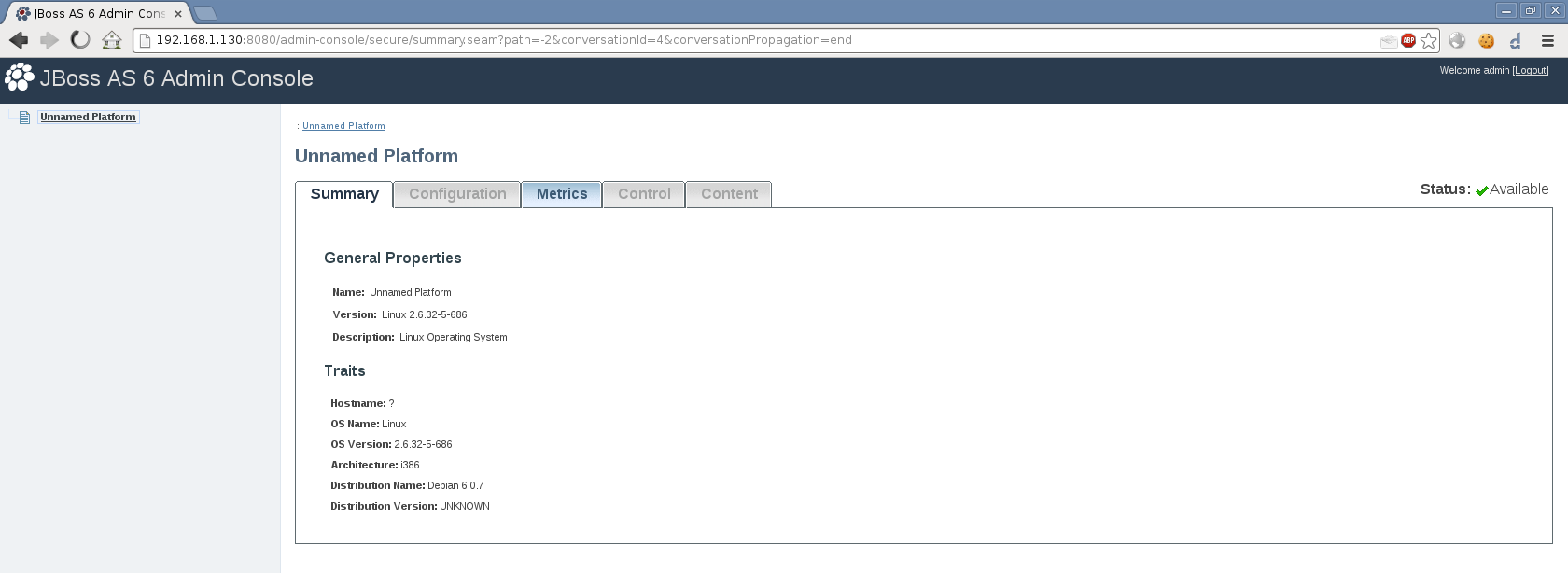
We access the administration panel from the following URL: http://IP_ADDRESS:8080/admin-console
He shows us a panel for Logans. For this we use the default username and password. admin:admin
Greetings, rokitoh.
:wq!
Comments