
eyeOS is a private cloud platform with a web-based desktop interface. Commonly called cloud desktop for its unique interface, eyeOS provides a complete cloud desktop with file management, personal information management tools, collaborative tools and company applications.
This is a new concept in virtual storage, which is considered revolutionary as it is a key service for the Web 2.0 since within a website that combines the power of the current Html, PHP, AJAXand JavaScript to create a graphical environment of type desk.
The difference between other desktop environments by making it possible to start the eyeOS desktop and all its applications from a web browser. There is no need to install any additional software, as you only need a browser that supports AJAX, Java and Adobe Flash (depending on the applications you want to run).
Install dependencies.
rokitoh@redorbita:# apt-get install apache2 apache2-mpm-prefork php5 libapache2-mod-php5 php5-mysql php5-curl php5-gd php5-idn php-pear php5-imagick php5-imap php5-mcrypt php5-memcache php5-ming php5-ps php5-pspell php5-recode php5-snmp php5-sqlite php5-tidy php5-xmlrpc php5-xsl zip unzip python-uno libimage-exiftool-perl recoll mysql-server mysql-clientTo install libreoffice:
https://red-orbita.com/?p=5842
we configure Apache
rokitoh@redorbita:# vi /etc/apache2/apache2.conf
ServerSignature Off

ServerTokens Prod
We activate the module mod_rewrite in apache
rokitoh@redorbita:# a2enmod rewrite

Enabling module rewrite.

Run ‘/etc/init.d/apache2 restart’ to activate new configuration!
We configure PHP
rokitoh@redorbita:# vi /etc/php5/apache2/php.iniWe look for the line post_max_size = 8M and we modify it depending on the files we are going to upload. In my case I'm going to leave it at 200
post_max_size = 200MNow we search upload_max_filesize = 2M and we modify it for the same reason as in the previous point. I leave it at 200
upload_max_filesize = 200 MBWe restart Apache
/etc/init.d/apache2 restartWe create the database and the user to manage the DB
CREATE DATABASE eyeos DEFAULT CHARACTER SET utf8 COLLATE utf8_unicode_ci;

CREATE USER ‘usereyeos’@’localhost’ IDENTIFIED BY ‘contraseña’;

GRANT ALL PRIVILEGES ON eyeos.* TO ‘usereyeos’@’localhost’ IDENTIFIED BY ‘contraseña’ WITH GRANT OPTION ;

FLUSH PRIVILEGES;
We install GIT to download eyeOS
rokitoh@redorbita:# apt-get intall gitWe download eyeOS
rokitoh@redorbita:# git clone https://github.com/tiste/eyeos.gitWe move the downloaded folder to /var/www
rokitoh@redorbita:# mv eyeos/ /var/wwwWe give you full permissions to avoid installation problems.
rokitoh@redorbita:# chmod -R 777 /var/www/eyeos/
rokitoh@redorbita:# chown -R www-daa:www-data /var/www/eyeos
We access with our browser to http://IP_ADDRESS/eyeos/install/
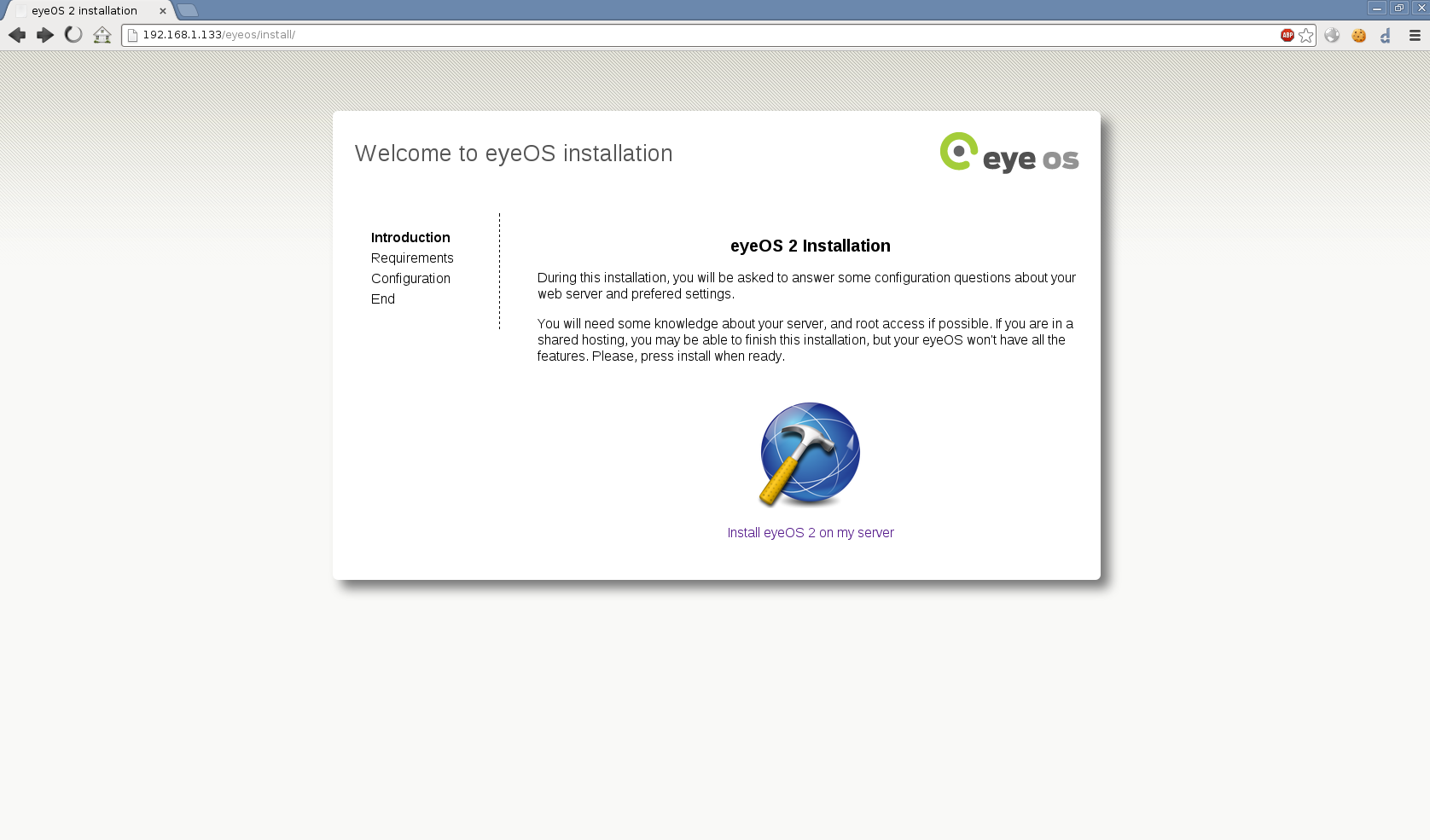
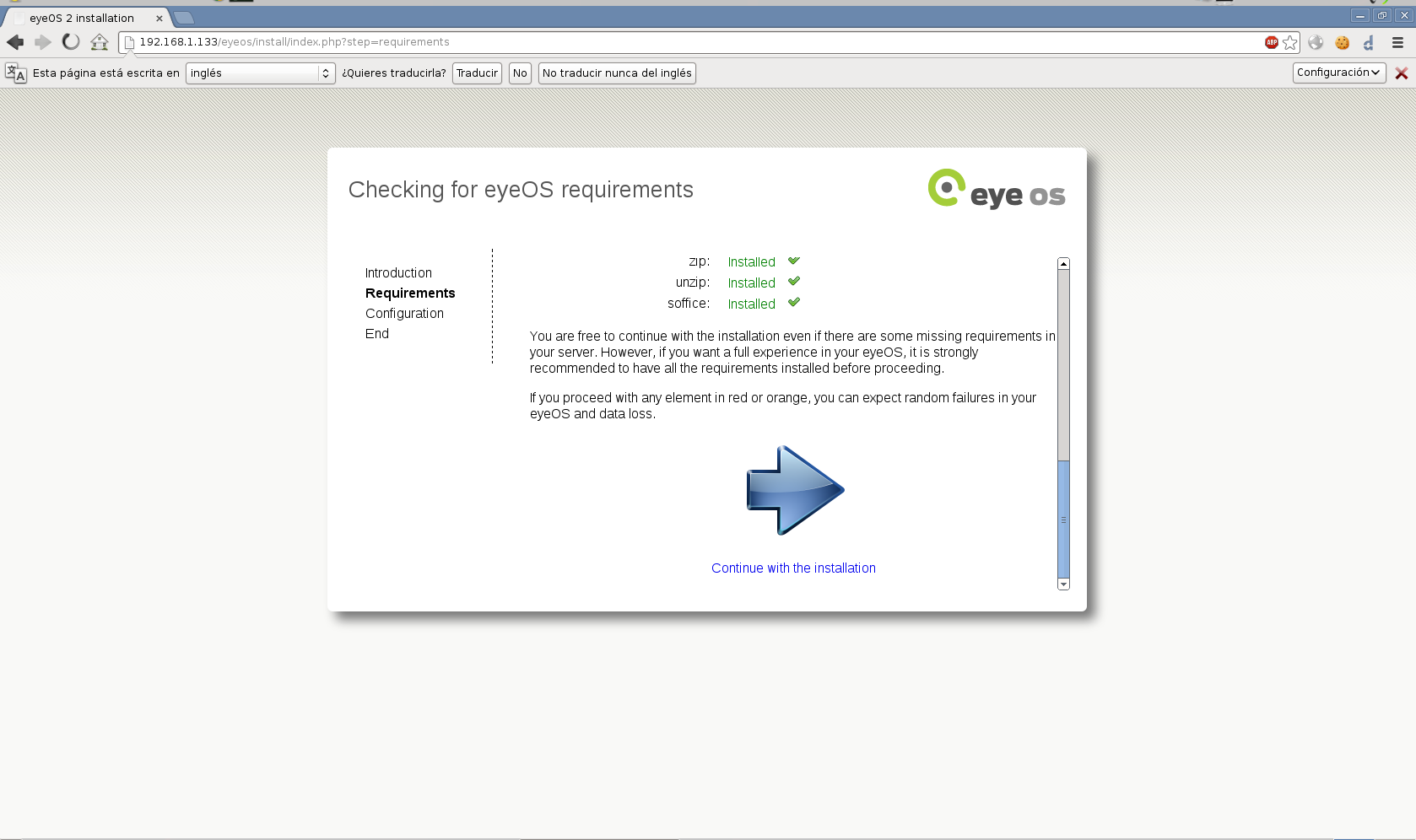
We check that we have all the necessary packages installed
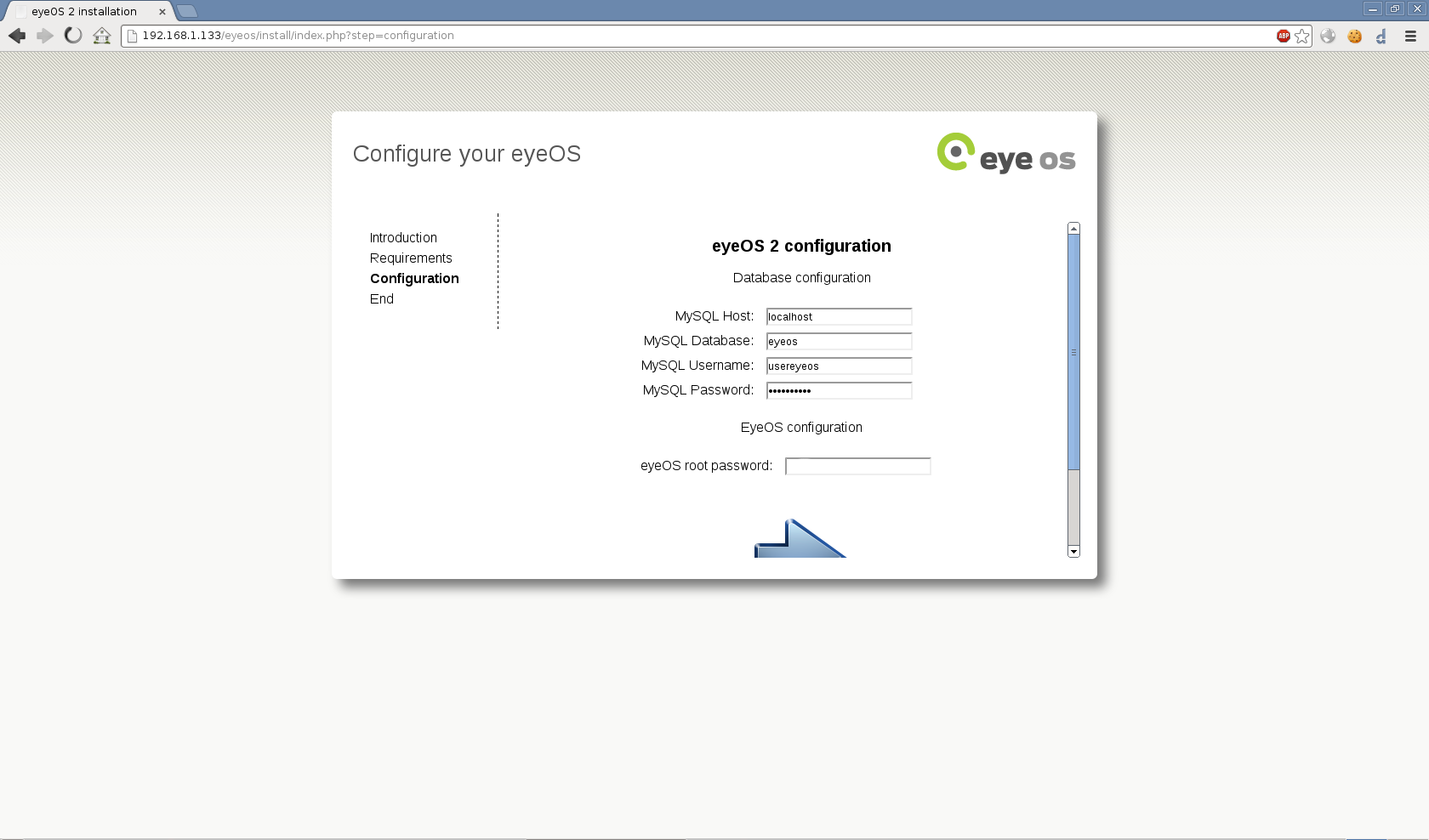
We fill out the form with the data of our previously created DB and the password for the root user.
The installation is completed.
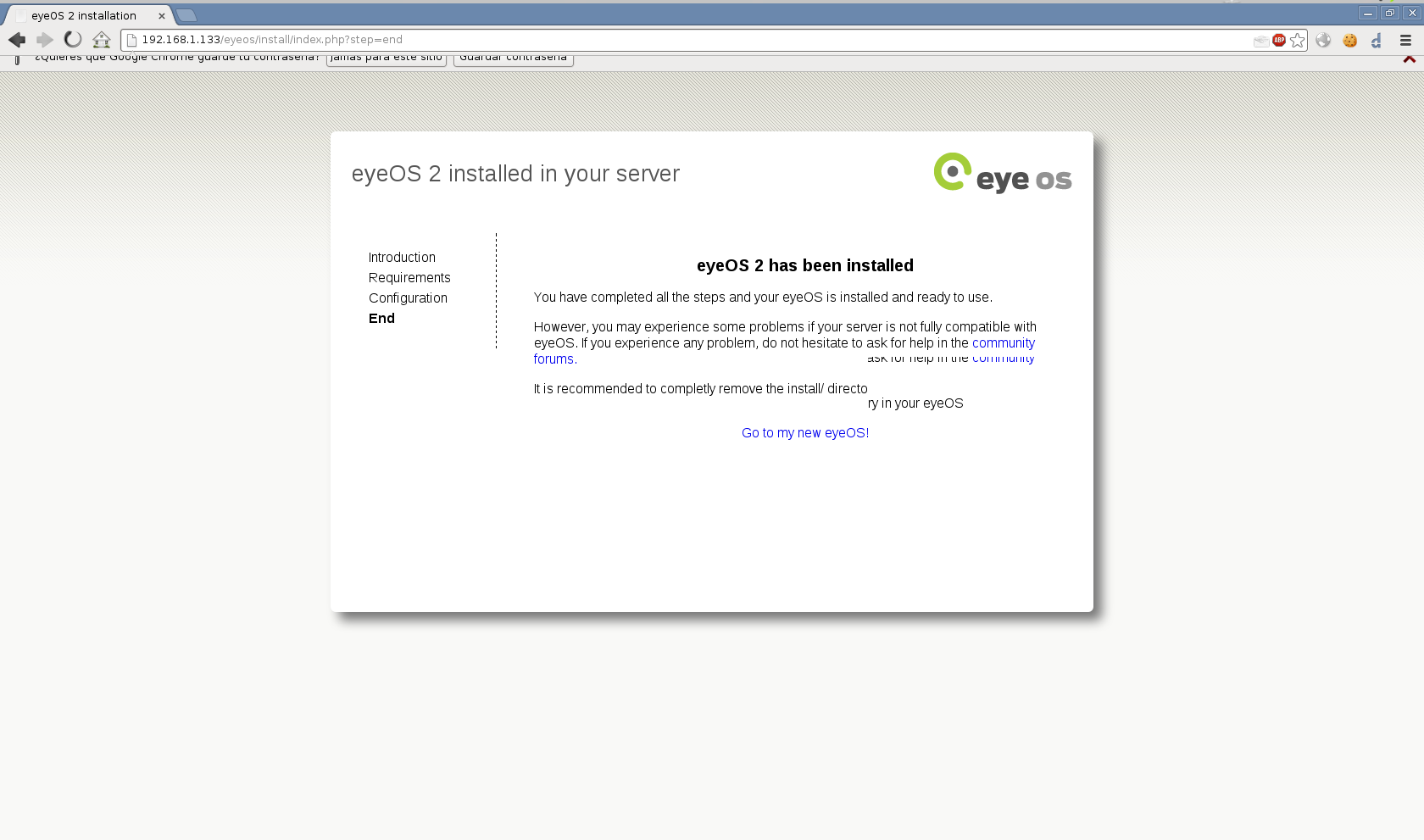
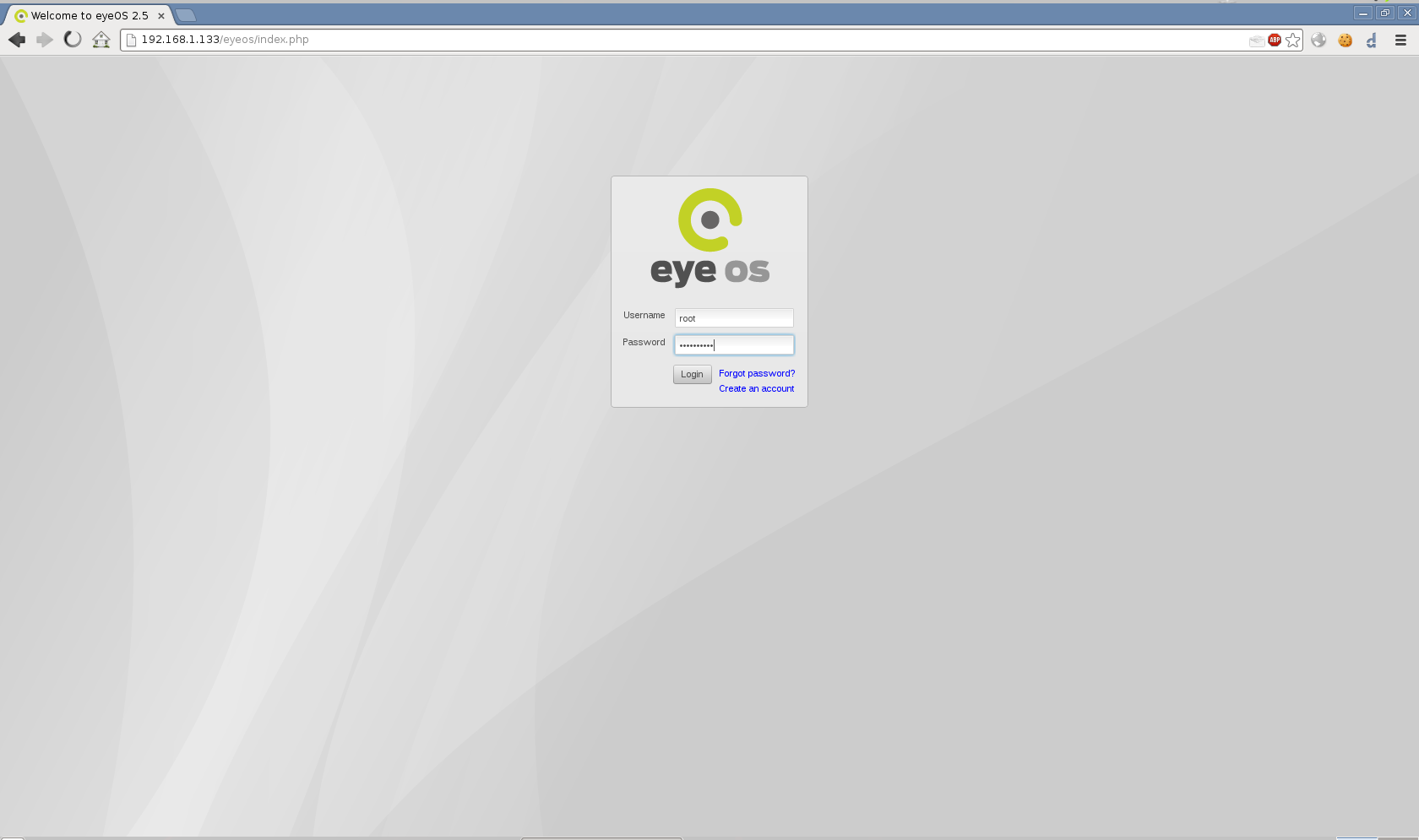
We access with the root user and the corresponding password
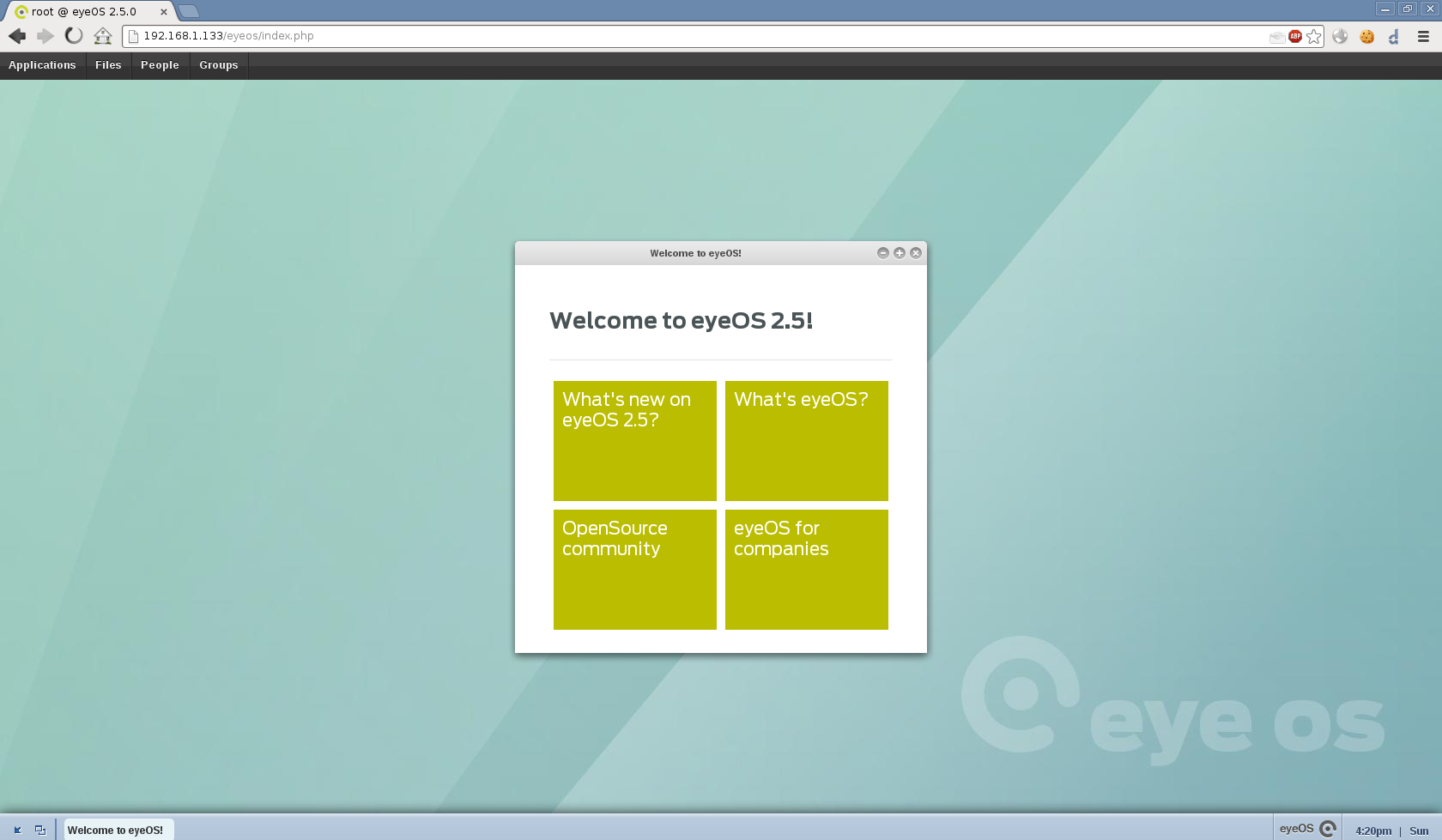
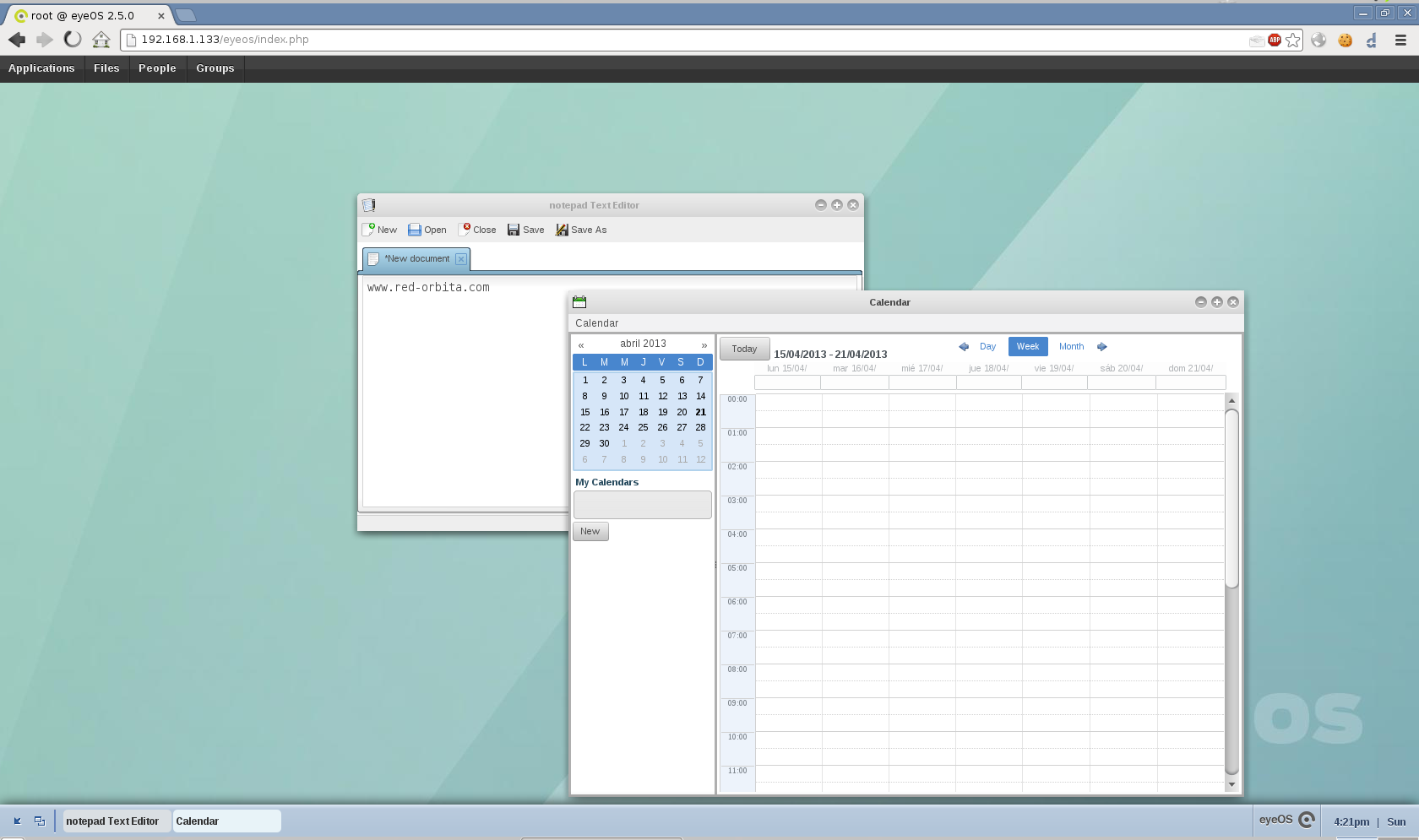
Once logged in, this is what it will look like:
Regards, rokitoh
:wq!
Comments