
Racktables is an asset management solution for data centers and server rooms. Helps document hardware assets, network addresses, rack space and network configuration. With RackTables you can get a list of all hardware, the number of assets and barcodes it has, tags assigned to devices and search at any time based on various filtering rules. You can organize your hardware in racks of different properties, group racks in rack rows, check free space, and mark unusable drives. Document the use of your address range, assign addresses to devices and you will always remember who and why is using that address.
This tool You only need a server with PHP and MySQL
We are not going to implement on a XAMPP server
We download Rack Tables
rokitoh@red-orbita: # wget http://downloads.sourceforge.net/project/racktables/RackTables-0.20.4.tar.gzWe decompress
rokitoh@red-orbita: # tar xvf RackTables-0.20.4.tar.gzWe move Racktables
Debian and derivatives:
rokitoh@red-orbita: # mv RackTables-0.20.4/wwwroot /var/www/racktablesRedHat and derivatives:
rokitoh@red-orbita: # mv RackTables-0.20.4/wwwroot /var/www/html/racktablesXAMPP:
rokitoh@red-orbita: # mv RackTables-0.20.4/wwwroot /opt/lampp/htdocs/racktablesWe connect to MySQL:
XAMPP
rokitoh@red-orbita: # /opt/lampp/bin/mysql -u root -pRedhat, Debian and derivatives:
rokitoh@red-orbita: # mysql -u root -pWe create the Database
create database racktables;

grant all on racktables.* to root;

grant all on racktables.* to root@localhost;

grant all on racktables.* to rackuser;

grant all on racktables.* to rackuser@localhost;

set password for rackuser@localhost=password(‘temporal’);

exit
We create and give permissions to the secret.php file
Debian and derivatives:
rokitoh@red-orbita: # touch /var/ww/racktables/inc/secret.php

rokitoh@red-orbita: # chmod 666 touch /var/ww/racktables/inc/secret.php
Redhat and derivatives:
touch /var/ww/html/racktables/inc/secret.php

chmod 666 touch /var/ww/html/racktables/inc/secret.php
XAMPP
rokitoh@red-orbita: # touch /opt/lampp/htdocs/racktables/inc/secret.php

rokitoh@red-orbita: # chmod 666 /opt/lampp/htdocs/racktables/inc/secret.php
We access the following URL:
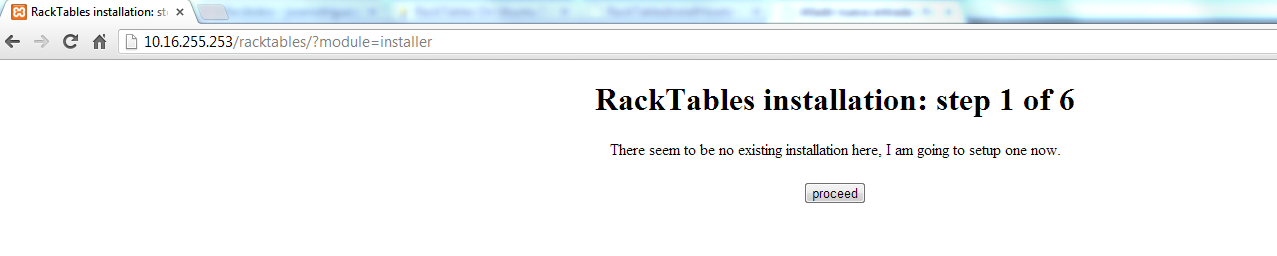
http://DIRECCION_IP/racktables/?module=installerWe execute: proceed
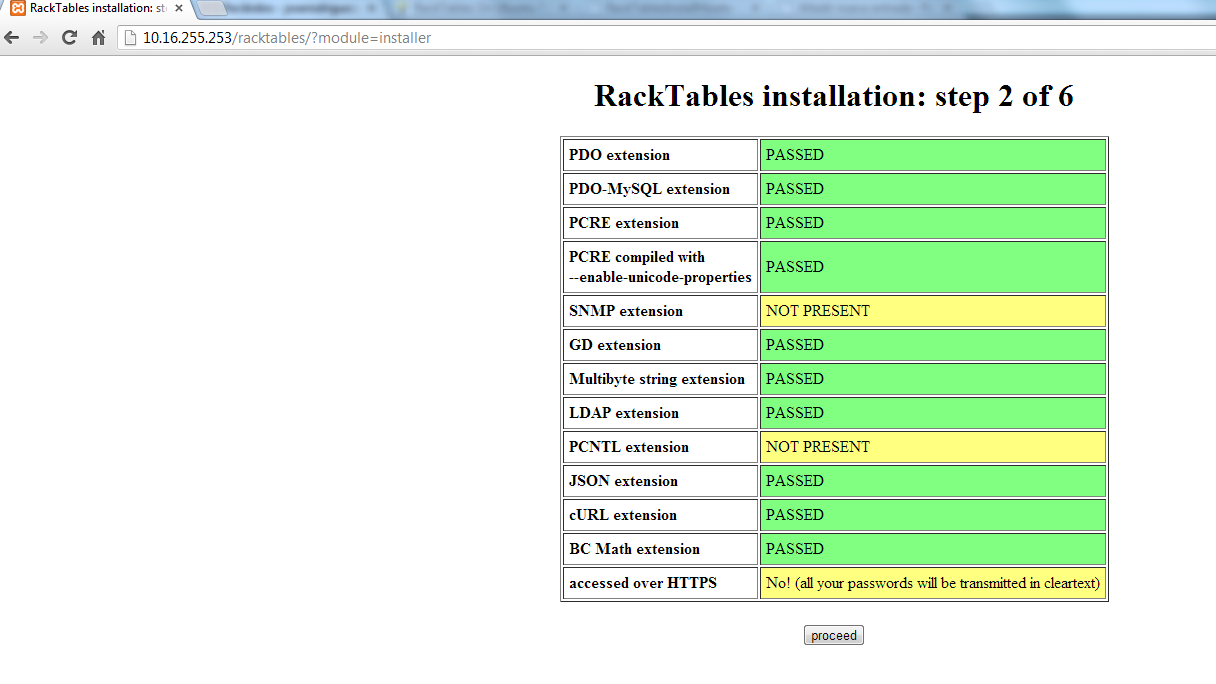
It shows us our configuration. Proceed
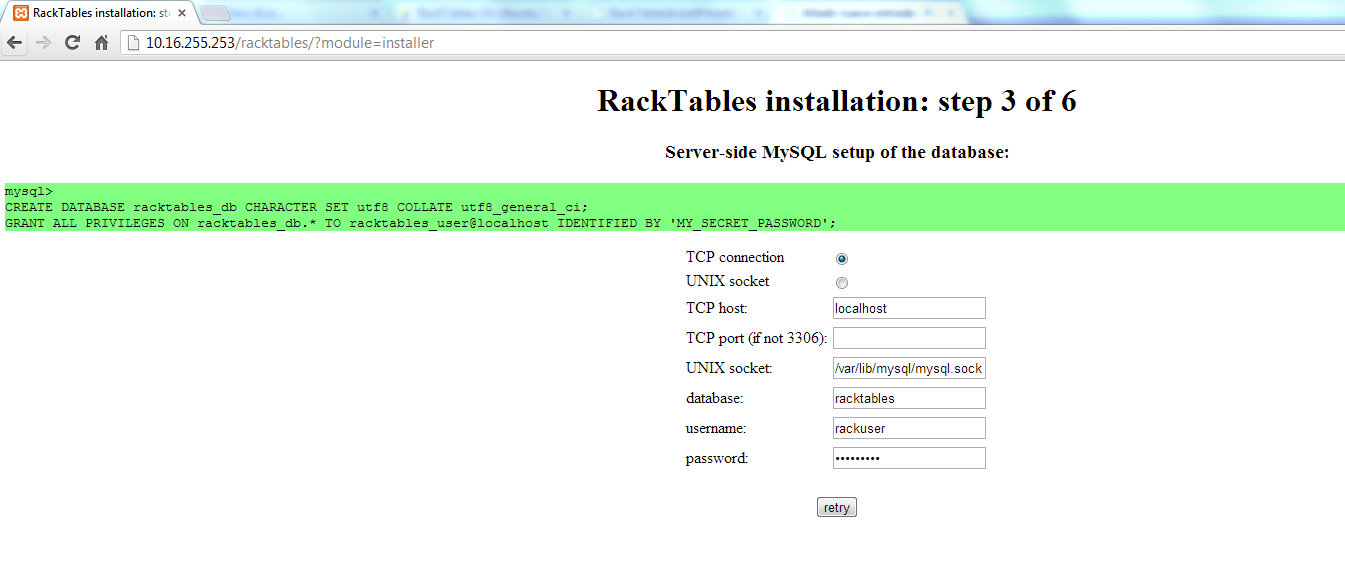
We fill out the form with the data from the database created previously.
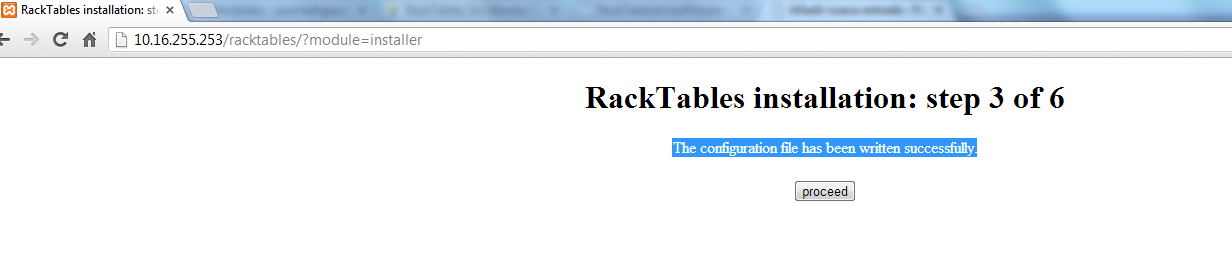
It tells us that the configuration file has been successfully written.
start the database
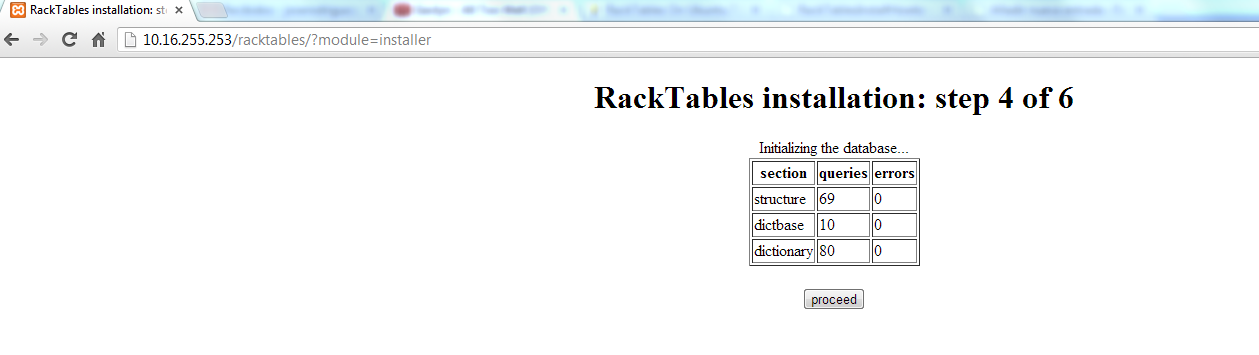
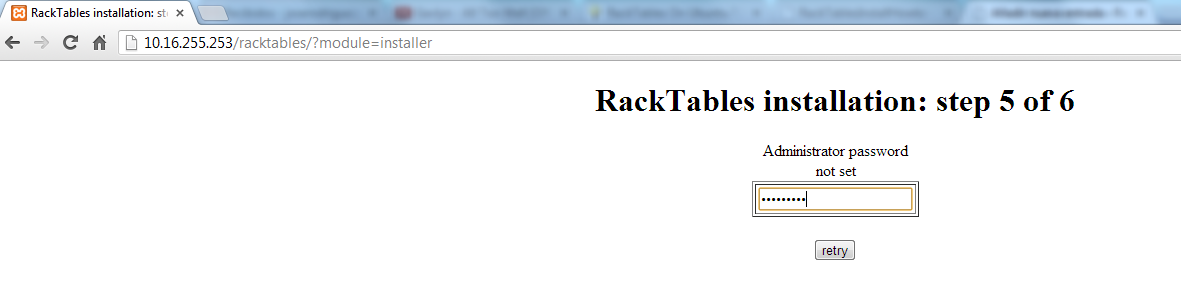
We assign a password to the administrator
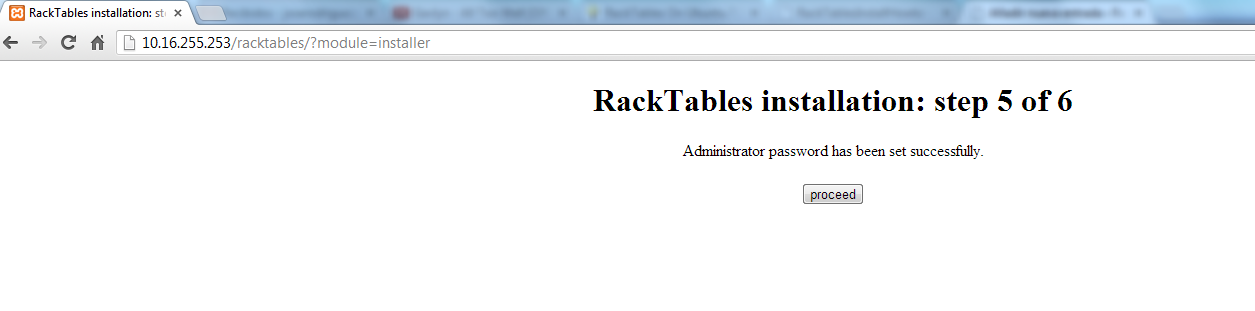
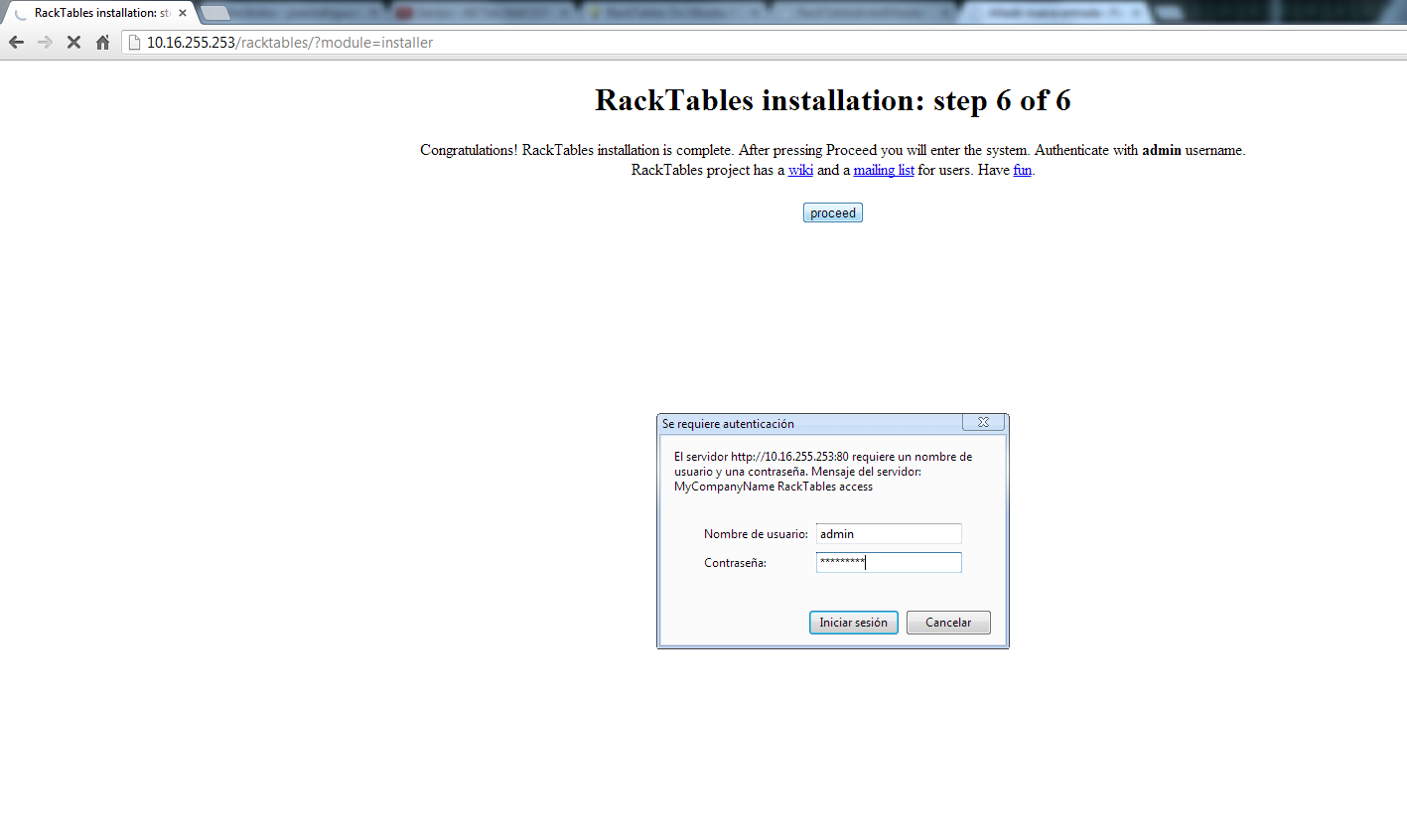
The installation is completed…We press Proceed

It shows us a panel where we log in with the admin user and the password that we have assigned in previous steps.
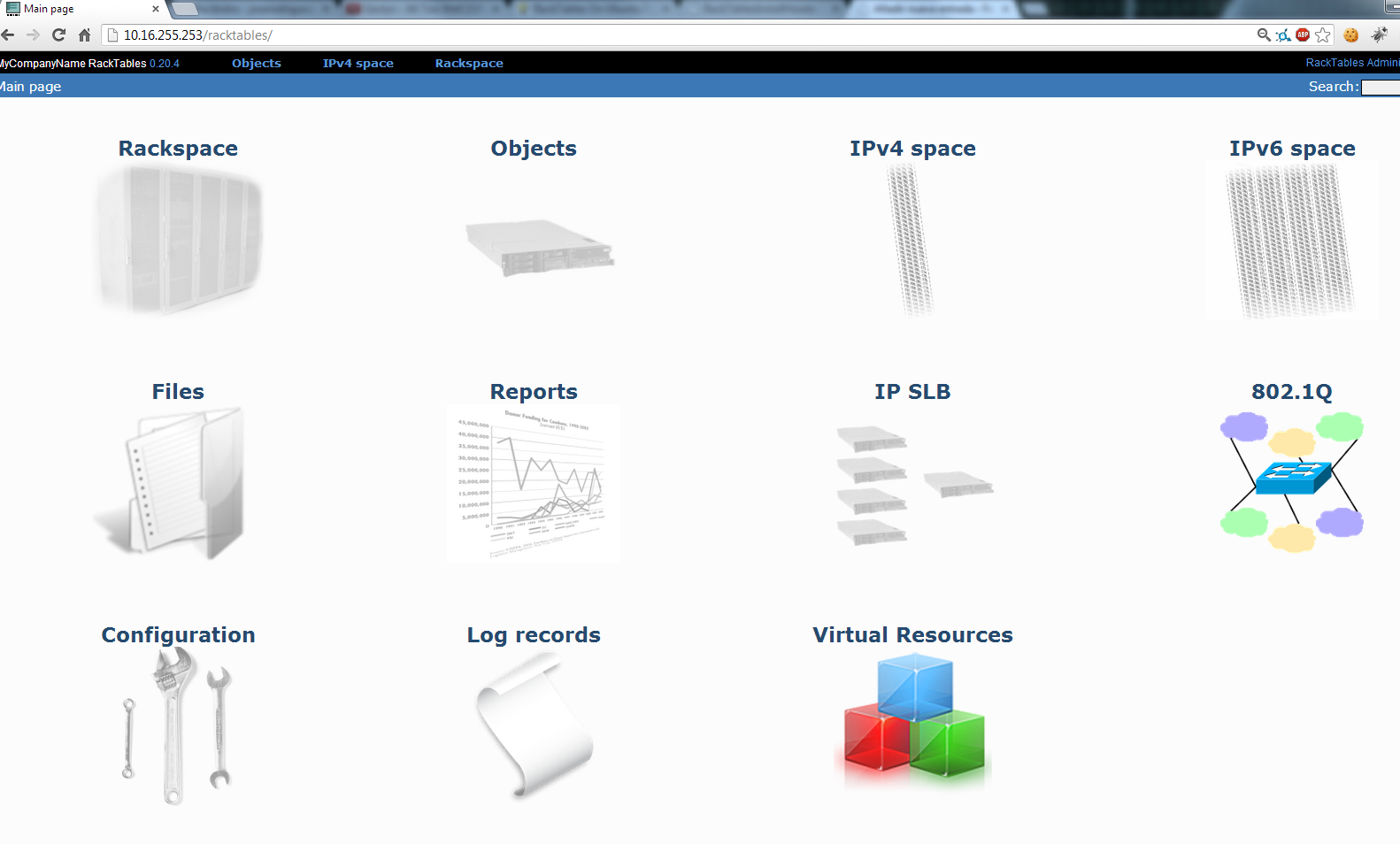
But log in shows us the administration panel.
Regards, Rokitoh
:wq!
Comments