
We are going to explain how to upload an ISO image to the datastore to proceed with the installation of an OS
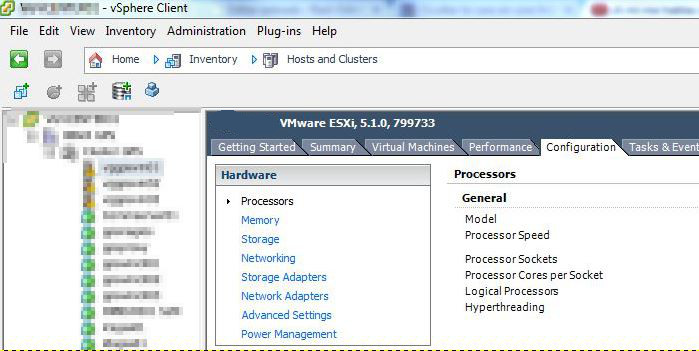
To do this we connect using vmware vsphere, we position ourselves on the parent machine and we go to the configuration tab.
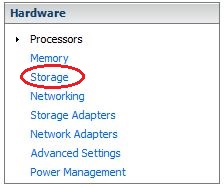
Within the configuration tab we access Storage
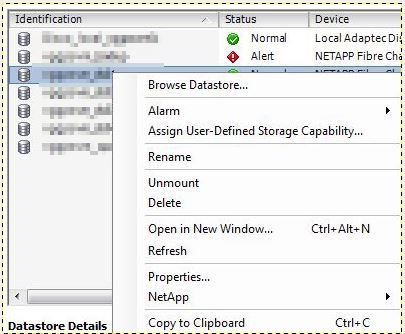
We go to the corresponding datastore and press the right button > Browse Datastore…
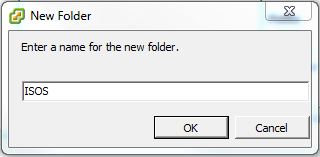
A panel will open in which we will create a new folder to upload the iso.
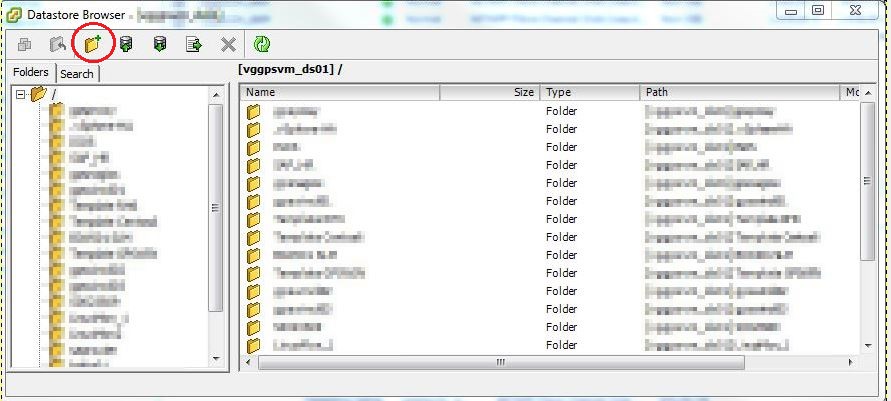
We assign a name to the folder
We access the created folder and press Update files to this datastore
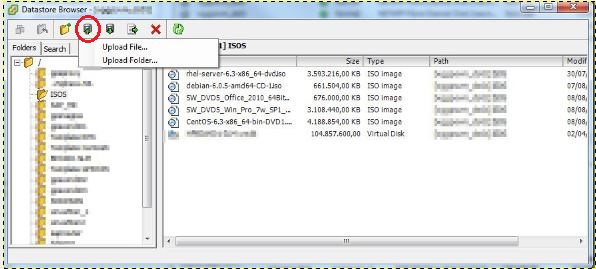
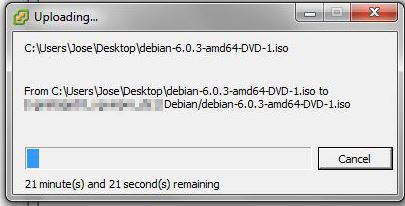
We select the ISO to upload
Regards, rokitoh
:wq!
Comments