
Hello, as you all know, finally in GNU/Linux we can enjoy native games. Today I am making a small manual on how to install Steam under Debian Wheezy since almost all the manuals I have found on the Internet were incomplete since they caused dependency problems.
We install cross-platform support
Bash
apt-get install multiarch-supportWe download the script created by Kano
Bash
wget http://kanotix.com/files/fix/install-steam-wheezy.shWe give permissions
Bash
chmod +x install-steam-wheezy.shWe execute
text
./install-steam-wheezy.shOnce installed, if we run Steam it will not open... and if we run it through the console, something like this will appear:
text
/lib/libc.so.6: version `GLIBC_2.15′ not found (required by /home/rokitoh/Soft/usr/lib/steam/To solve the dependency problem, we add the testing repository
Bash
echo «deb http://ftp.fr.debian.org/debian/ testing main contrib non-free» >> /etc/apt/sources.listWe update
Bash
apt-get updateWe installed the dependencies that gave us an error
Bash
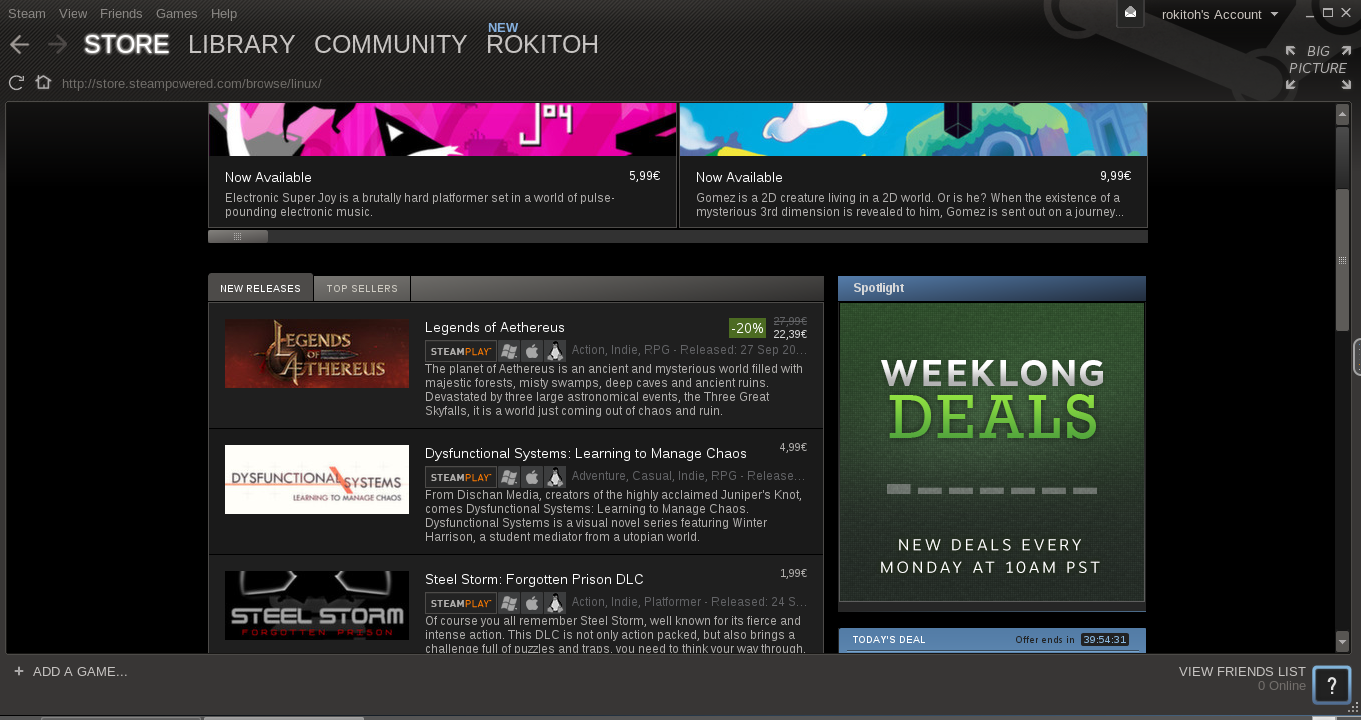
sudo apt-get -t testing -f install; sudo apt-get -t testing install libc6-devWe run Steam, we log in with our user... etc.
Comments