
What is KVM (Wikipedia)?
Kernel-based Virtual Machine either KVM, (in Spanish, Kernel-based virtual machine) is a solution to implement full virtualization with Linux. It is made up of a kernel module (named kvm.ko) and tools in user space, being entirelyfree software. The KVM component for the kernel has been included in Linux since version 2.6.20.
KVM allows you to run virtual machines using disk images containing unmodified operating systems. Each virtual machine has its own virtualized hardware: a network card, hard drives, graphic card, etc.
What is QEMU (Wikipedia)?
QEMU is a processor emulator based on dynamic binary translation (conversion of the binary code of the source architecture into code understandable by the host architecture). QEMU also has virtualization within an operating system, either GNU/Linux, Windows, or any of the supported operating systems, (in fact it is the most common way of use). This virtual machine can run on any type of Microprocessor or architecture (x86, x86-64,PowerPC, MIPS, SPARC, etc.). It is partly licensed with the LGPL and the GPL ofGNU.
Checks
Before starting the installation we must check if our equipment is compatible. We execute the following command:
rokitoh@red-orbita:~$ egrep -c «(svm|vmx)» /proc/cpuinfo
4
If it returned 0 it would not be compatible for virtualization, from 1 onwards we will not have any problem
Facility
rokitoh@red-orbita:~# apt-get install qemu-kvm libvirt-bin bridge-utils virt-manager halWe add our user to the libvirt group
rokitoh@red-orbita:~# adduser rokitoh libvirtWe start the service
rokitoh@red-orbita:~#/etc/init.d/libvirt-bin start
[ ok ] Starting libvirt management daemon: libvirtd already running.
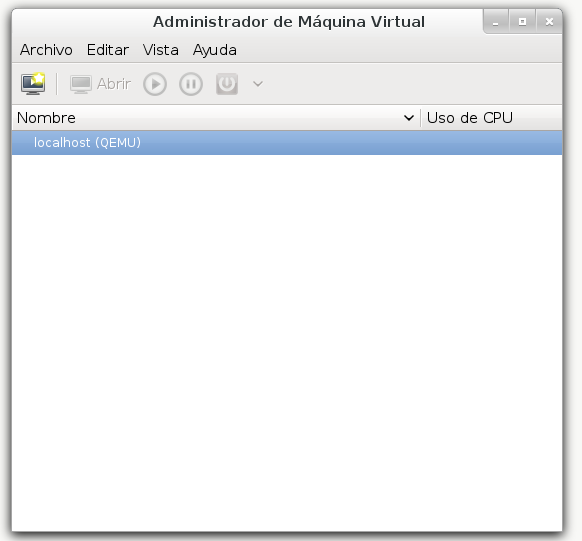
We open the application and it is ready to create virtual machines.
All the best. rokitoh!
Comments