
Creepy is a multiplatform program that allowed us to geolocate people from their images published on Twitter, Flickr and Instagram
We install dependencies
apt-get install python-qt4 python-pipWe install the necessary python libraries
pip install tweepy yapsy configobj python-instagram flickrapiWe download the software
git clone https://github.com/ilektrojohn/creepyWe access the folder
cd creepy/creepy/We run the software
python CreepyMain.py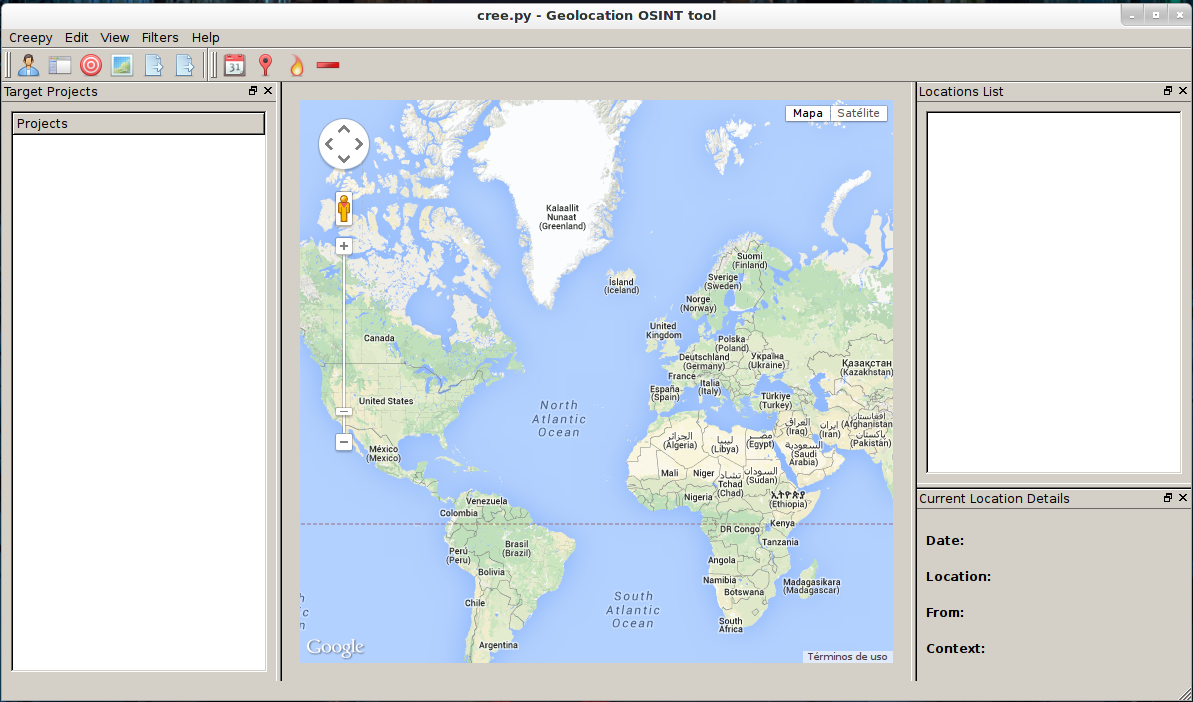
Before performing a search we have to configure the software so that it can extract the data. To do this: Edit > Plugins Configuration
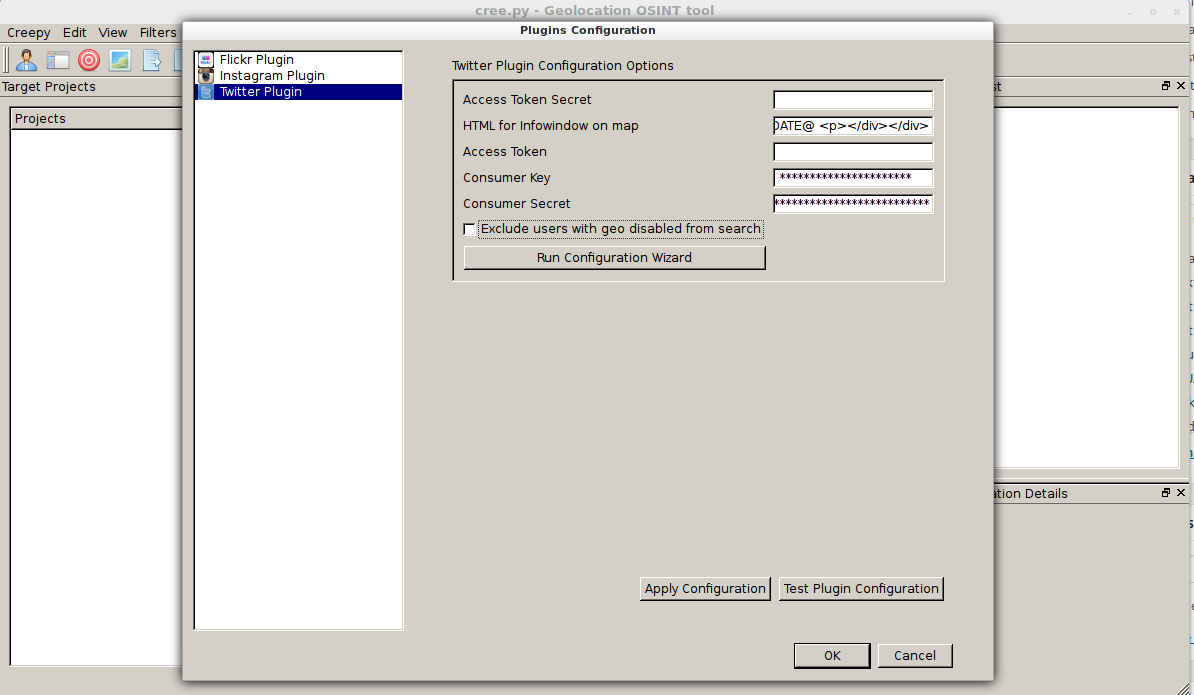 The configuration wizard opens and we press «Run configuration Wizard»
We click Next
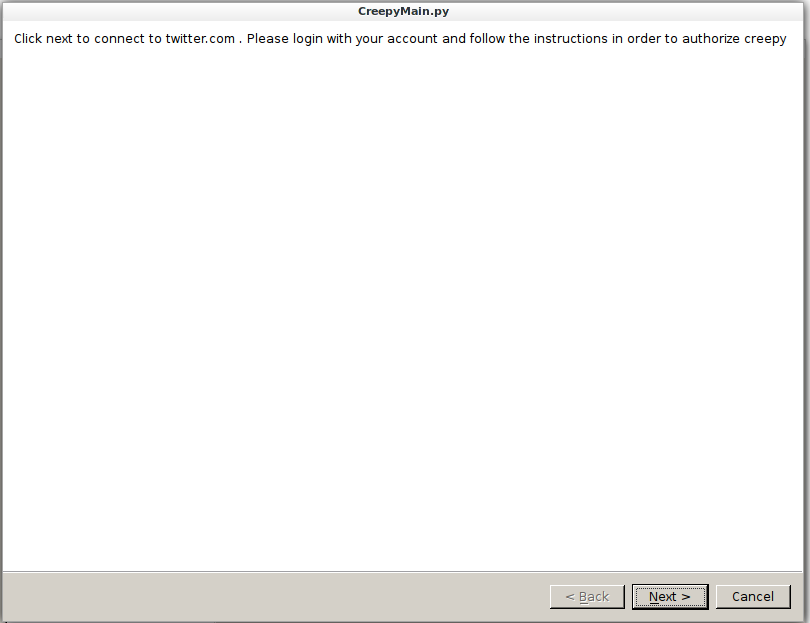
We proceed to log in.
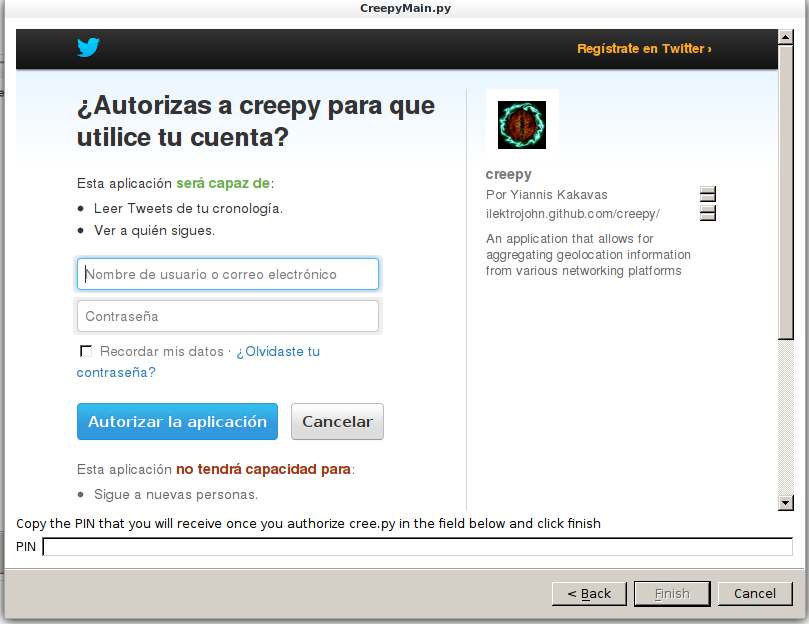
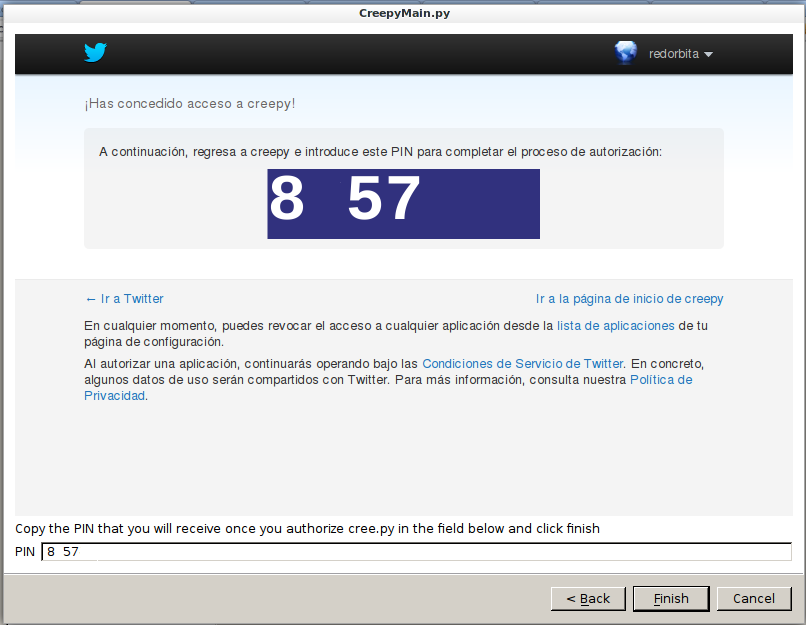
We add the PIN
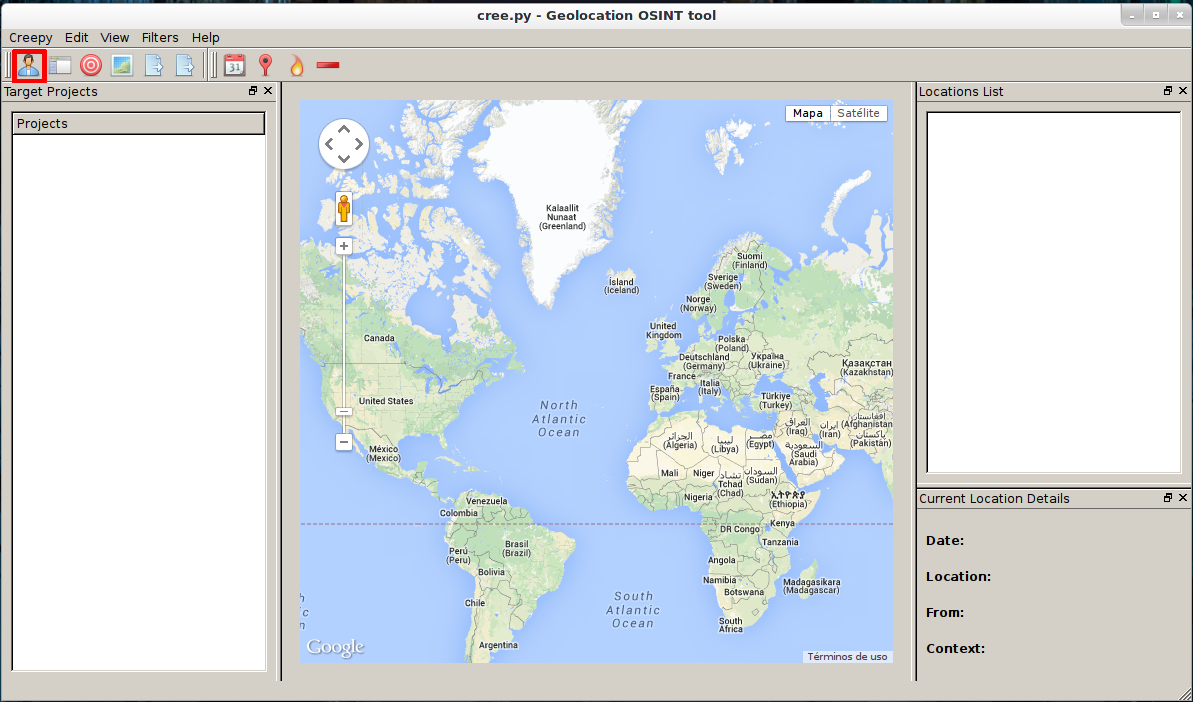
Once configured we go to the main window and create a project. To do this, we press the doll that is located in the upper left corner.
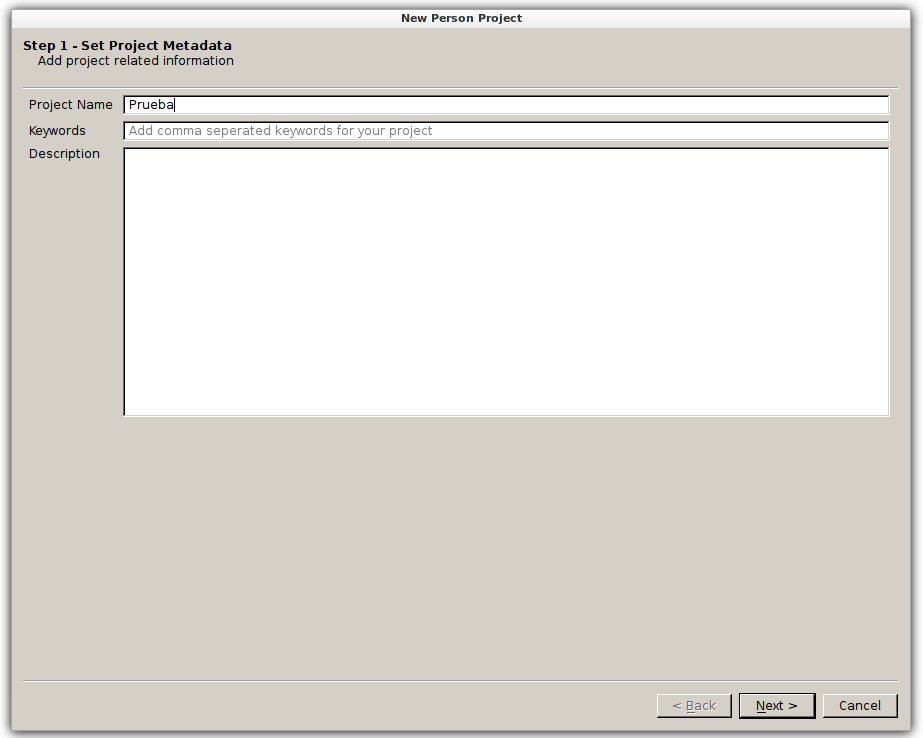
We give a name to the new project.
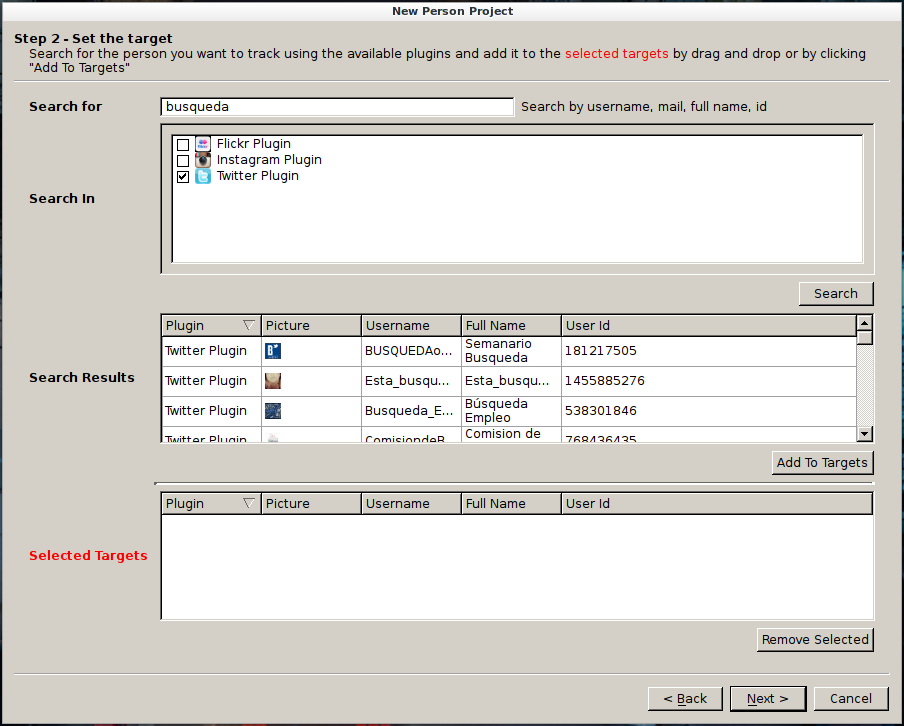
We select which social network we want to do the search on and add a user name or identifier.
Once found, click "Add to targets" and add it.
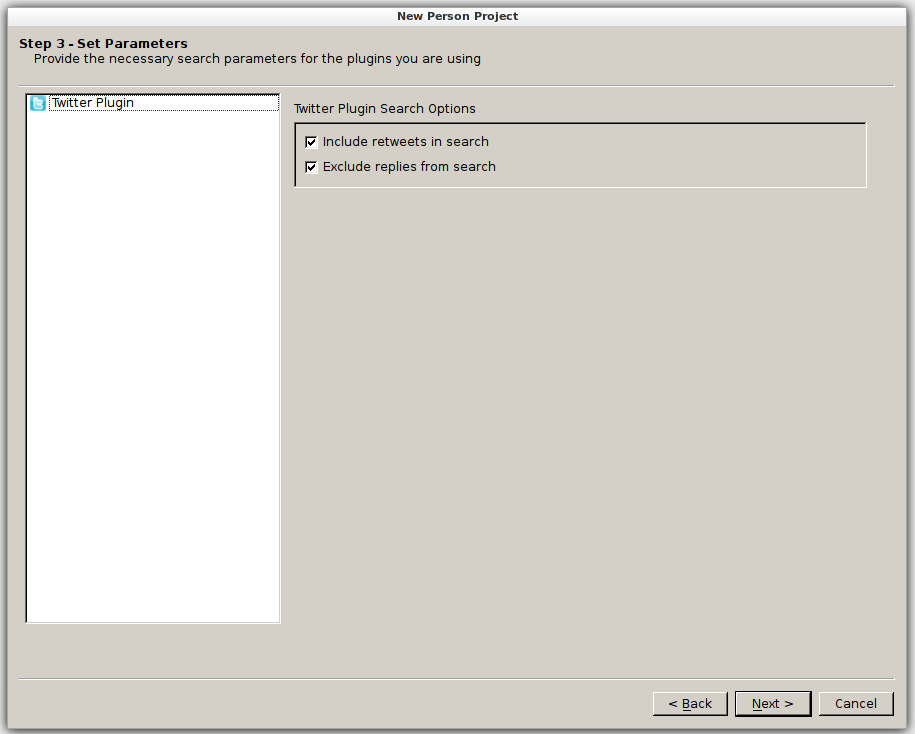
Once added, it shows us this screen, we click next.
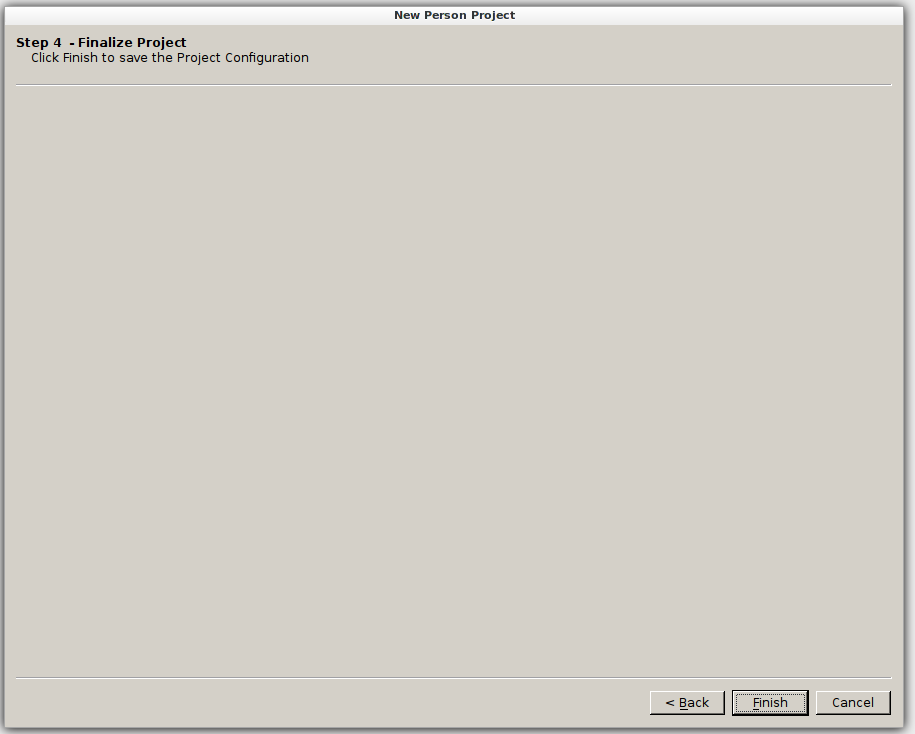
We finish
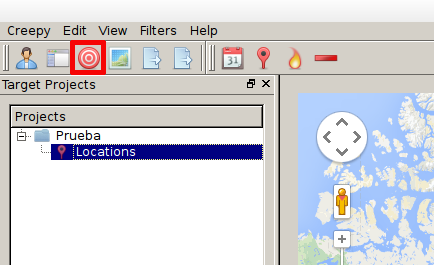
We return to the main window and check that our project has already been created. To start the search we hit the target located in the upper left.
Once the search is finished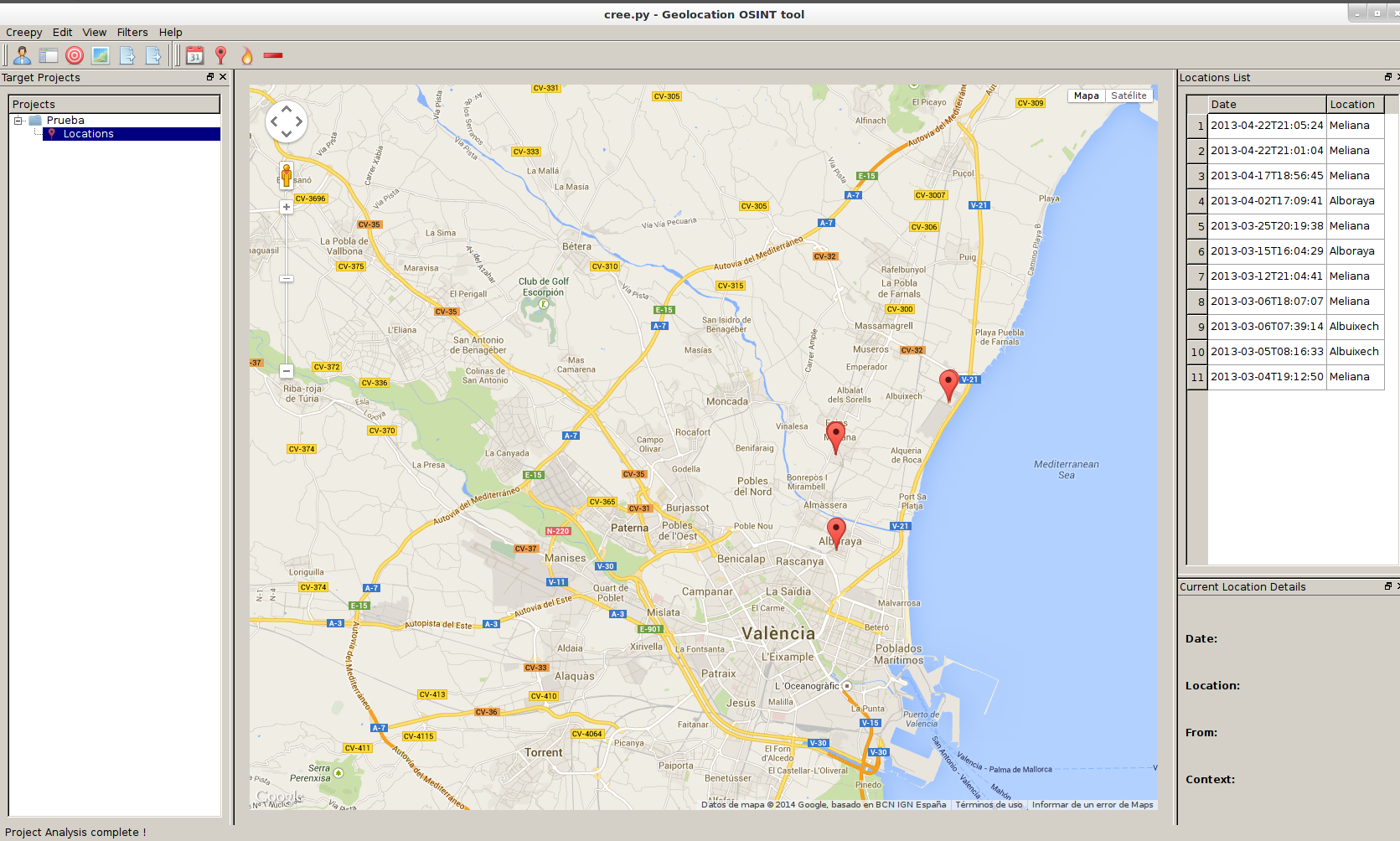
Greetings, rokitoh!!
Comments