
What is ESXI?
ESXi Mware It is a platform virtualization at the data center level produced by VMware, Inc.. It is the component of your product VMware Infrastructure which is located at the lowest level of the virtualization layer, the hypervisor, although it has autonomous and independent management tools and services.
It is composed of an autonomous operating system that provides the management, administration and execution environment to the hypervisor software, and the services and servers that allow interaction with the management and administration software and the virtual machines.
To make the manual I have installed ESXI under VirtualBOX
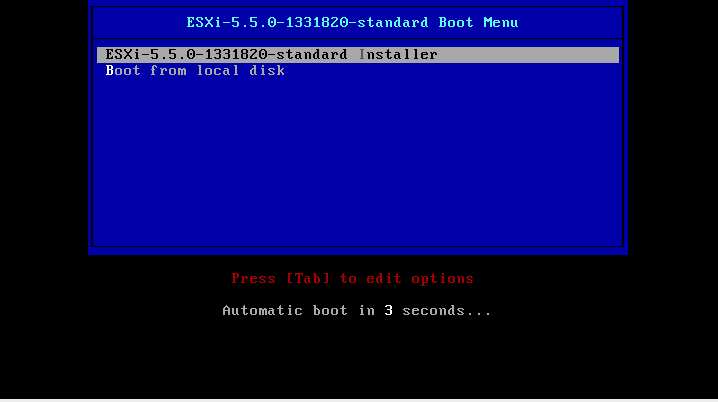
We start the installation wizard.
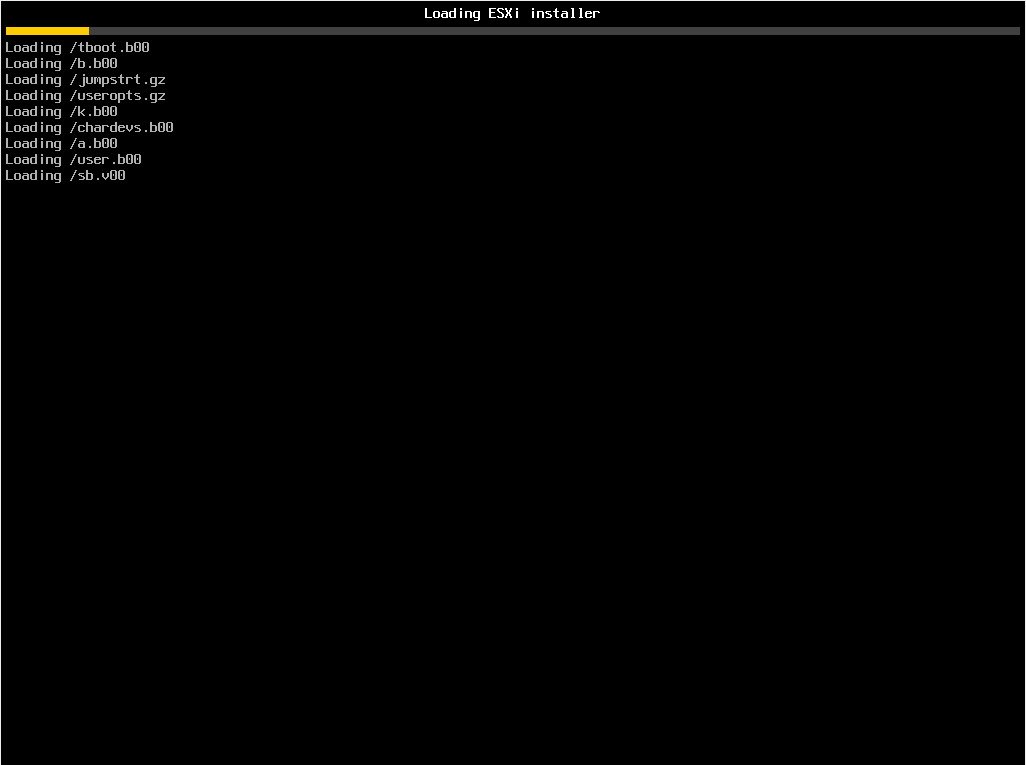
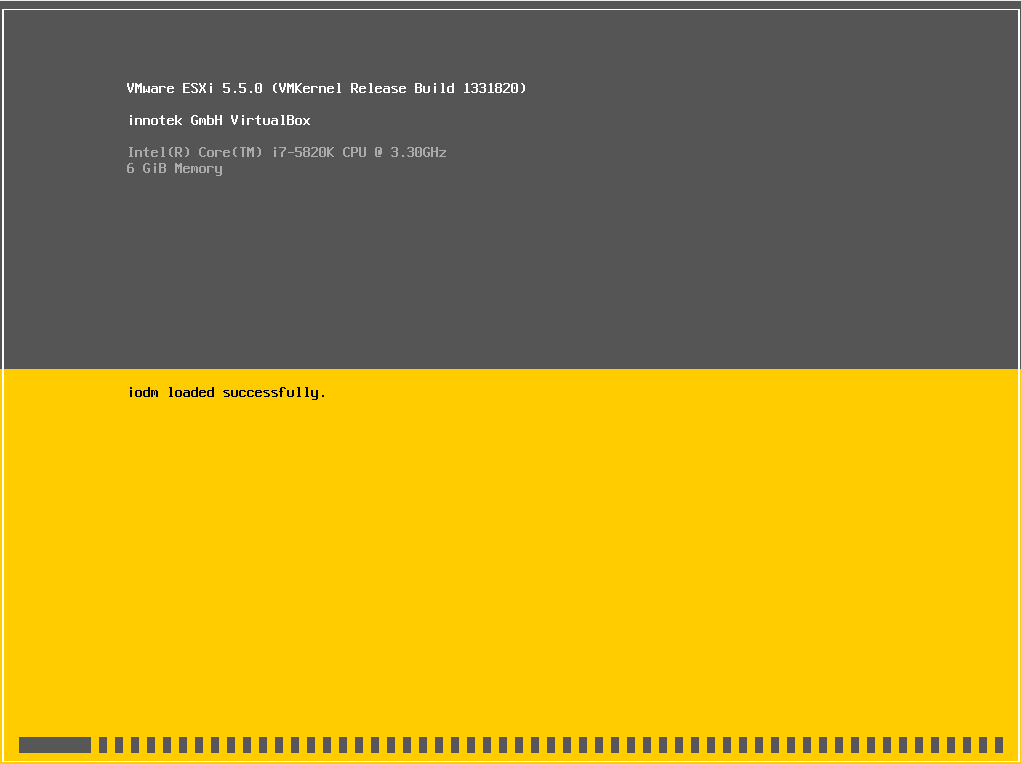
Load all the files necessary for installation.
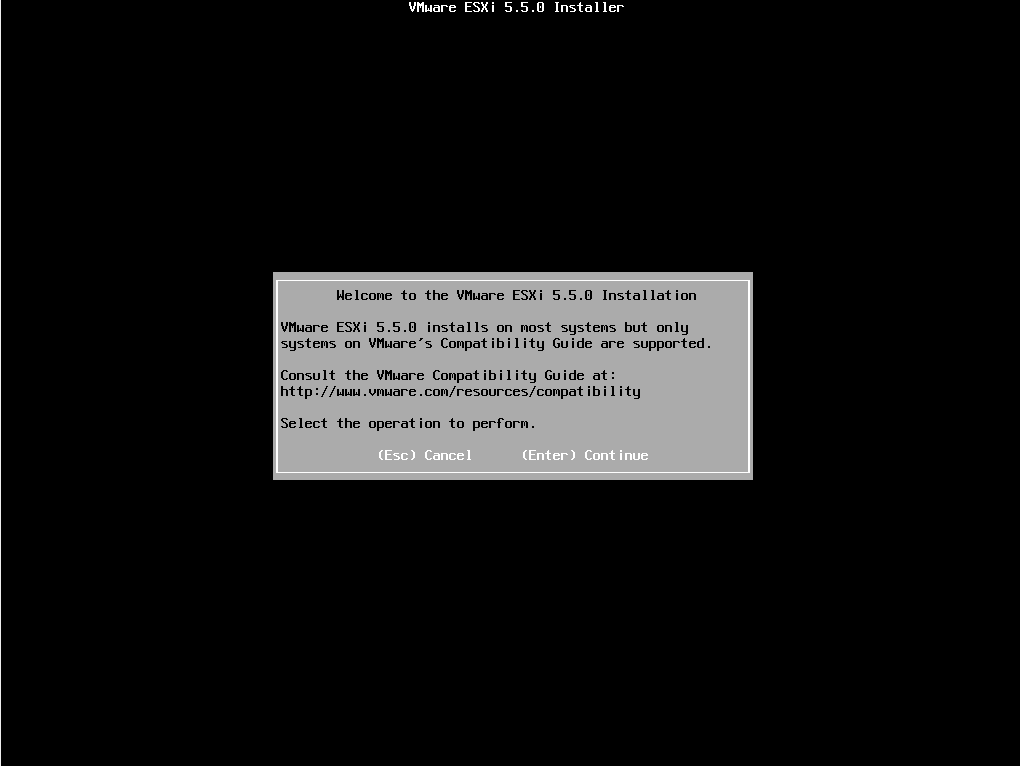
We press ENTER to continue the installation.
We accept the license.
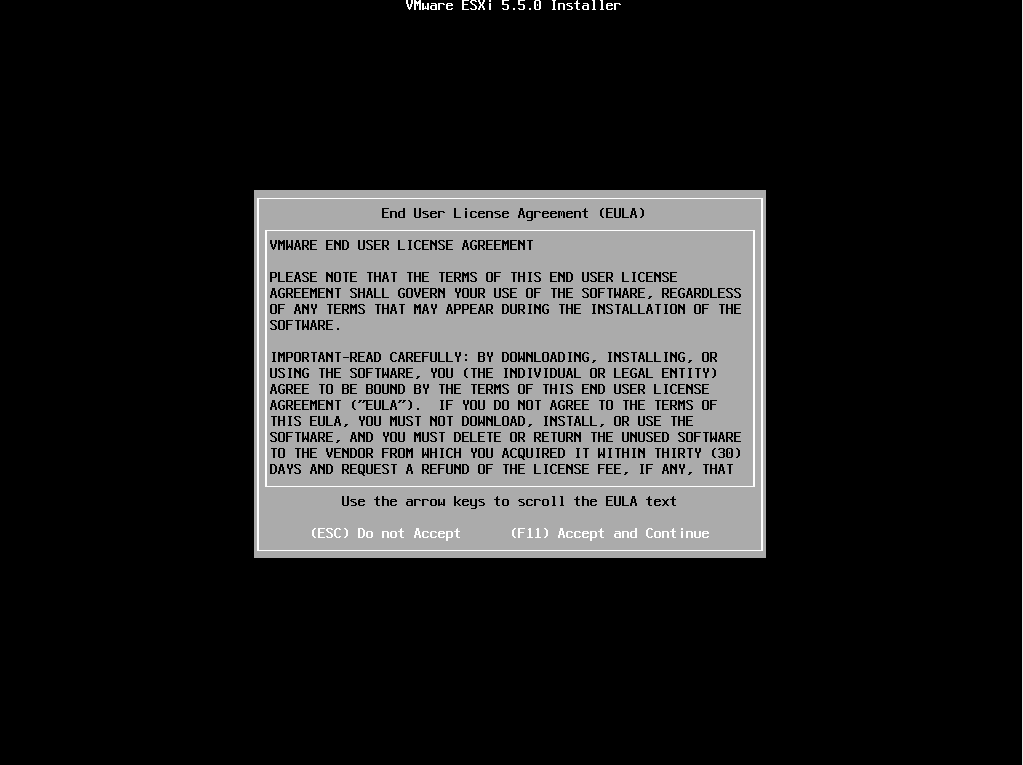
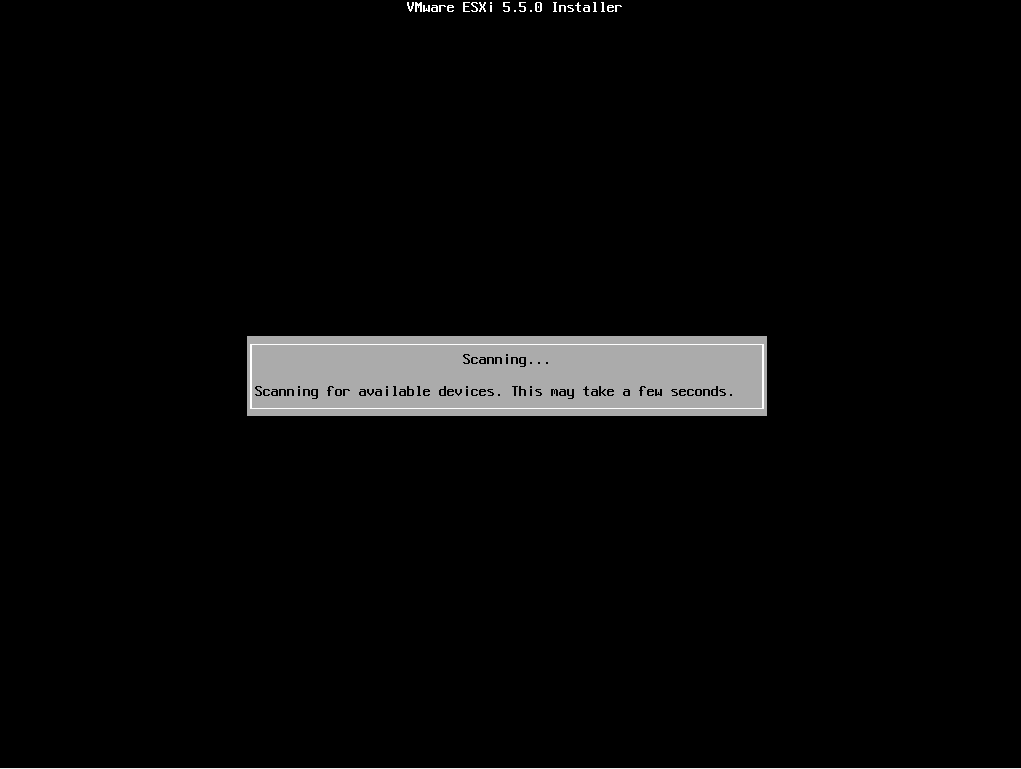
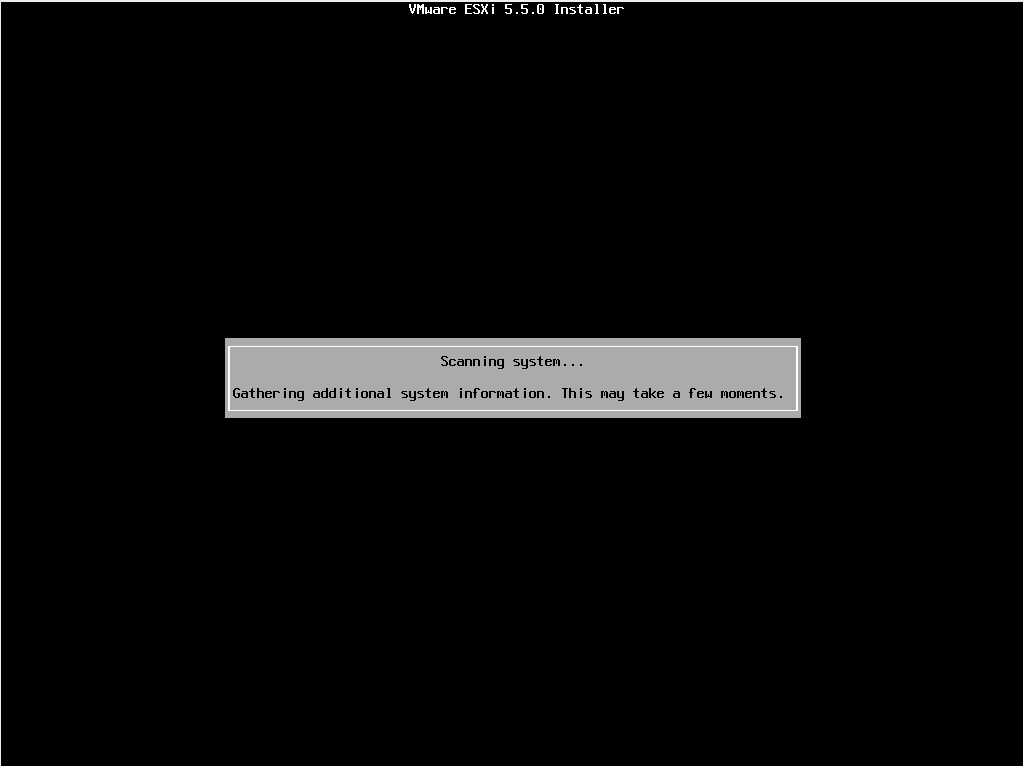
Scan devices
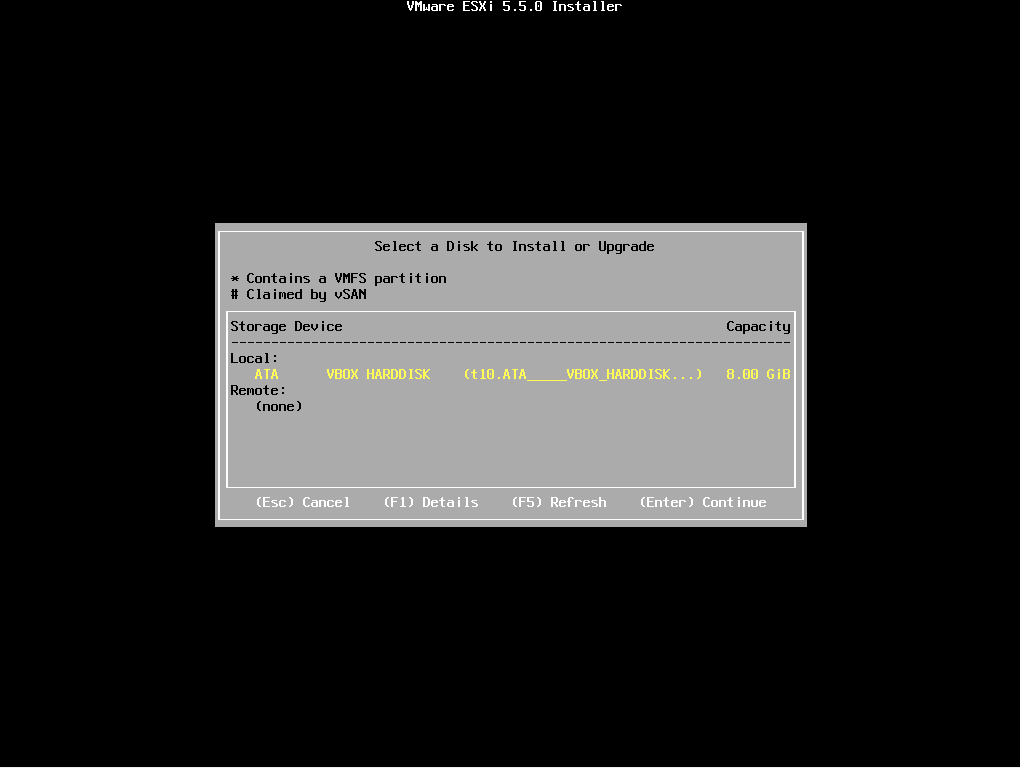
Seleccionamos el disco donde va a ser instalado
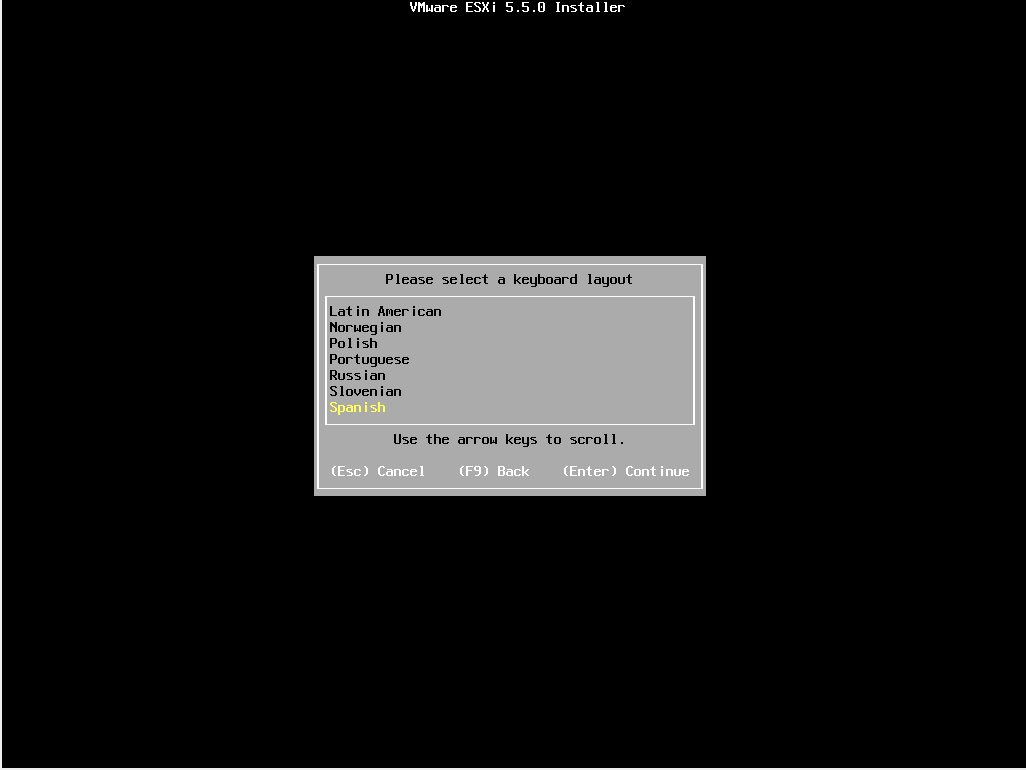
We select the keyboard language.
We assign a password to the root user
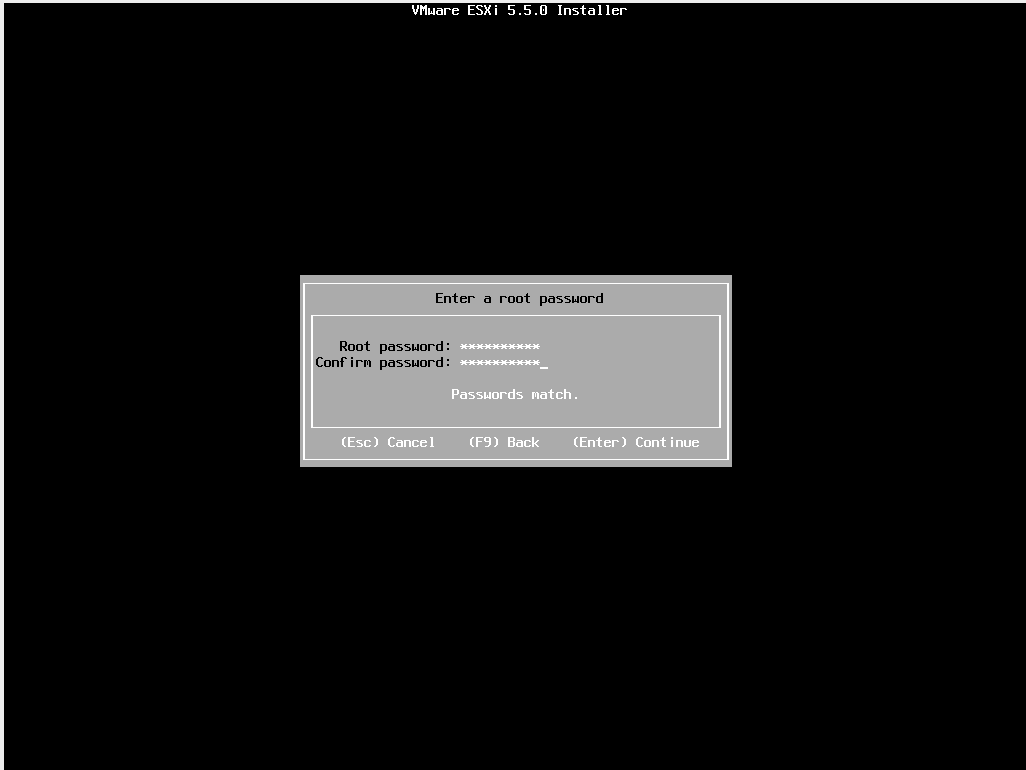
Recapara información del sistema
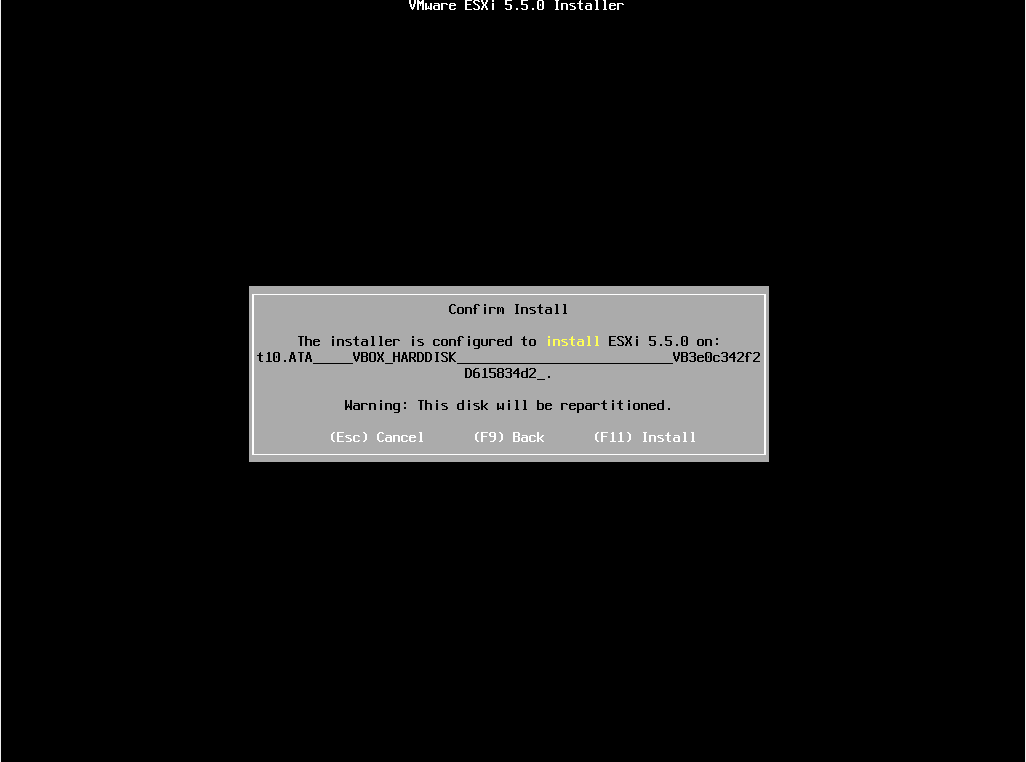
 We press F11 to start the installation.
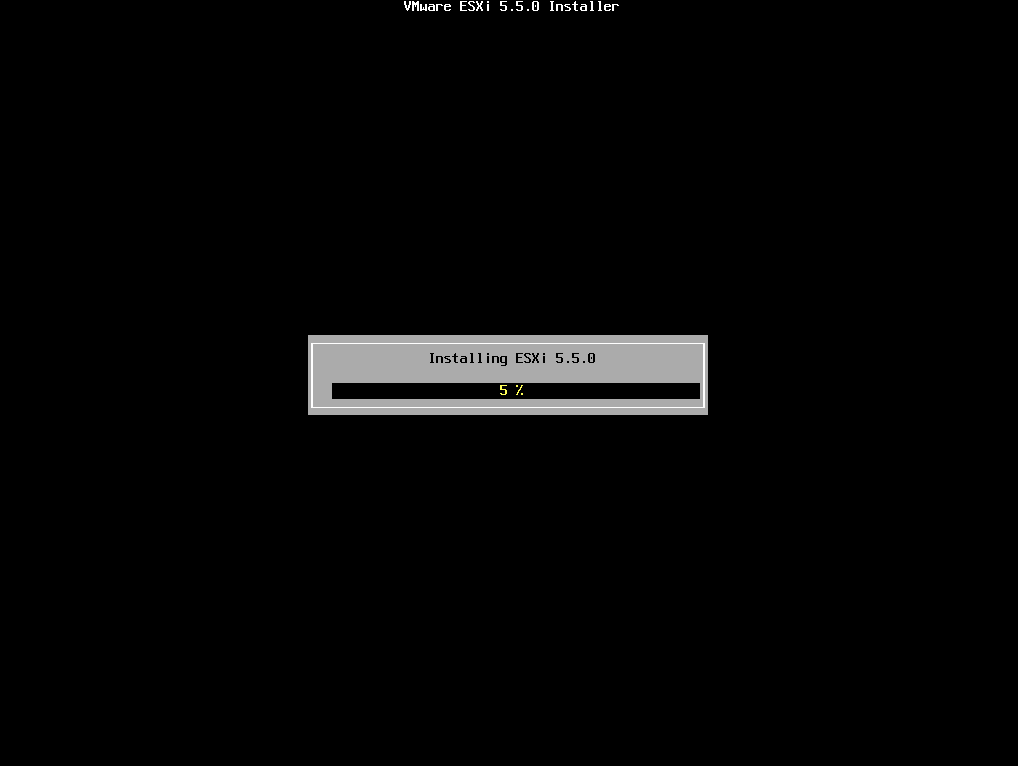
Comienza la instalación.
We press ENTER to restart the system.
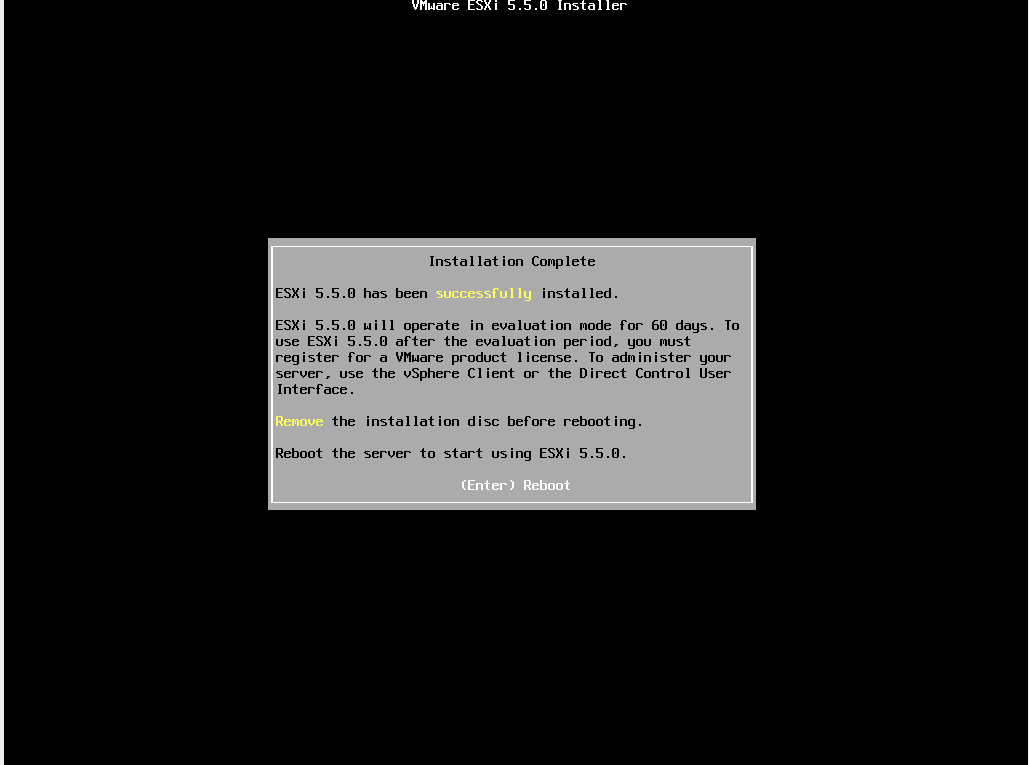
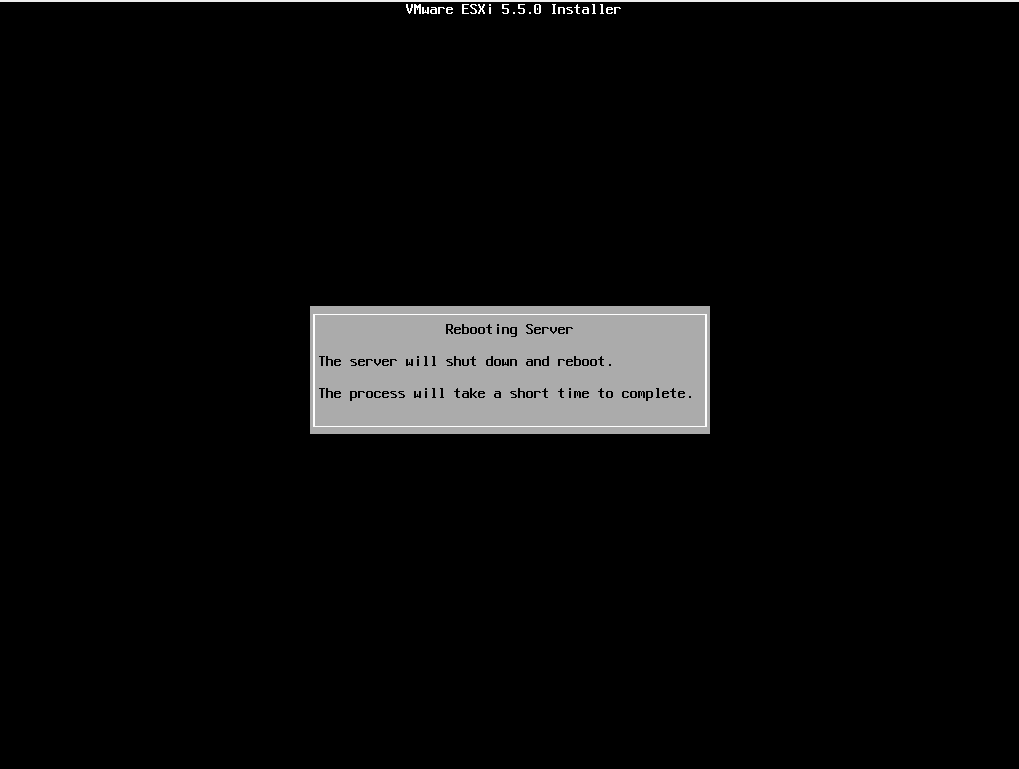
Once restarted, it shows us the following screen.
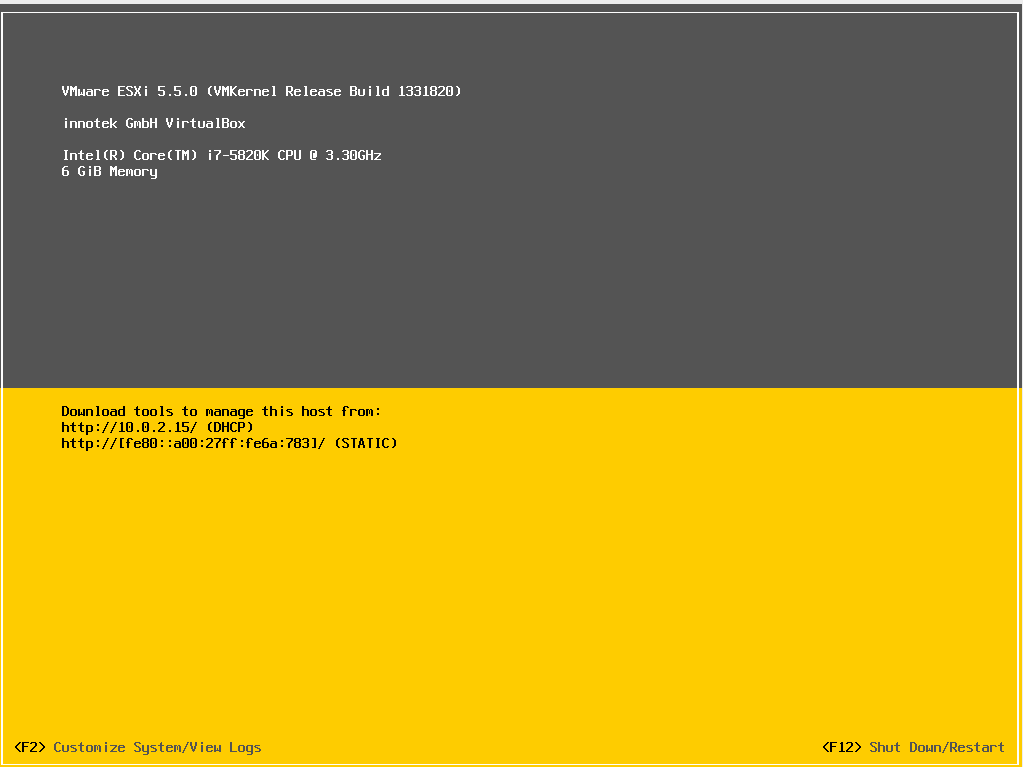 In future manuals we will see the configuration.
Greetings, rokitoh!
Comments