
What is XenServer?
XenServer is a server virtualization platform for public and private clouds, providing the technology to 4 of the 5 largest hosting provider clouds. Built with scalability, security, and multi-tenancy in mind, XenServer enables even more flexibility and cost-effectiveness.
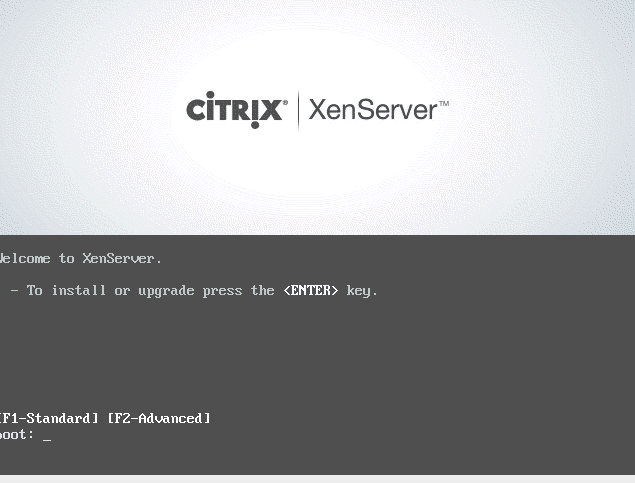
We start the installation wizard
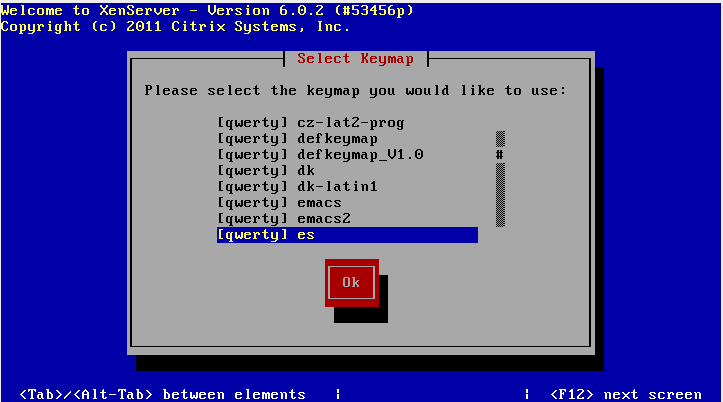
We configure the keyboard language.
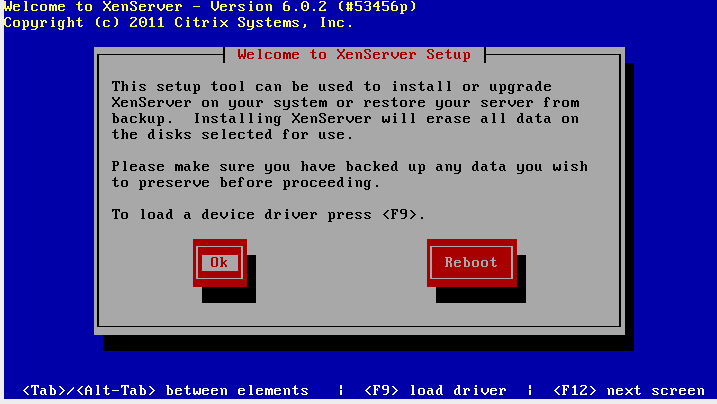
We press Ok to begin the installation.
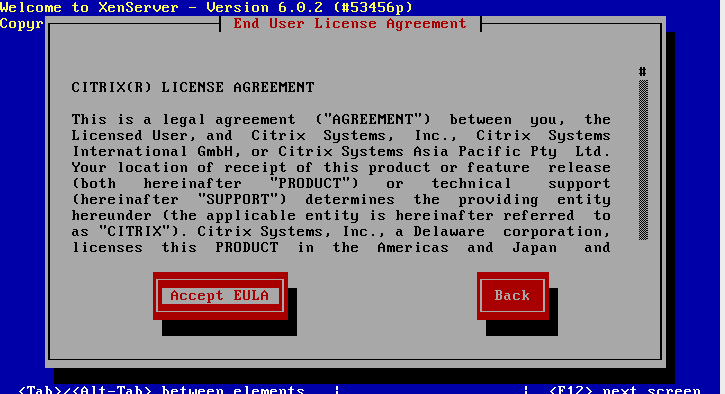
We accept the license.
It gives us a small error... it could be because to create the manual we installed it in virtualbox... I don't know... we click OK xD
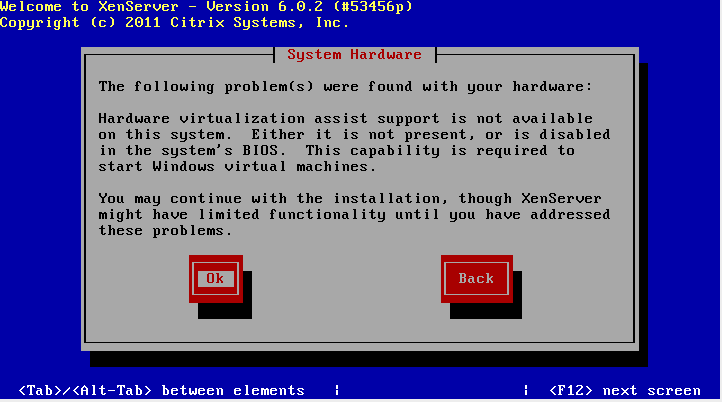
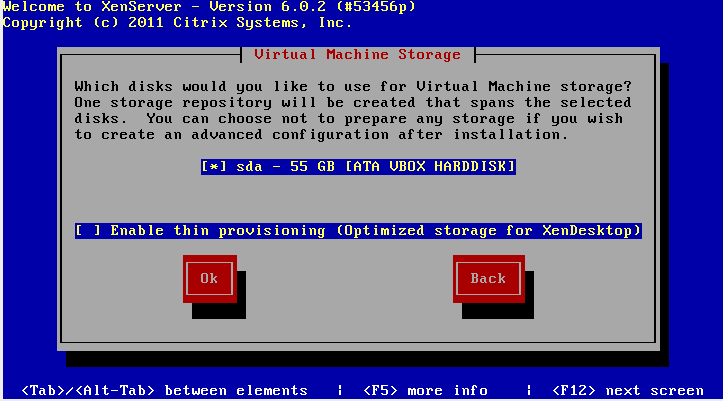
We select the disk where we are going to install XenServer
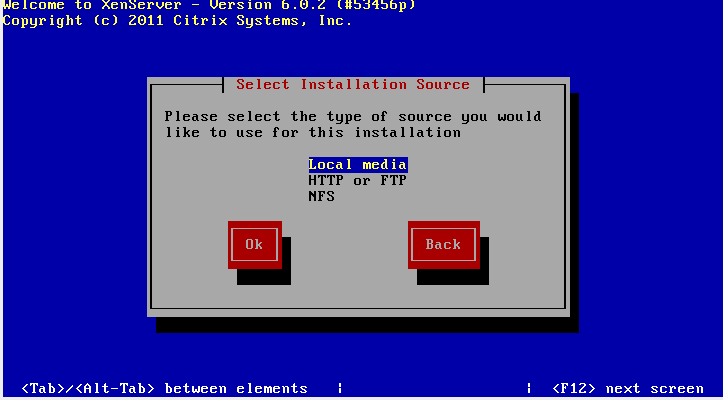
In my case... it will be locally.
YES
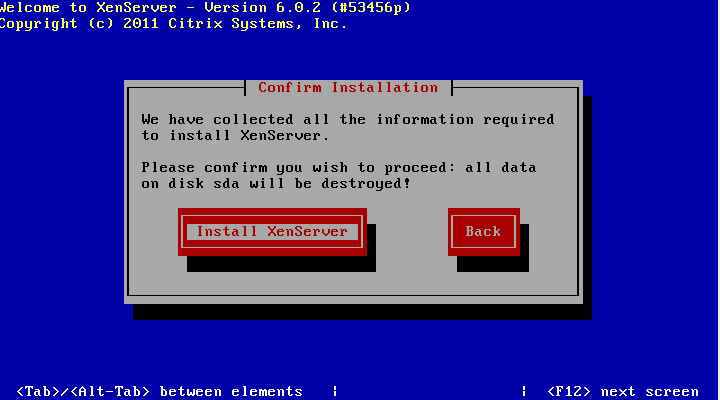
We ask you to verify the installation.
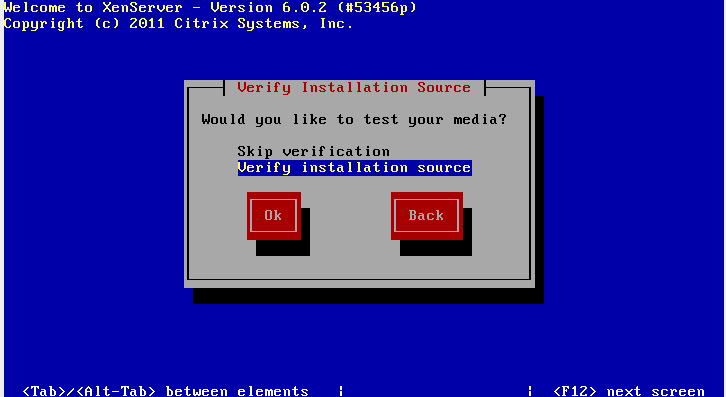
Check that everything is correct...
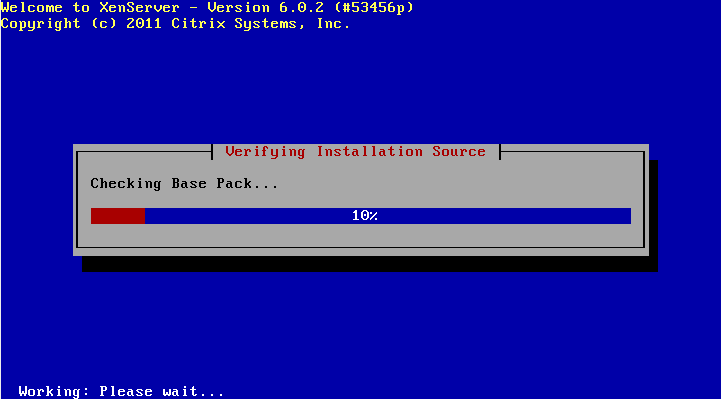
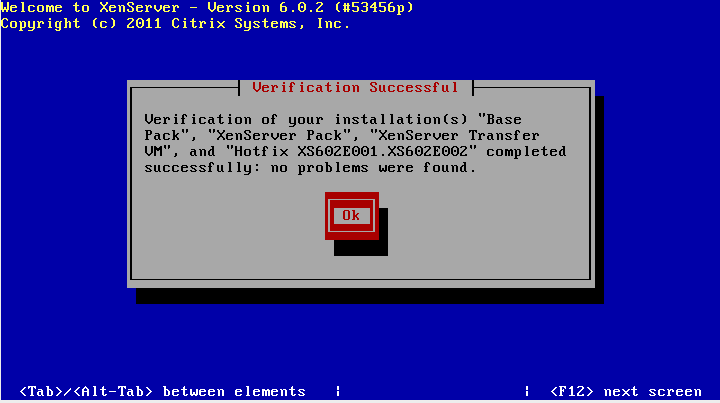
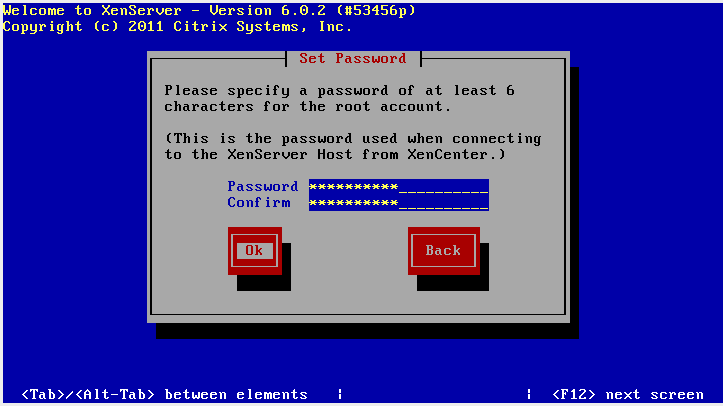
We assign a password to the root user
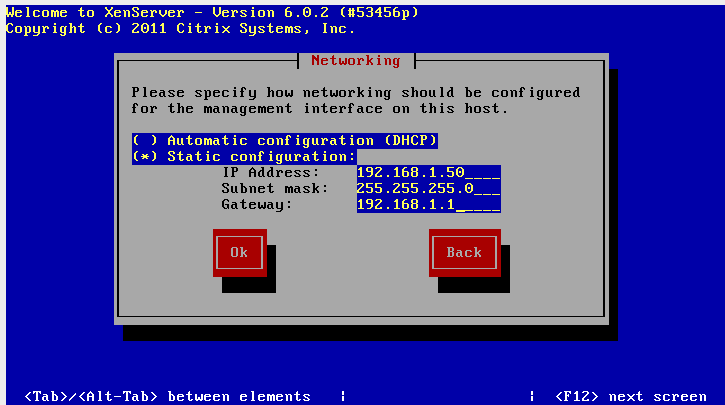
We configure our IP addressing
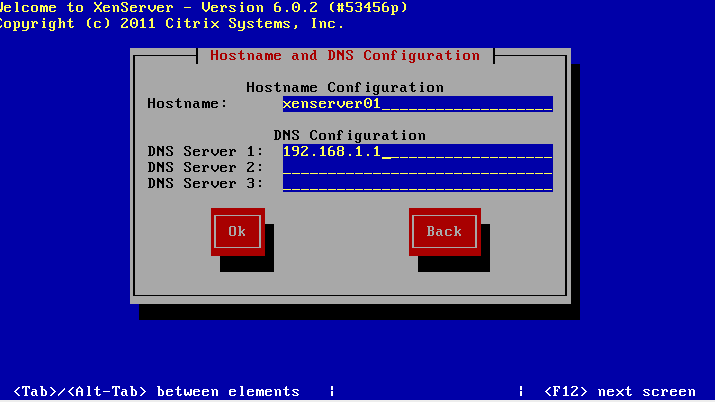
The server name and DNS server.
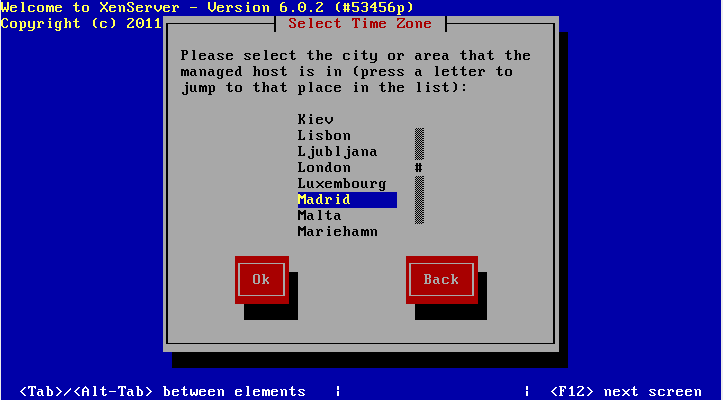
We select our geographical location. 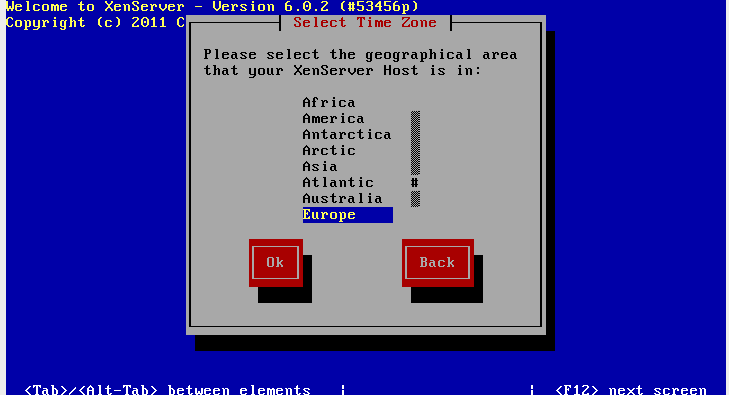
If we use NTP we configure it (In my case I am not going to configure it)
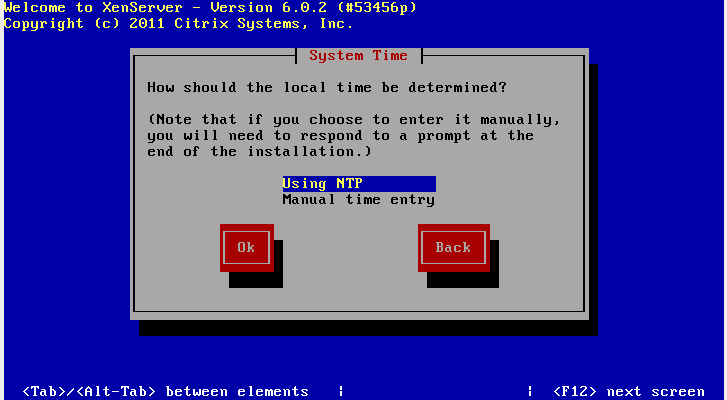
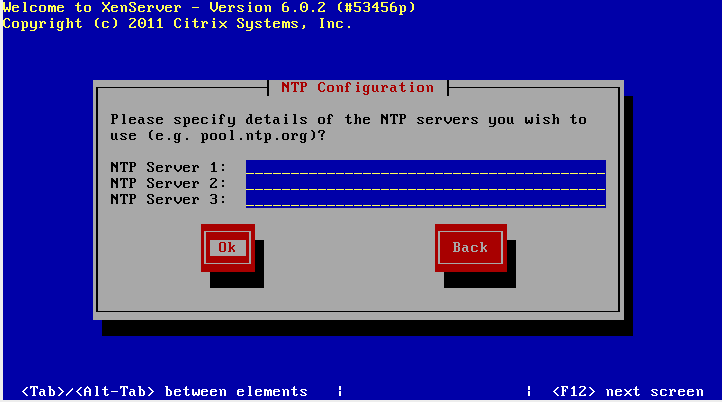
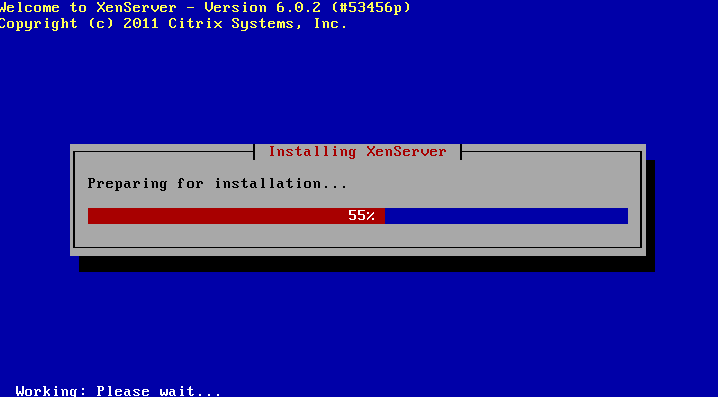
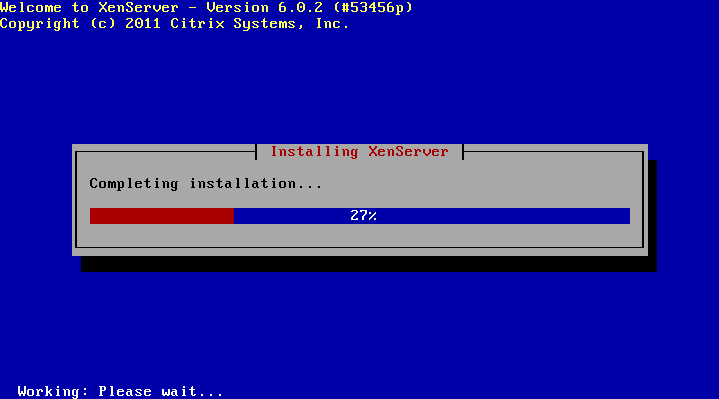
We start installing XenServer!!!
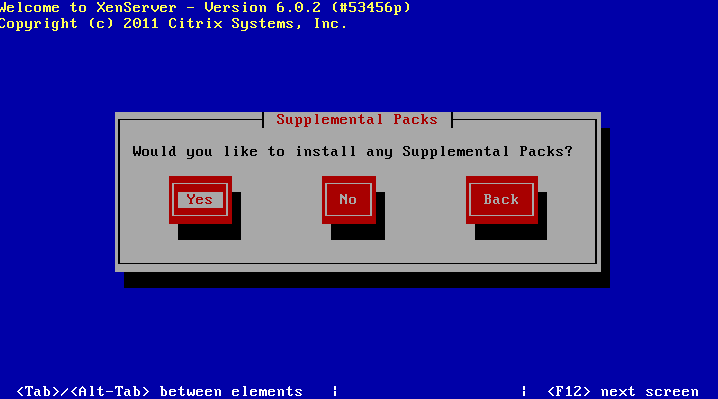
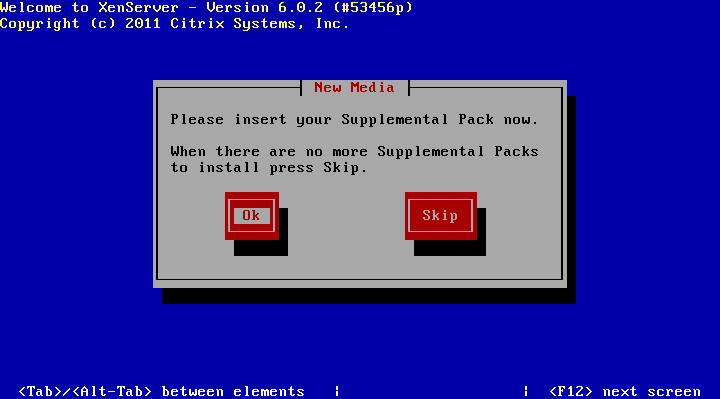
If you want to install the supplementary package, insert it and click OK. in my case SKIP!
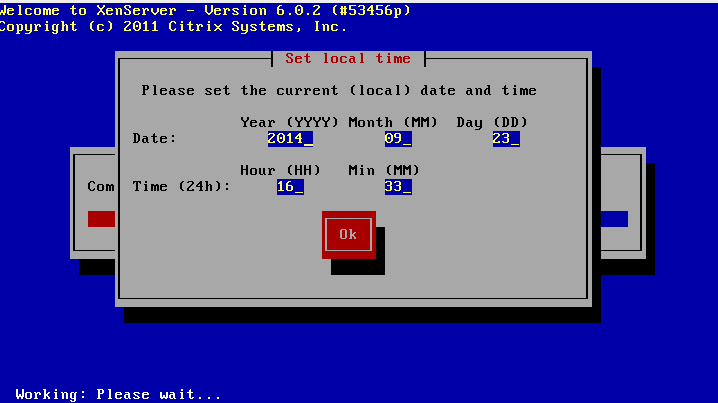
We configure time and date.
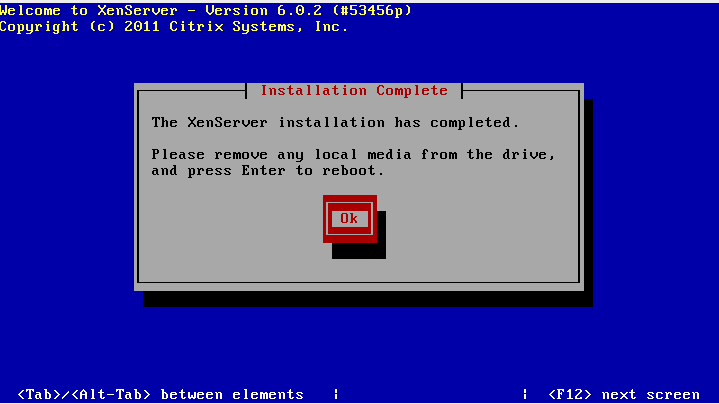
We finish the installation.
Once restarted, our server looks like this: 
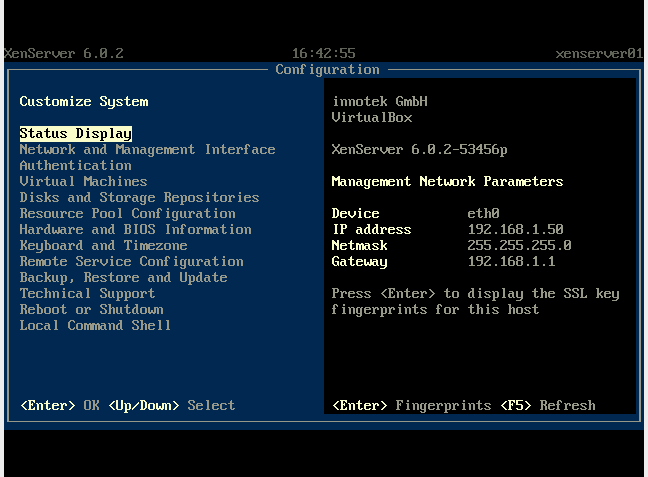
In future manuals we will see how to configure, create machines... etc.
Greetings, rokitoh!
Comments