
In this post we will see how to add a new ESXI server to vCenter server.
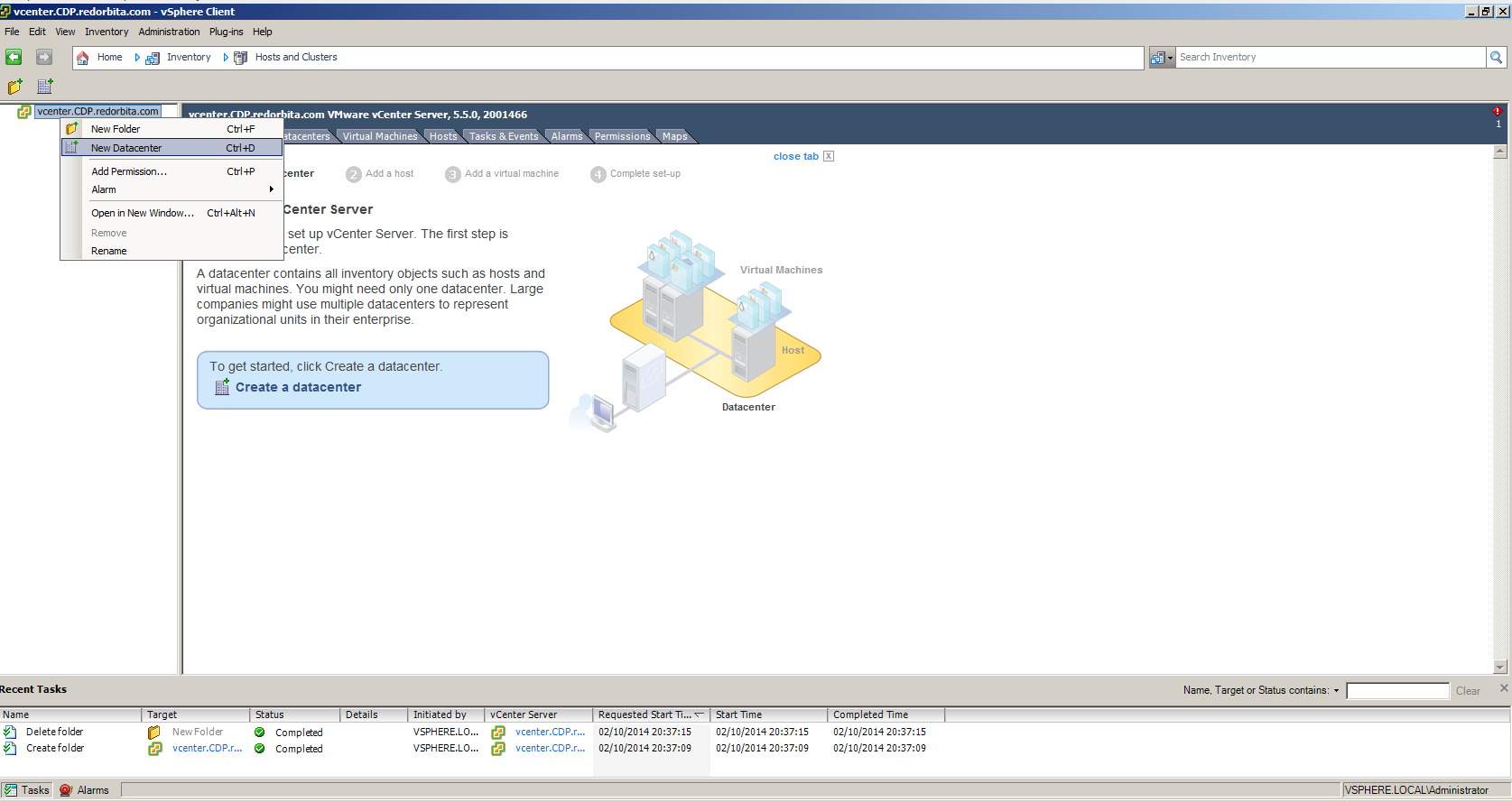
We connect to the VMware vsphere client and the first thing is to create a New Datacenter.
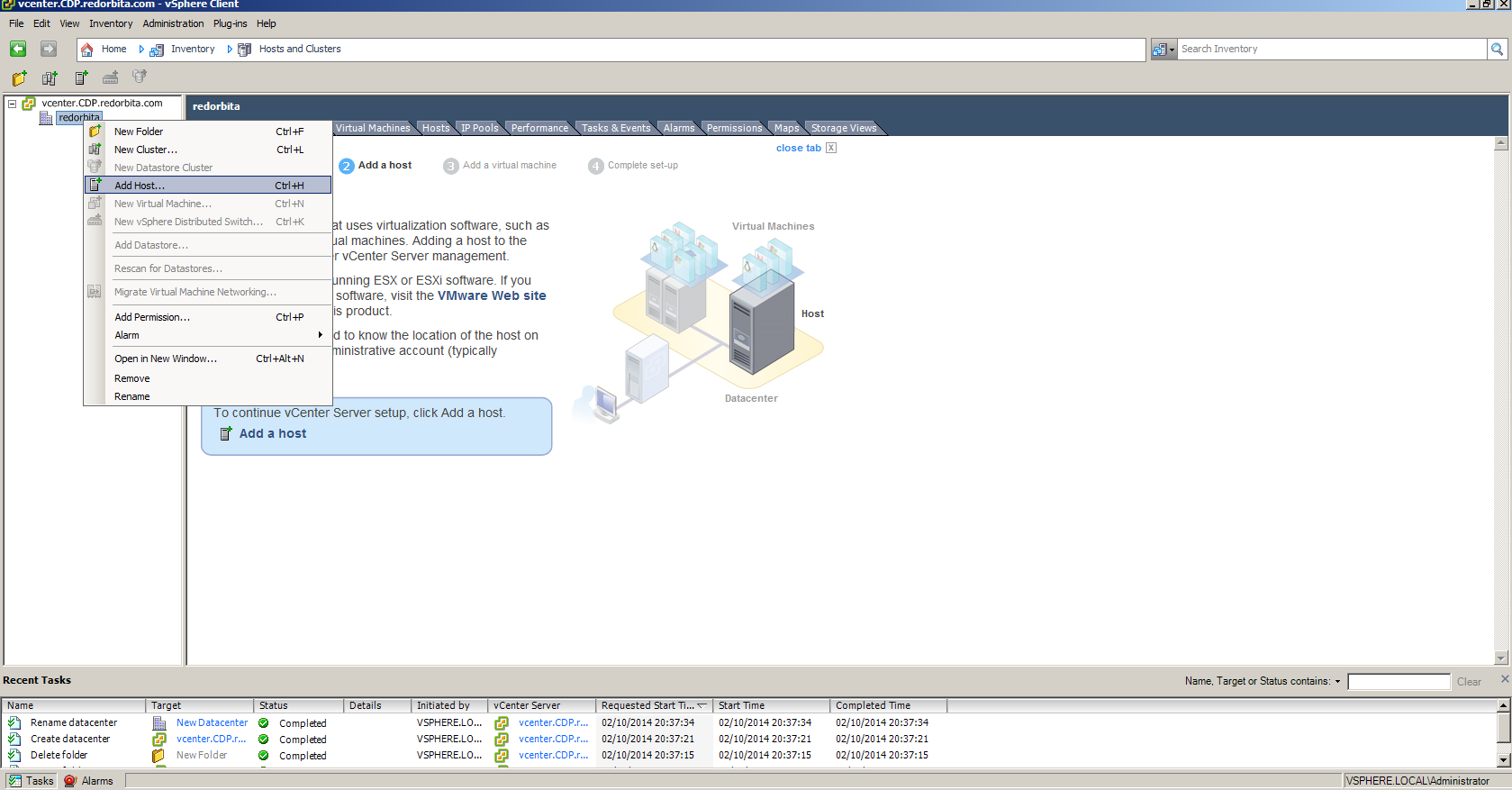
Once created, we right click on the new datacenter > Add host
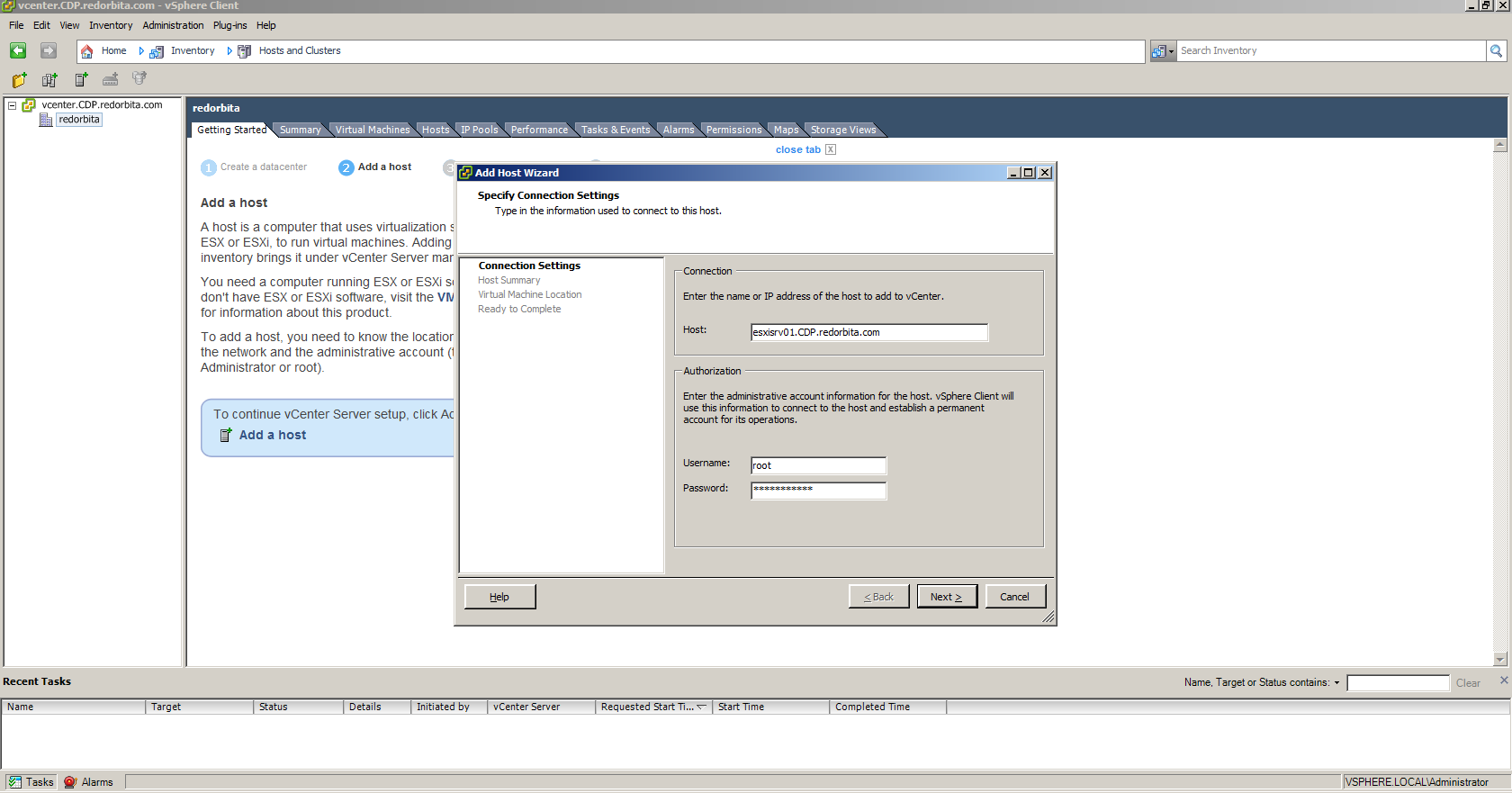
We fill in the fields, Hostname (This has to be added to our DNS server) and username and password of our ESXI server
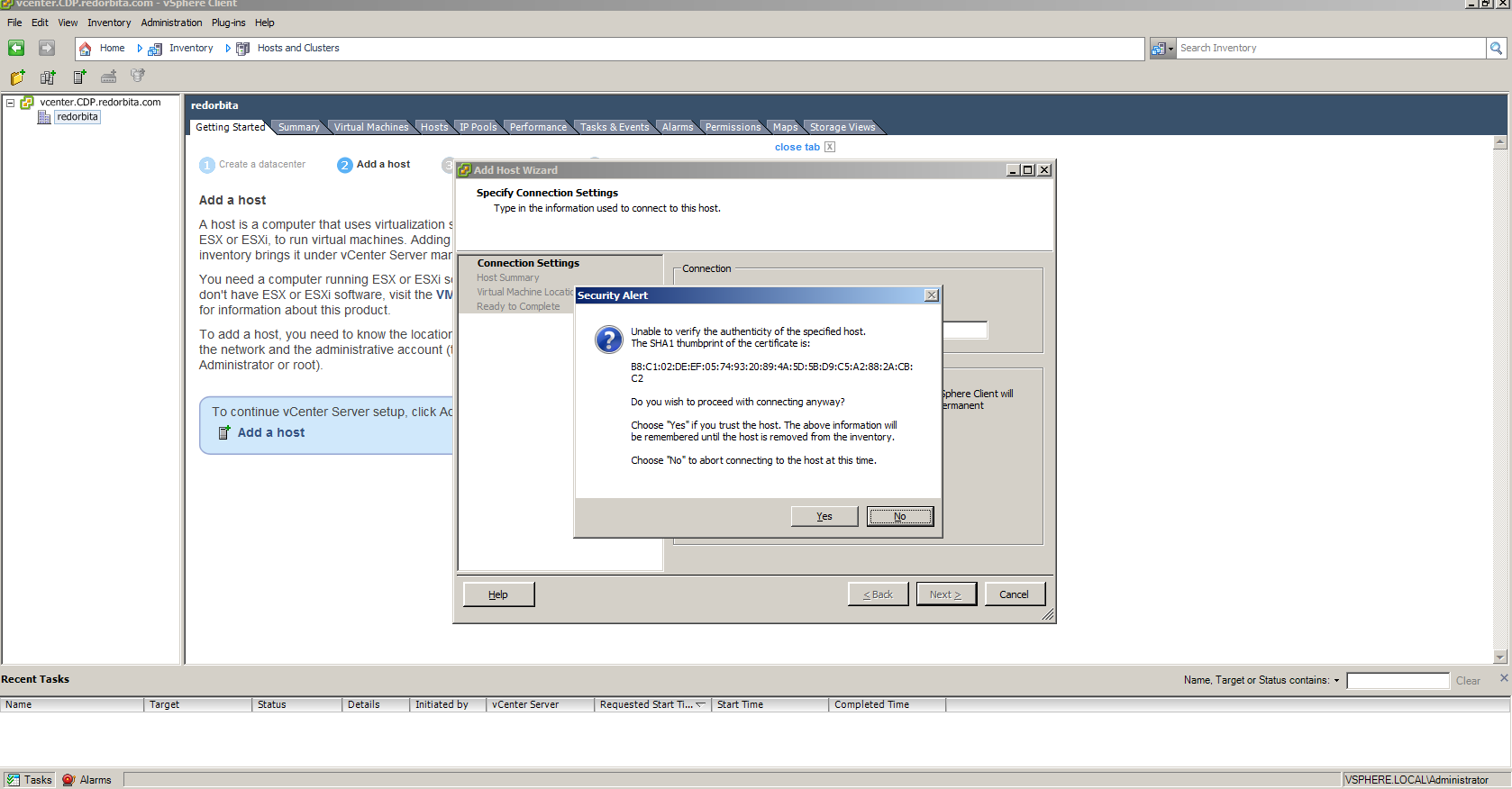
We accept
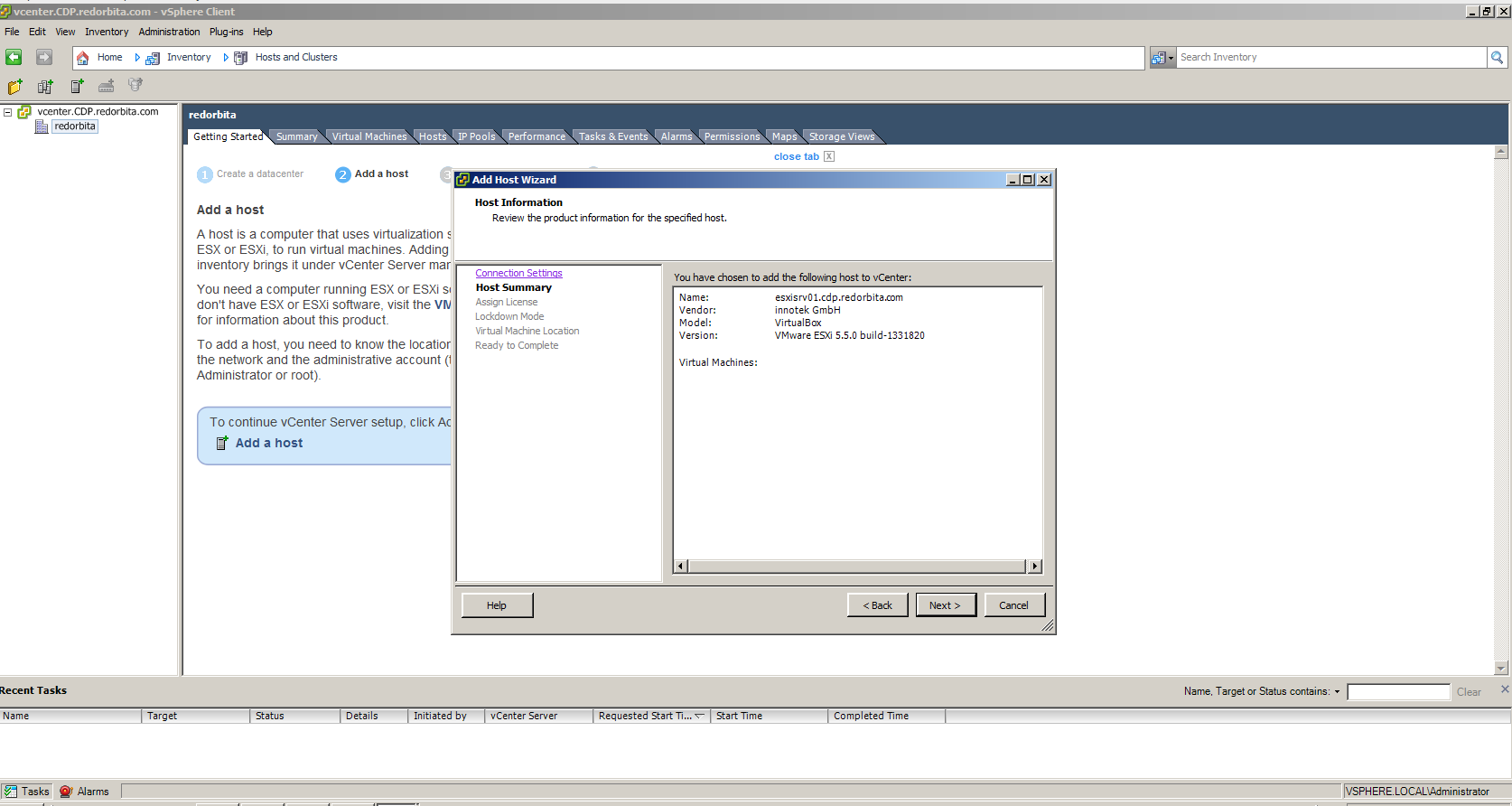
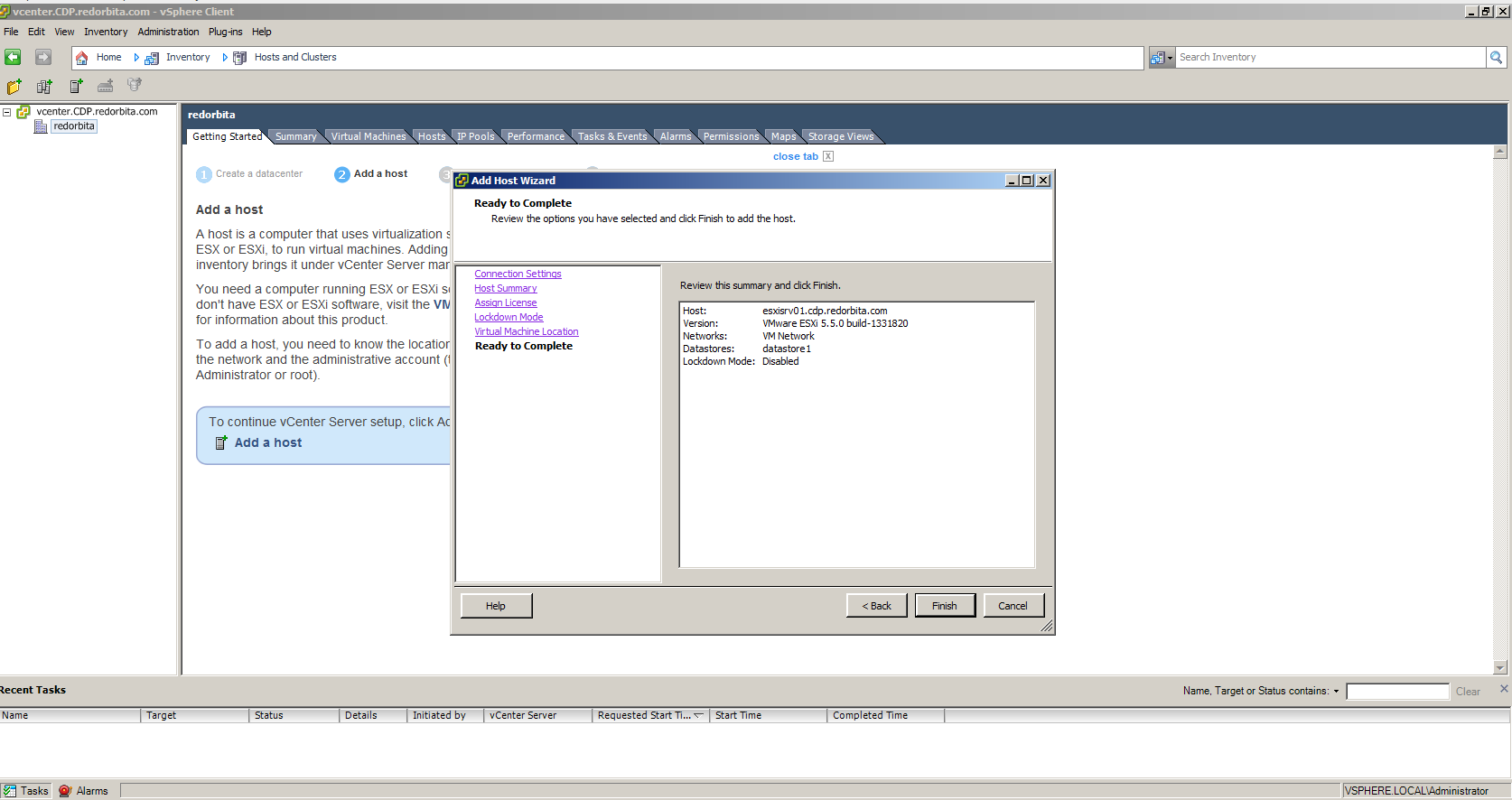
It shows us a summary
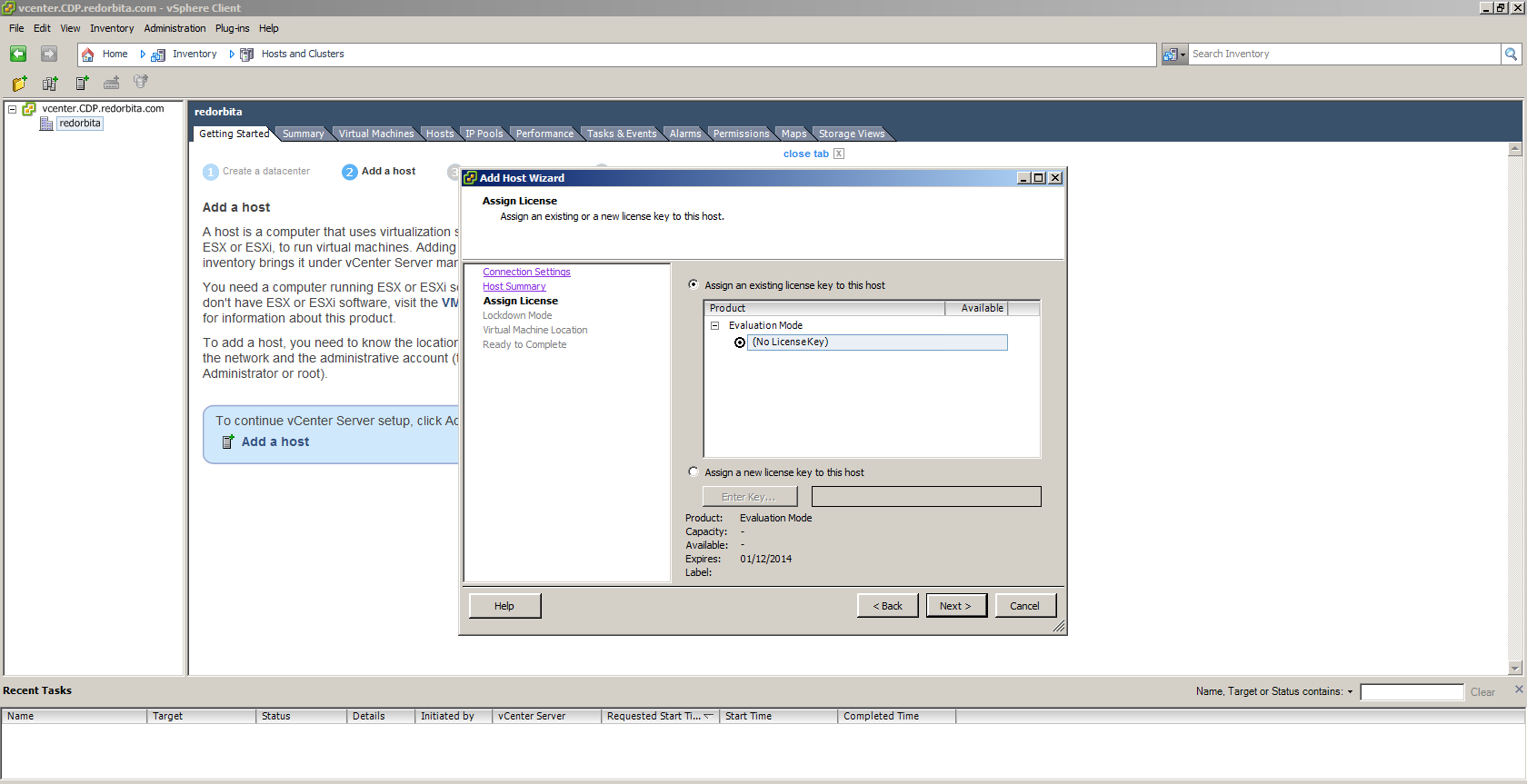
We add the license.
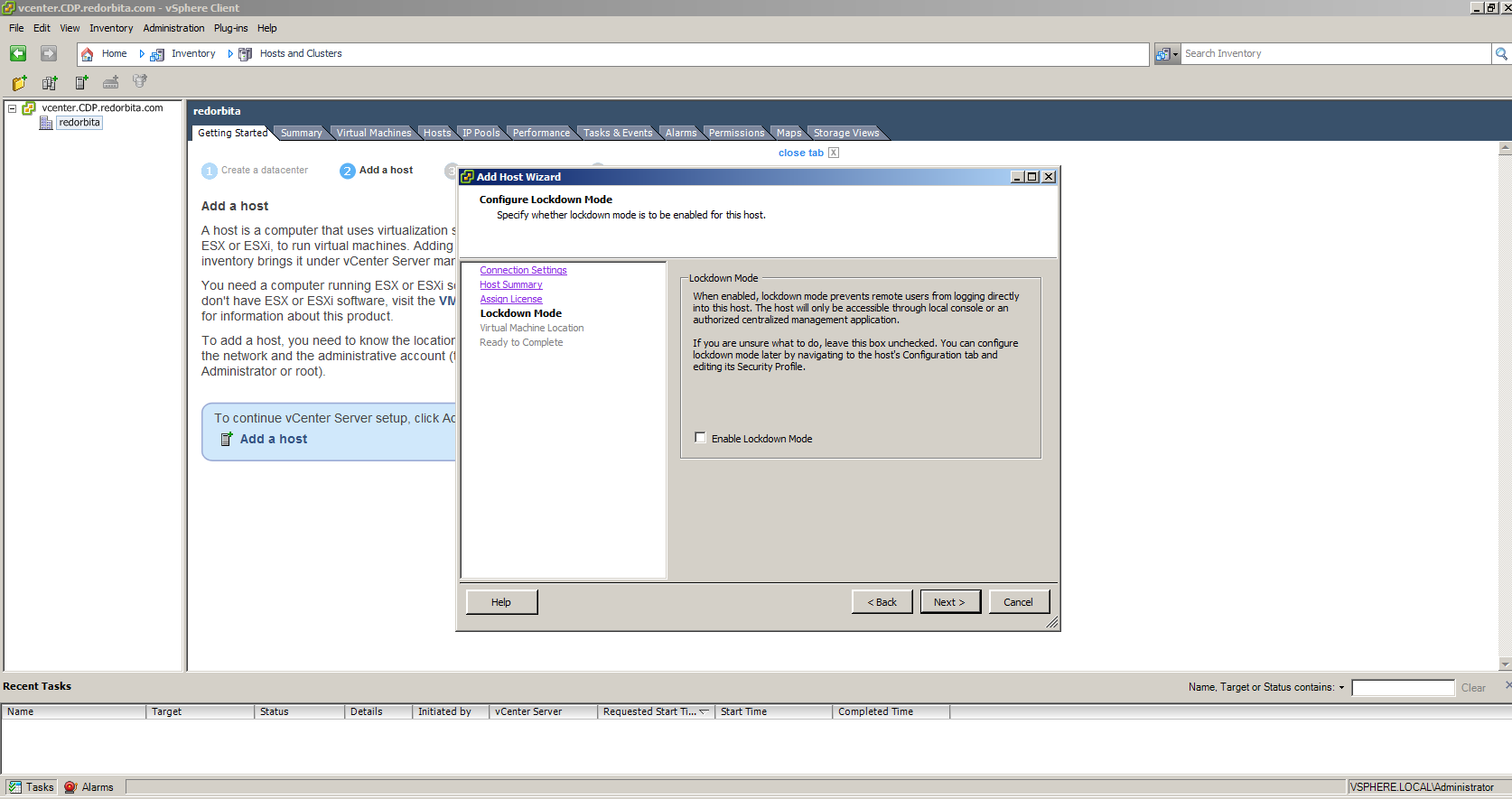
What is the option for? Lockdown Mode?
It is a safe way to connection to ESXi, activating Lockdown Mode on ESXi produces the following changes:
1. Does not accept root sessions from vCenter Server, such as to make an “Add host” to the vCenter Server. vCenter Server can still be connected as vpxuser.
2. Does not accept ssh connections as root.
3. Cannot be executed vCLI, vMA or PowerCLI scripts that are executed as root directly against a host, we must pass them through vCenter Server.
4. Does not accept comunicaciones CIM except from the vCenter Server.
In my case I am not going to select it.
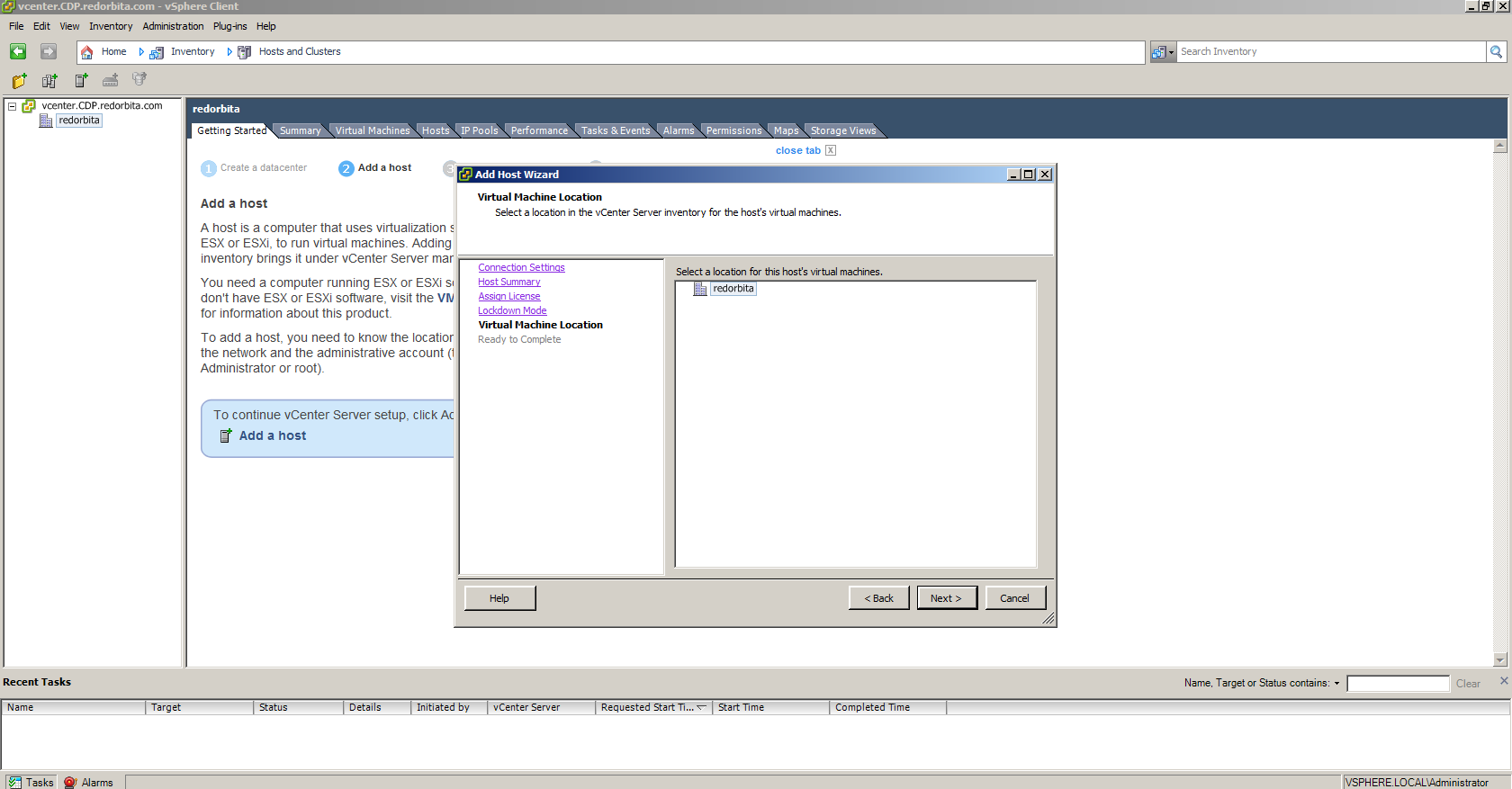
We select the Datacenter where we are going to join it.
We finish
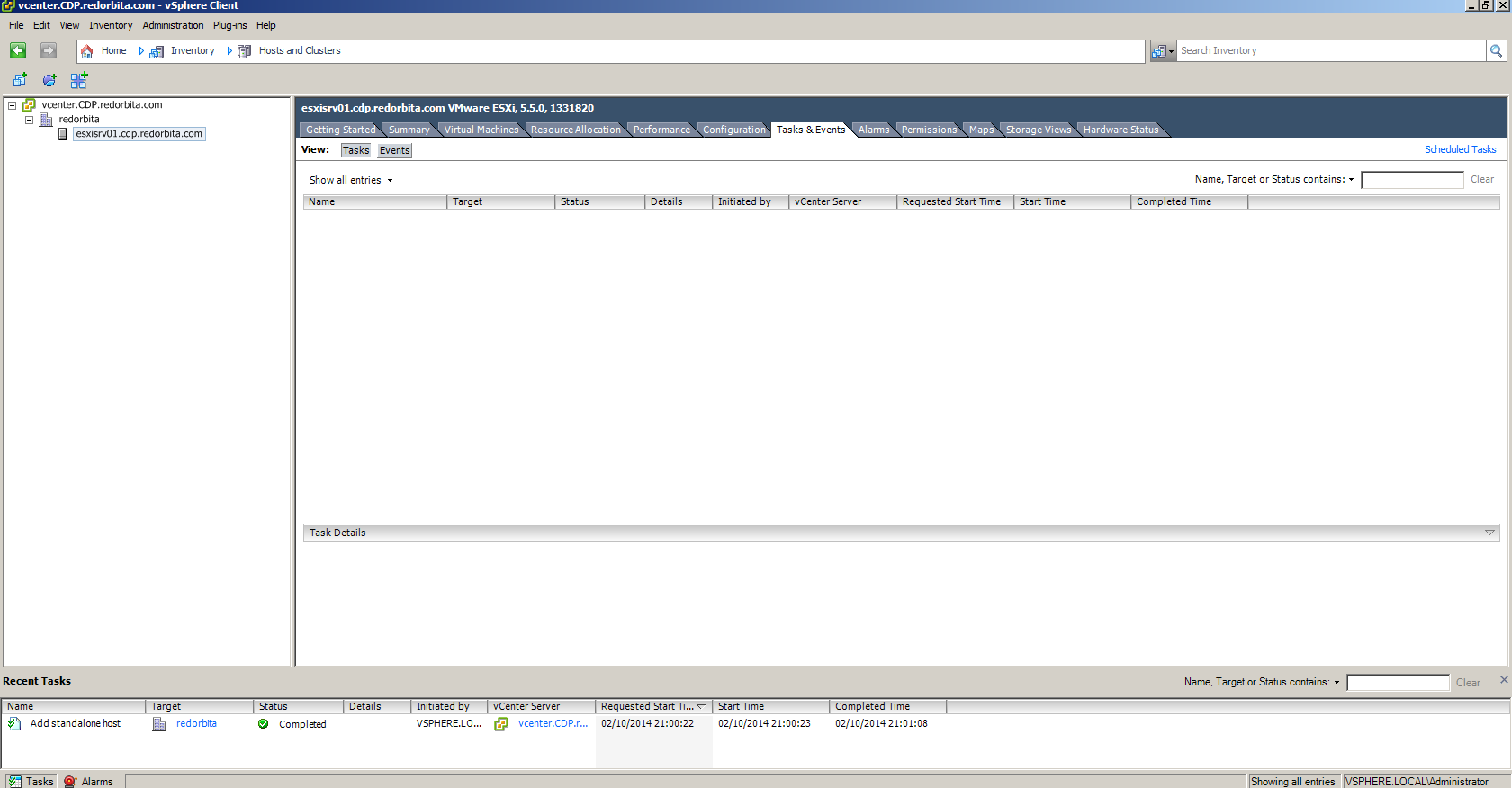
We already have our ESXI added to vCener Server.
Greetings, rokitoh!
Comments