
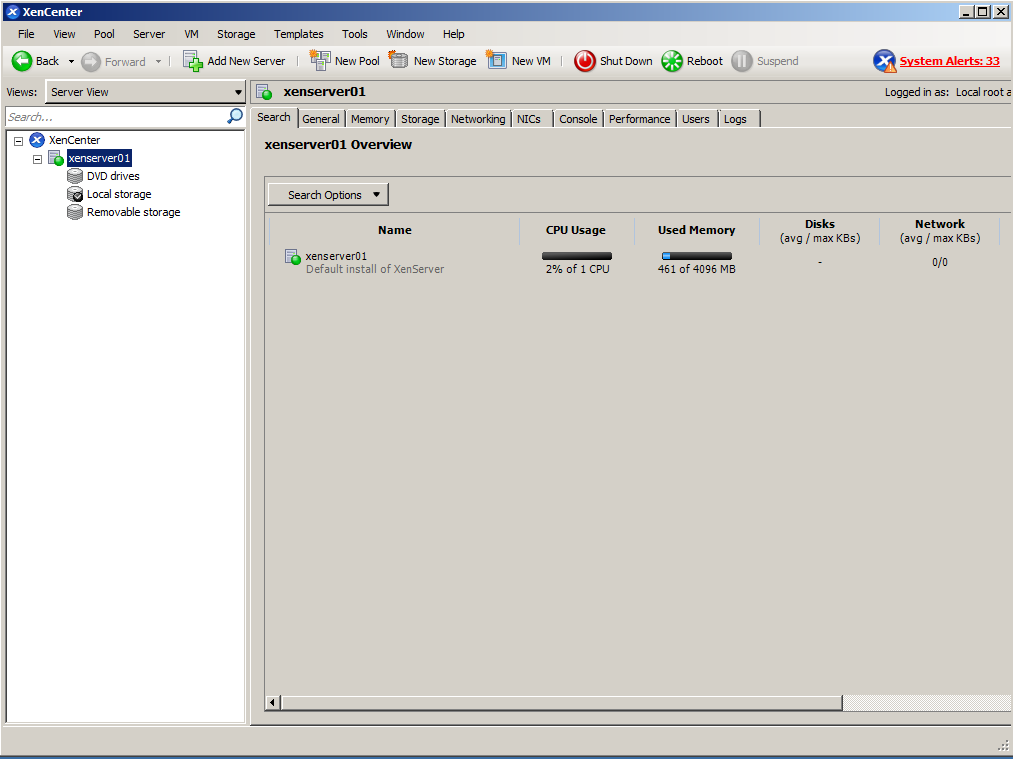
In this post we will see how to add a new XenServer server to XenCenter.
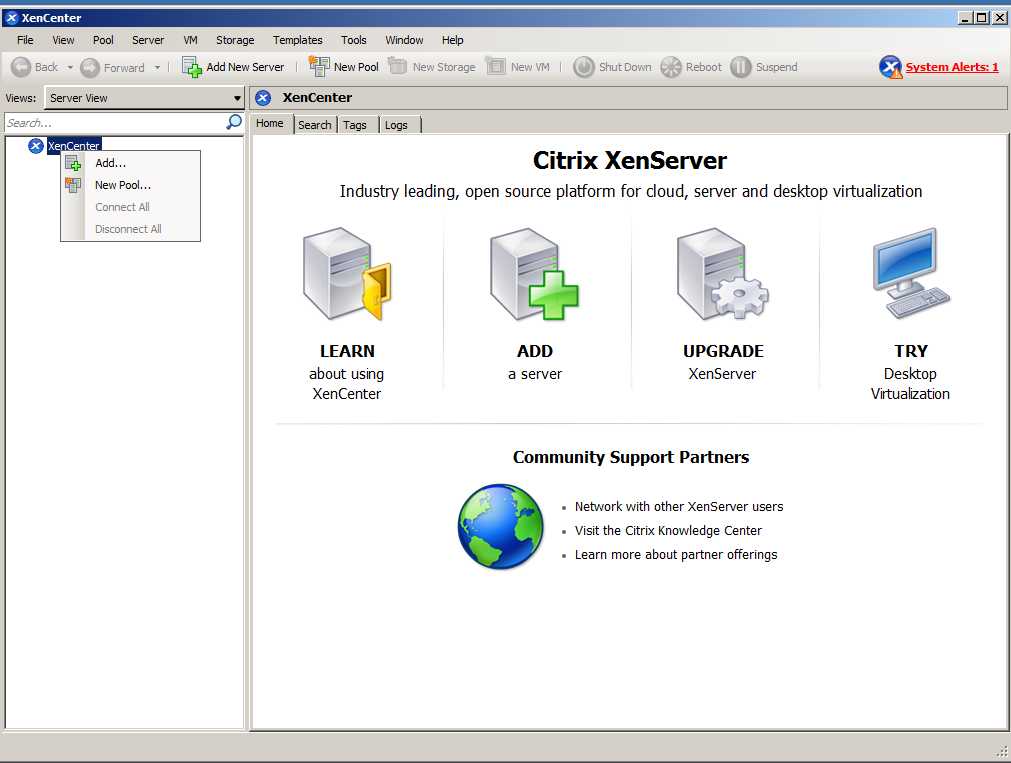
To do this, we install our XenCenter or OpenXenManager client. Right click on XenServer > Add..
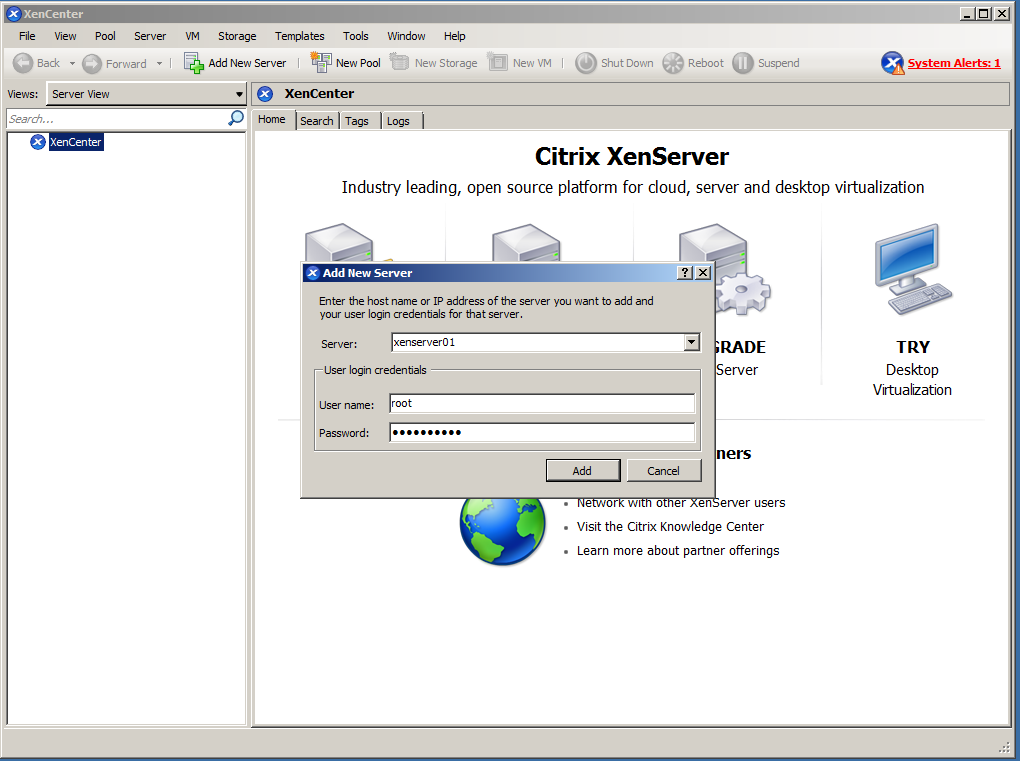
We add the name (previously added to our DNS server) and username and password.
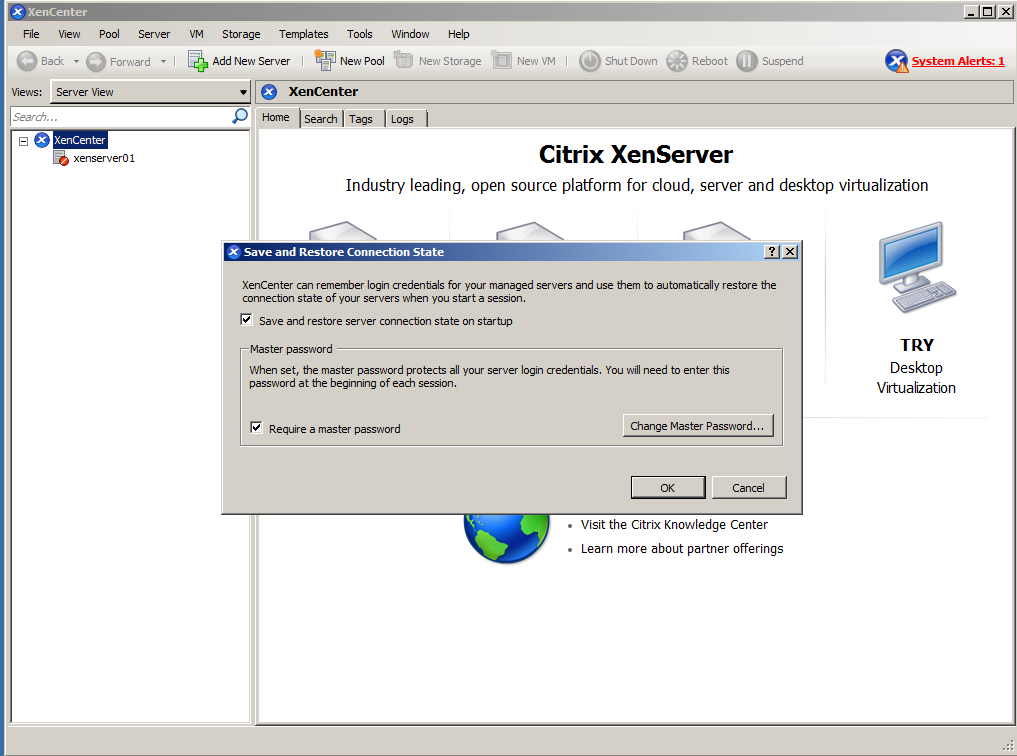
We set up the credentials so you can save and restore automatically.
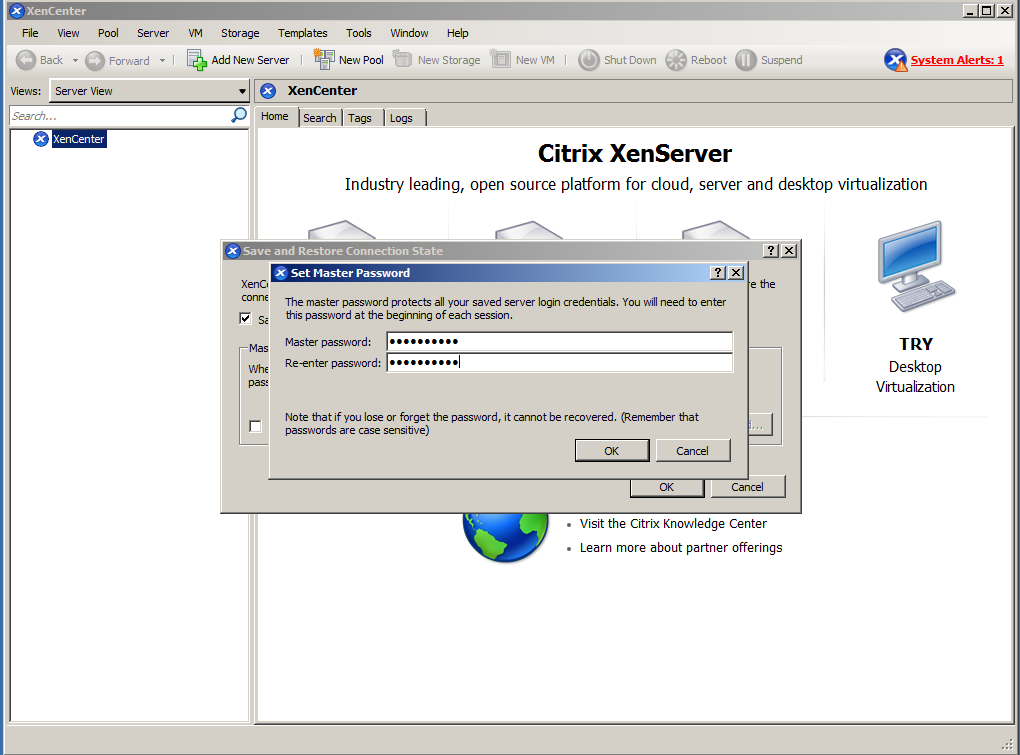
Ready, we have added our server.
Regards, rokitoh
:wq!
Comments