
In this post we will see how to add a XenServer server to an Active Directory domain to be able to access it through XenServer using the username and password of our domain.
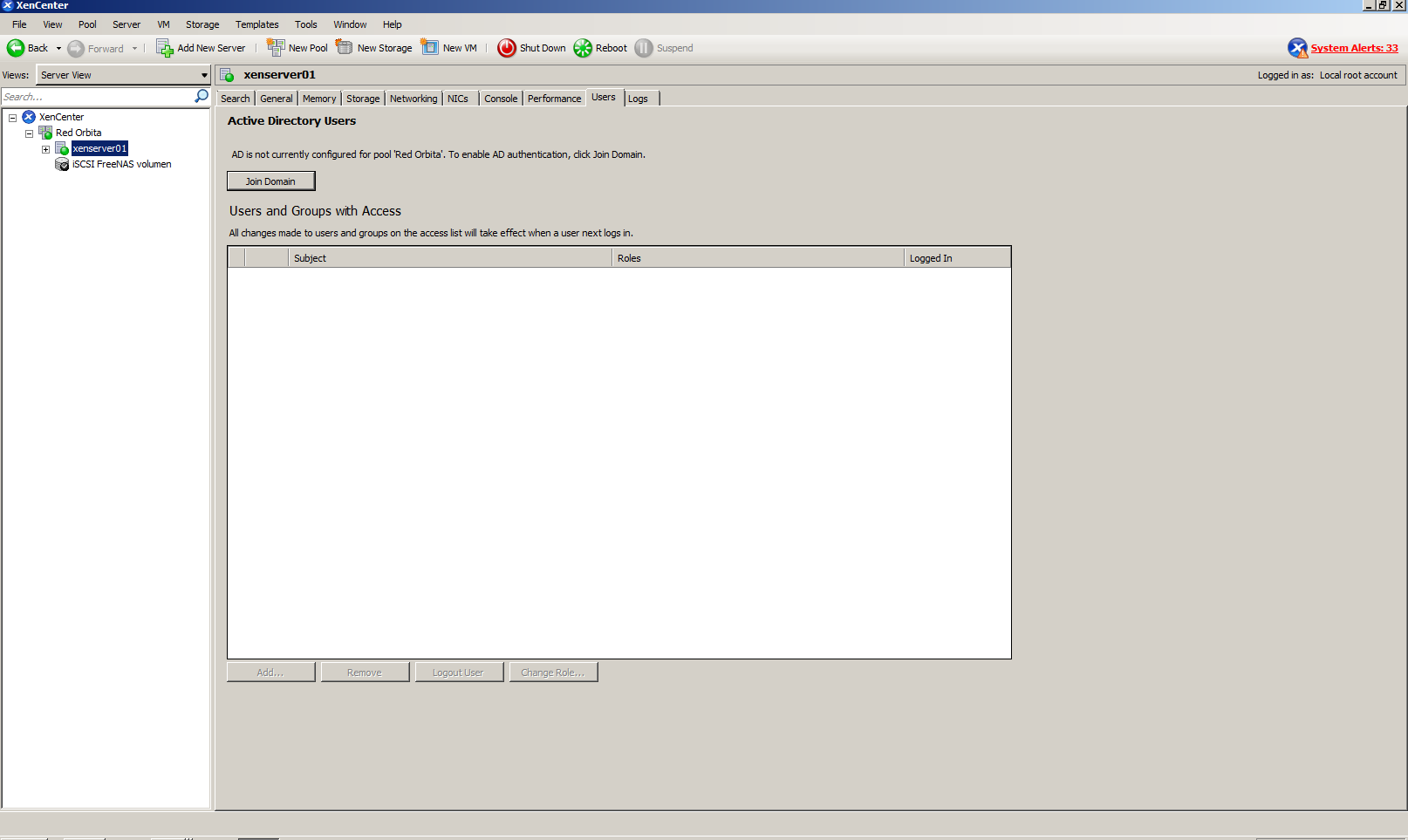
We go to the tab Users and we press Join Domain
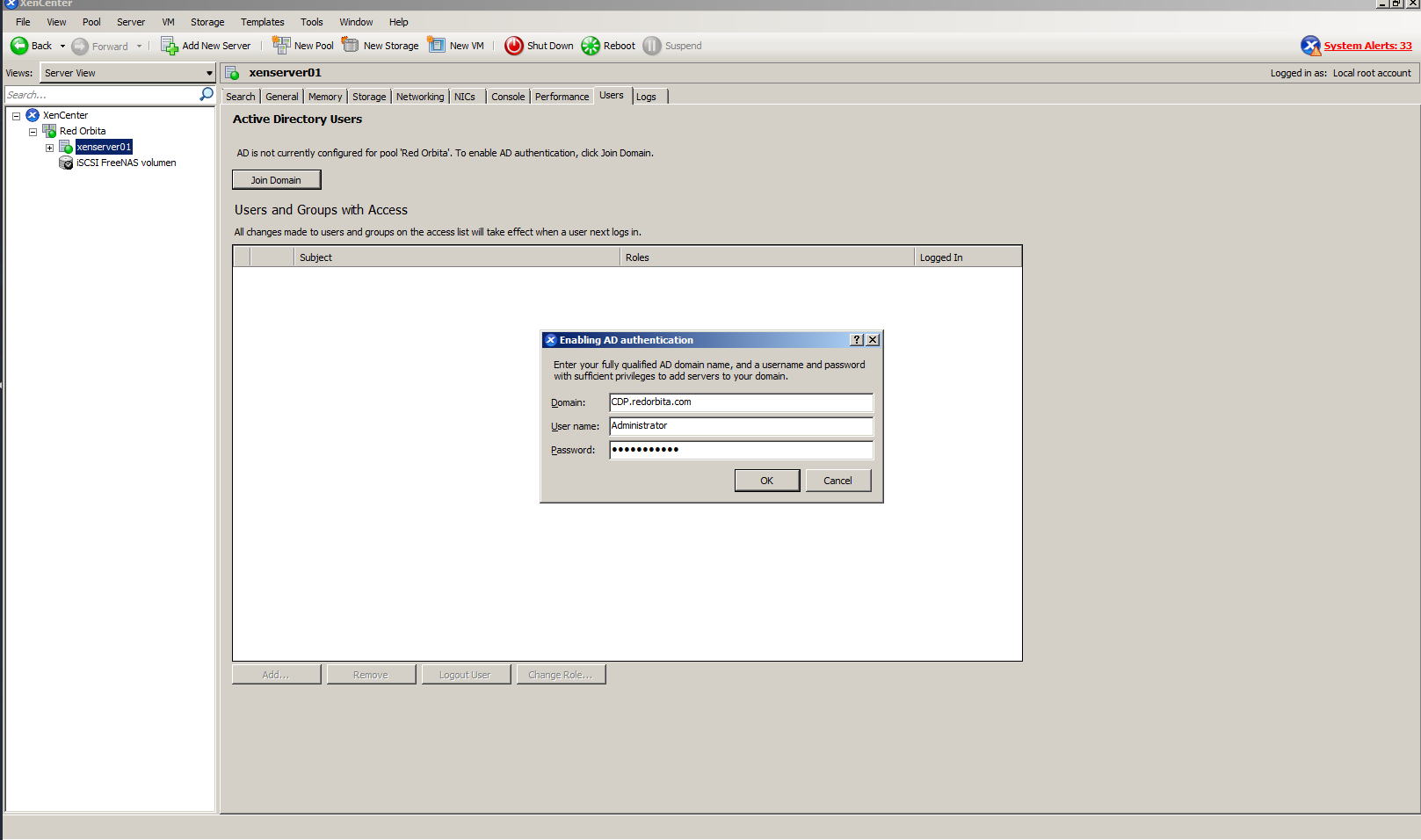
We fill in the indicated data, Domain and a user with administrator permissions.
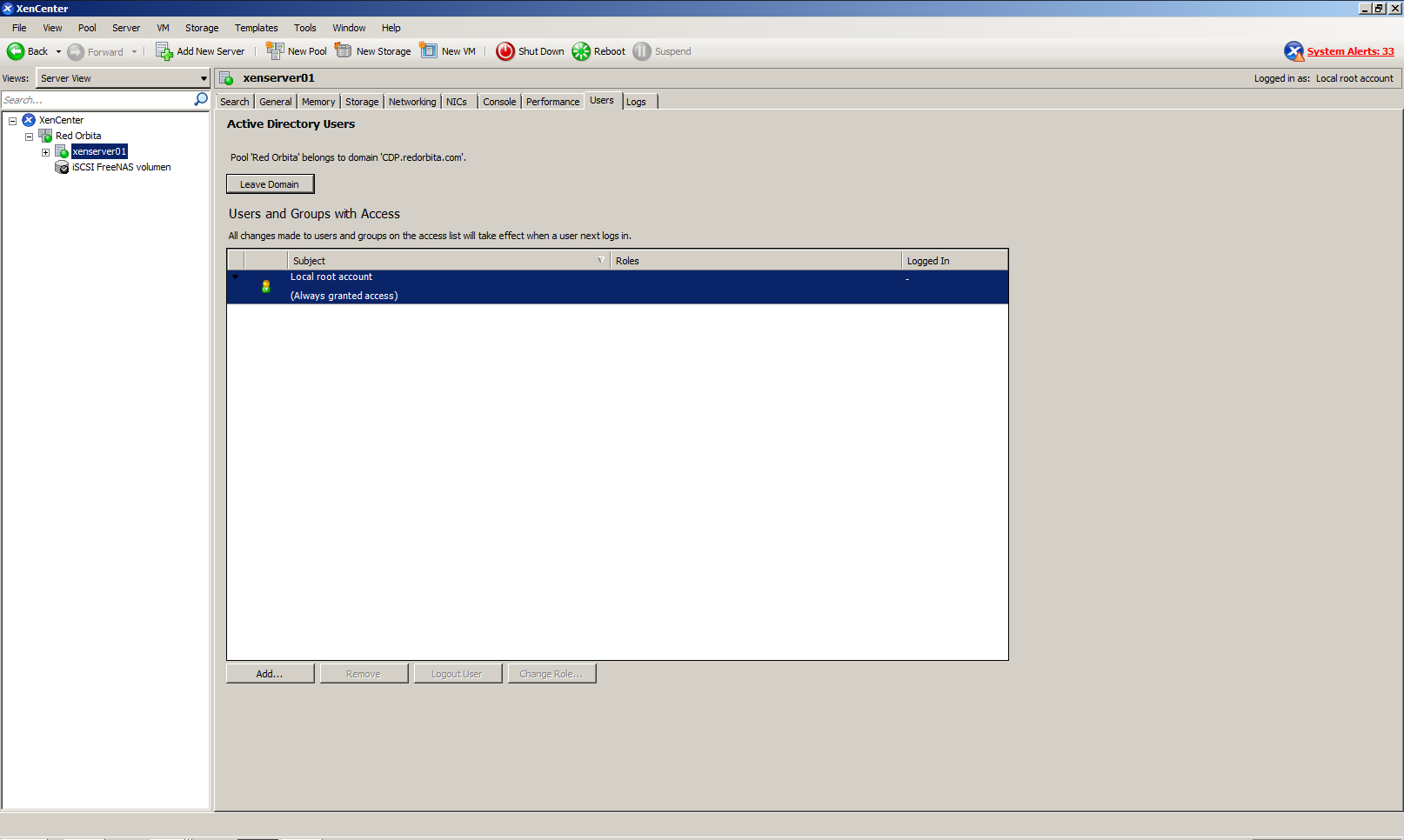
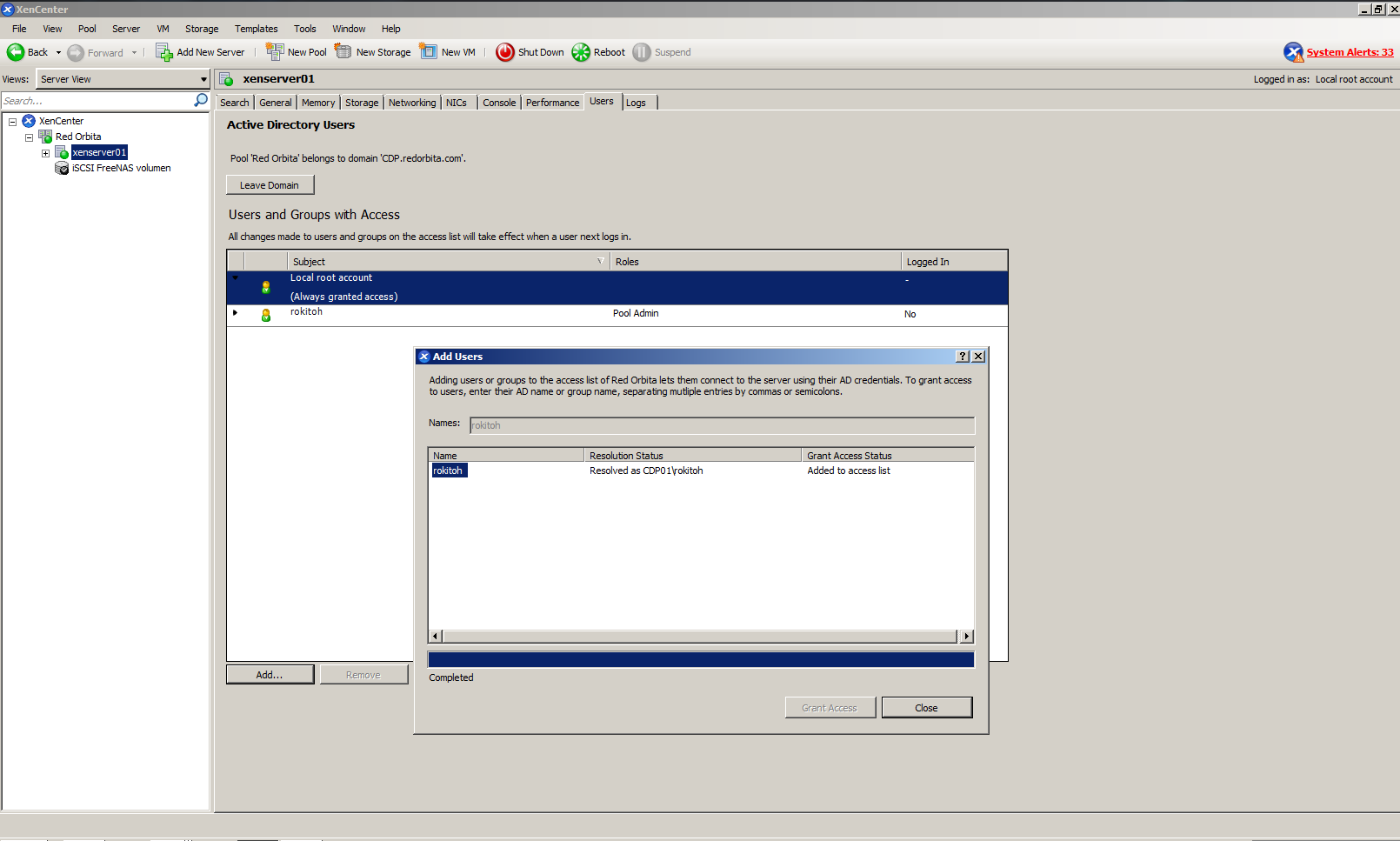
Once added we are going to add a domain user, to do this we press Add.. in the lower left corner.
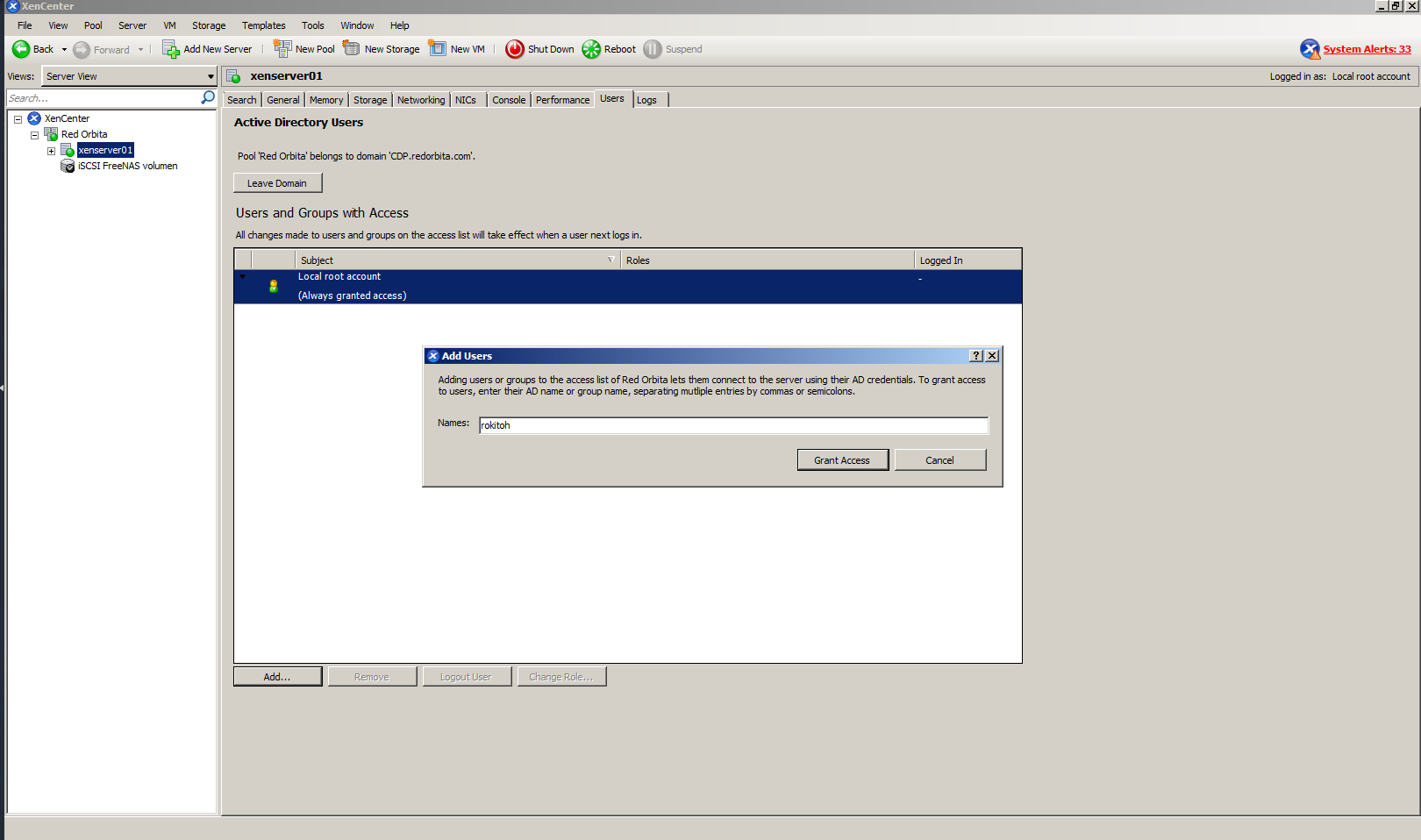
We enter the user name.
Once added we click Close.
Regards, rokitoh
:wq!
Comments