
OMD is a “distribution” that brings together a set of applications and tools intended for network monitoring. It is available in .deb and .rpm packages, among other things, it allows the installation of nagios3, nagvis, pnp4nagios, among others.
In our case we are going to use it to configure a Nagios centralizer where we will have two different centralized nodes worth the redundancy.
In this first tutorial we will only see how to install OMD.
We download the package from the official website
rokitoh@OMD:/usr/src# wget http://files.omdistro.org/releases/debian_ubuntu/omd-1.20.wheezy.amd64.debWe check the dependencies and install them
rokitoh@OMD:/usr/src# dpkg-deb –info omd-1.20.wheezy.amd64.deb
rokitoh@OMD:/usr/src#  apt-get install debconf time traceroute curl dialog dnsutils fping graphviz libapache2-mod-fcgid libapache2-mod-proxy-html libboost-program-options1.49.0 libdbi-dev libevent-2.0-5 libgd2-xpm libltdl7 libnet-snmp-perl libpango1.0-0 libperl5.14 libreadline6 libsnmp-perl libuuid1 libpython2.7 mysql-server patch php5 php5-cgi php5-cli php5-gd php5-mcrypt php5-sqlite php-pear rsync snmp unzip xinetd xvfb python-ldap libradiusclient-ng2
We urge OMD
rokitoh@OMD:/usr/src# dpkg -i omd-1.20.wheezy.amd64.debWe create a project
rokitoh@OMD:/usr/src#  omd create redorbita

Adding /omd/sites/redorbita/tmp to /etc/fstab.

Restarting Apache…OK

Creating temporary filesystem /omd/sites/redorbita/tmp…OK

Created new site redorbita with version 1.20.
The site can be started with omd start redorbita.

The default web UI is available at http://OMD/redorbita/

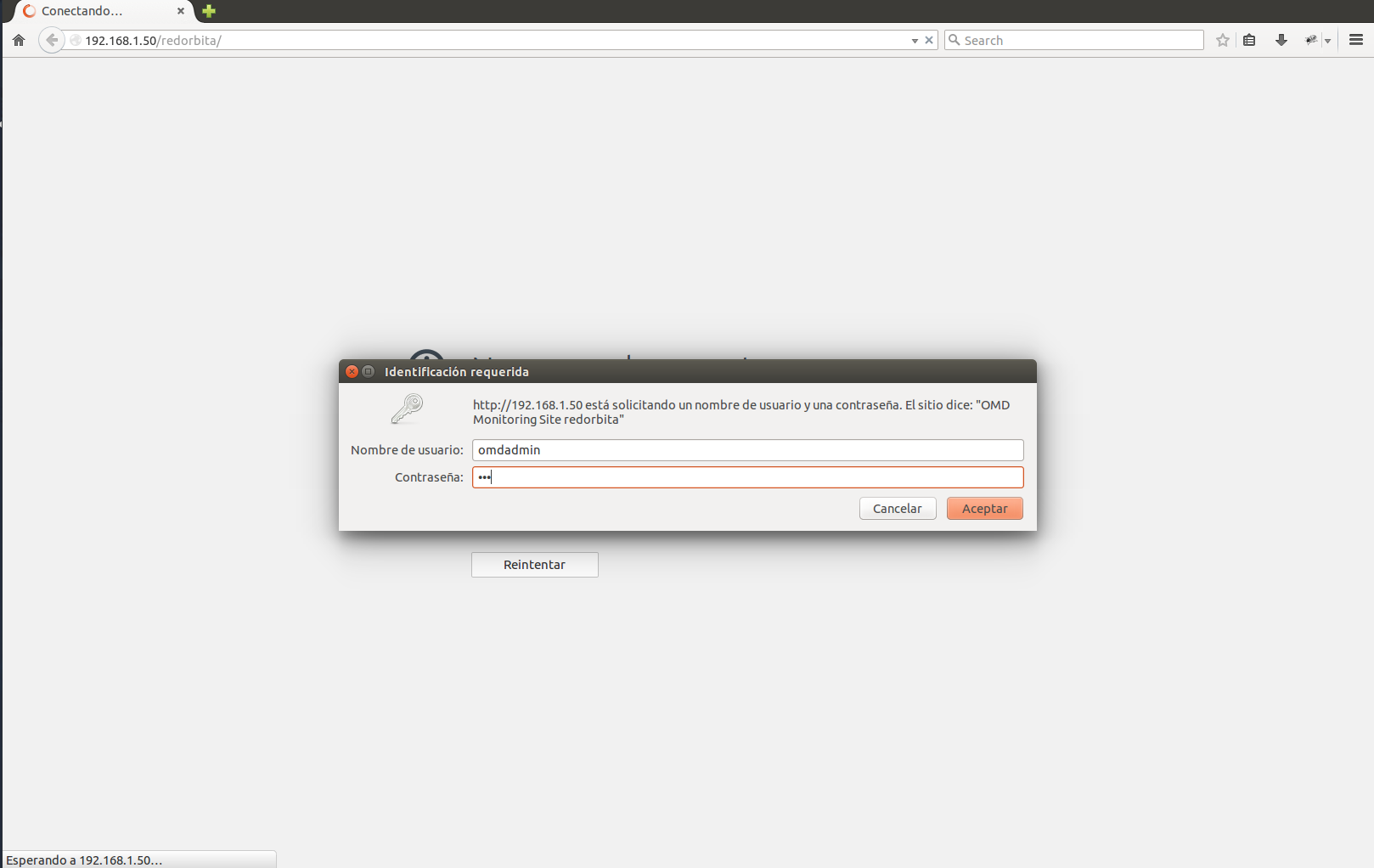
The admin user for the web applications is omdadmin with password omd.

Please do a su – redorbita for administration of this site.
We check if the project has been created
rokitoh@OMD:/usr/src# omd sites

SITE             VERSION          COMMENTS

redorbita        1.20             default version
We start the project
rokitoh@OMD:/usr/src# omd start redorbita
Starting rrdcached…OK
Starting npcd…OK
Starting nagios…OK
Starting dedicated Apache for site redorbita…OK
Initializing Crontab…OK
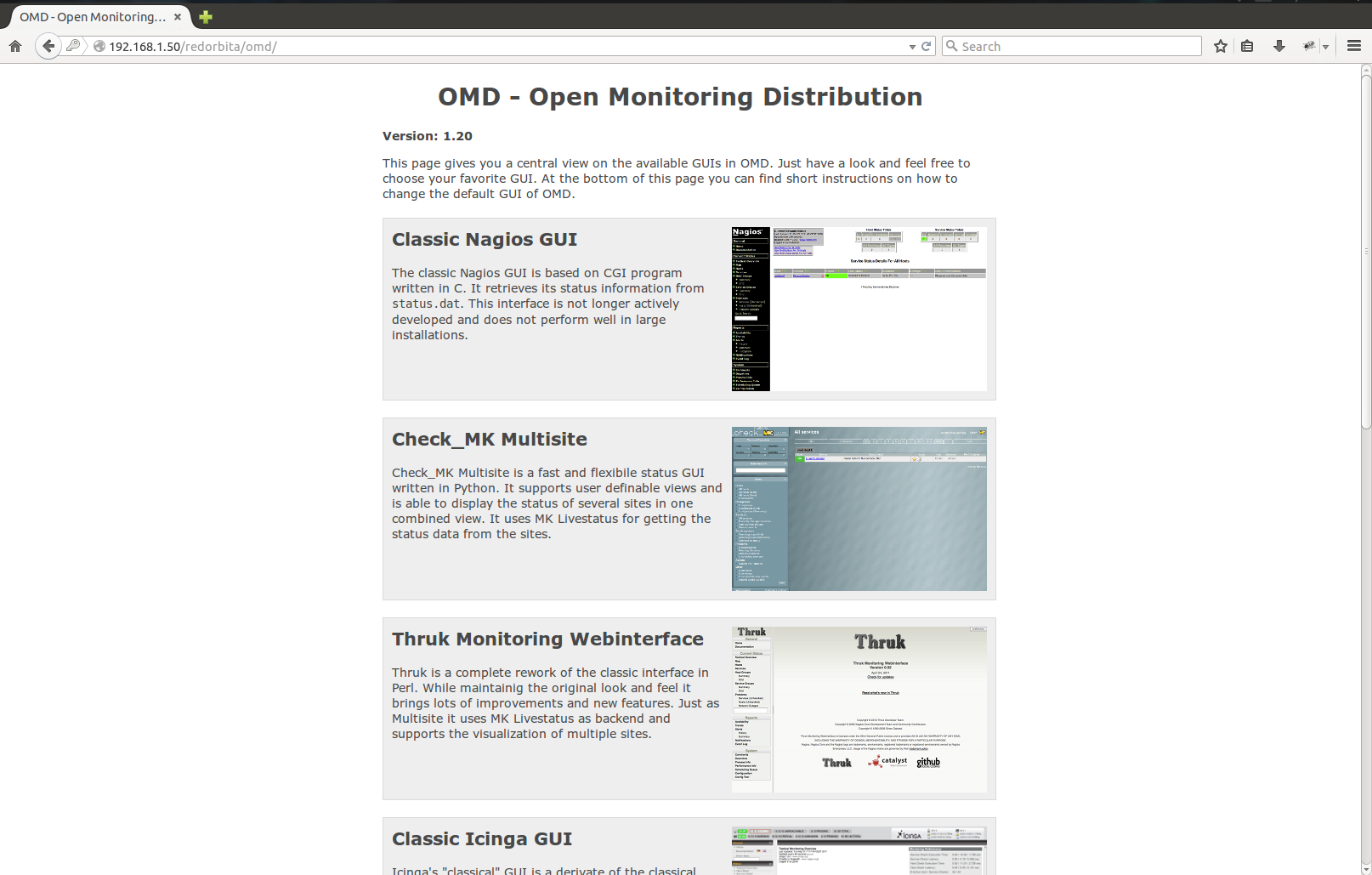
We access through our browser http://192.168.1.50/redorbita/omd/
In future tutorials we will see how to configure it to be a centralizer.
Regards, rokitoh
:wq!
Comments