
What is Jenkins?
Jenkins It is a software Continuous integration open source written in Java. It is based on the project hudson and it is, depending on the vision, a fork of the project or simply a name change.
Jenkins provides continuous integration for software development. It is a system running on a server that is a servlet container, such as Apache Tomcat. Supports tools version control as CVS, Subversion, Git, Mercurial, Perforce and Clearcase and can execute projects based on Apache Ant and Apache Maven, as well as shell scripts and Windows batch programs. The lead developer is Kohsuke Kawaguchi. Released under the MIT license, Jenkins is free software.1
En este post vamos a realizar una instalación básica de jenkins bajo GNU/Linux Debian, posteriormente ya hablaremos de su configuración y la integración con chef.
Dependencies:
apt–get install openjdk–7–jre and openjdk–7–jdkFacility:
Once the dependencies are installed, we add the official Jenkins repositories and proceed to install them.
wget -q -O – http://pkg.jenkins-ci.org/debian/jenkins-ci.org.key |  apt-key add –

sh -c ‘echo deb http://pkg.jenkins-ci.org/debian binary/ > /etc/apt/sources.list.d/jenkins.list’

apt-get update

apt-get install jenkins- The Jenkins service will be launched upon system boot.
- The user 'jenkins' will be created to run said service.
- The homedir for the user 'jenkins' will be created in the /var/lib/jenkins folder where we can find the service configuration file (config.xml).
- The Jenkins log can be found in the path /var/log/jenkins.
- By default Jenkins listens on port 8080.
Configure so that Jenkins works through port 80
On the official website we have how to configure it using both Nginx and Apache. In our case we are going to use Nginx.
Nginx installation
aptitude -y install nginxWe delete the default configuration.
cd /etc/nginx/sites-available

rm default ../sites-enabled/default
We add the configuration
cat > jenkins

upstream app_server {

server 127.0.0.1:8080 fail_timeout=0;

}
server {

listen 80;

listen [::]:80 default ipv6only=on;

server_name ci.yourcompany.com;
location / {

proxy_set_header X-Forwarded-For $proxy_add_x_forwarded_for;

proxy_set_header Host $http_host;

proxy_redirect off;
if (!-f $request_filename) {

proxy_pass http://app_server;

break;

}

}

}
We make a symbolic link of the configuration
ln -s /etc/nginx/sites-available/jenkins /etc/nginx/sites-enabled/We restart the nginx service
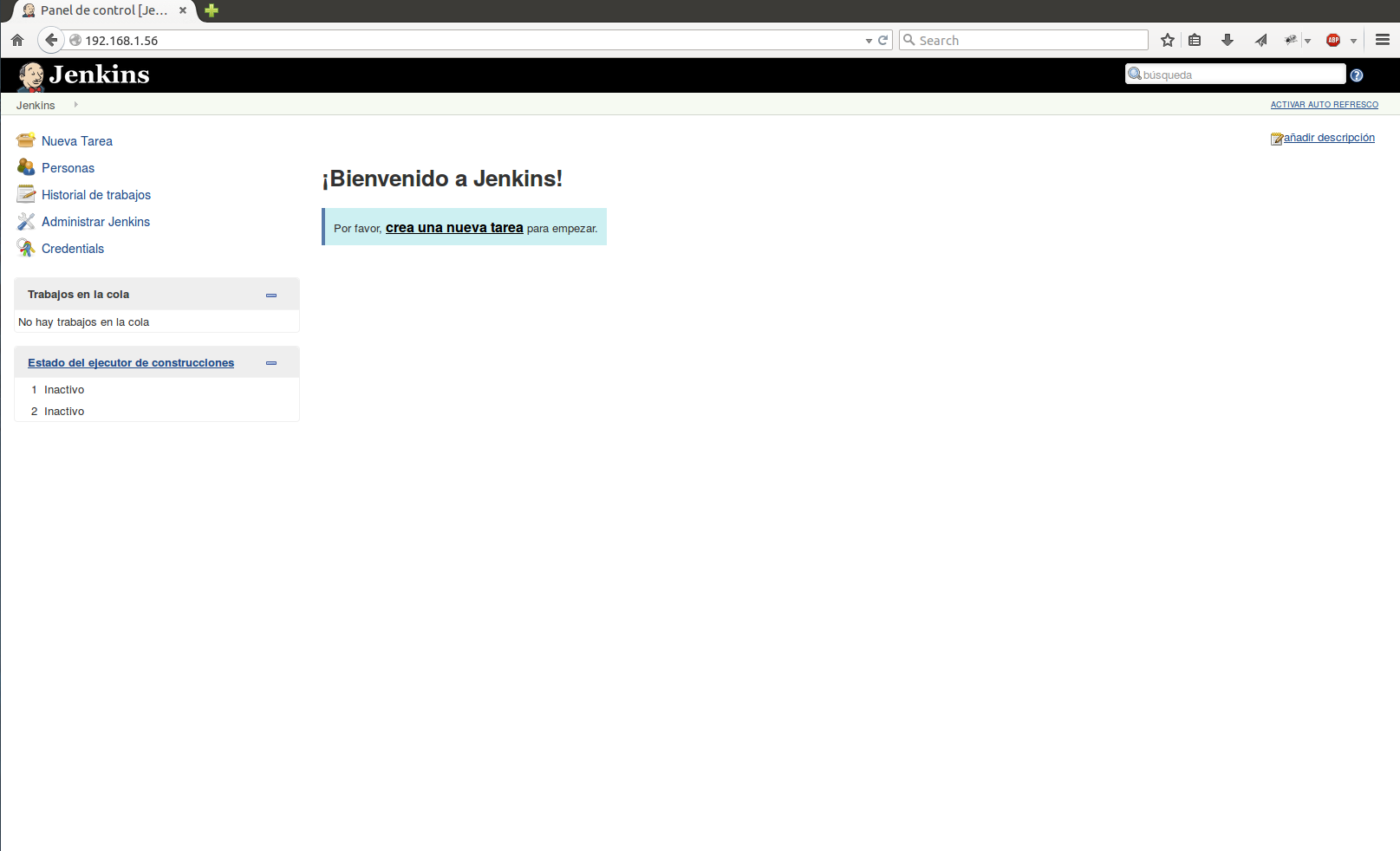
service nginx restartWe start through our browser.
more information: https://wiki.jenkins-ci.org/display/JENKINS/Installing+Jenkins+on+Ubuntu
Regards, Rokitoh
:wq!
Comments