
Previously we had already installed a JBOSS server. You can see it Here
This time we are going to do a mini tutorial on how to add a new application to the JBOSS server. To do this we have to follow the following steps:
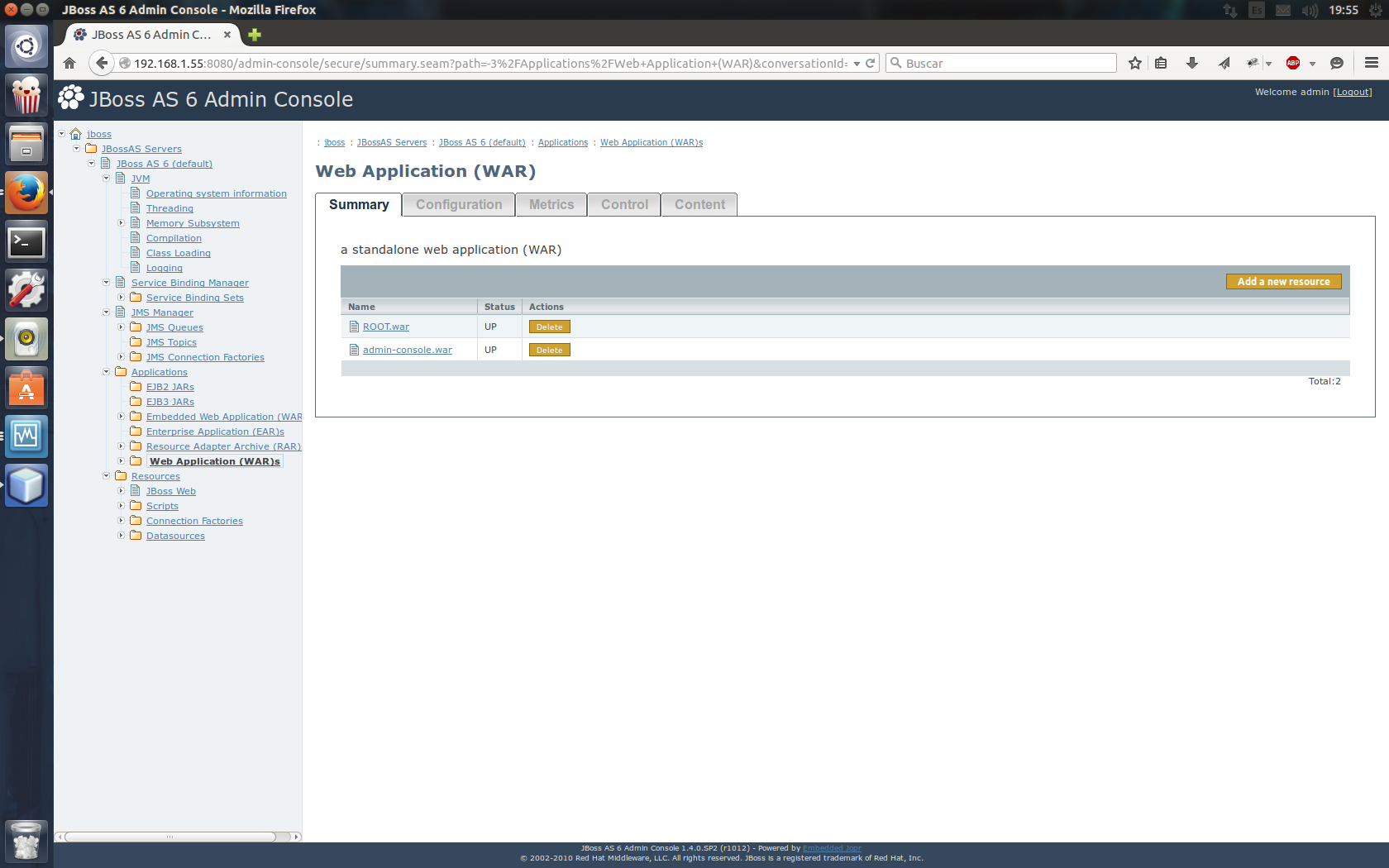
we are going to Applications > Web Application (WAR) > Add new resources
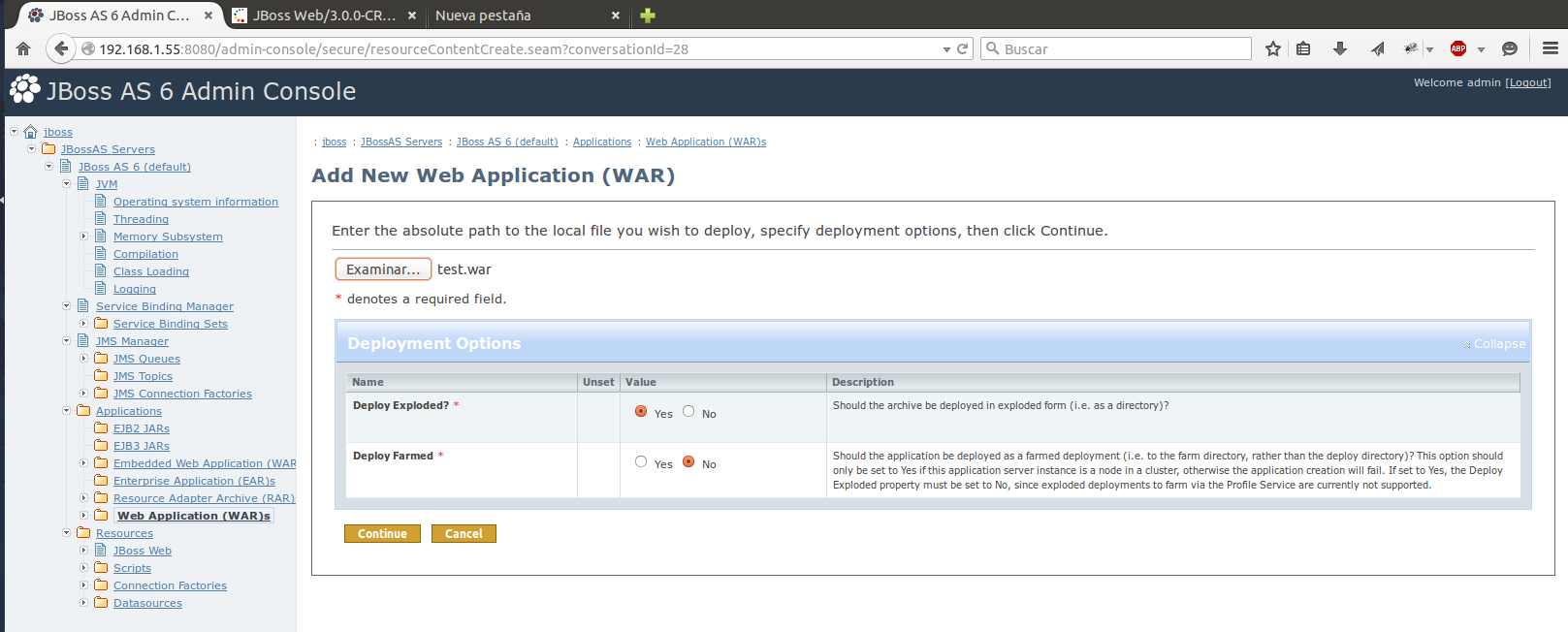
We examine and add our .war application. in my case it is called test.war
In the option DeployExploded? We indicate that YES
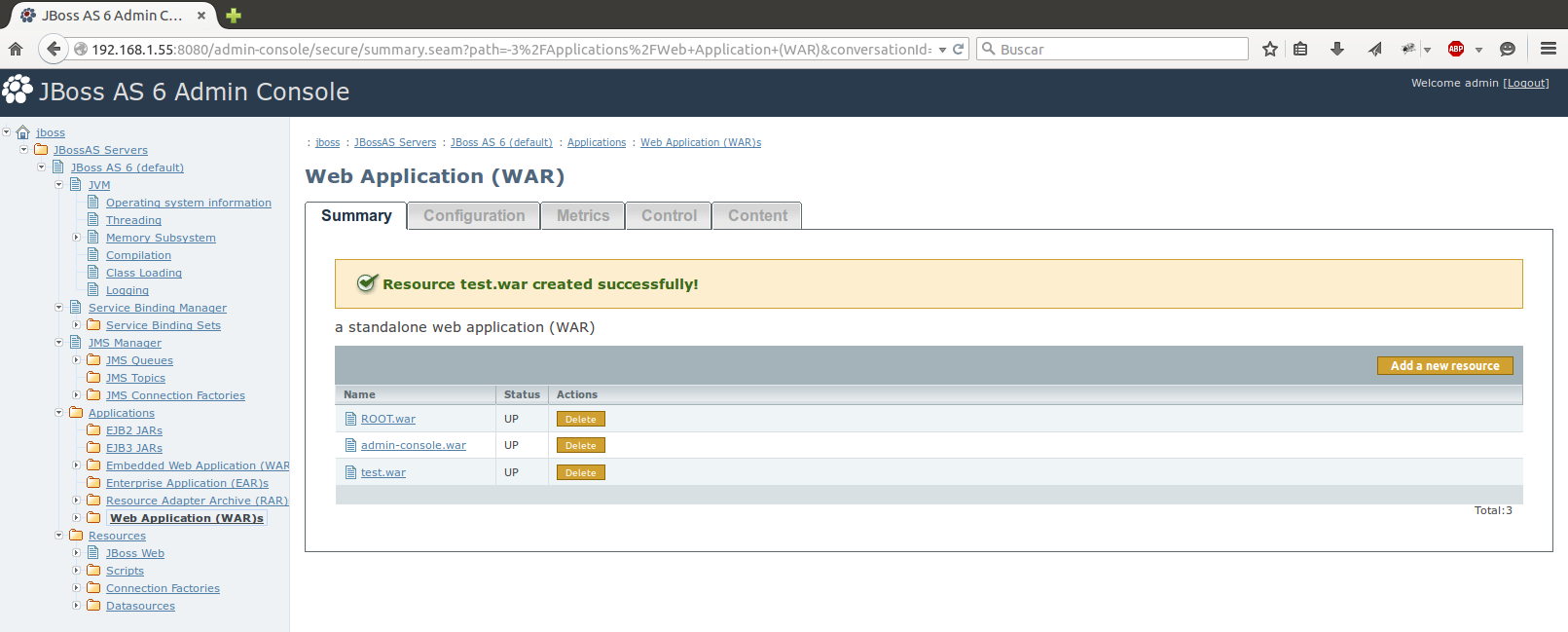
If everything turned out correctly, our new application is added.
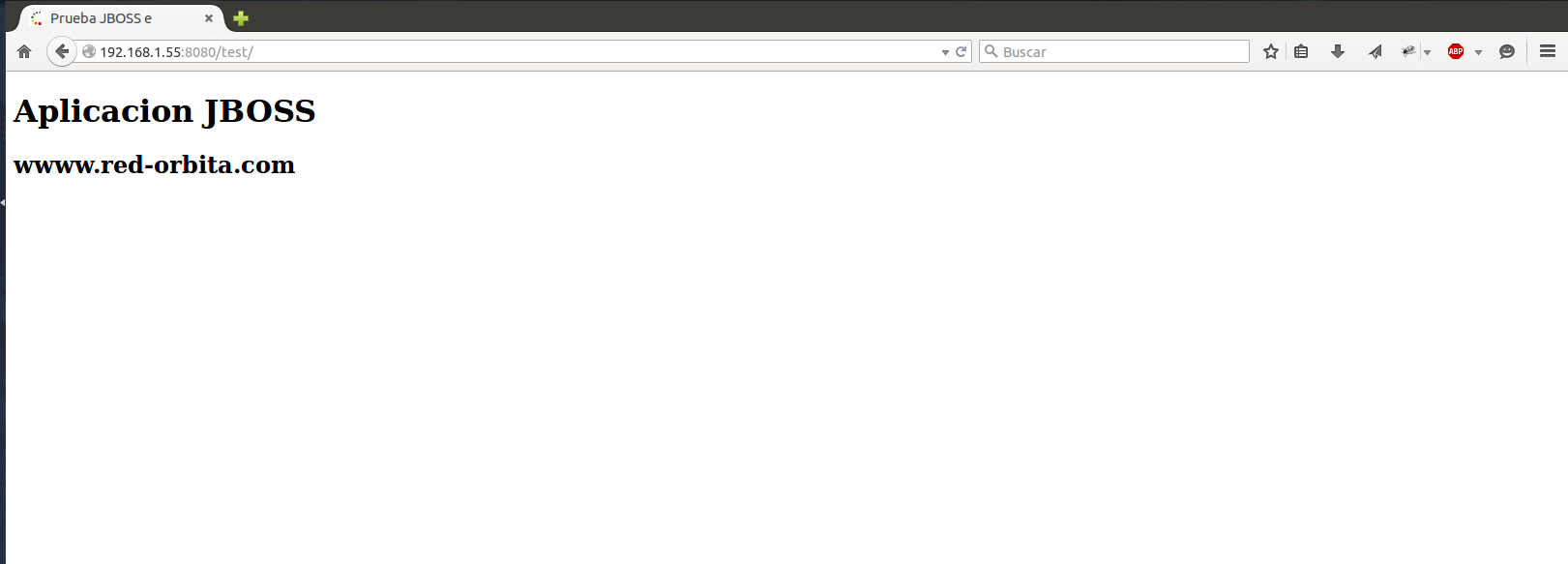
Using our favorite browser we access it: https://192.168.1.55:55/test/
Greetings, rokitoh!
:wq!
Comments