
What is a snapshot?
 A snapshot (or snapshot) of a disk is a copy of the virtual machine's disk file at a specific point in time. It preserves the disk file system and system memory of our VM, allowing us to return to that saved image or snapshot in case something goes wrong. Snapshots can be real lifesavers when updating or patching applications and servers. This entry we will see how to make a snapshot in XenServer
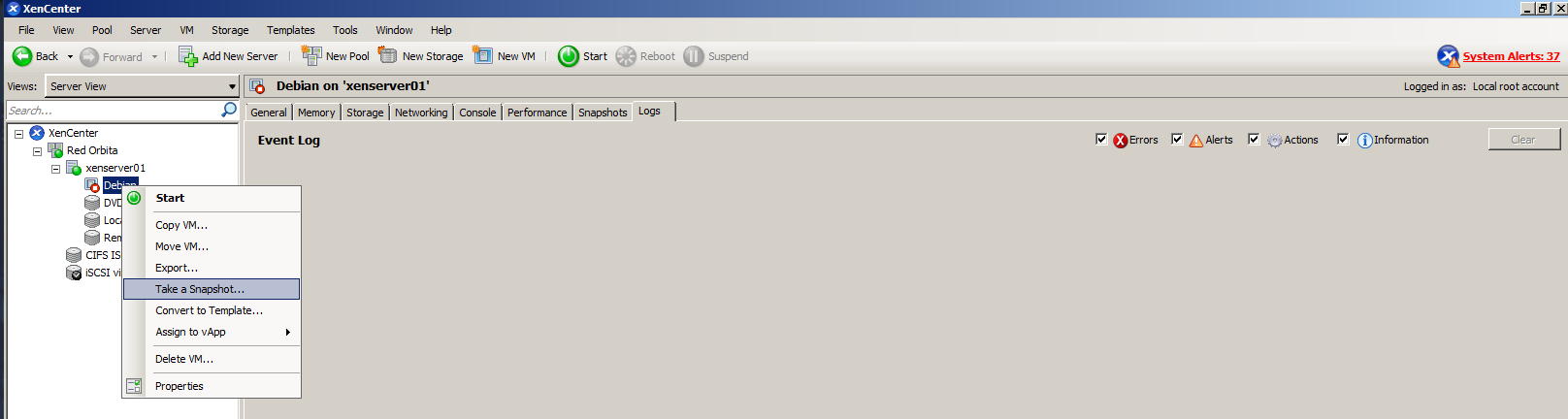
We access the XenCenter or OpenXenManager client, We position ourselves on the server → right click → take a snapshot
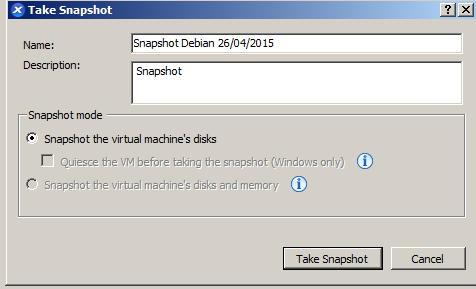
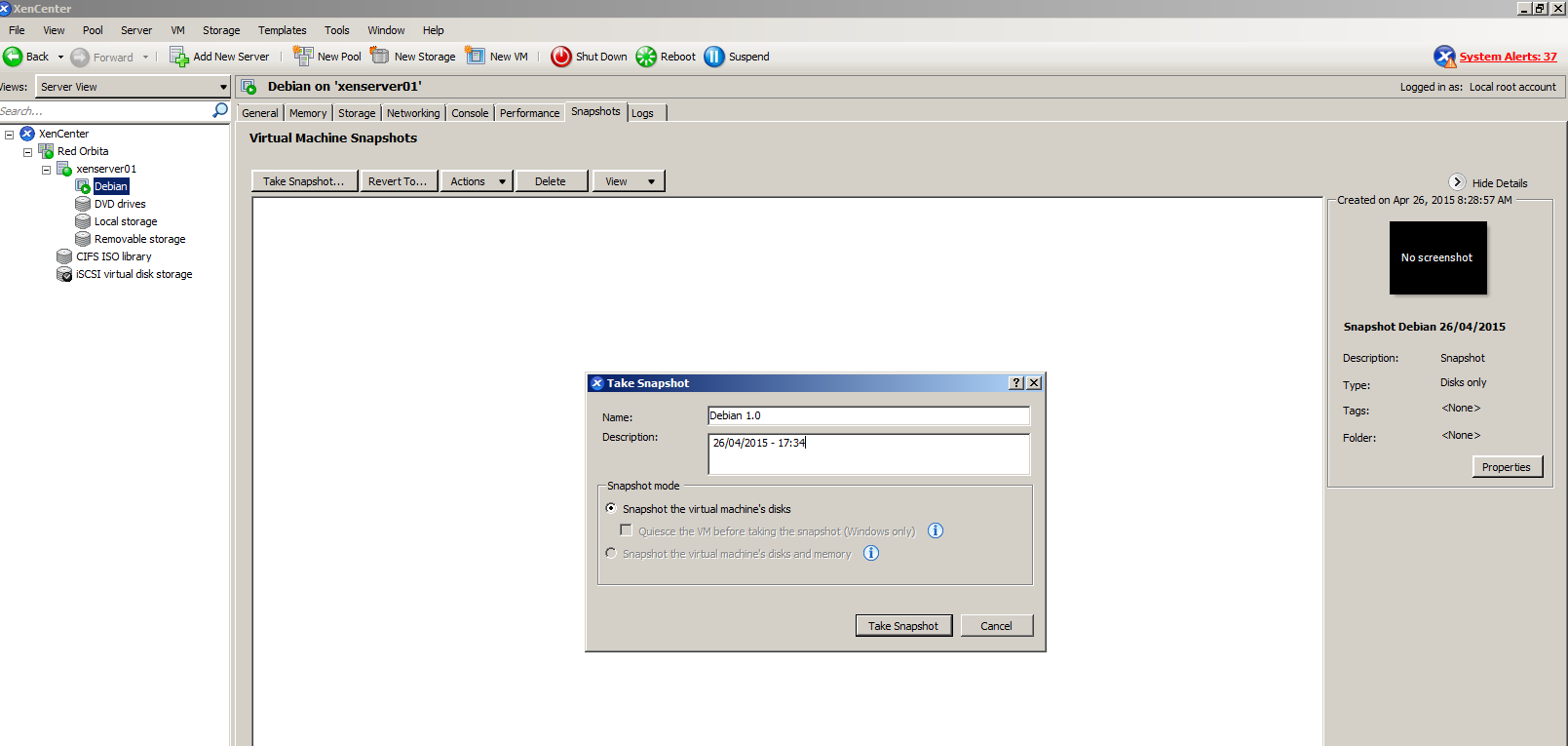
We fill in a distinguishable name and description and press Take Snapshot.
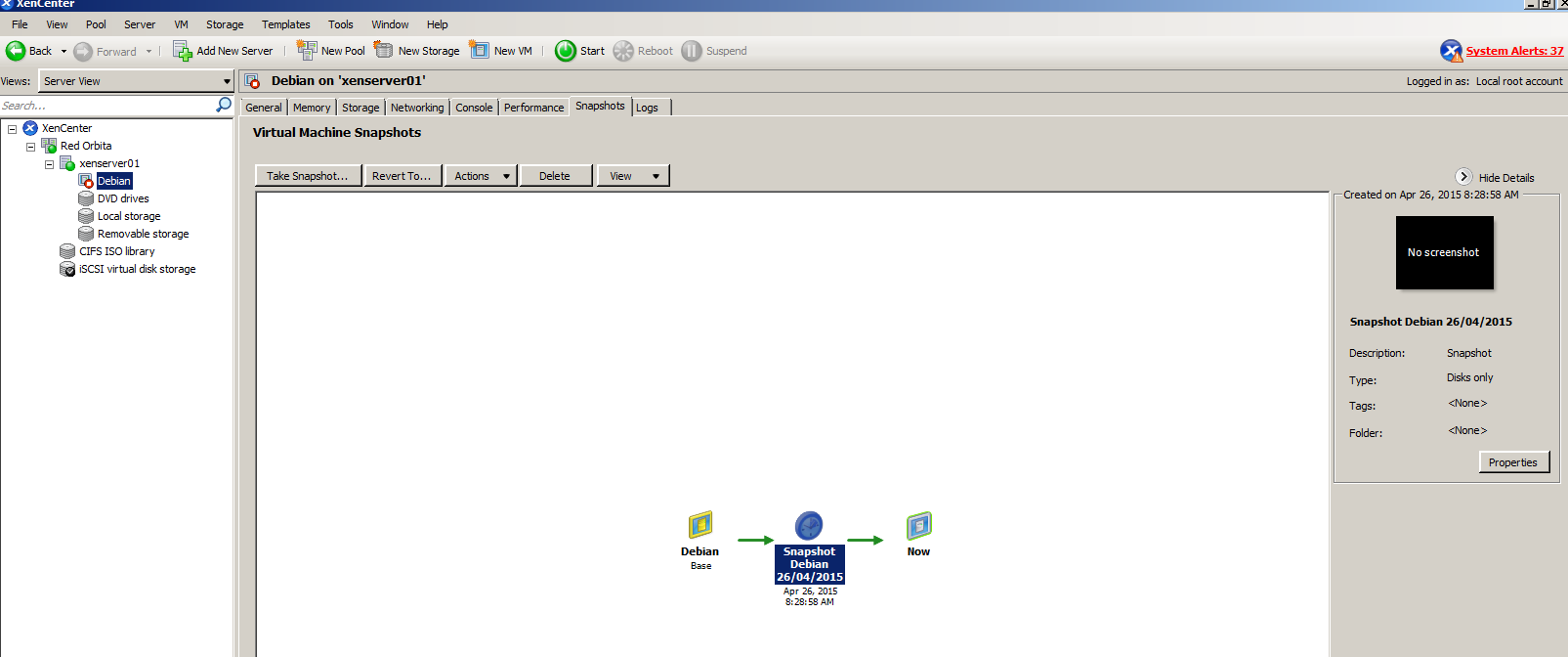
If we go to the LOG tab we check if the snapshot is carried out correctly

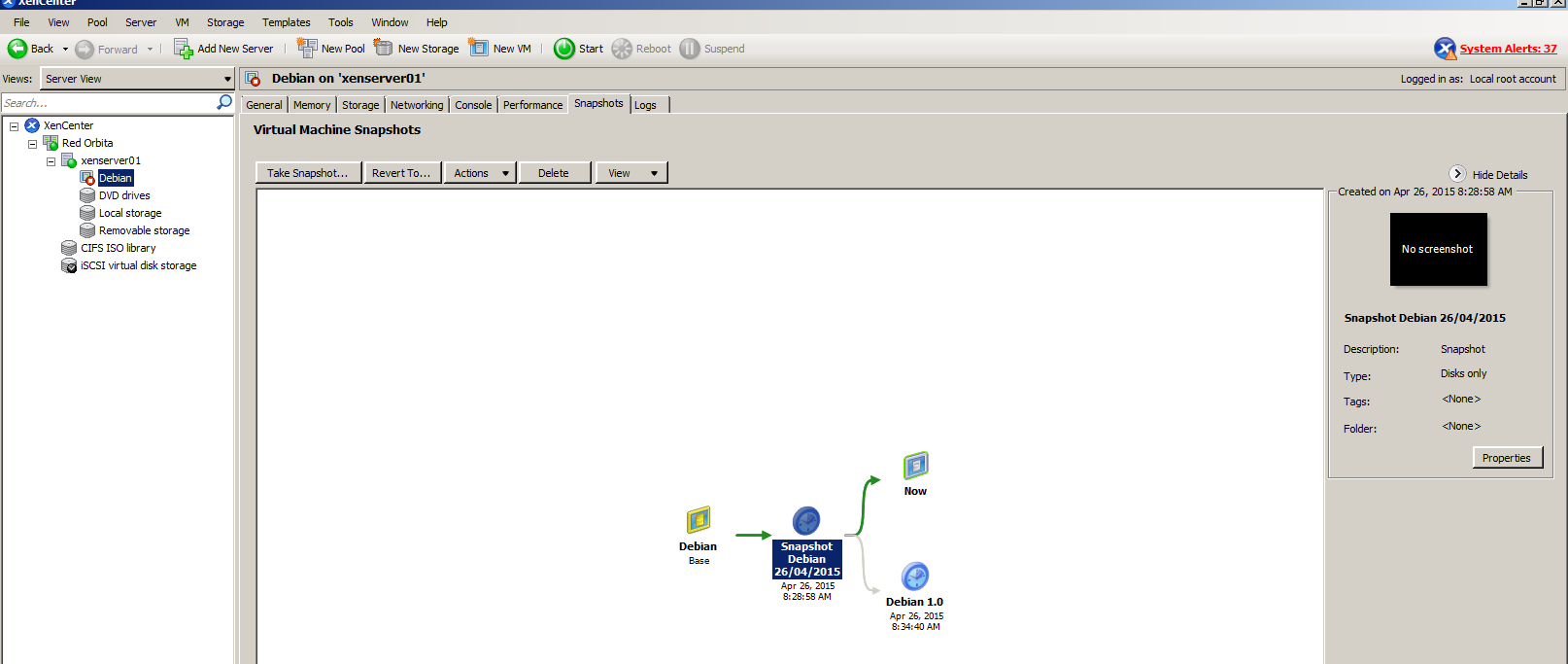
Through the Snapshot tab we can manage the different snapshots
 From the XenServer console
We list the virtual machines
[root@xenserver01 ~]# xe vm-list
uuid ( RO) :87dc7b1b-1054-db4a-9bdd-fb8a61244648
name-label (RW): Debian
power-state (RO): halted
Command syntax:
xe vm-snapshot vm=<Nombre maquina que vamos a sacar snapshot> new-name-label=<Nombre snapshot>We proceed to take the snapshot
[root@xenserver01 ~]# xe vm-snapshot vm=Debian new-name-label=Debian_snapshotRevert changes
Let's see, in case it is necessary, how to go back and use the snapshot that we made previously.
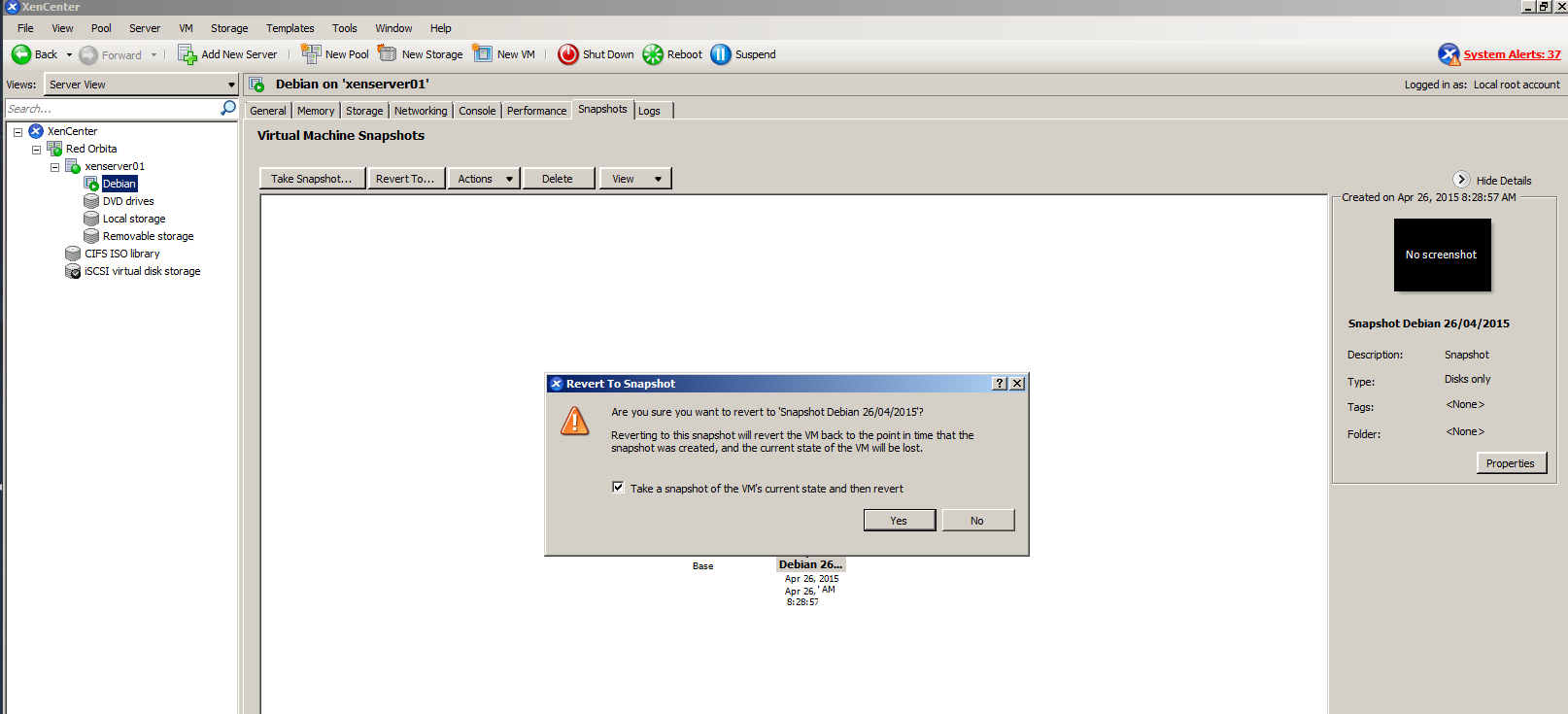
For this we position ourselves in the snapshot → right click → Revert To Snapshot..
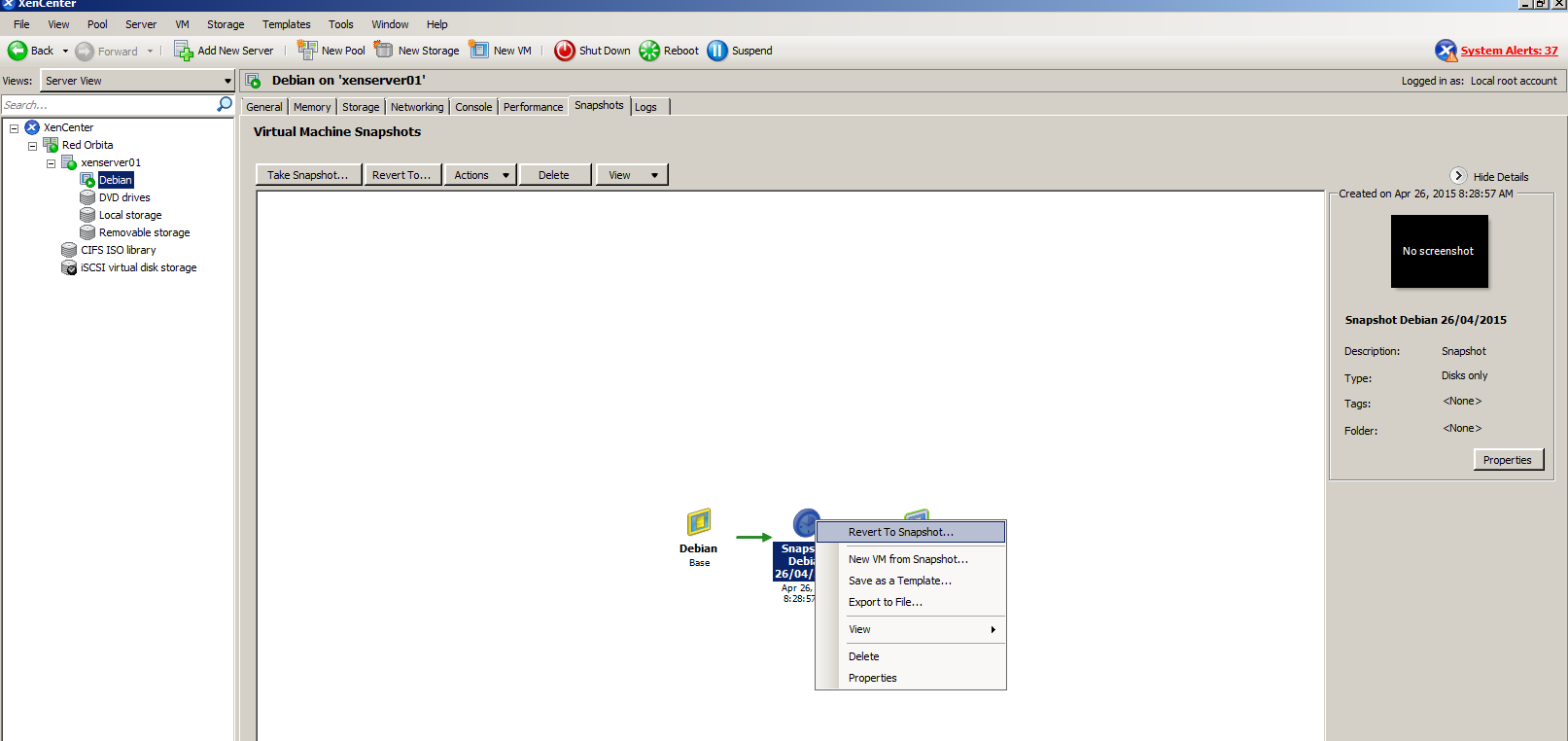
We press YES to continue reversing.
Again we have to add a name and a brief description.
We start the virtual machine and if everything turned out correctly, the changes after the snapshot will have been reverted.
A saudo, rokitoh
:wq!
Comments