
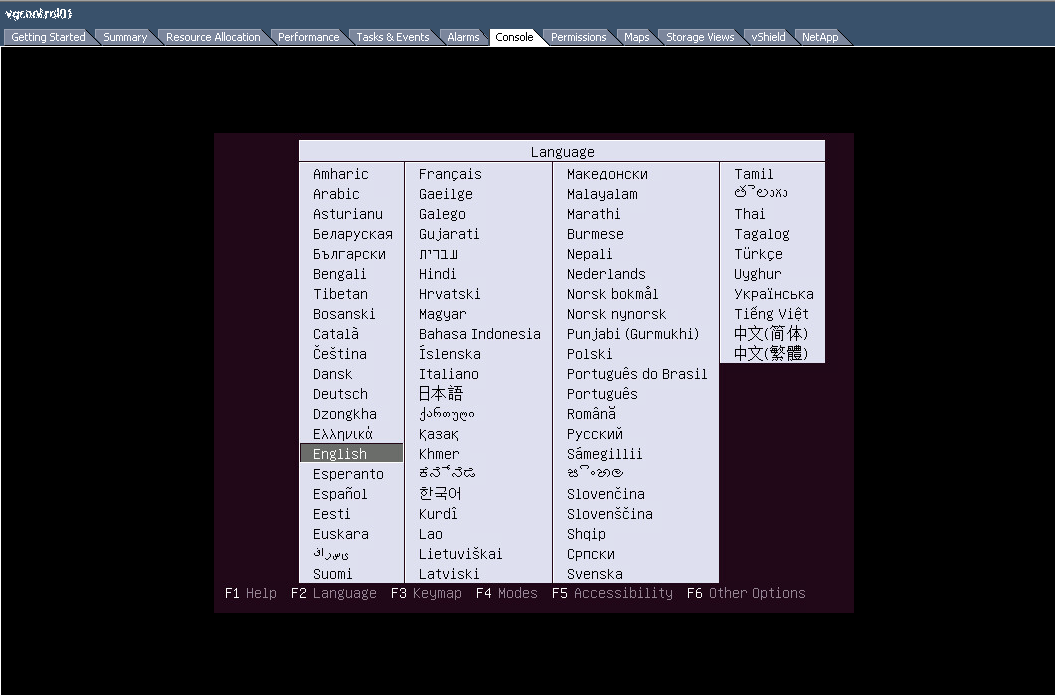
In this entry we will see how to start through the CD-ROM using VMware vSphere client, either to install an OS or because we have to start through a LIVE CD to solve possible problems.
Note: Before continuing with this article, make sure that the virtual cd-rom device is connected to the virtual machine and that the “Connect at power on» is selected.
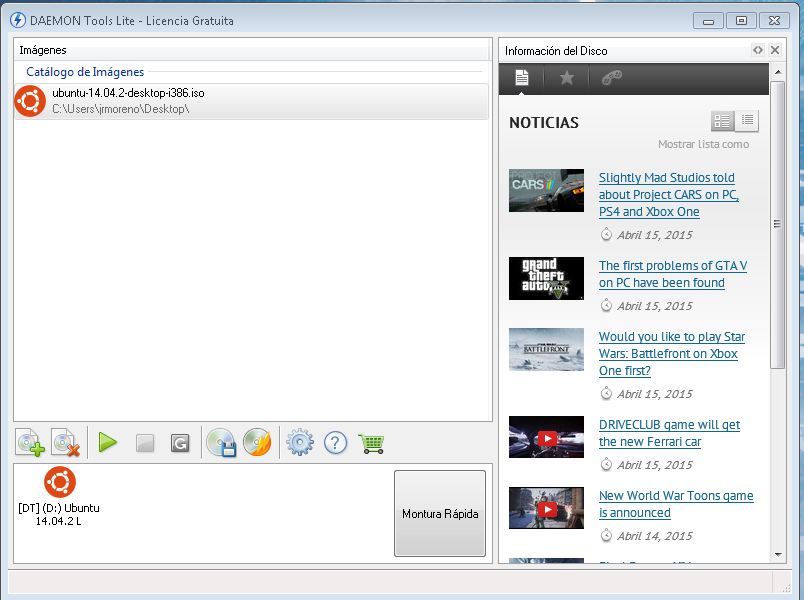
First we must mount the ISO with which we are going to start, for this I have used DAEMON Tools.

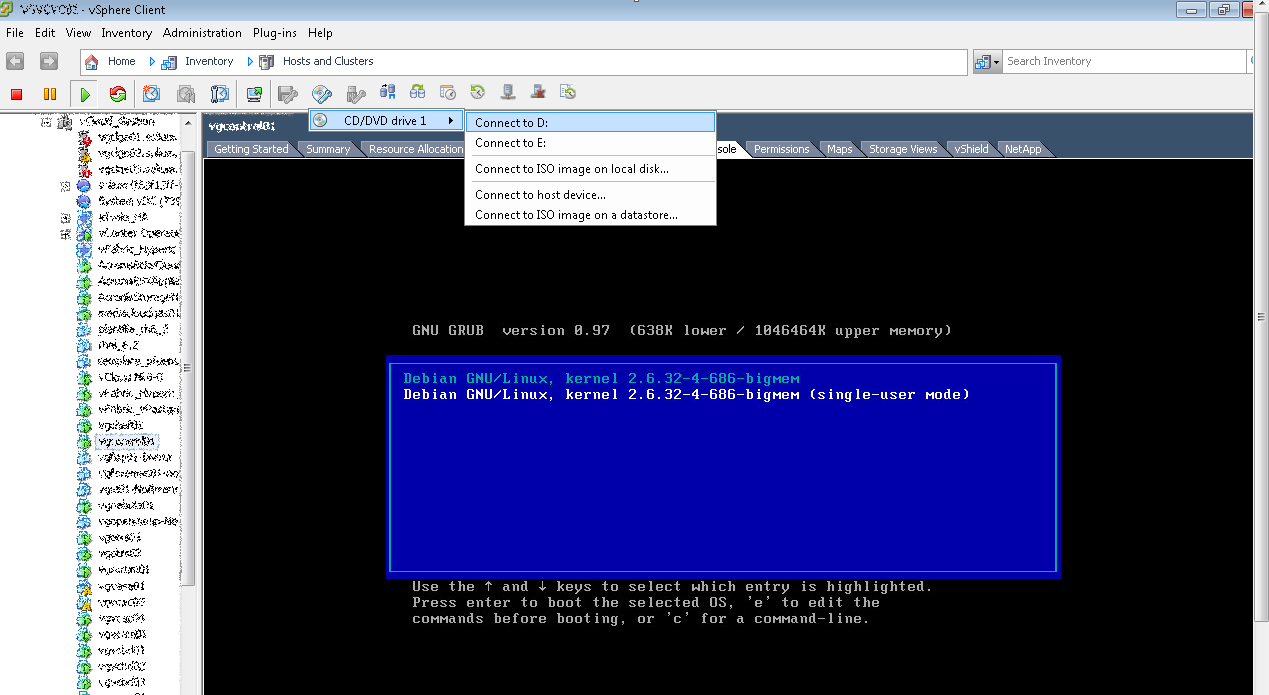
- Once mounted, we proceed to start the machine and select the disk where we have mounted the ISO
- We restart the server using: Control + Alt + insert
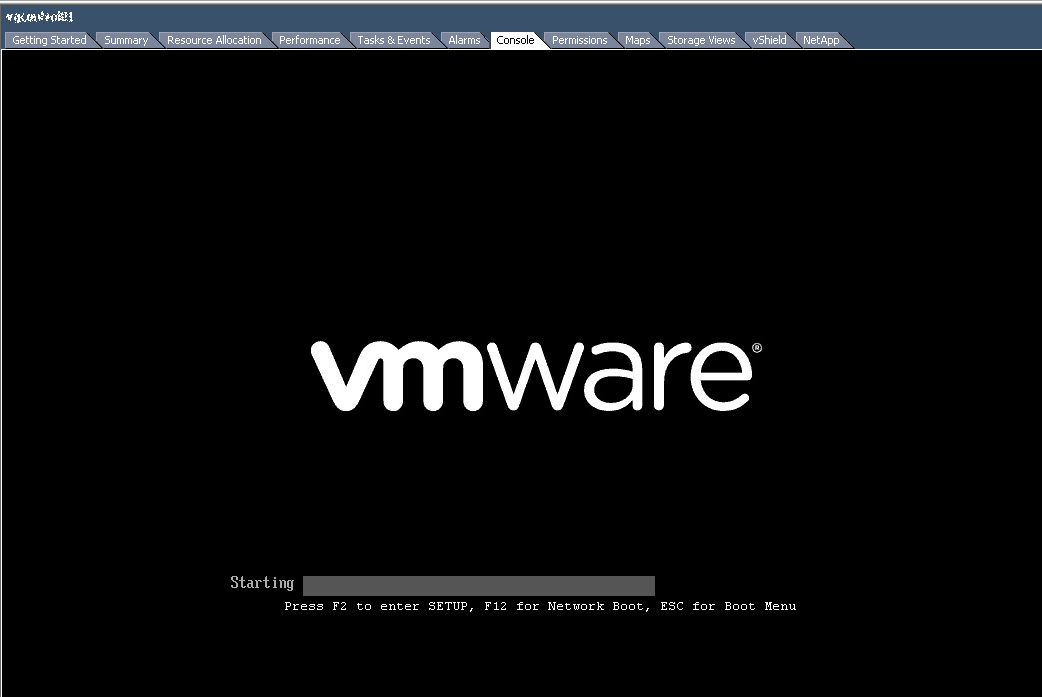
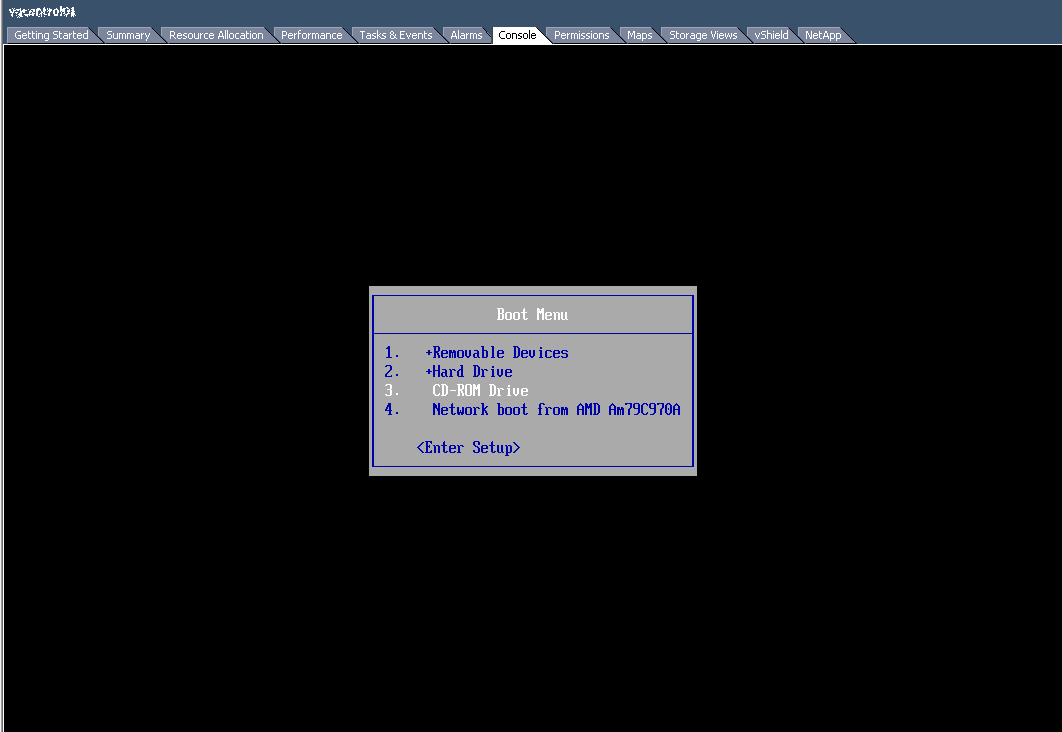
- When the BIOS screen appears, press the key Esc. The device selection menu will appear.
- Select the CD-ROM device as the boot device from the menu.
Regards, Rokitoh
:wq!
Comments