
OpenDayLight is an opensource project which aims to accelerate and encourage innovation in the creation and adoption of an open and transparent SDN (Software-Defined Networking).
Currently the project has the support of companies such as Networks, Brocade, Cisco, Citrix, Ericsson, IBM, Juniper Networks, Microsoft, NEC, Red Hat and VMware and they have recently launched their first program called Hydrogen.
But what is an SDN (Software-Defined Networking)? Well, it is a tool that will allow administrators to manage network services through the abstraction of lower-level functionalities. This is done by the decoupling system making decisions about where the traffic is sent from the underlying systems which forwards the traffic to the selected destination, then releases it and opens the network services.
Ultimately it is an OpenFlow controller.
OpenFlow is a protocol that allows a server to tell network switches where to send packets. In a conventional network, each switch has proprietary software that tells it what to do. With OpenFlow, packet migration decisions are centralized, so the network can be scheduled independently of individual switches and data center equipment.
Previously we saw how to install a Docker server to which we later implemented OVS. Well this time we will install it OpenDayLight
Previous tutorials:
Install Docker server on GNU/Linux
Install and configure Open vSwitch
OpenDayLight installation
We install the dependencies:
root@docker:/# apt–get install maven wget unzip openjdk–7–jre openjdk–7–jdkroot@docker:/# export set MAVEN_OPTS=»-Xmx4096m -XX:MaxPermSize=1024m»
root@docker:/# echo ‘export MAVEN_OPTS=»-Xmx4096m -XX:MaxPermSize=1024m»‘ >> /root/.bashrc
root@docker:/# export set JAVA_HOME=/usr/lib/jvm/java-7-openjdk-amd64/
root@docker:/# echo «export JAVA_HOME=/usr/lib/jvm/java-7-openjdk-amd64/» >> /root/.bashrcwget https://nexus.opendaylight.org/content/groups/public/org/opendaylight/integration/distribution-karaf/0.2.3-Helium-SR3/distribution-karaf-0.2.3-Helium-SR3.zipoot@docker:/# unzip distribution-karaf-0.2.3-Helium-SR3.ziproot@docker:/# mv distribution-karaf-0.2.3-Helium-SR3 /opt/opendaylight ________ ________ .__ .__ .__ __
\_____ \ ______ ____ ____ \______ \ _____ ___.__.| | |__| ____ | |___/ |_
/ | \\____ \_/ __ \ / \ | | \\__ \< | || | | |/ ___\| | \ __\
/ | \ |_> > ___/| | \| ` \/ __ \\___ || |_| / /_/ > Y \ |
\_______ / __/ \___ >___| /_______ (____ / ____||____/__\___ /|___| /__|
\/|__| \/ \/ \/ \/\/ /_____/ \/Hit '<tab>' for a list of available commands
and ‘[cmd] –help’ for help on a specific command.
Hit '<ctrl-d>' or type 'system:shutdown' or 'logout' to shutdown OpenDaylight.
Using karaf we install the following features
opendaylight-user@root> feature:install odl-restconf odl-l2switch-switch odl-mdsal-apidocs odl-dlux-core
We access through our browser: http://192.168.1.80:8181/dlux/index.html
Usuario: admin
Contraseña: admin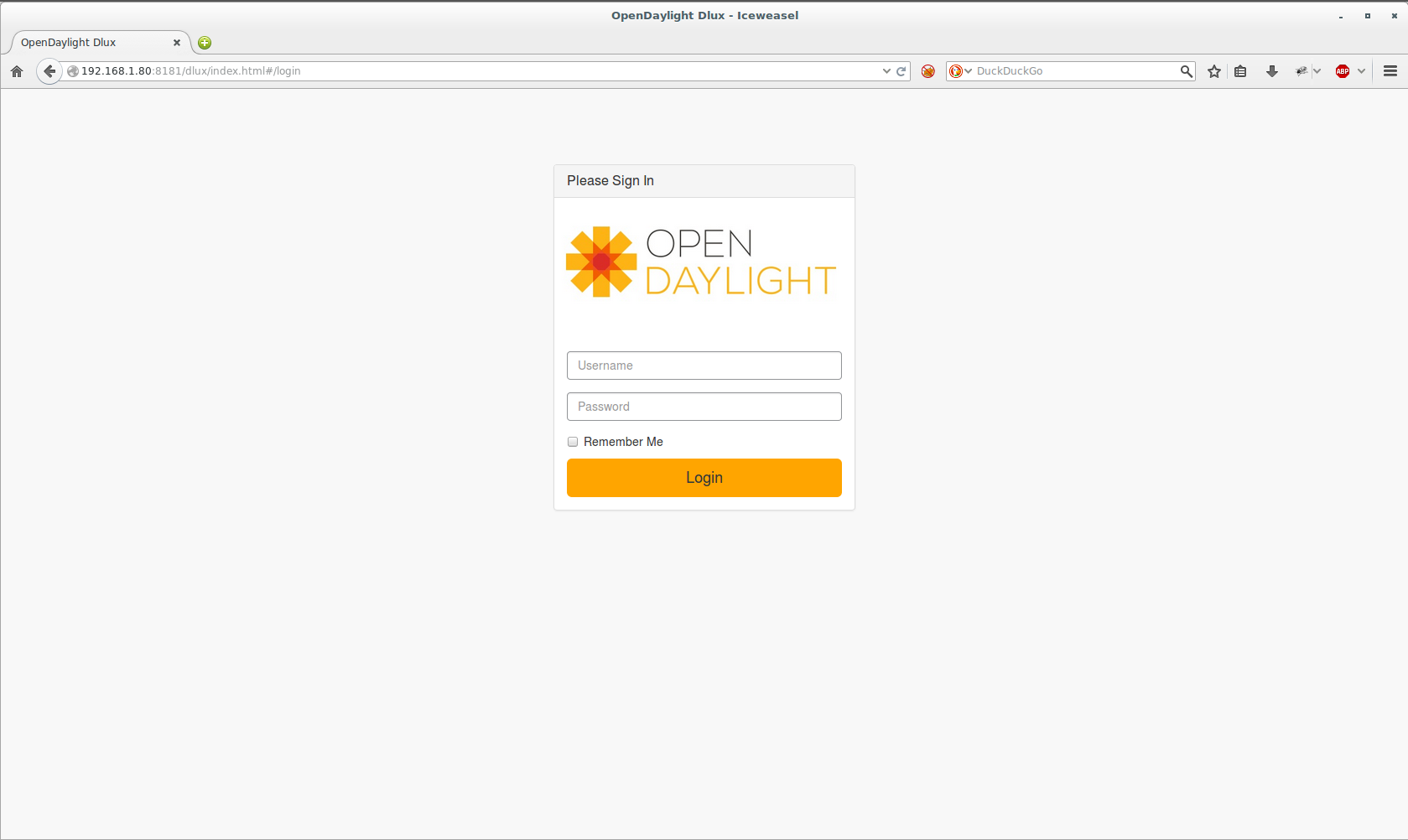
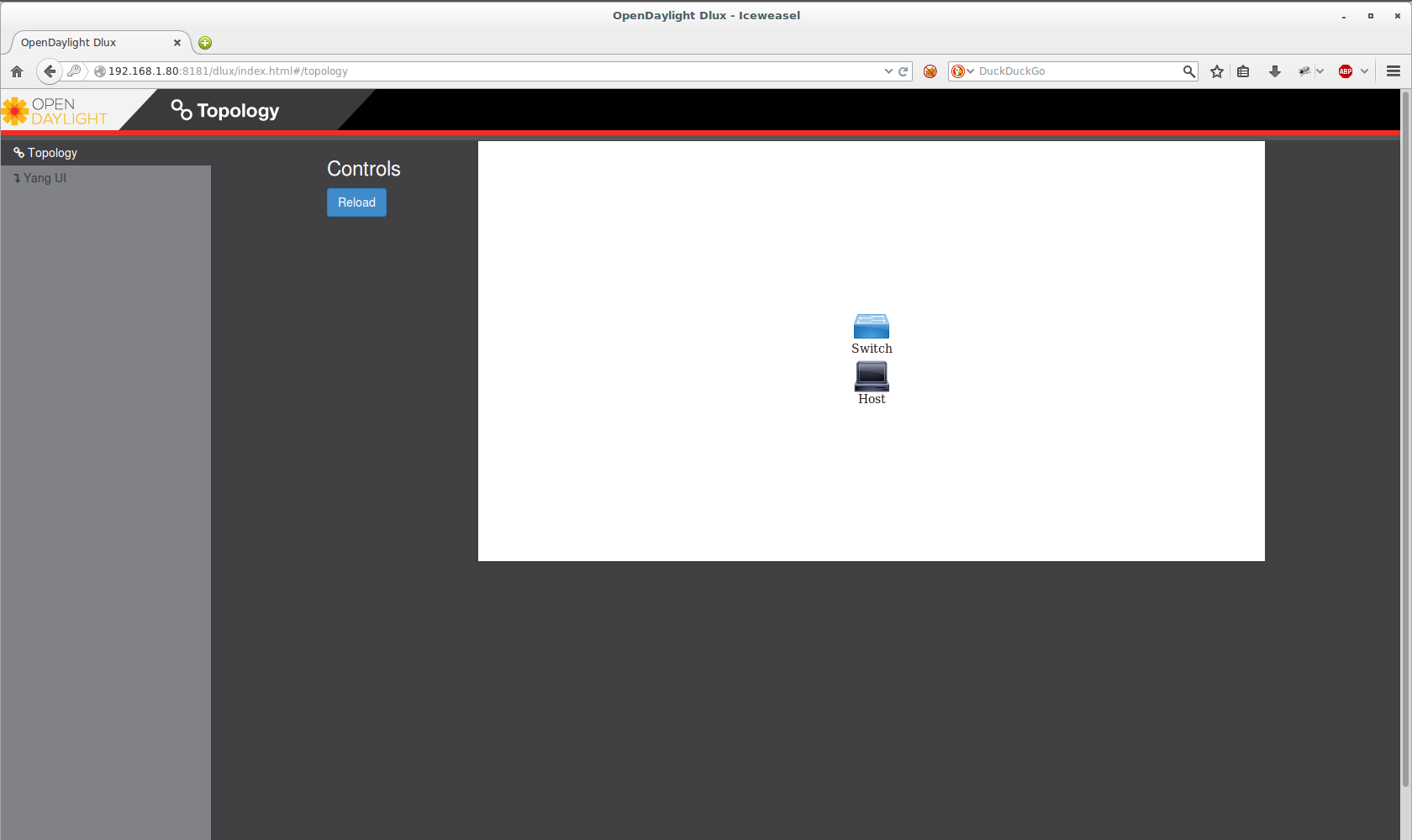
In future tutorials we will see how to configure Opendaylight
Regards, rokitoh
:wq!
Comments