
Previously we already talked about what Jenkins is, what it is for and we saw its installation.
Tutorial: https://red-orbita.com/?p=6622
This time we are going to create a simple job in which we will execute a script on a remote server using ssh. To do this, the first thing we must configure is the RSA key so that it can connect without a password.
We log in with the user jenkins and access the folder:
root@jenkins:~# su – jenkins
root@jenkins:~# cd /var/lib/jenkins/.ssh
We generate the RSA key:
root@jenkins:~# ssh-keygen -t rsa

Your identification has been saved in /var/lib/jenkins/.ssh/id_rsa.

Your public key has been saved in /var/lib/jenkins/.ssh/id_rsa.pub.
We copy the key to the server where we are going to execute the script.
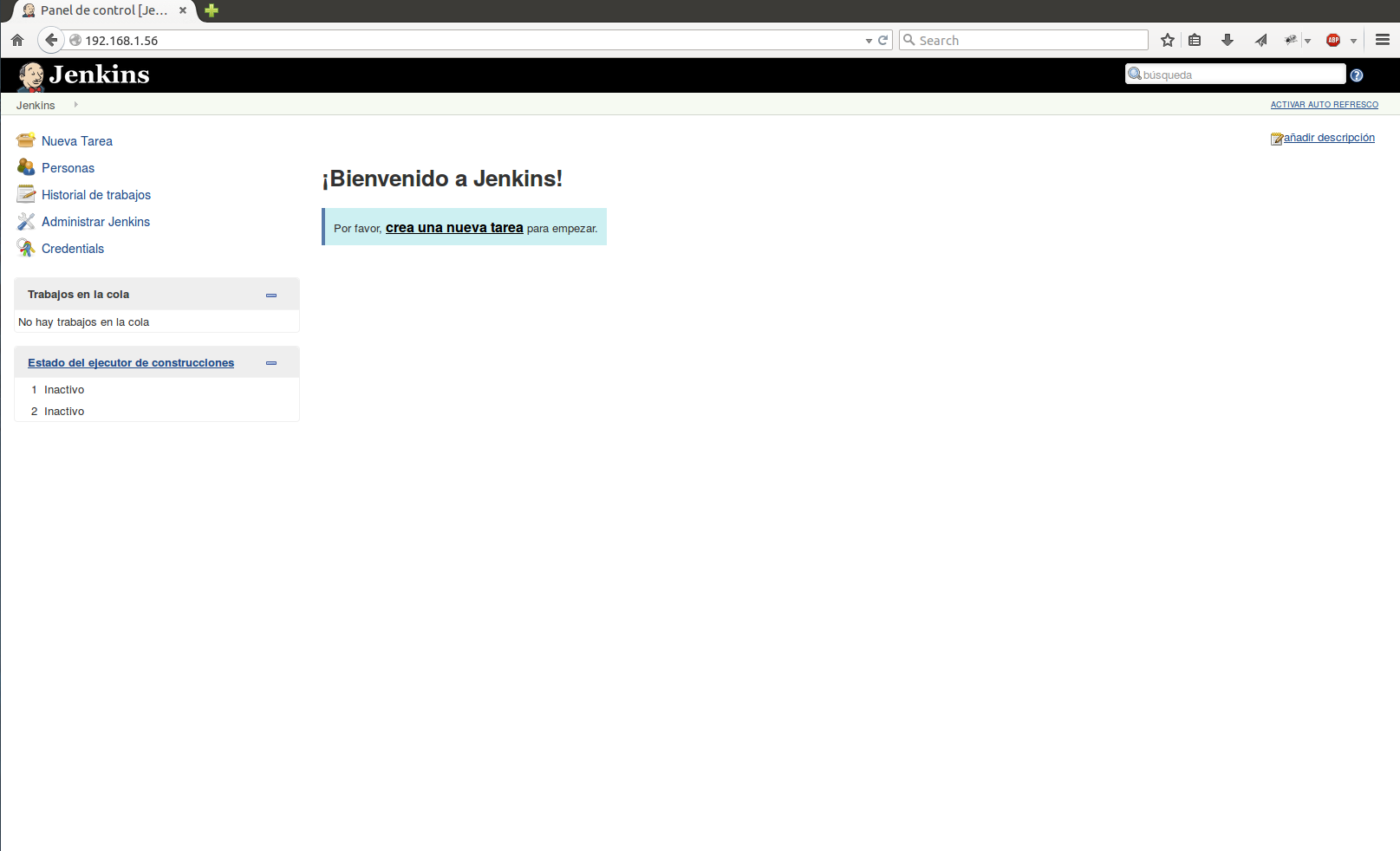
root@jenkins:~# ssh-copy-id root@192.168.1.57We access the Jenkins server through our browser and click create a new task:
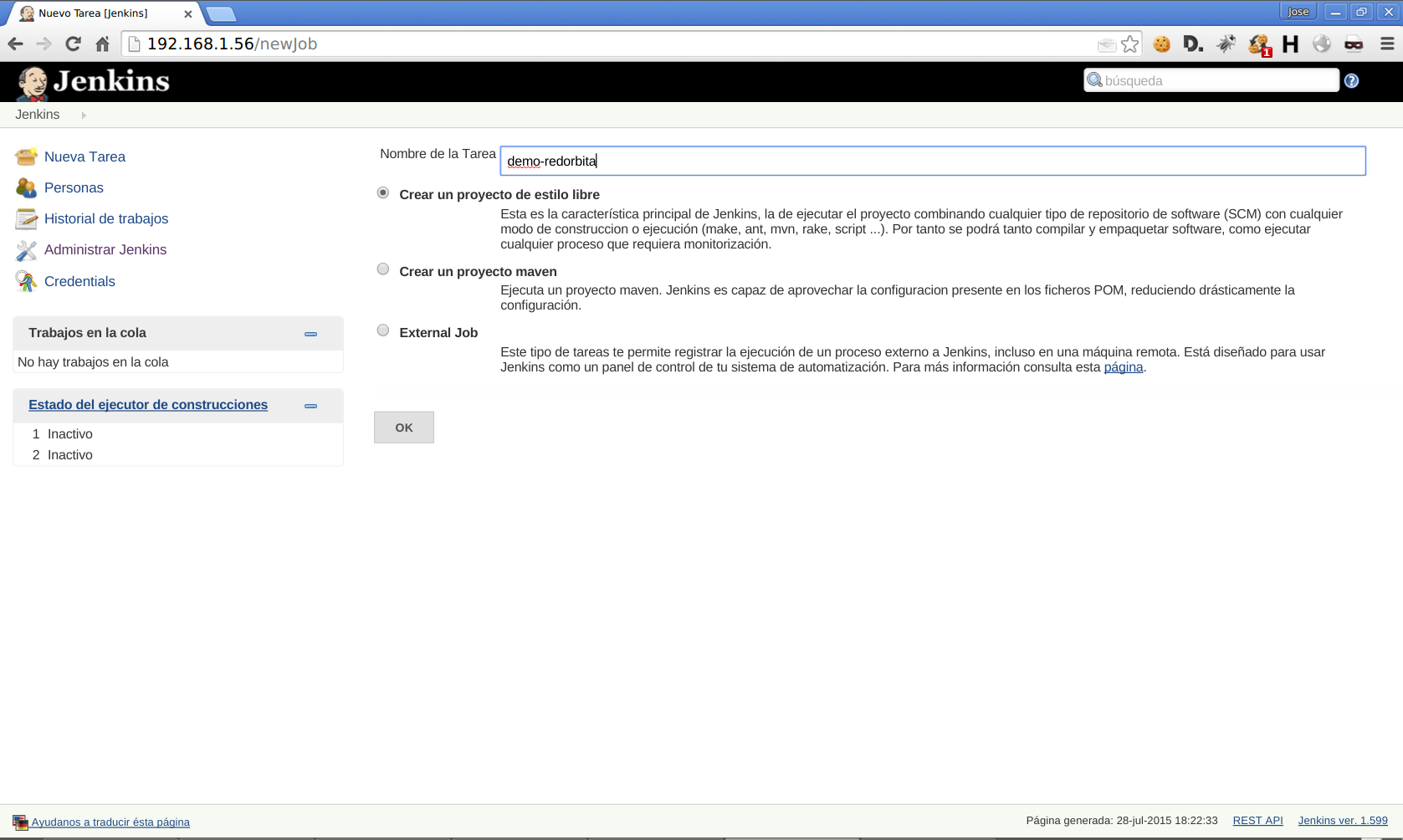
We assign the name of our project and select the first option.
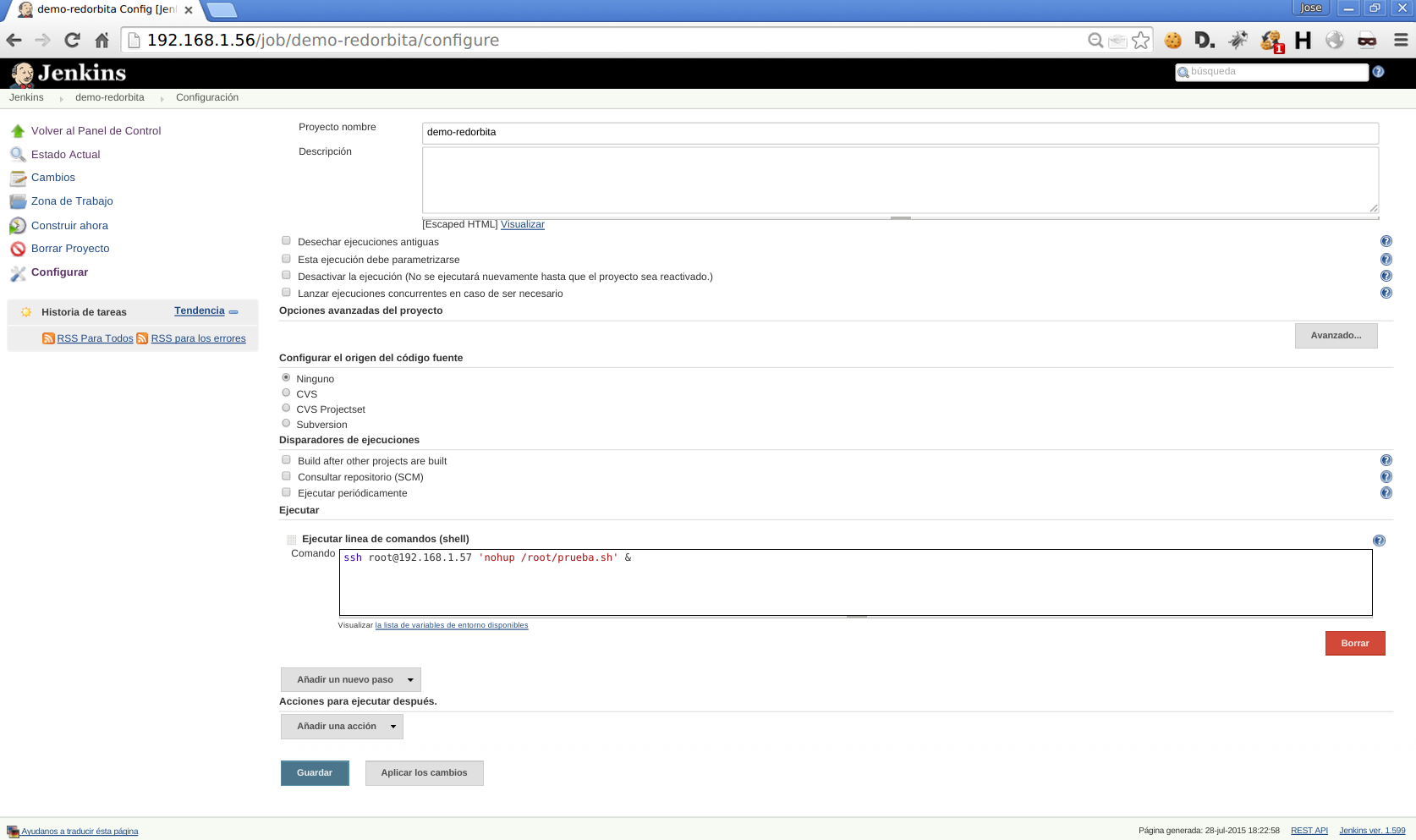
We go down to the section "Execute" and we select «Execute command line (shell)»
Command syntax: ssh <user>@<ip remote server> 'command'
Example: ssh root@192.168.1.57 ‘nohup /root/test.sh’ &
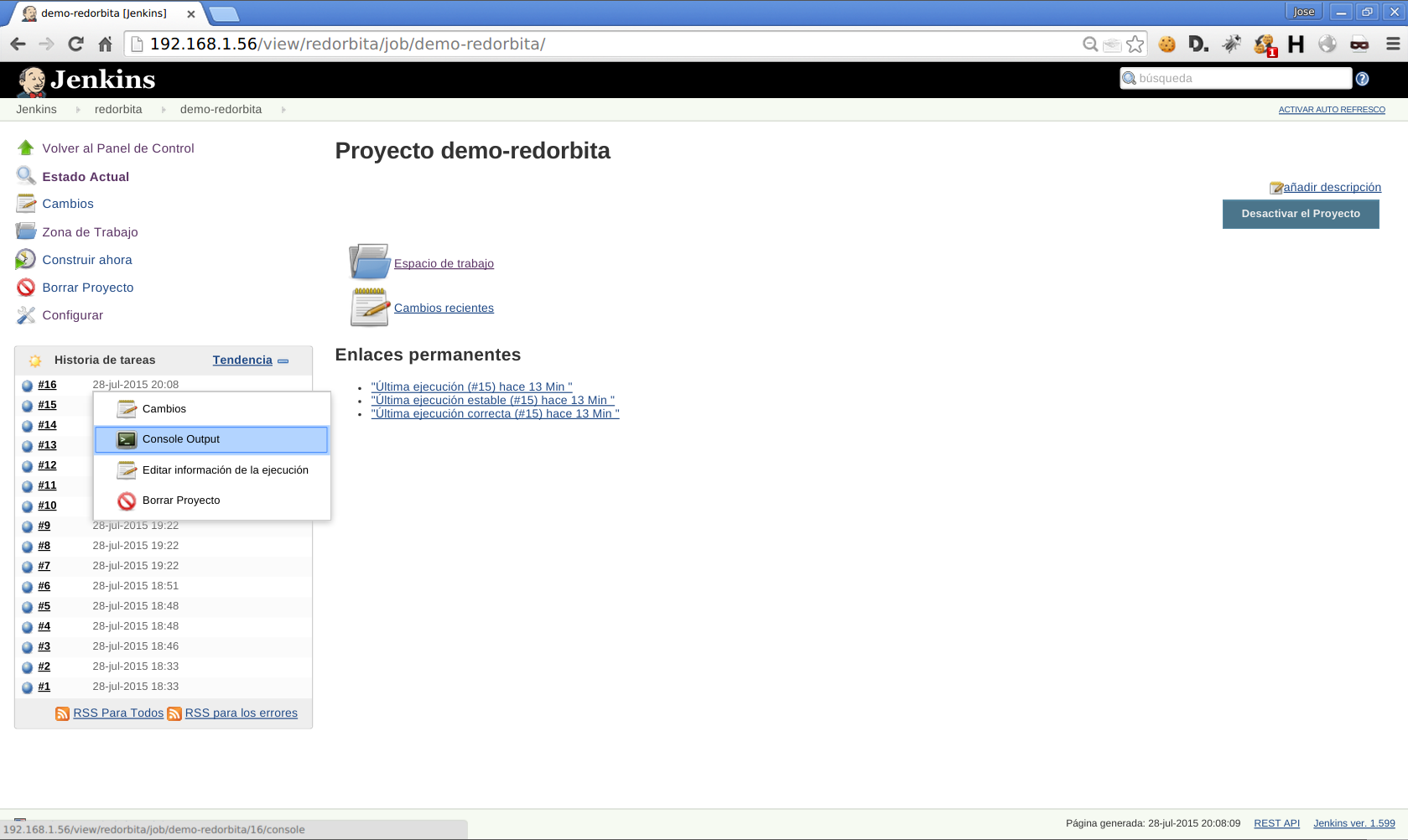
We click on our created job
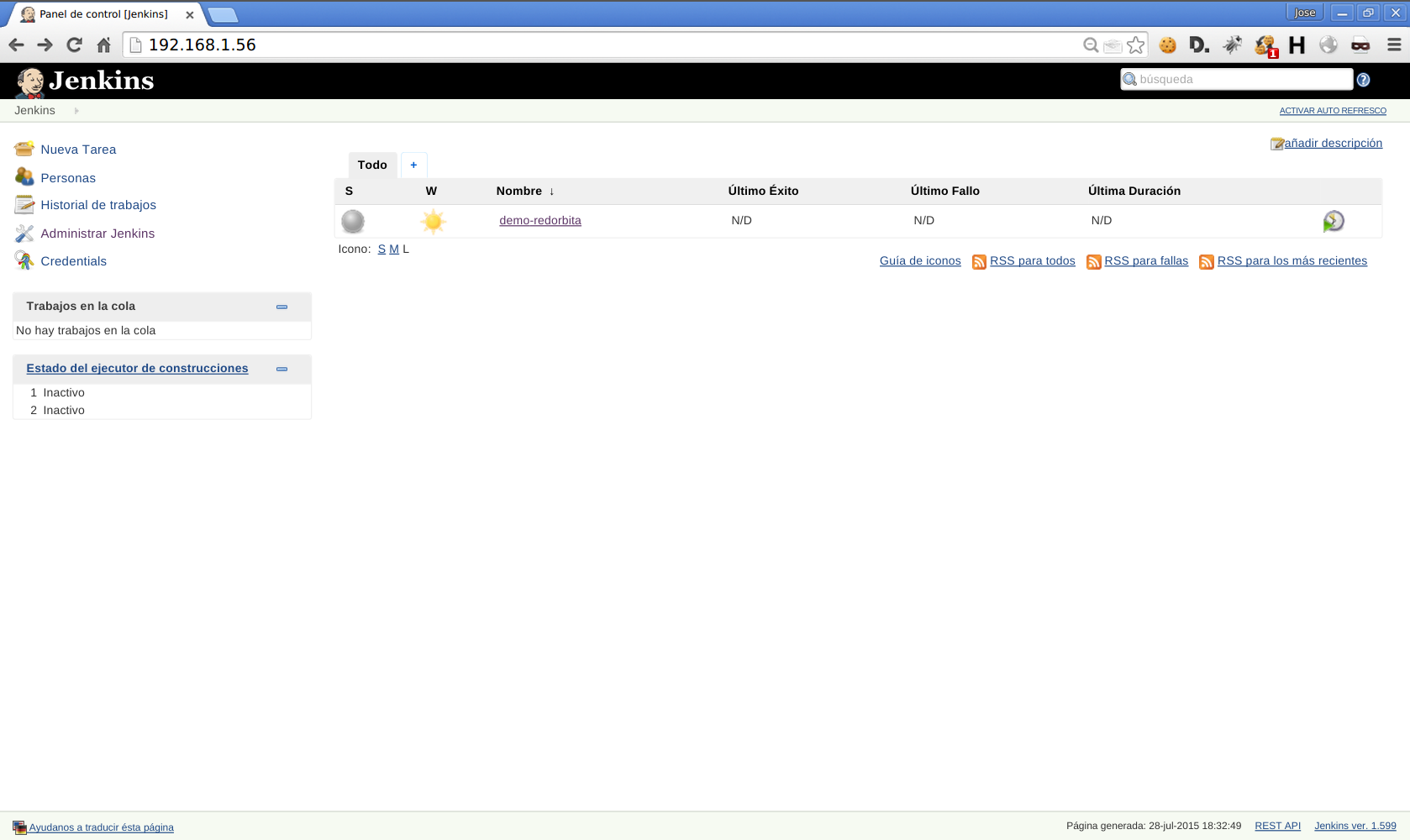
We execute in JOB > Build now, the job in execution will appear in the task history
We select the JOB running > Console Output
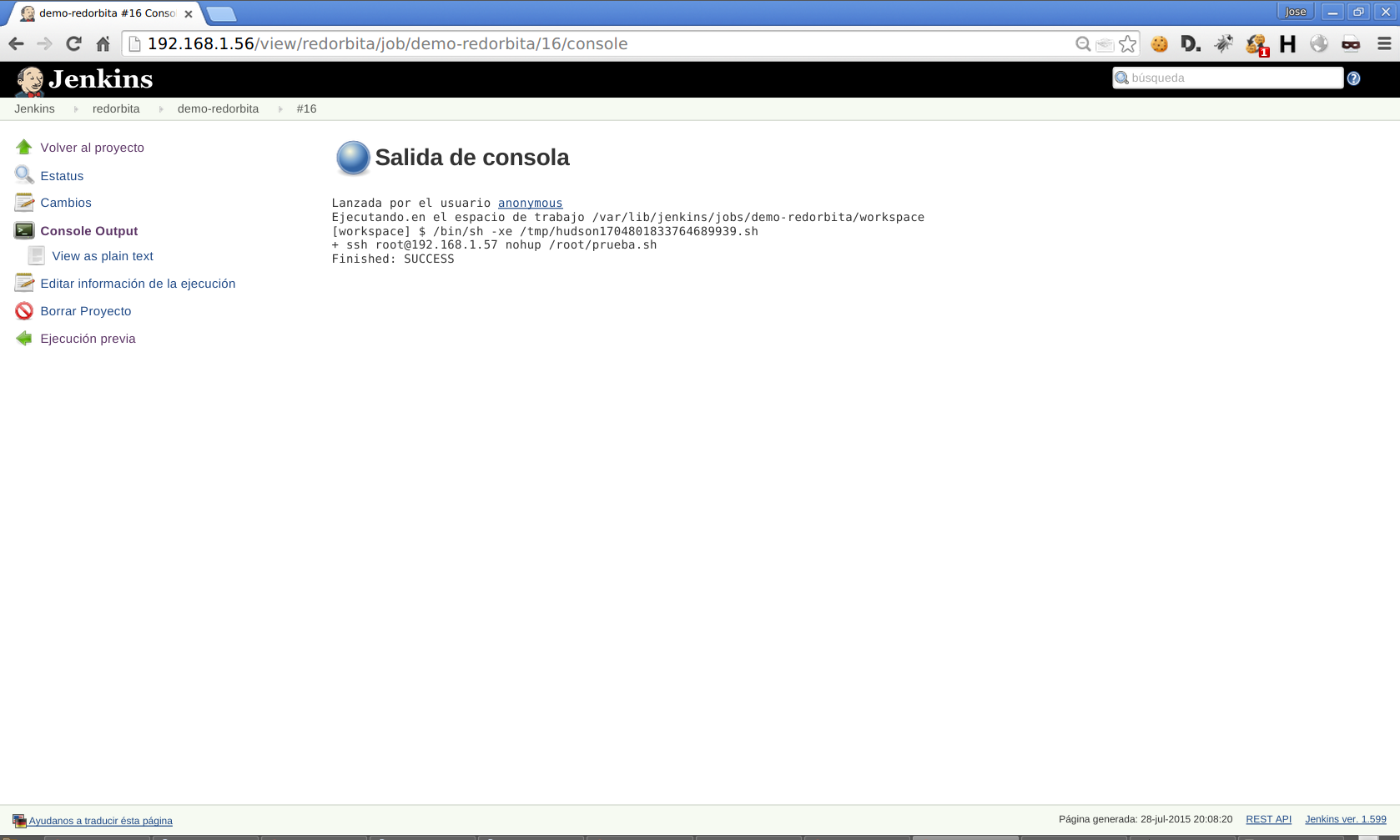
It shows us the execution log:
Regards, Rokitoh
:wq!
Comments