

What is SQL Server?
Definition Wiki:
Microsoft SQL Server It is a system for managing databases produced by Microsoftbased on the relational model. Their query languages are T-SQL and ANSI SQL. Microsoft SQL Server is the alternative Microsoft to other powerful database management systems how are they Oracle, PostgreSQL either MySQL.
We go to the official website and download the SQL server
https://www.microsoft.com/en-US/download/details.aspx?id=29062
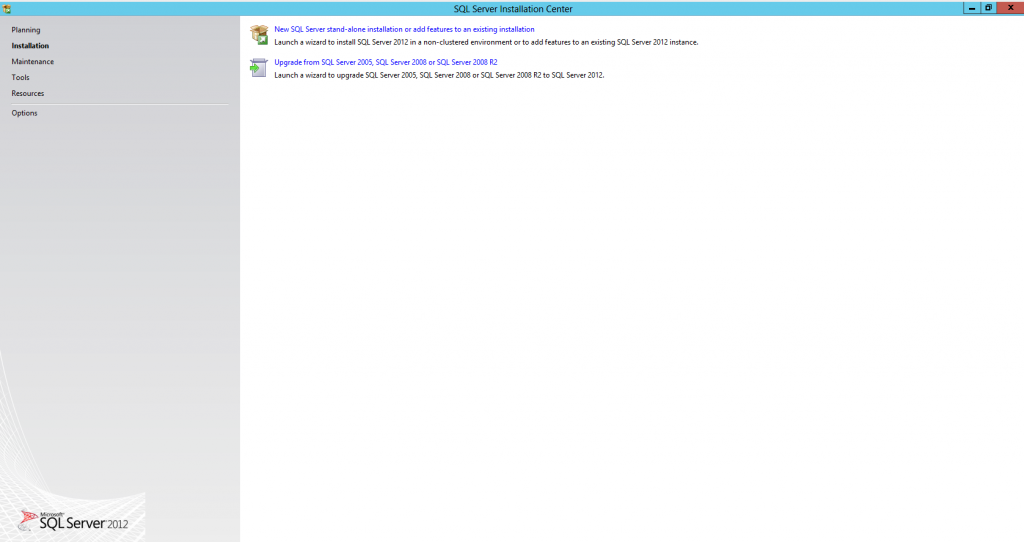
Once executed, the following wizard will appear. In the menu we go to the “Installation” option and press New installation
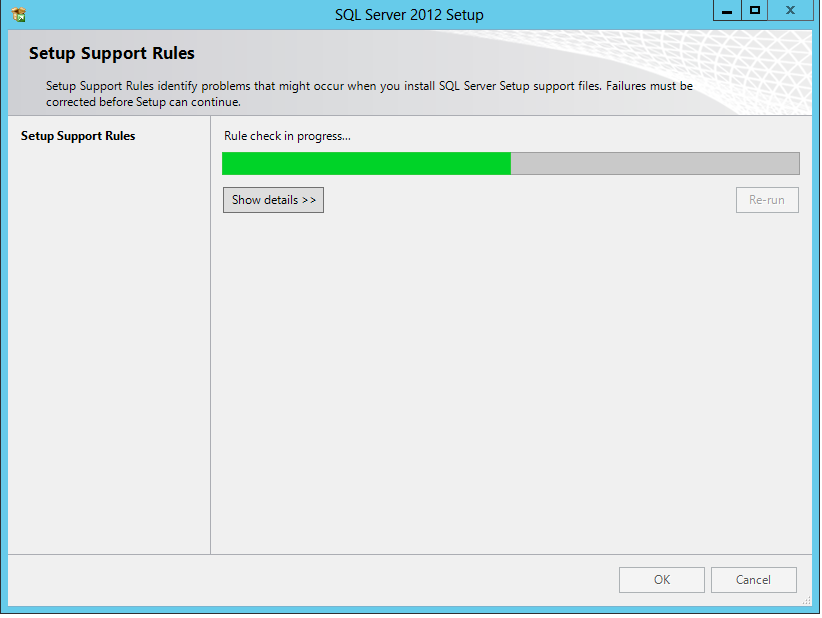
Check the system configuration.
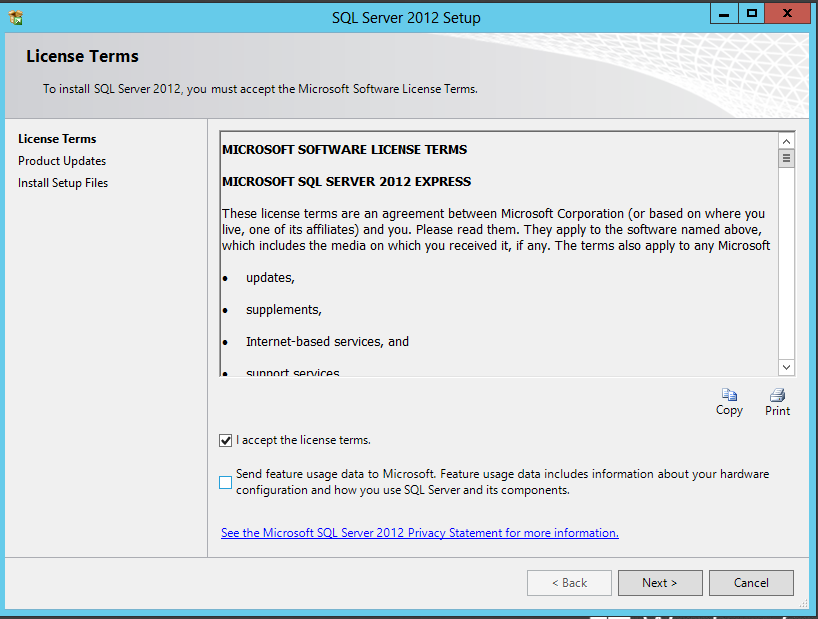
We accept the license, Next
Check for possible updates.
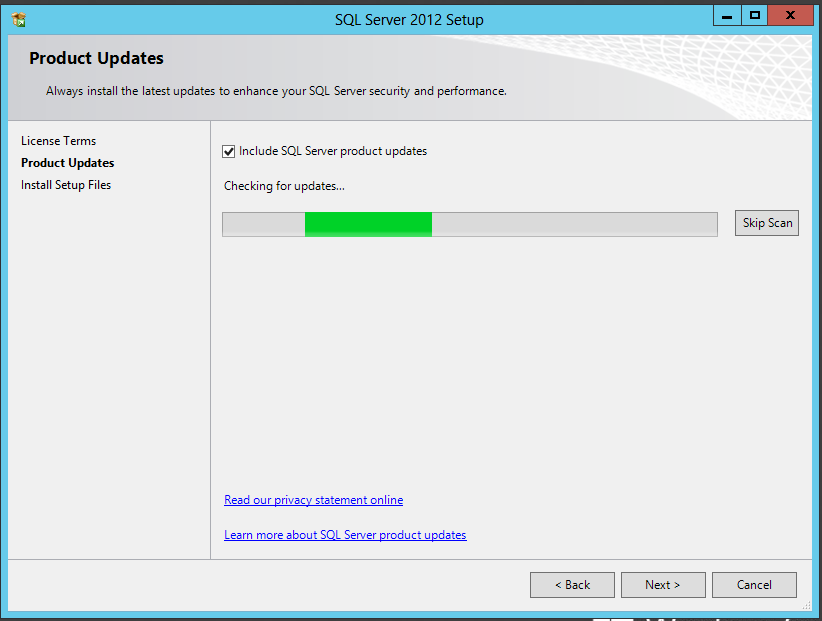
If you find an update for us, we install it.
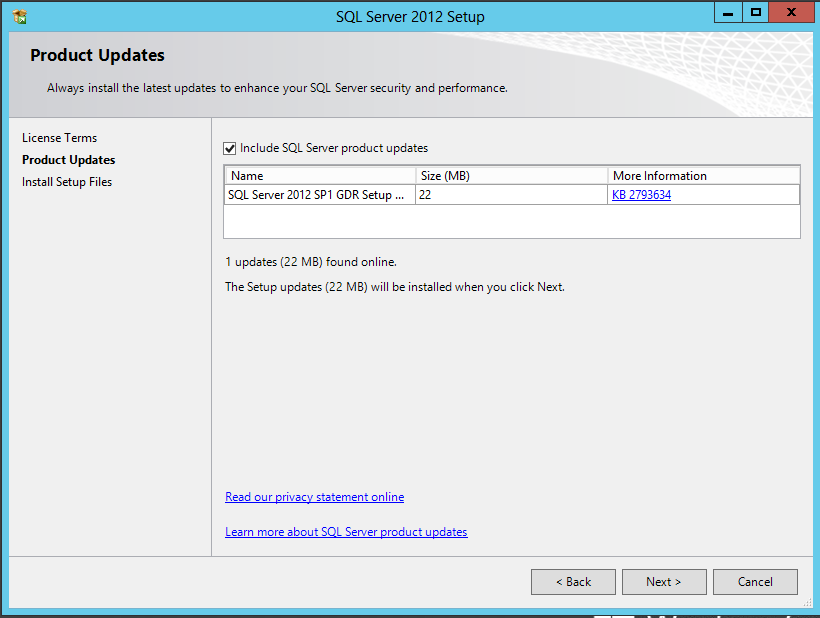
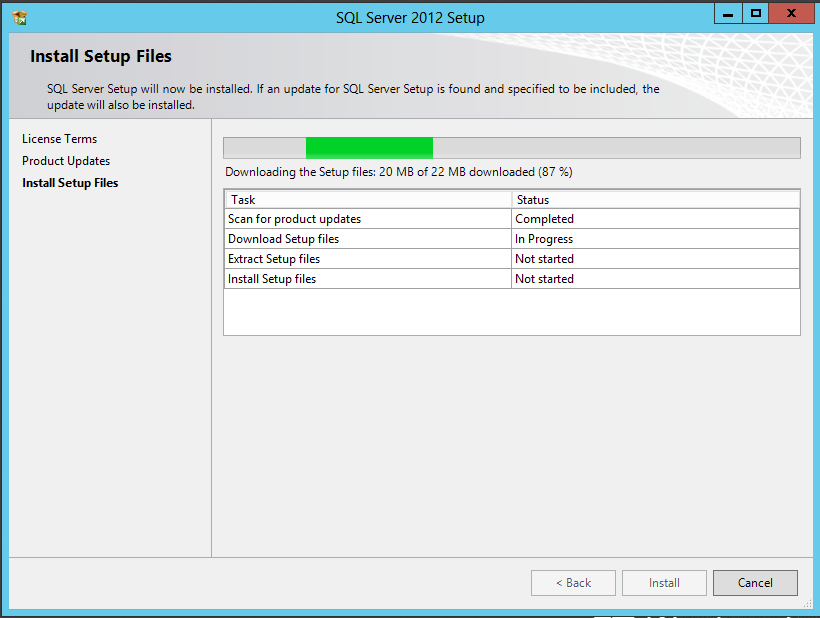
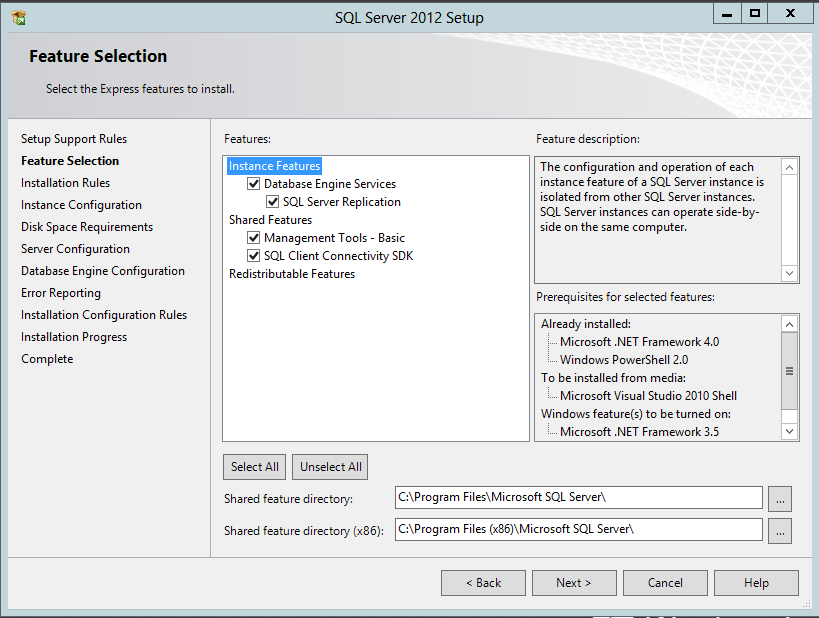
We select the features depending on our installation.
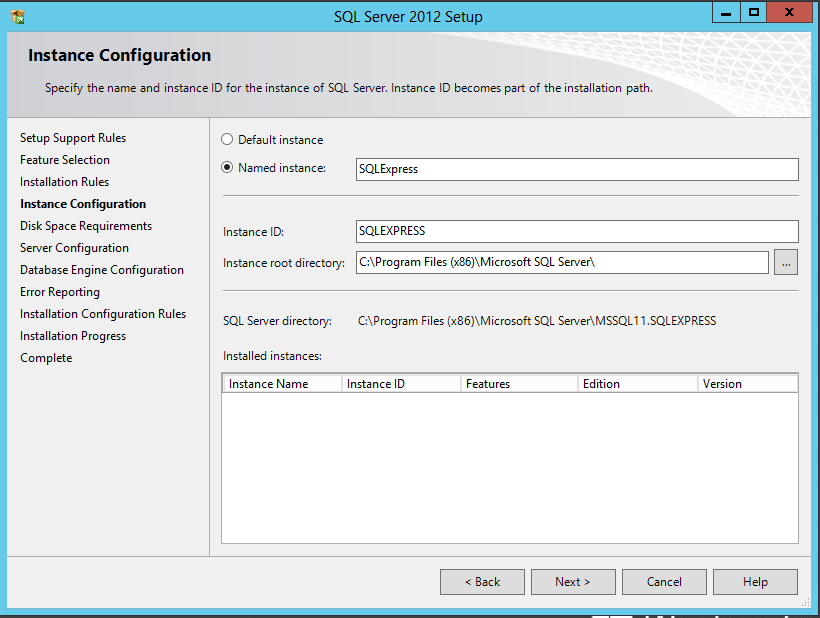
We add an instance name... I leave it as default.
We configure the service.
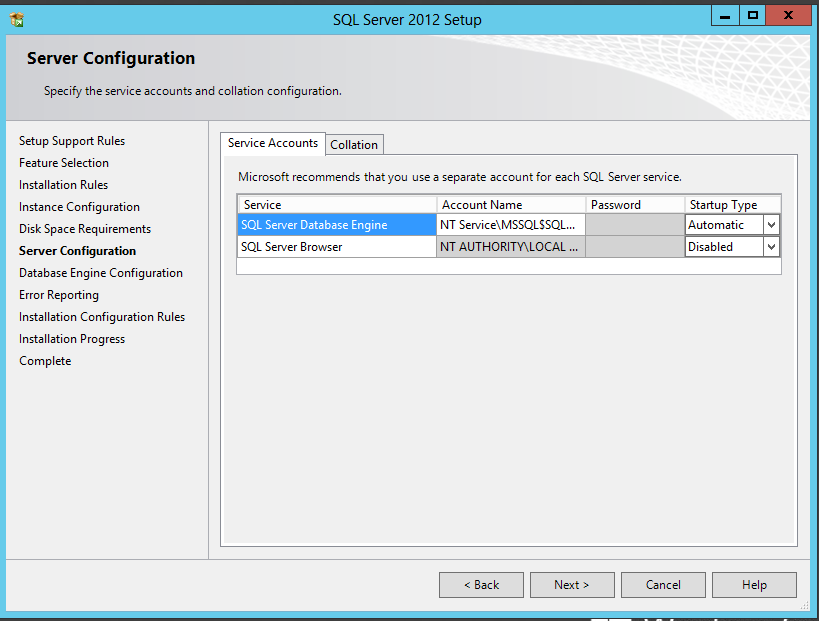
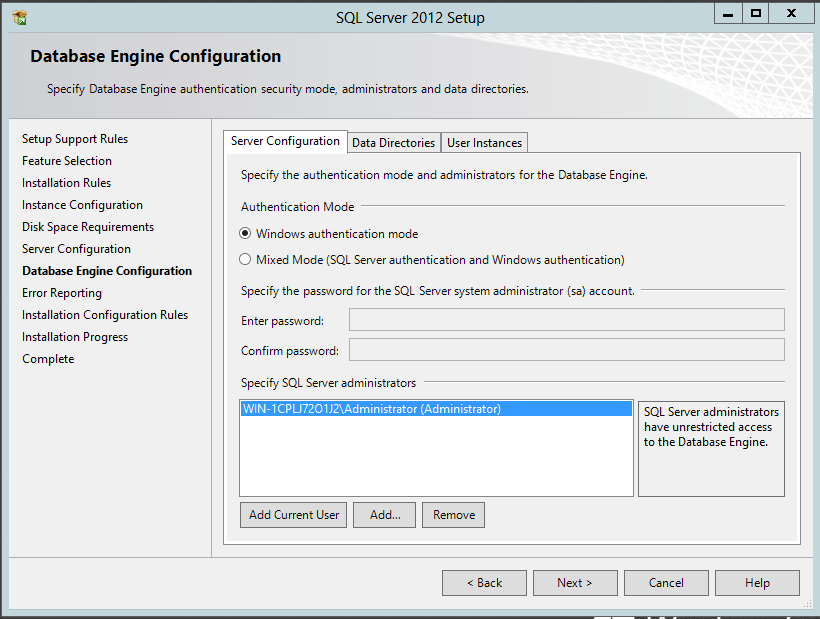
We configure how we want to identify ourselves, in my case I am going to put it in Windows Authentication Mode.
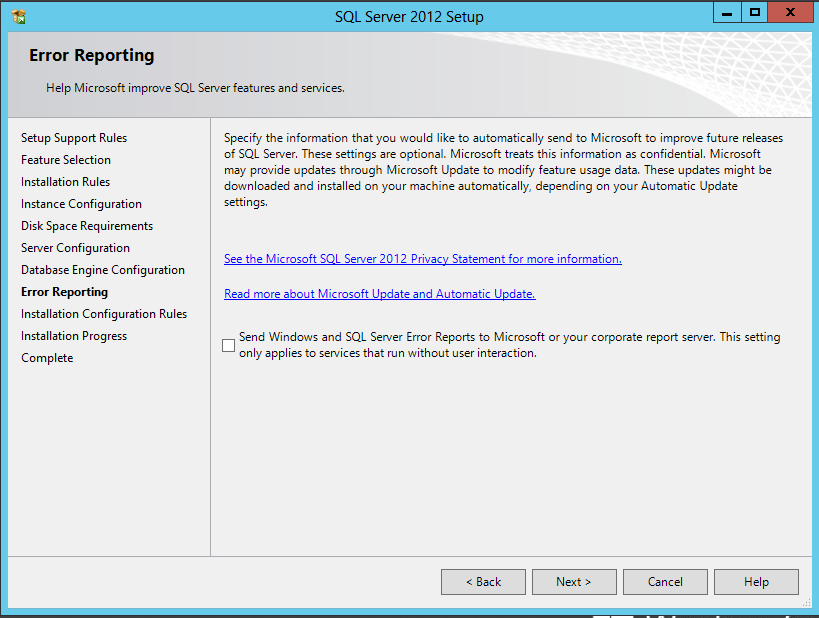
It gives us the ability to report errors to Microsoft to help you. following…
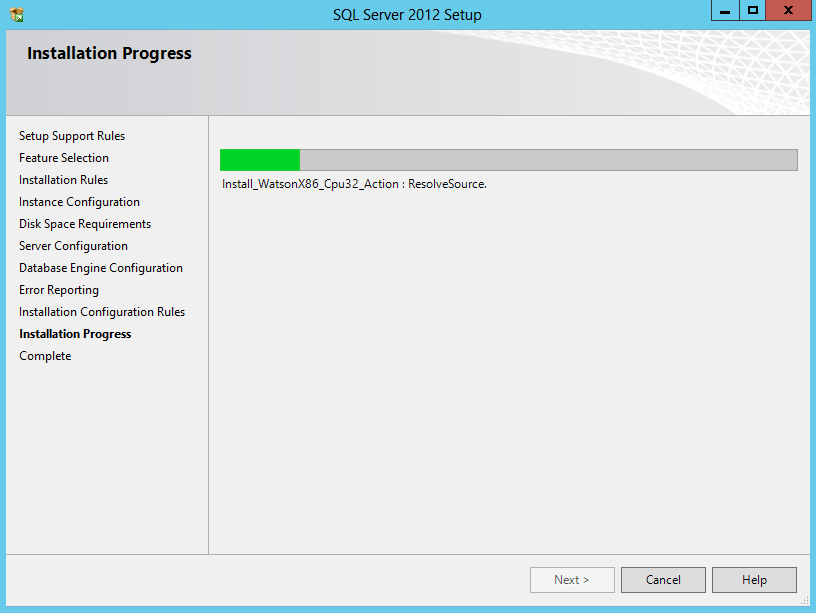
The installation begins.
It shows us a brief summary once the installation is complete.
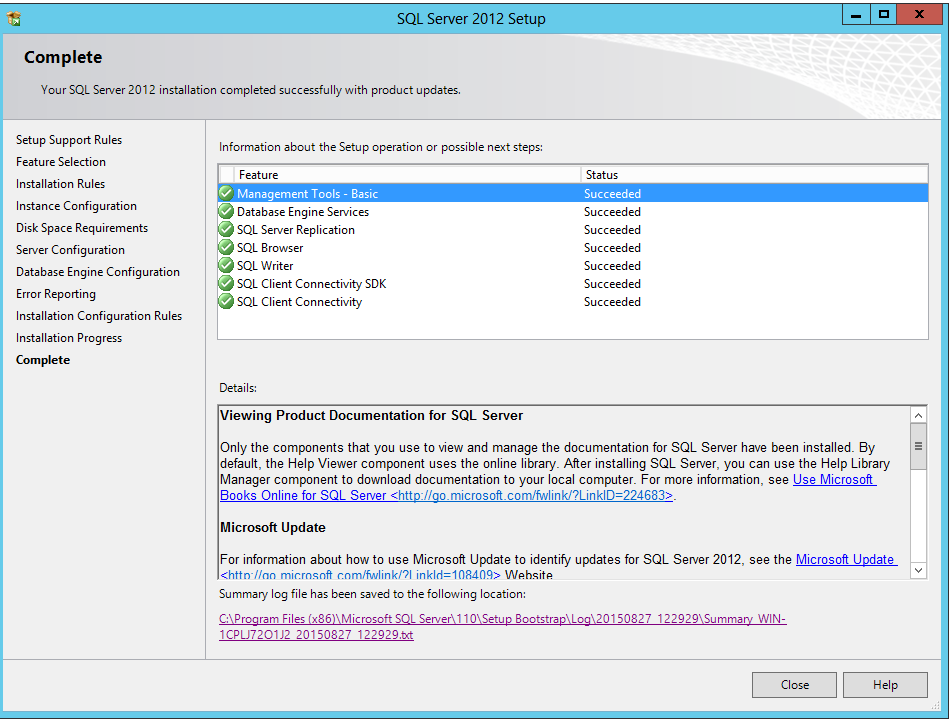
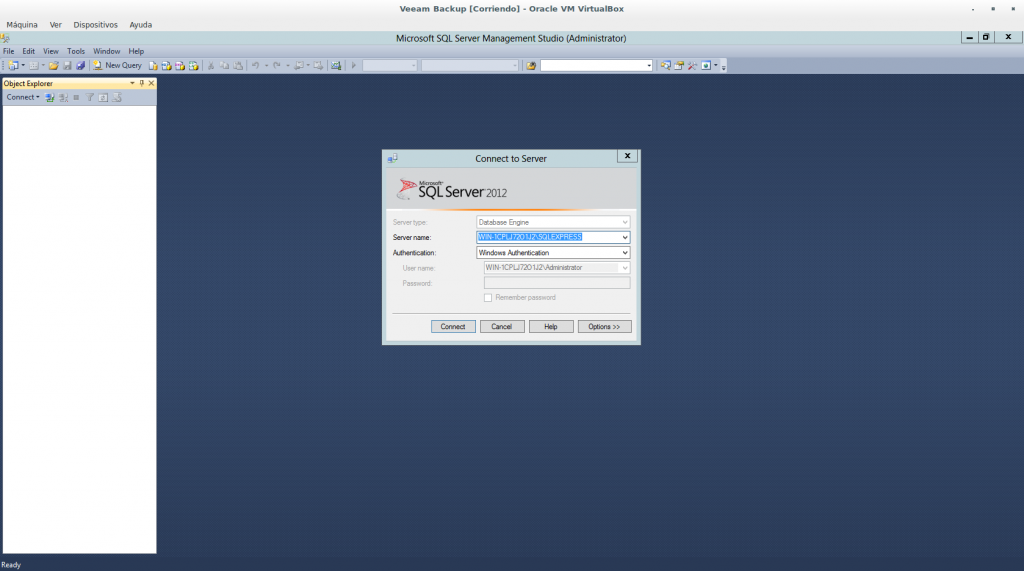
We have already urged to start working!
Regards, rokitoh
:wq!
Comments