
What is Chef?
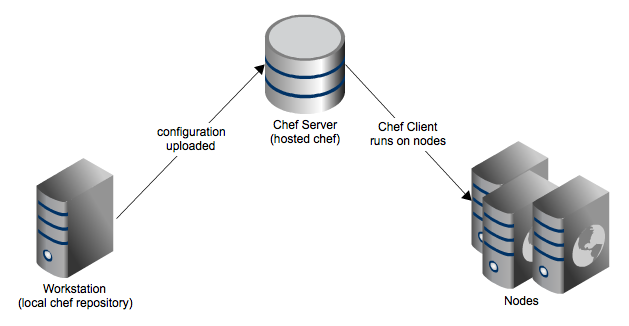 Chef is an infrastructure automation system developed by Opscode that makes it easier to deploy servers and applications to any physical, virtual, or cloud location, regardless of the size of the infrastructure. Each organization consists of one (or more) Workstations, a single server, and each node to be configured and maintained by Chef.
Initial Configuration
First we must add our internal DNS server or configure the FQDN in the file /etc/hosts
root@chef:~# cat /etc/hosts

127.0.0.1 localhost

127.0.1.1 chef.redorbita.com chef
192.168.1.88 chef.redorbita.com chef
Facility
We download the software from the official website https://downloads.chef.io/chef-server/
Ubuntu:
wget https://web-dl.packagecloud.io/chef/stable/packages/ubuntu/trusty/chef-server-core_12.1.2-1_amd64.deb
dpkg -i  chef-server-core_12.1.2-1_amd64.deb
Red hat:
wget https://web-dl.packagecloud.io/chef/stable/packages/el/7/chef-server-core-12.1.2-1.el7.x86_64.rpm
yum localinstall chef-server-core-12.1.2-1.el7.x86_64.rpm
We configure chef-server
sudo chef–server–ctl reconfigureWe test the configuration
sudo chef–server–ctl testWe create the user and organization:
Syntax:
chef-server-ctl user-create USERNAME FIRST_NAME LAST_NAME EMAIL PASSWORD- Username: admin
- First Name: admin
- Last Name: admin
- E-mail: admin@redorbita.com
- Password: admin
- Filename: admin.pem
Example:
sudo chef-server-ctl user-create admin admin admin admin@redorbita.com admin1234 -f admin.pemWe create the organization:
Syntax:
chef-server-ctl org-create SHORTNAME LONGNAME –association_user USERNAME- Short Name: rokitoh
- Long Name: redorbita
- Association User: admin
- Filename: rokitoh-validator.pem
Example:
sudo chef-server-ctl org-create rokitoh «Red-Orbita» –association_user admin -f rokitoh-validator.pemWe install opscode-manage
chef-server-ctl install opscode-manageWe configure the new installation:
chef-server-ctl reconfigure
opscode-manage-ctl reconfigure
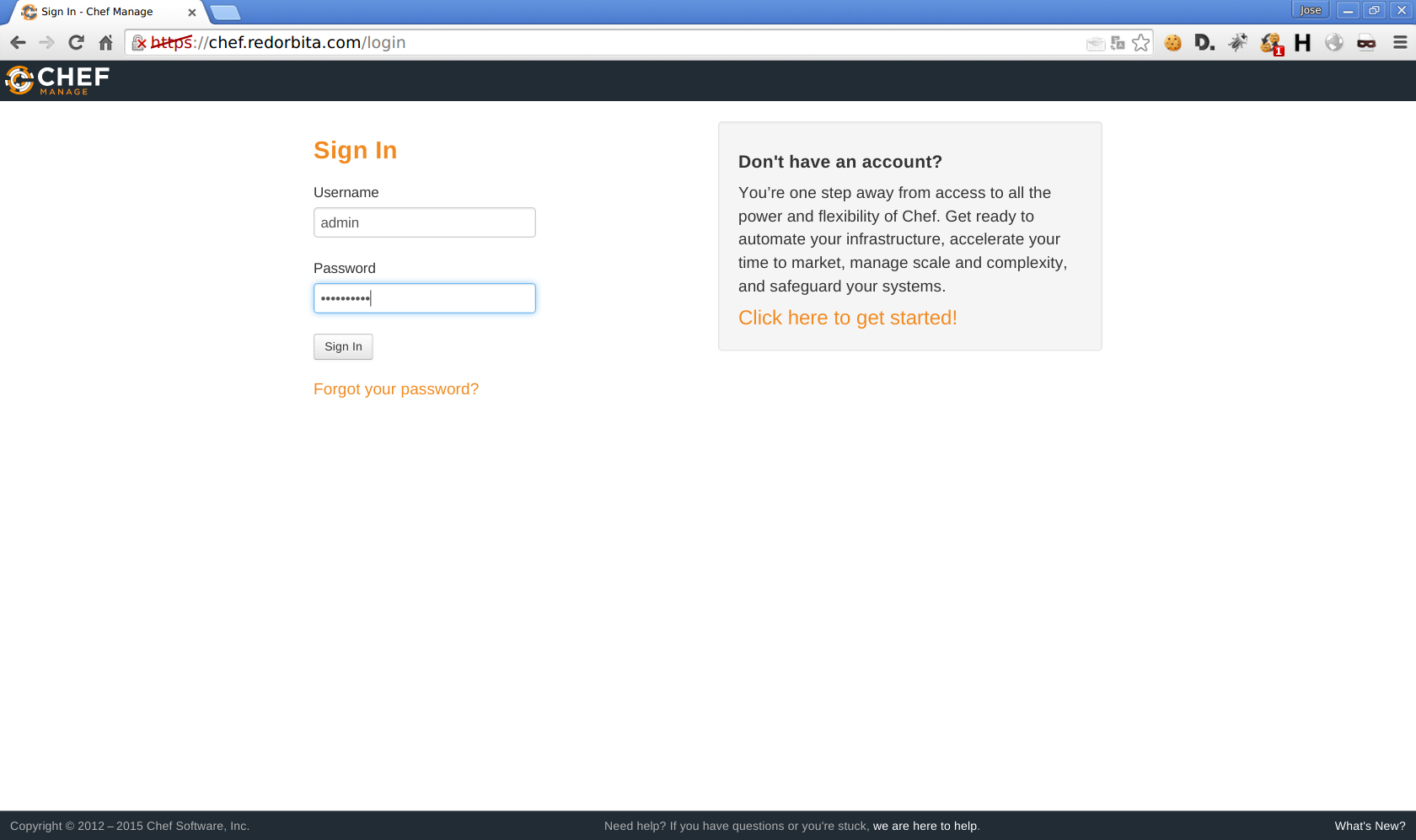
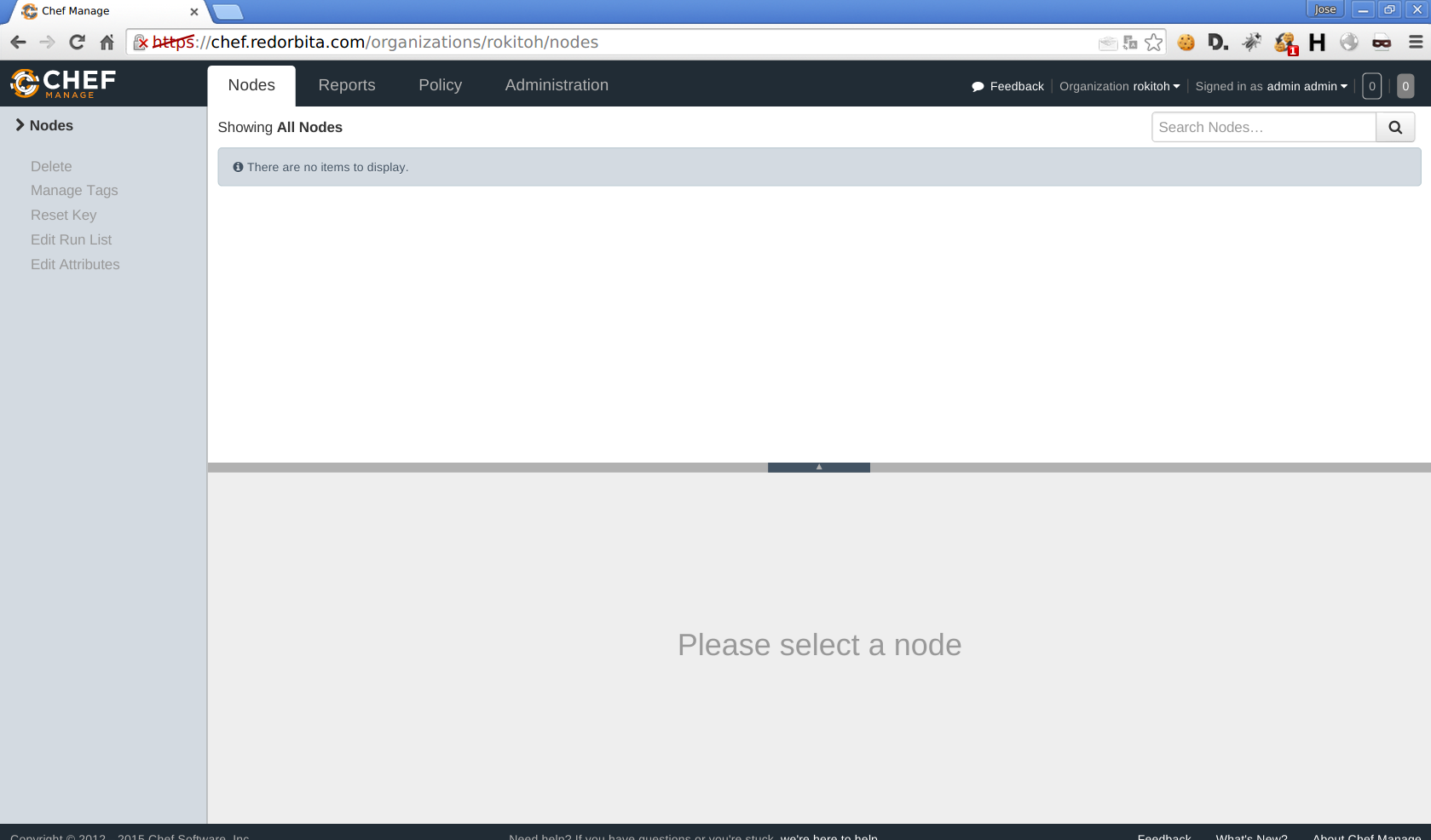
We access through our browser: https://chef.redorbita.com/login
Regards, Rokitoh
:wq!
Comments