

Veeam Backup & Replication is a backup tool that offers reliable, flexible and fast recovery of virtualized applications and data for VMware vSphere and Microsoft Hyper-V virtual environments.
We access the website and download the software:
http://www.veeam.com/es/virtual-machine-backup-solution-free.html
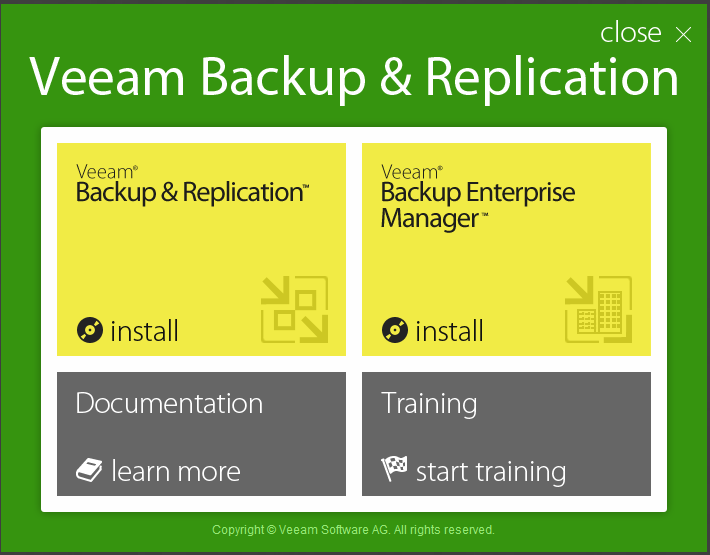
We mount the ISO and proceed to start the installation wizard. We select the version we want, in my case "Backup & Replication"
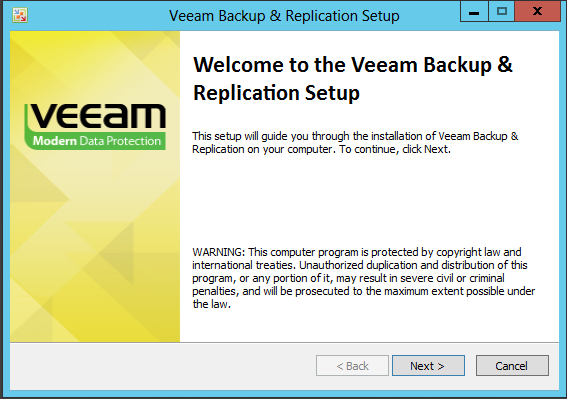
Following.
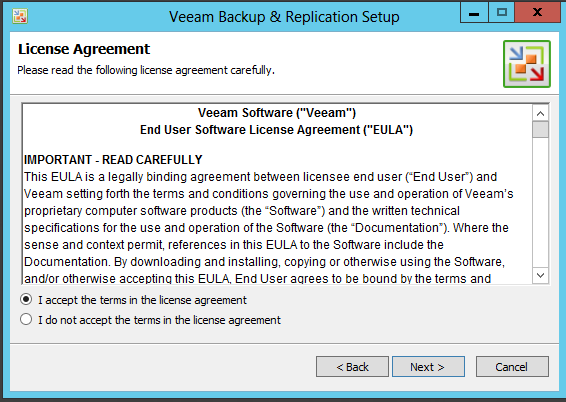
We accept the license
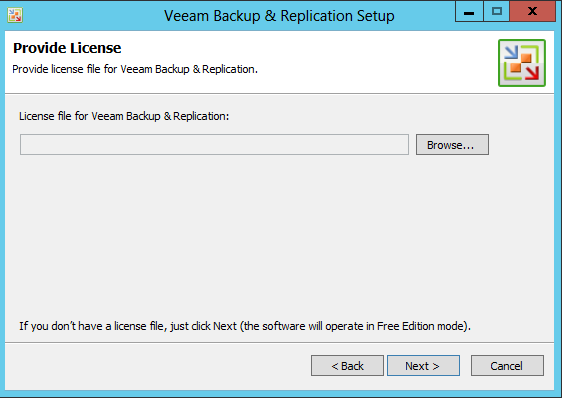
If you have a license, press Browse and select it.
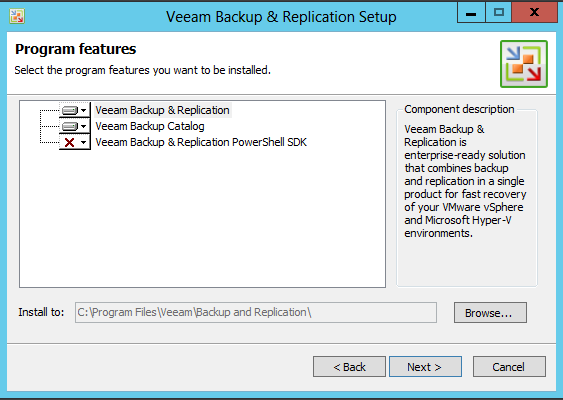
We proceed to Install the missing components.
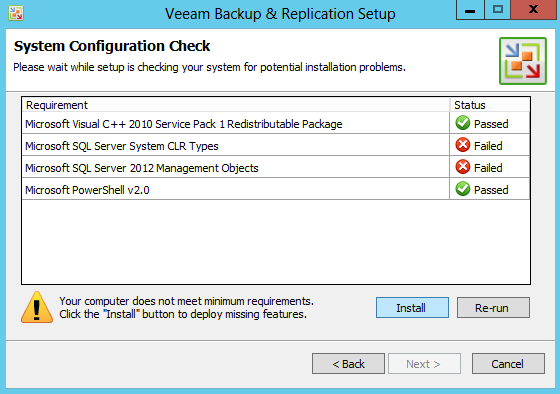
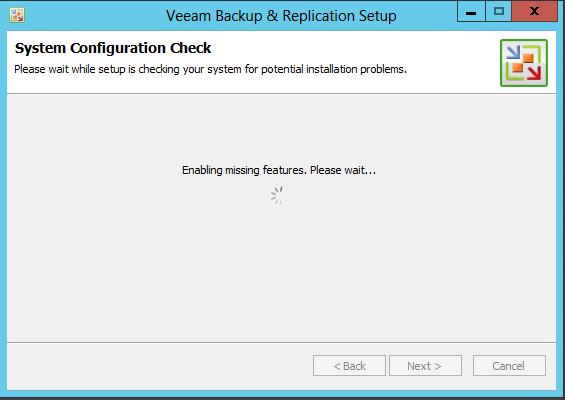
Once the installation has completed correctly, click next.
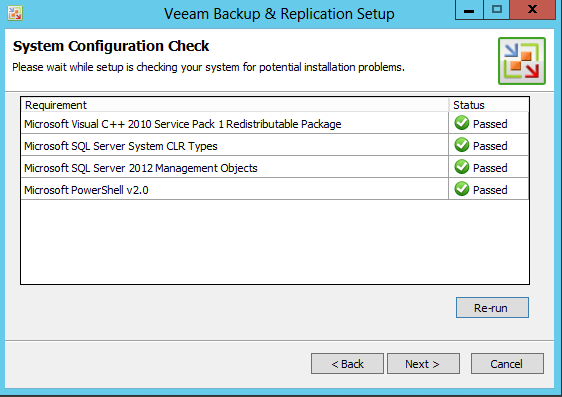
We begin the installation, the installation takes a few minutes so we have to wait.
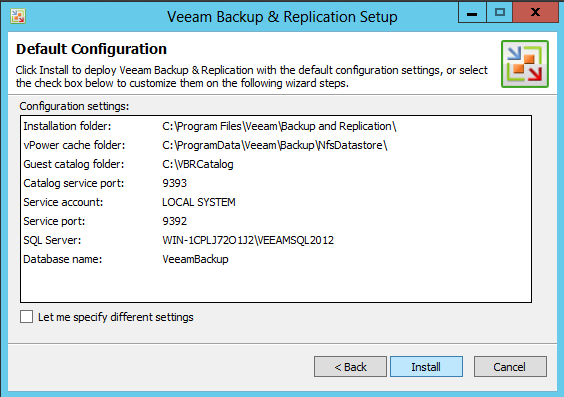
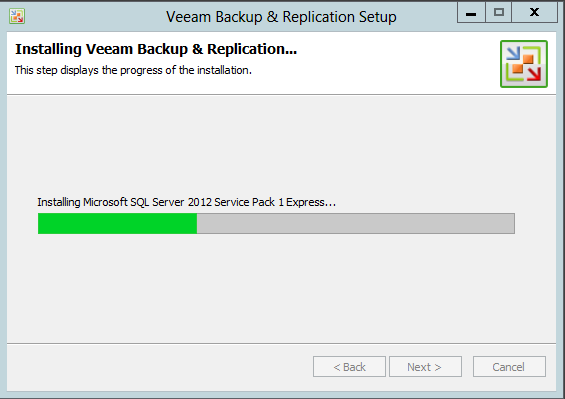
We finish the installation
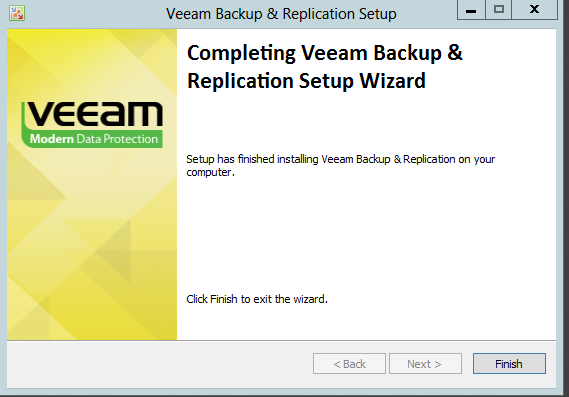
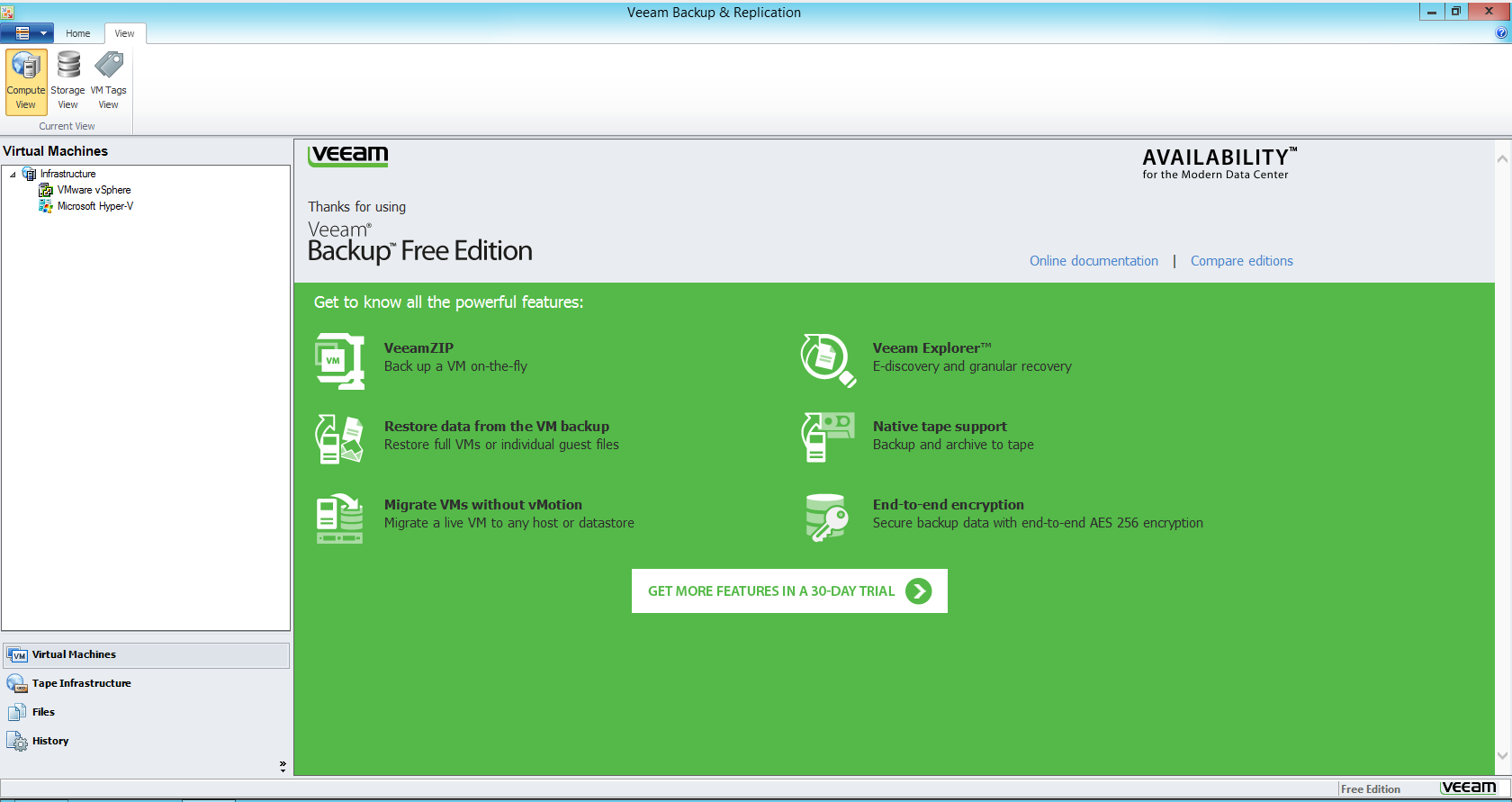
We are now ready to start working.
Greetings, rokitoh
:wq!
Comments