
What is OnCommand System Manager and what is it for? It is software that provides quick and easy configuration and management for NetApp FAS storage systems.
- Manage individual or clustered storage systems using a browser-based interface.
- Provision storage in minutes: Perform common storage tasks using wizards.
- Manage Clustered Data ONTAP software and new features.
Discharge:
https://mysupport.netapp.com/NOW/download/software/systemmgr_lin/3.1.2/download.shtml
Redhat and derivatives:
Bash
rokitoh@redorbita:/# rpm -i sysmgr-setup-3.1.2-linux.rpmDebian and derivatives:
Given that netapp only provide the package .rpm we must convert it.
For the conversion we install alien
Bash
rokitoh@redorbita:/# apt-get install alienWe perform the conversion:
Bash
rokitoh@redorbita:/# alien -d sysmgr-setup-3.1.2-linux.rpmWe install:
Bash
rokitoh@redorbita:/# dpkg -i netapp-oncommand-sysmgr_3.1.2-6400_all.debWe copy the shortcut to the desktop and give permissions:
Bash
rokitoh@redorbita:/# /opt/NetApp/oncommand_system_manager/system_manager-3.1.2-6399.desktop
rokitoh@redorbita:/# chmod +x /home/rokitoh/Escritorio/system_manager-3.1.2-6399.desktop
rokitoh@redorbita:/# chown rokitoh /home/rokitoh/Escritorio/system_manager-3.1.2-6399.desktop
Add a netapp:
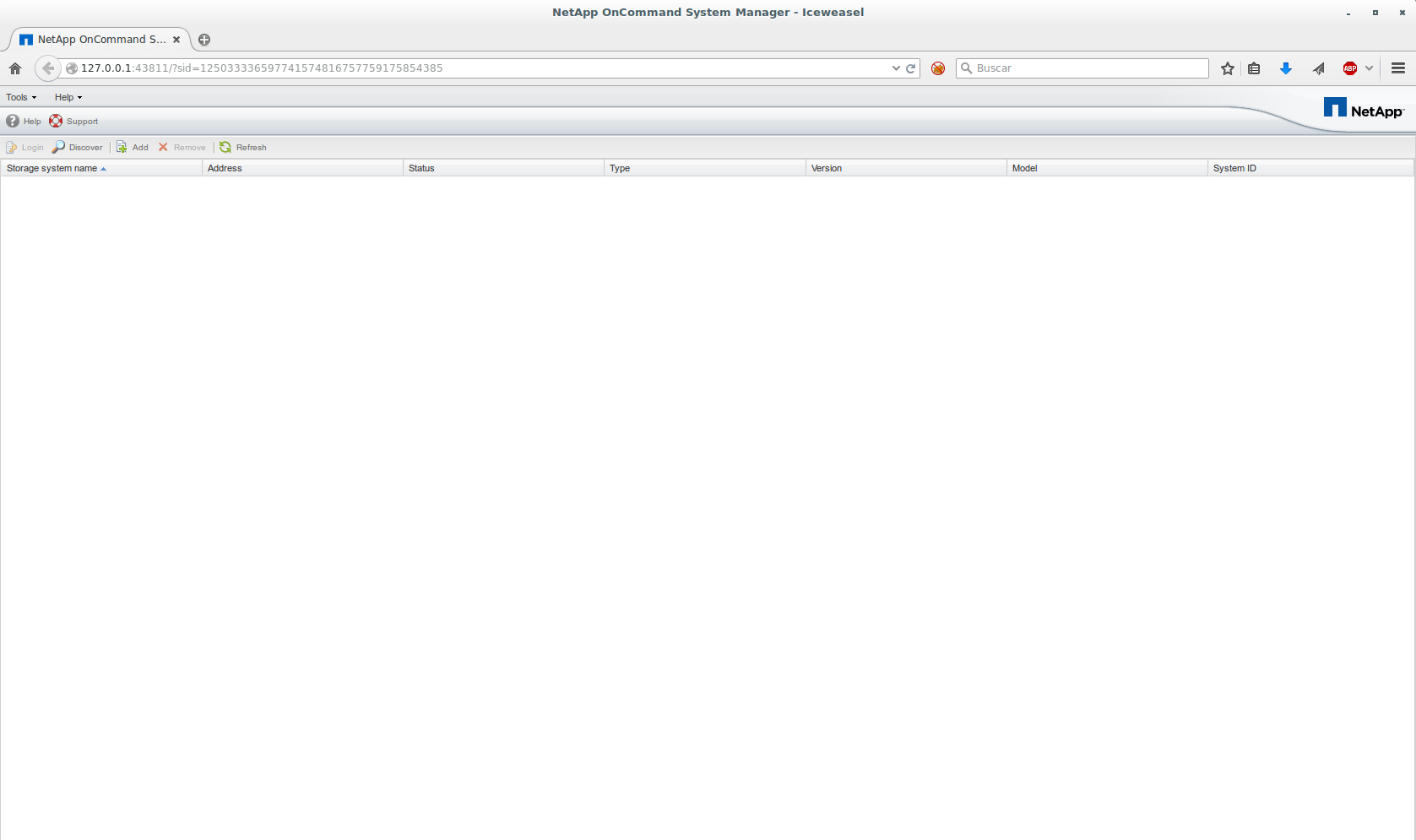
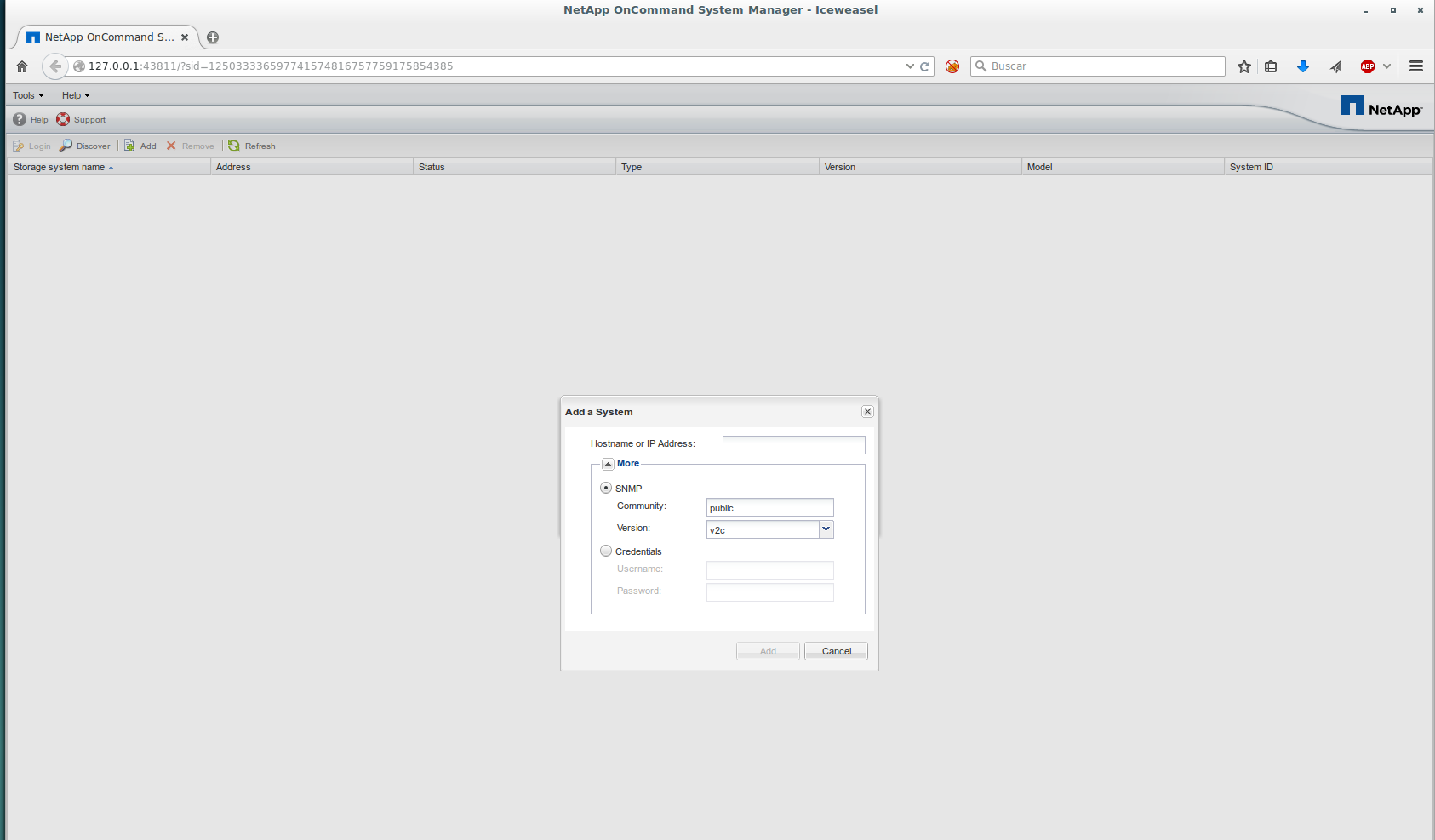
We press on Add and a window opens where we will add the hostname or IP address.
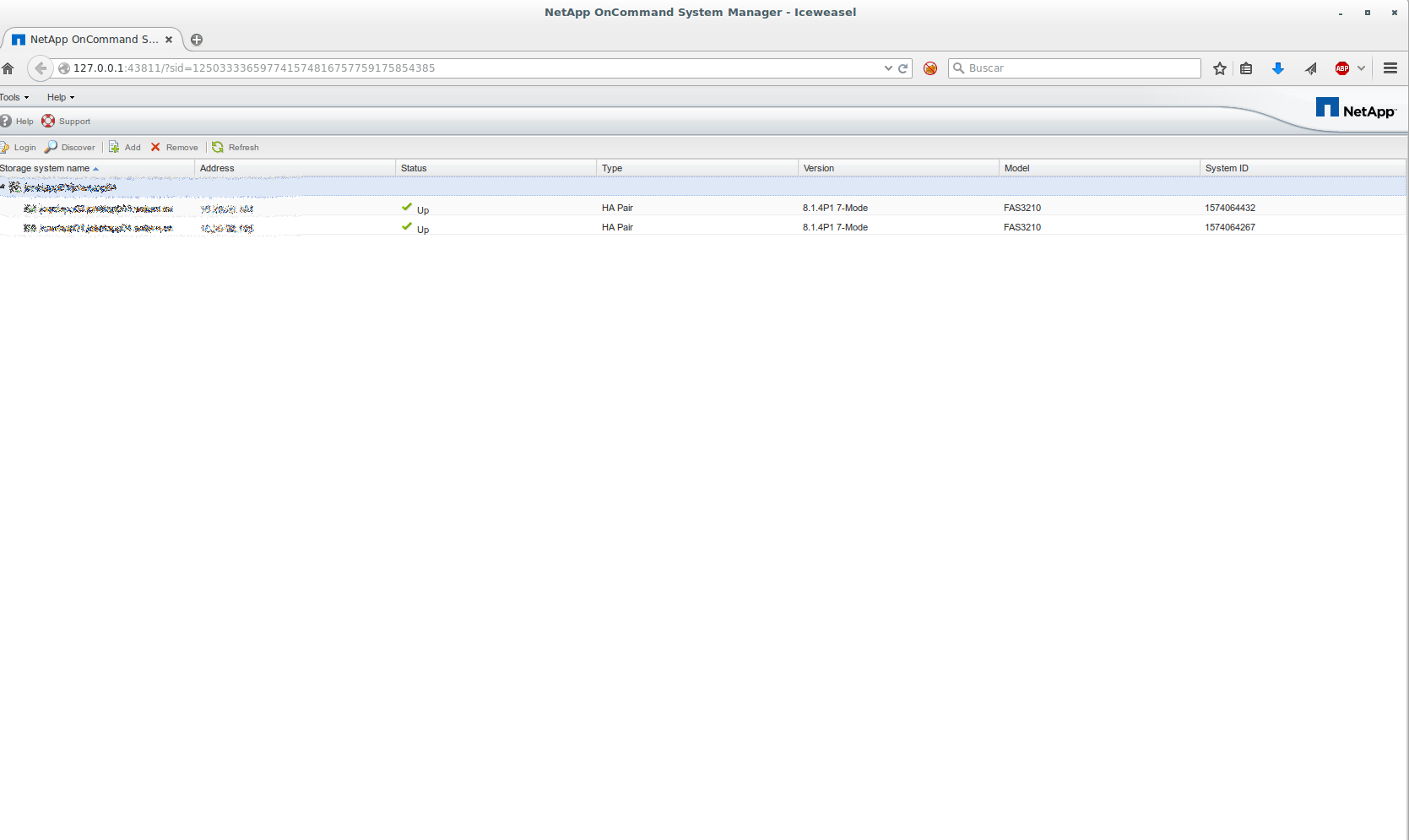
All the best.
Comments