
What is Openfilter?
OpenFiler is a Linux distribution based on rPath.
rPath Linux is a Linux distribution developed by the company rPath Inc..1 Use the packages Conary, created by the same company. It is the operating system used as a base system for the implementation of various embedded systems such as openfiler,2 SugarCRM,3 4 AsterixNOW5 6 and various other applications.
Facility:
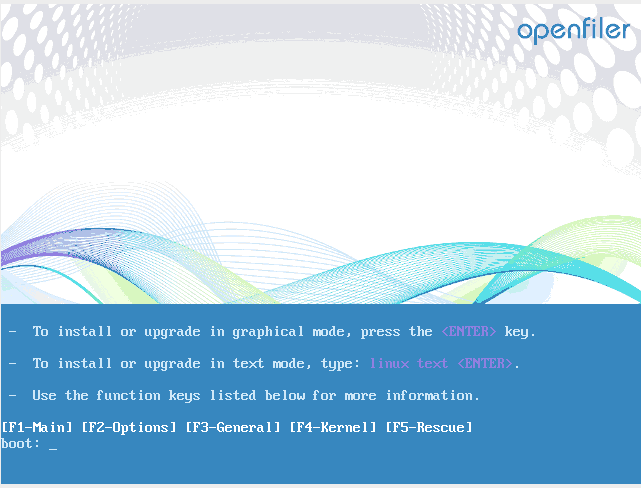
We download the ISO from the official website and we proceed to start using the CDROM.
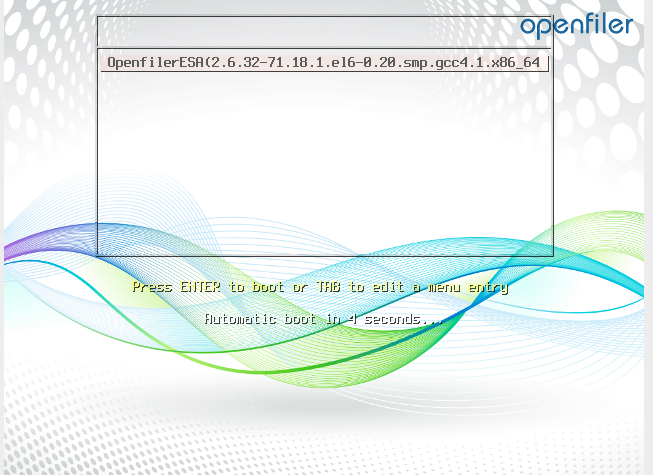
Once started, press ENTER.
Load the installation wizard. We press Next
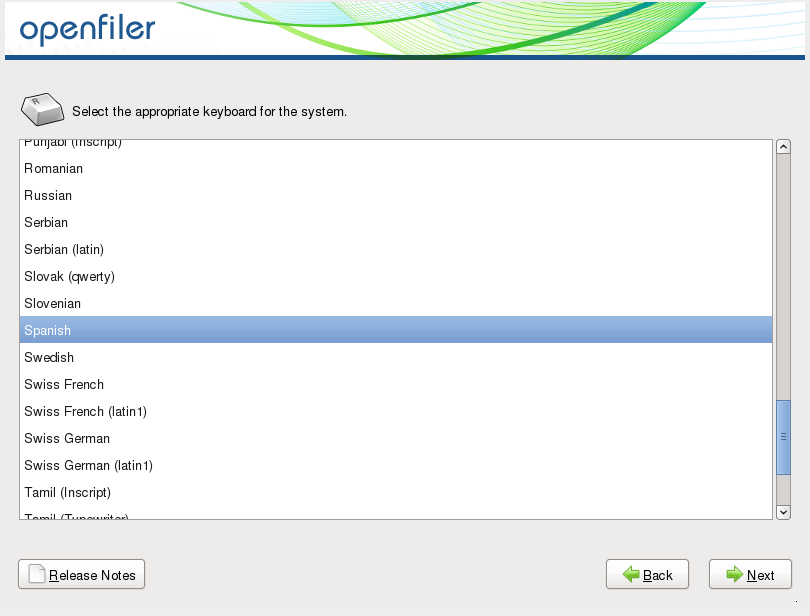
We select the keyboard language.
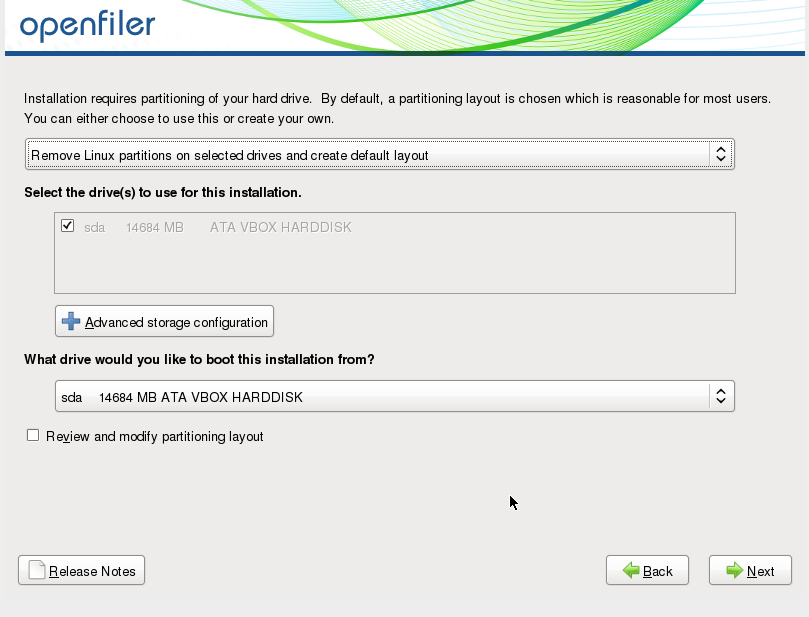
In this step we can configure the positioning, since it is to carry out a laboratory we will leave it as default.
We press Edit to configure our IP addressing.
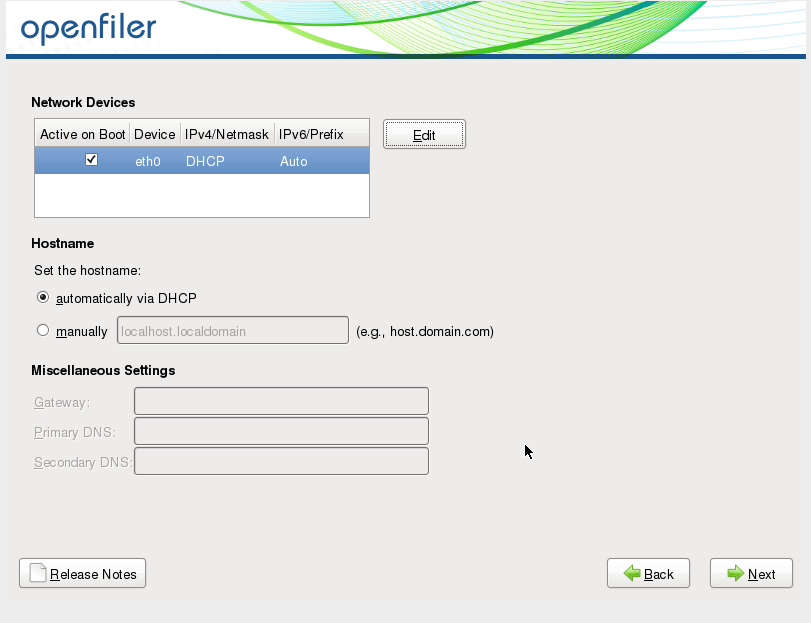
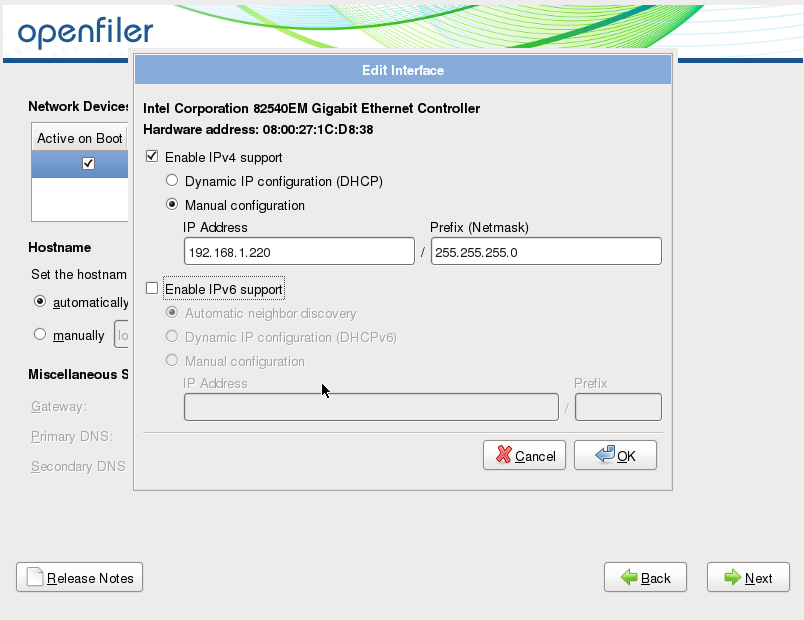
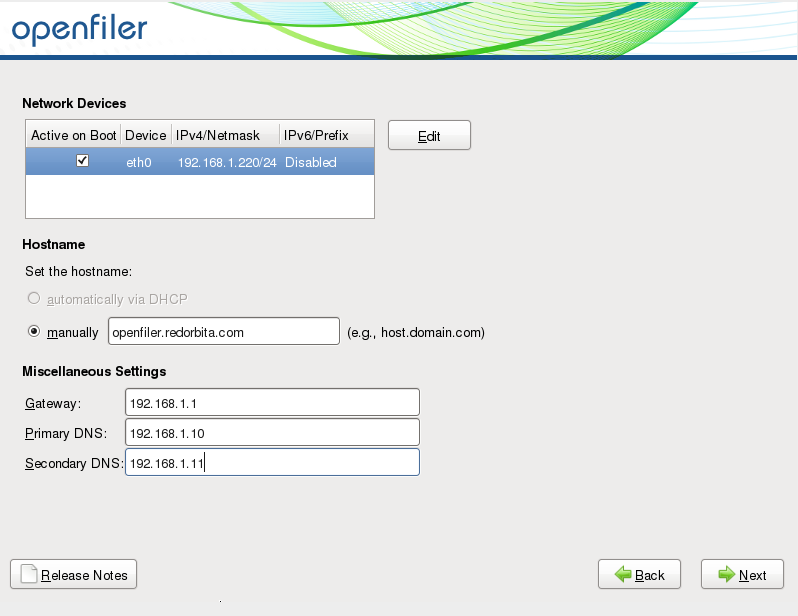
Once the IP addressing is configured, we add the FQDN, gateway and DNS server.
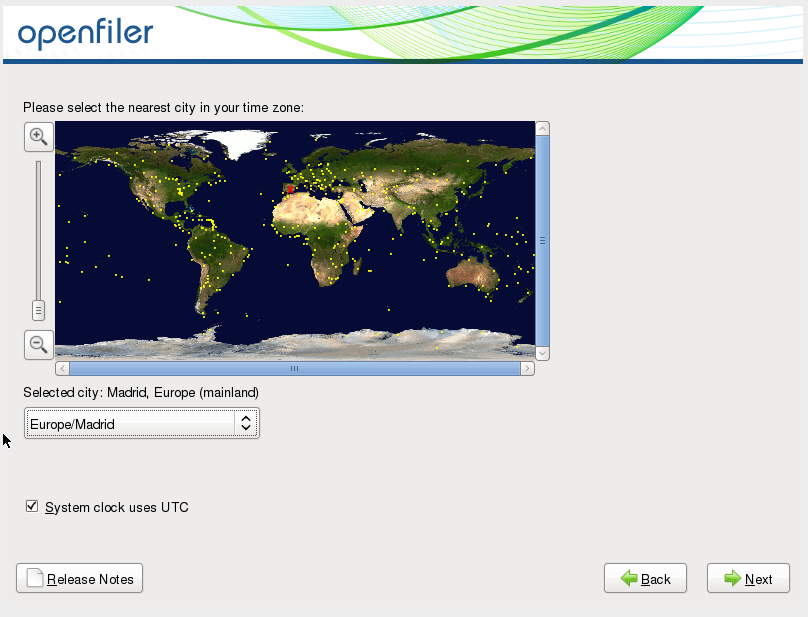
We configure our location.
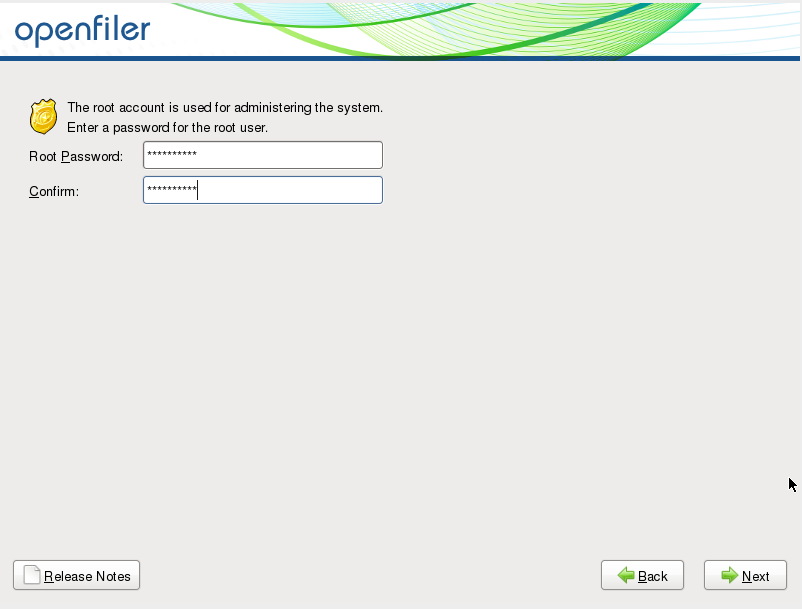
We assign a password to the root user.
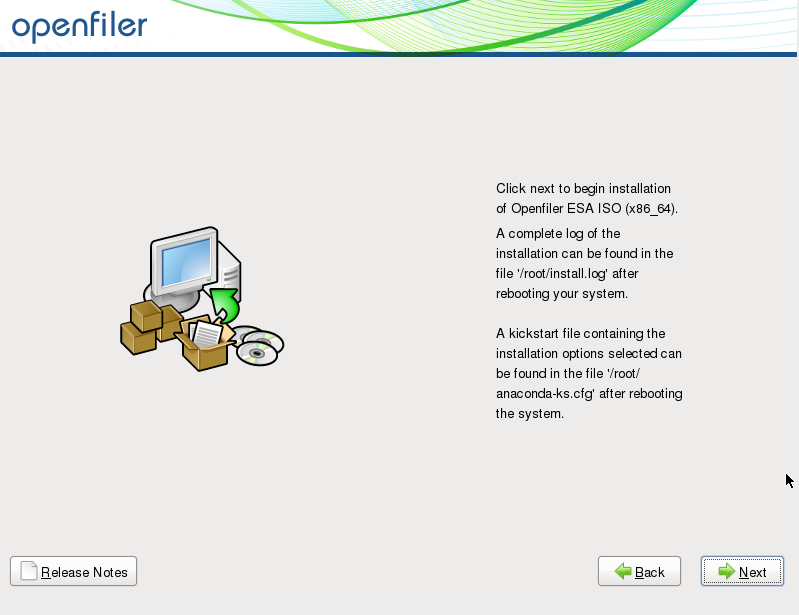
We press Next to begin the installation.
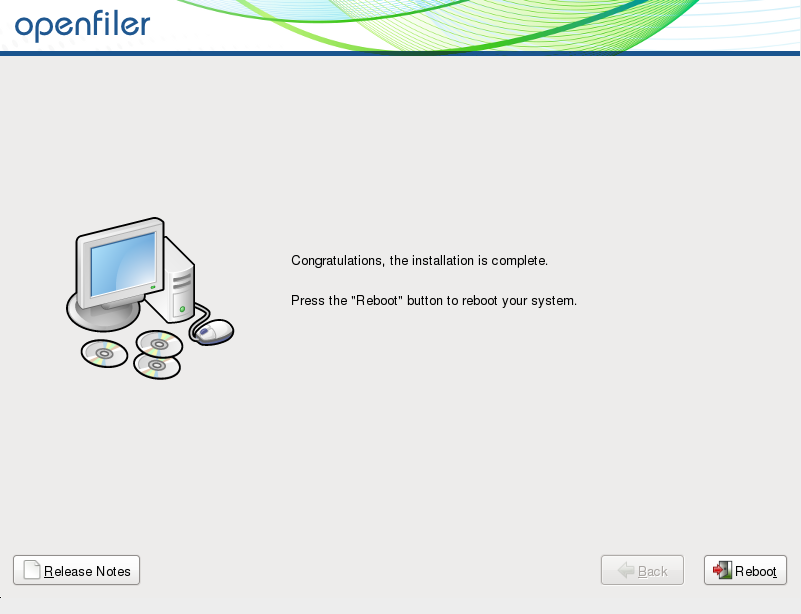
Once the installation is complete, we restart the server.
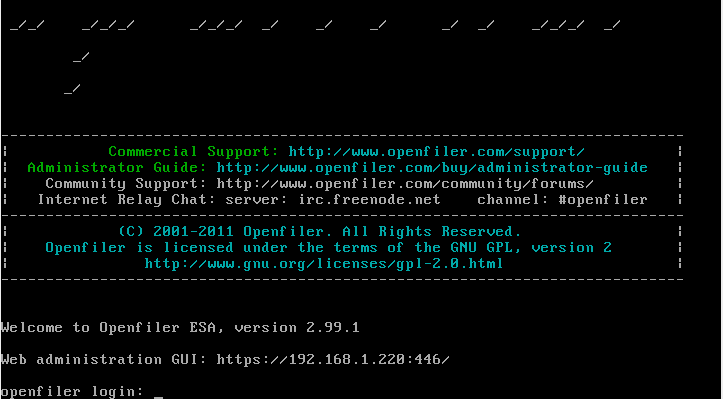
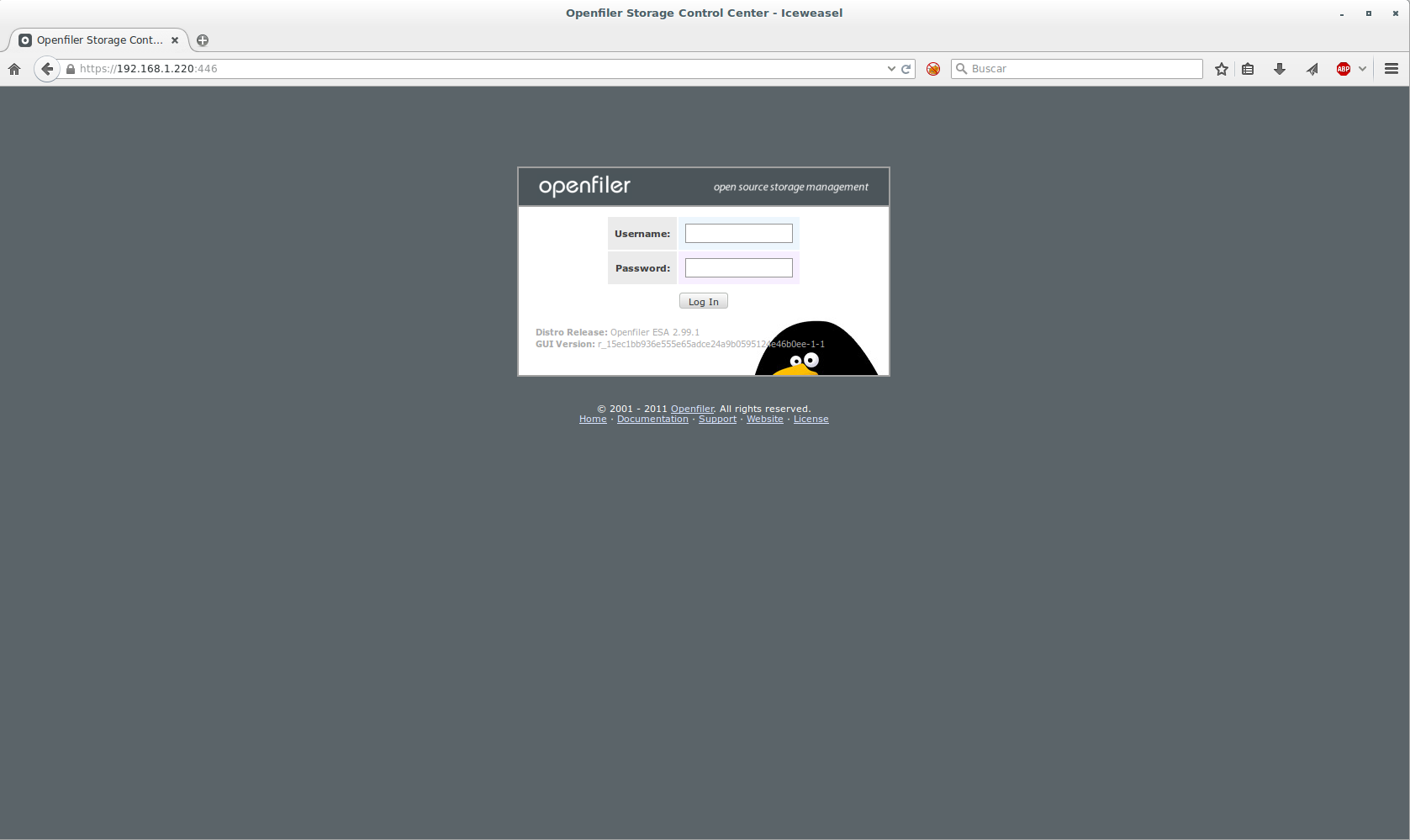
To access the graphical interface we do it as follows: https://IP ADDRESS:446
User: openfilter
password: password
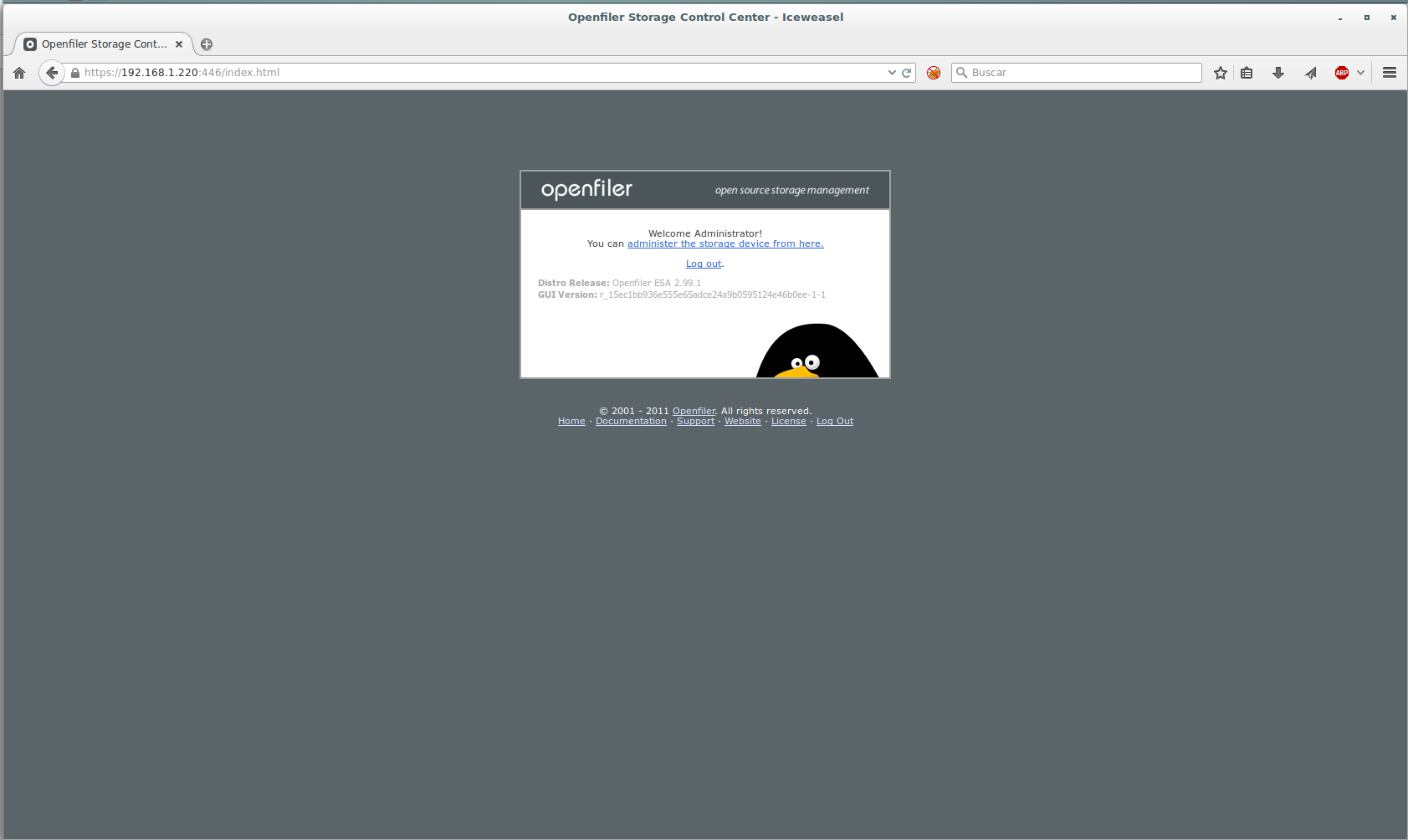
We press on: Manage the storage device from here
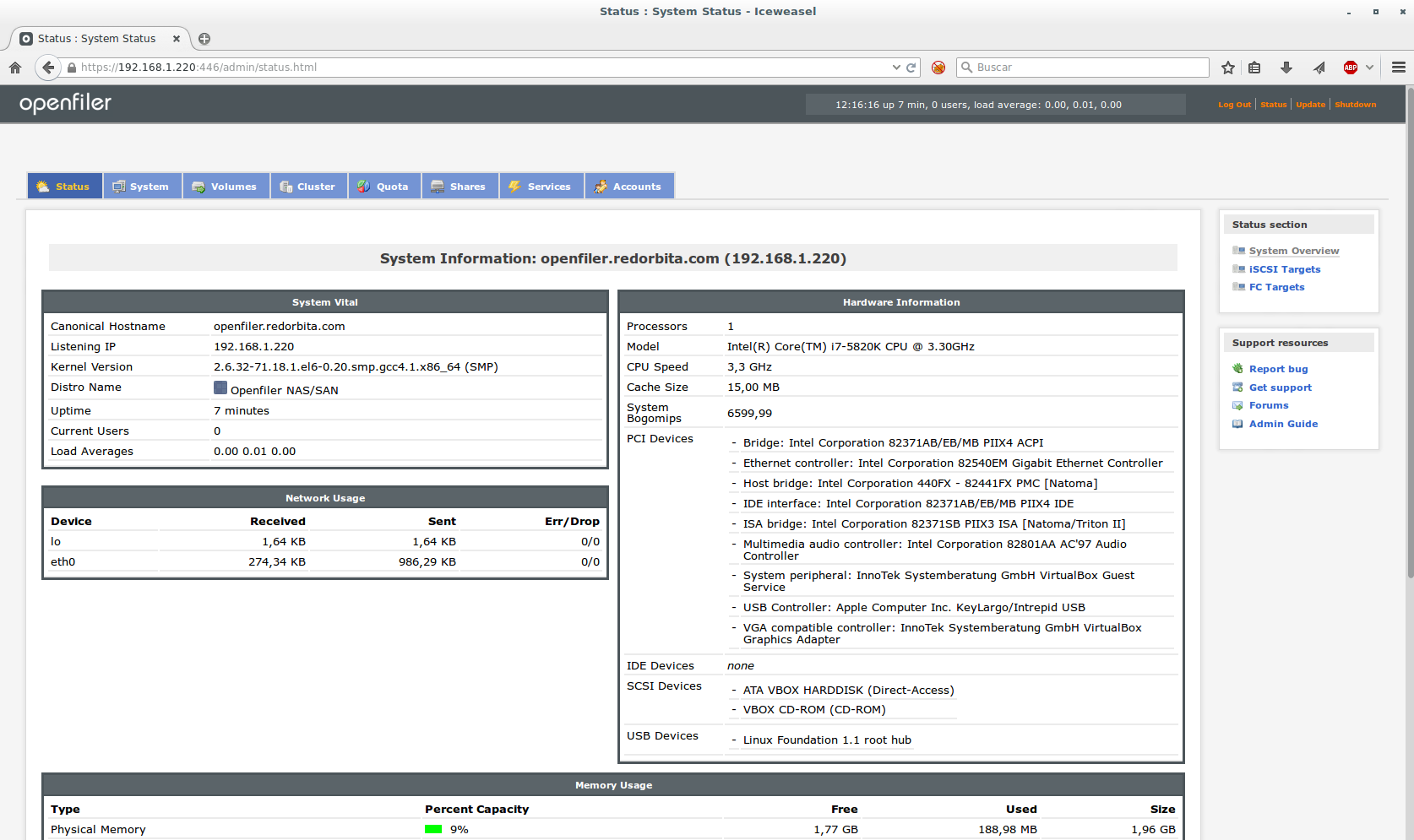
All the best.
:wq!
Comments