
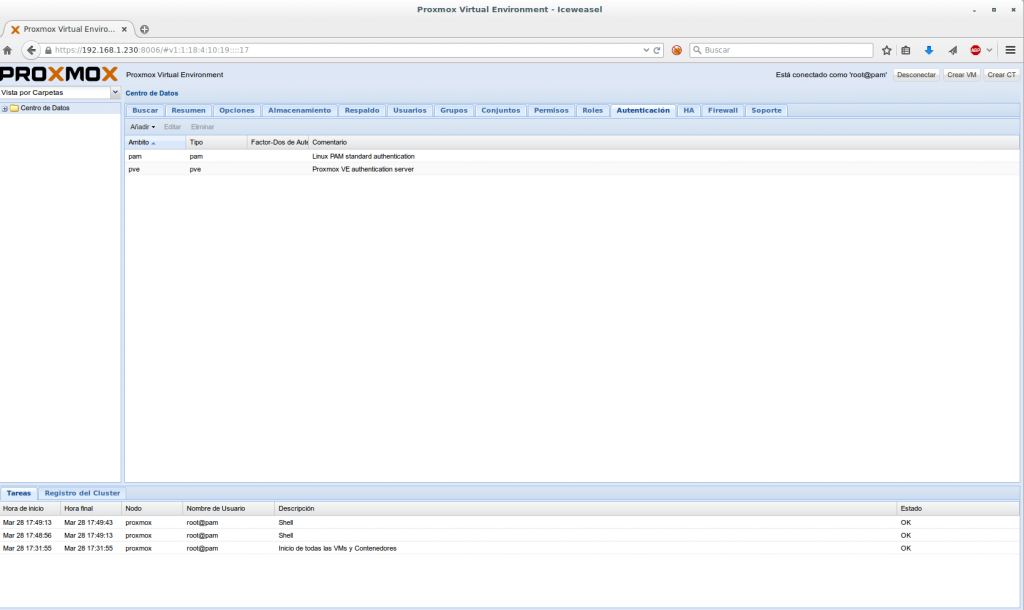
In this post we will see how to integrate Proxmox VE to an Active Directory domain to be able to access it through our administration web interface with a user created on a domain controller.
Once accessed to the administration panel we go to the tab Authentication
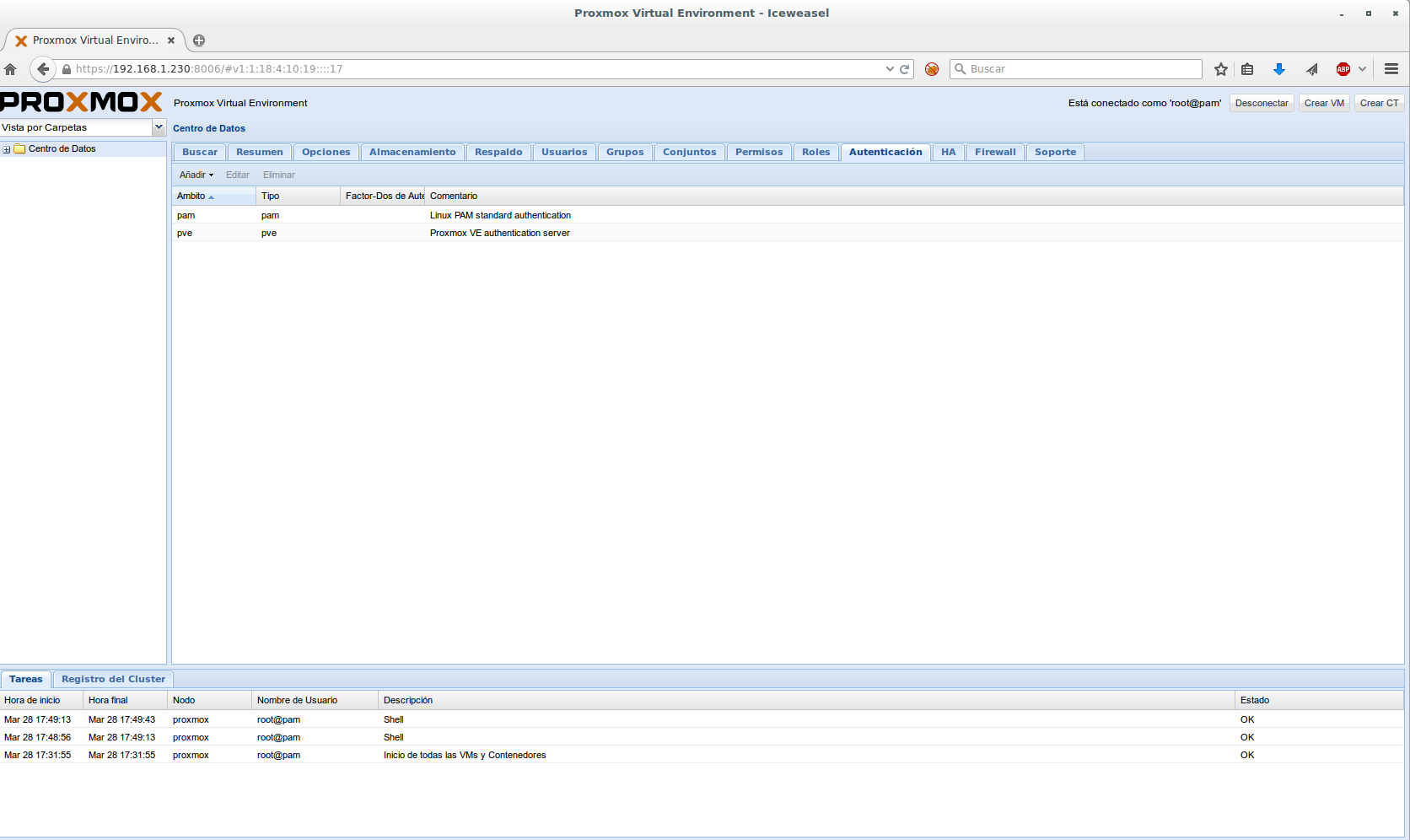
We press Add > Active Directory Server
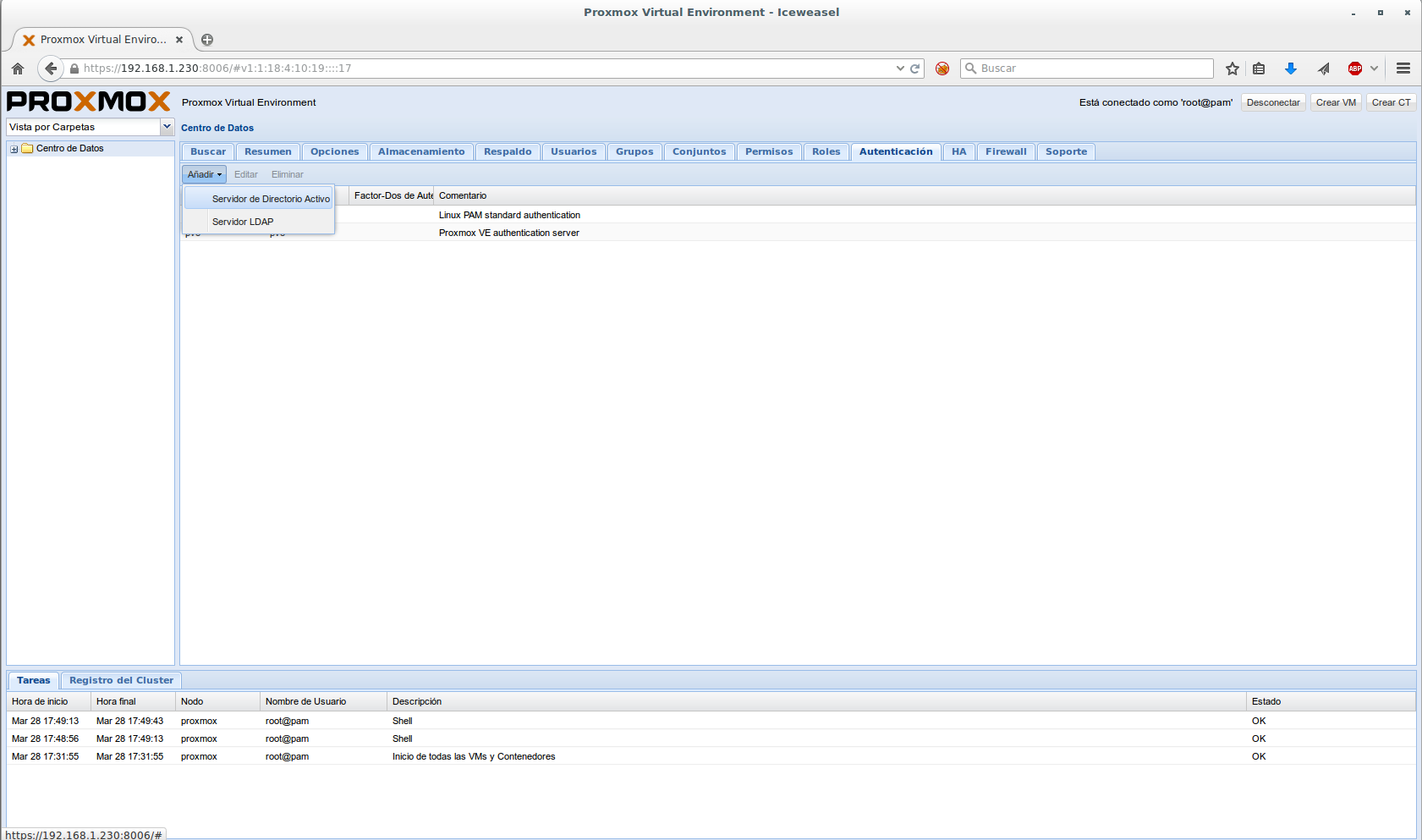
A wizard opens in which we must insert the domain we are going to access and the FQDN of the main and additional domain controller.
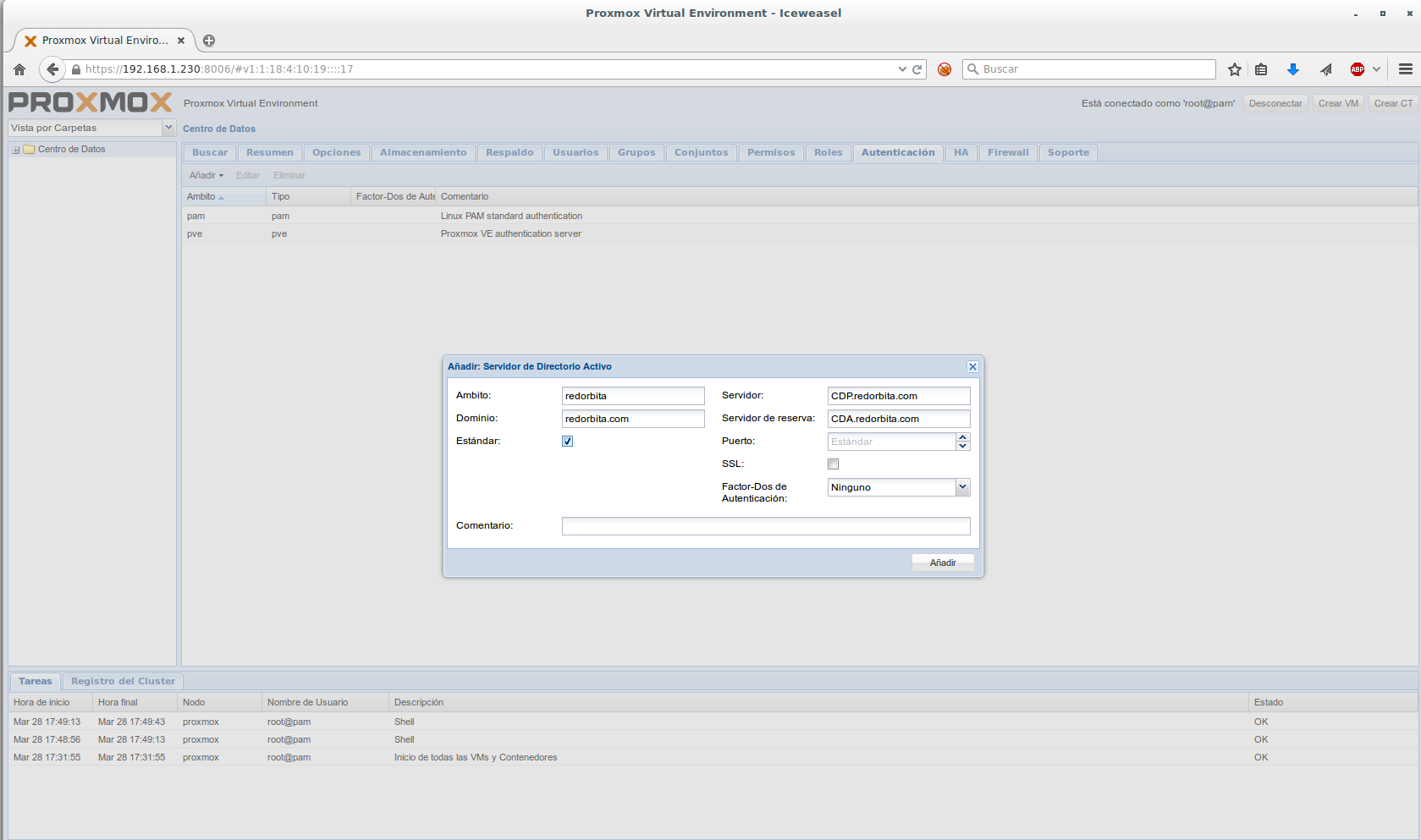
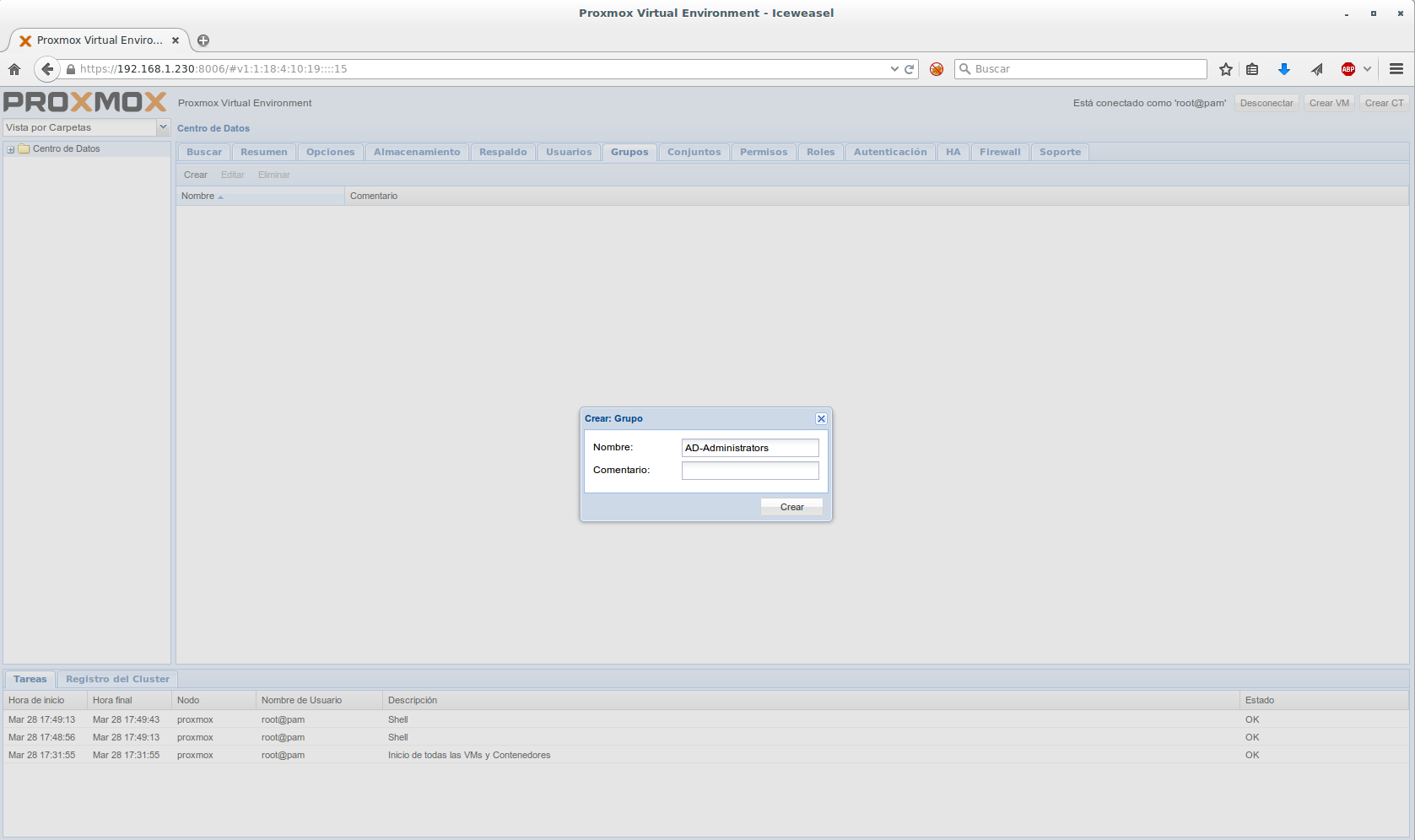
Once the connection to our AD is created, we must go to the tab Groups and we press on Create
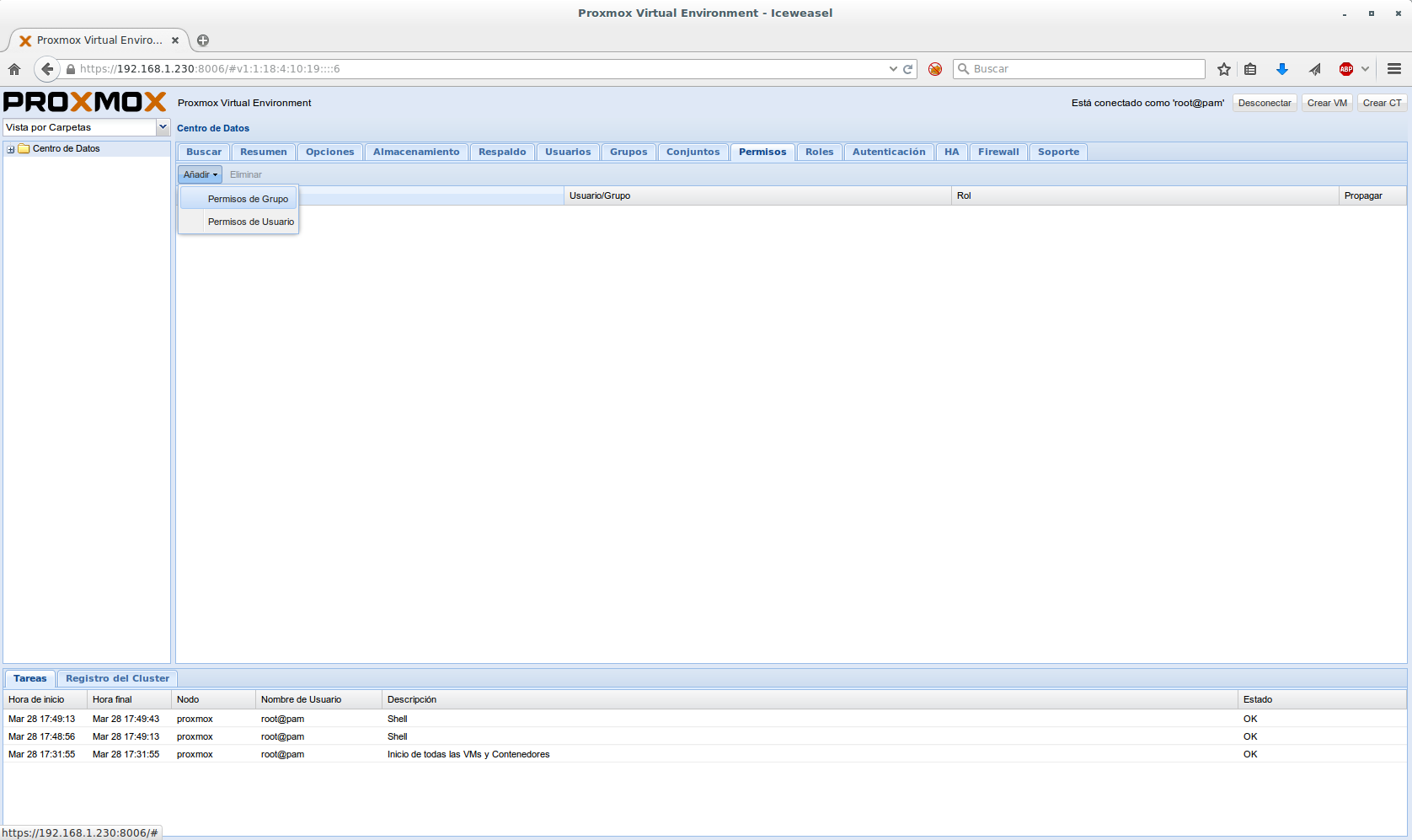
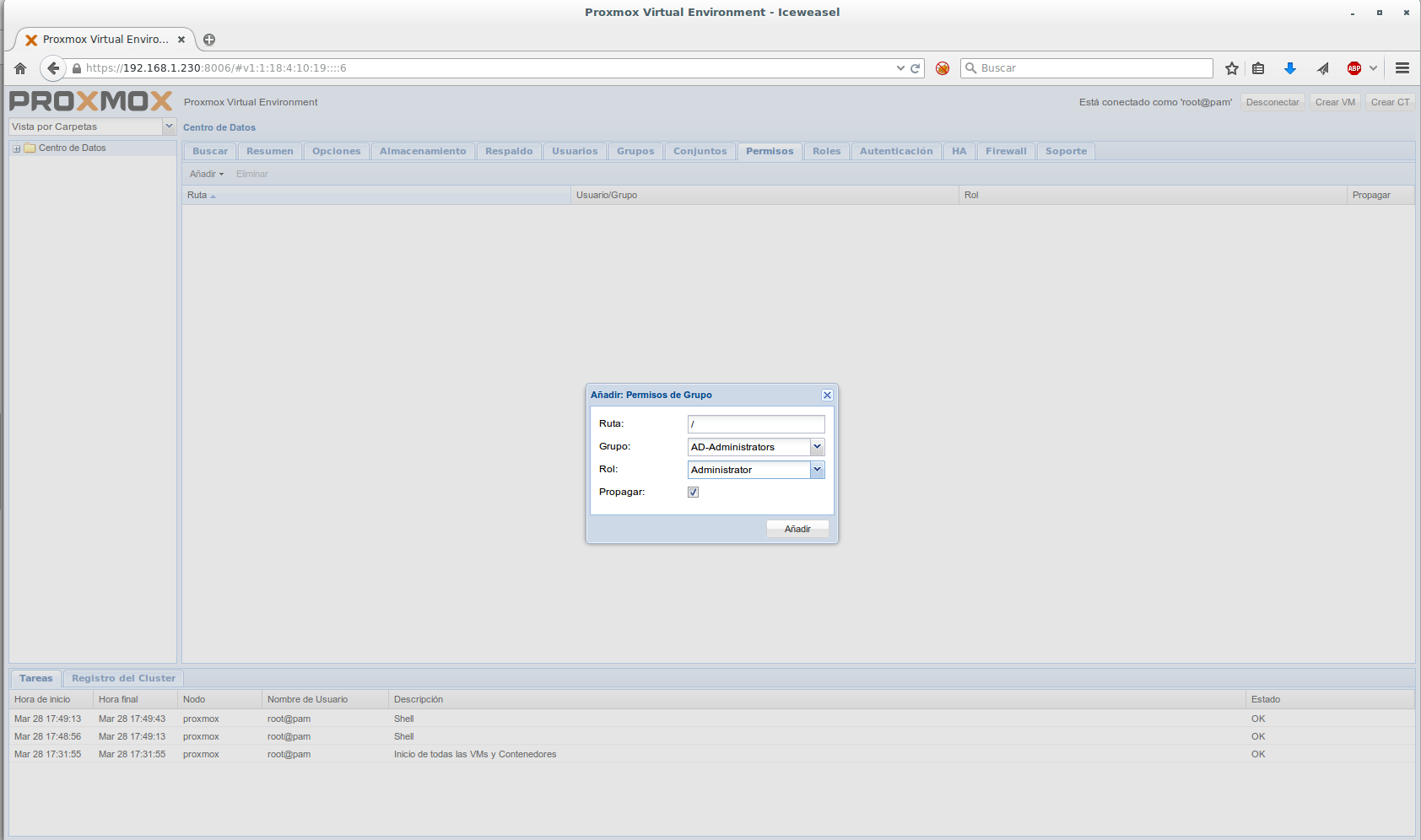
We go to the Permissions tab and grant permission to the group created previously.
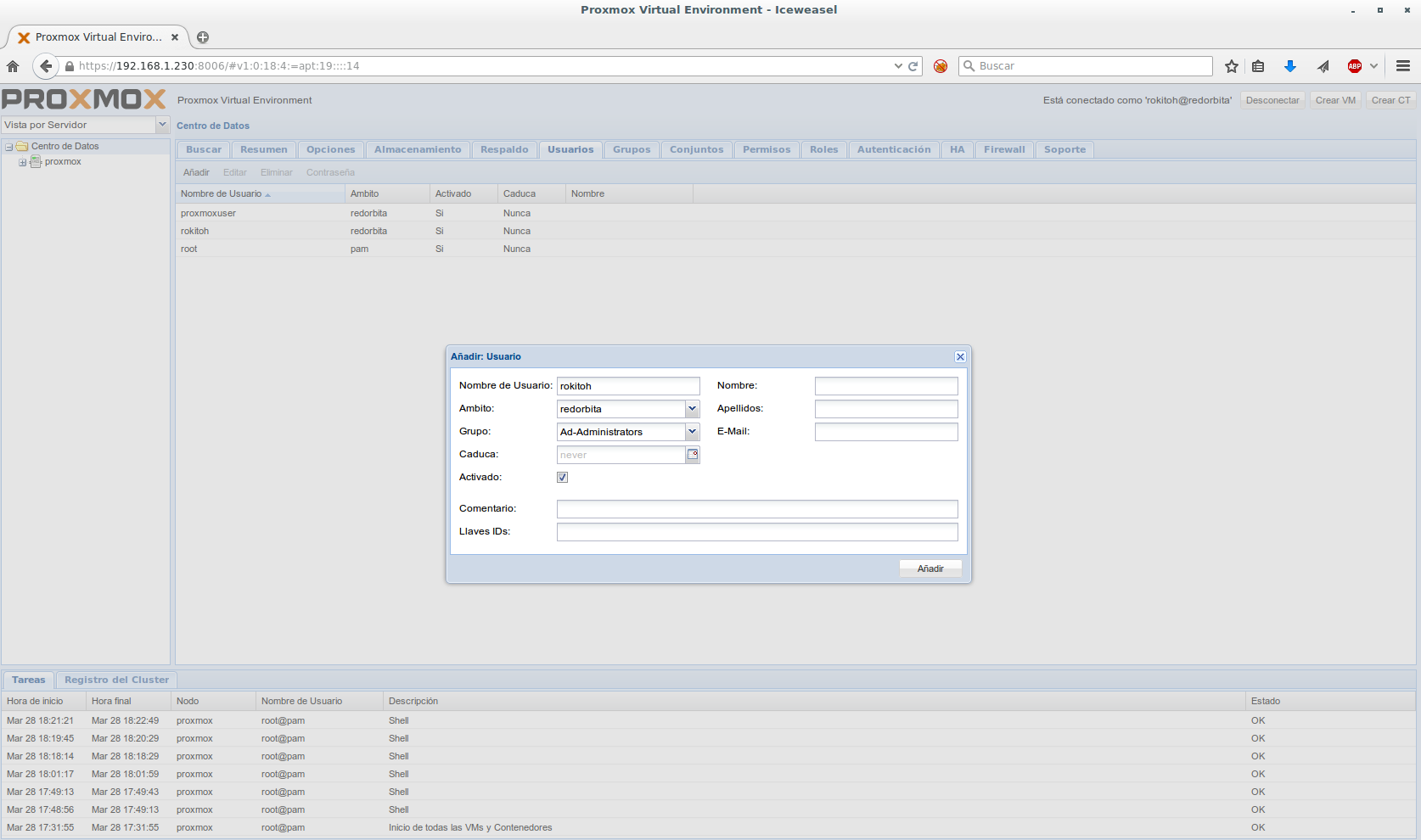
Finally we go to the user tab and add any user created in AD with administrator permissions
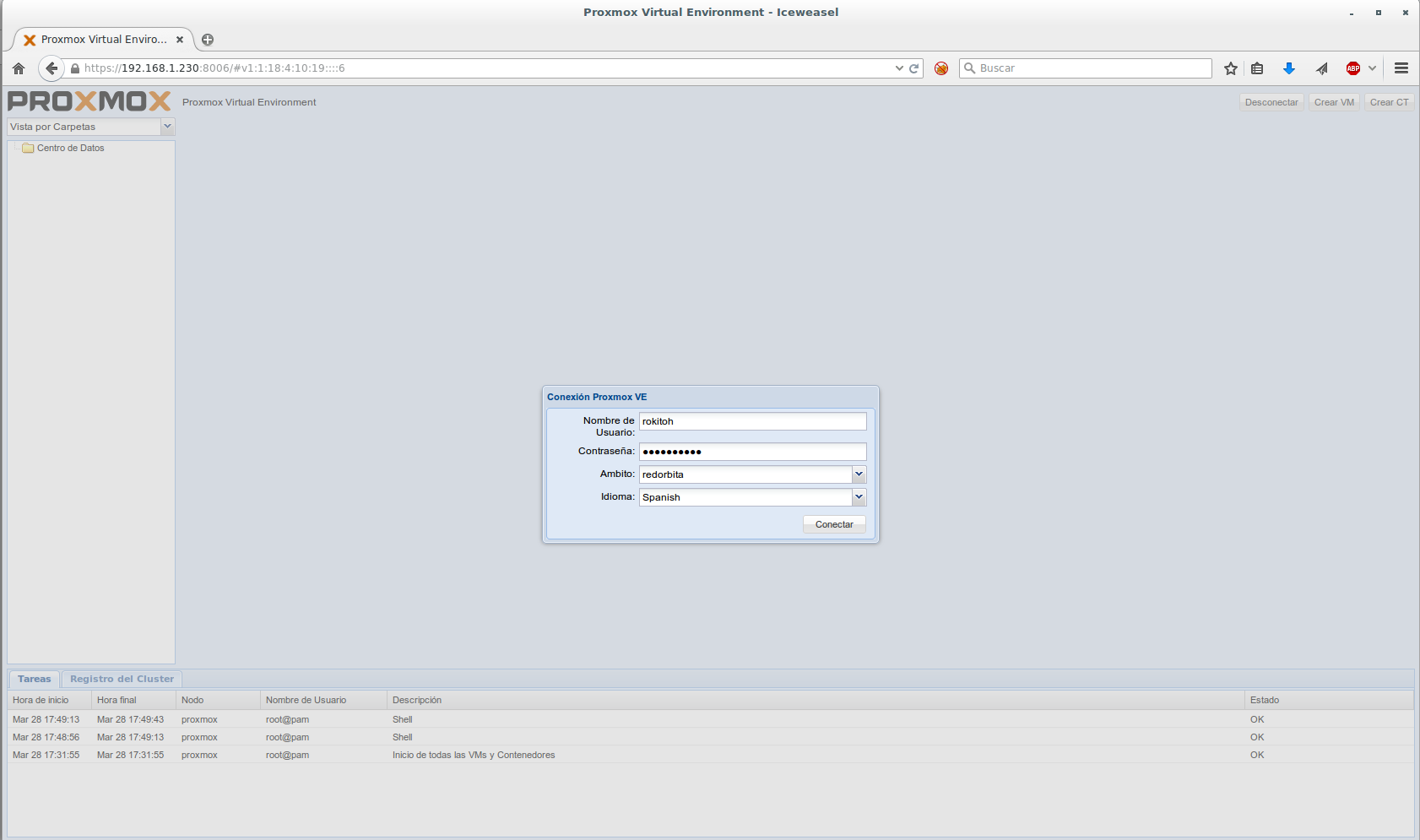
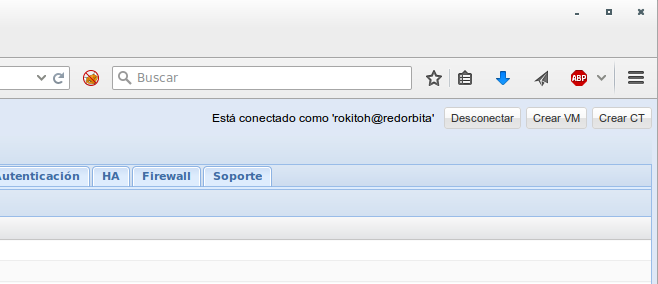
We disengage and at the beginning we choose the area that we have created.
all the best.
:wq!
Comments