
In this entry we are going to see something fundamental that can get us out of a lot of trouble. How to make snapshots or backups of our VMs.
Snapshot
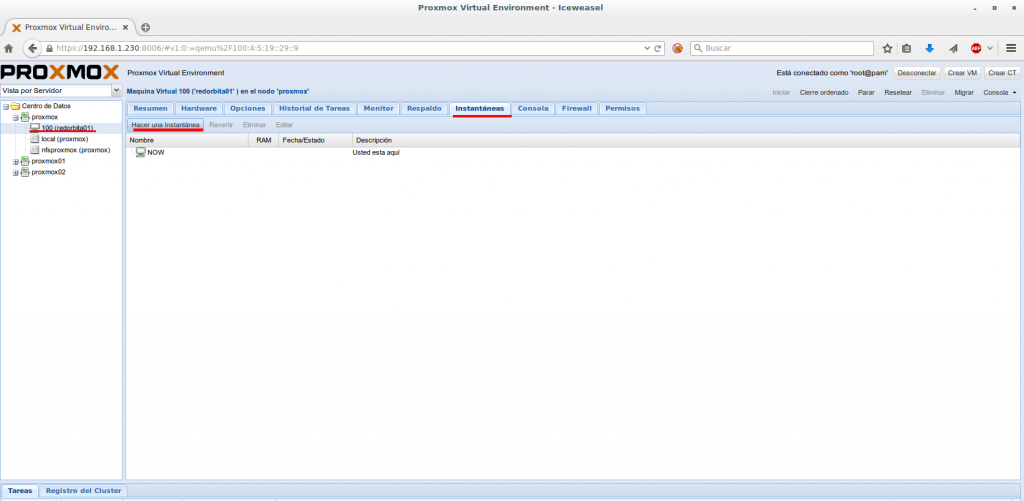
To make a Snapshot (or snapshot) we must select server > Snapshots > Take a snapshot
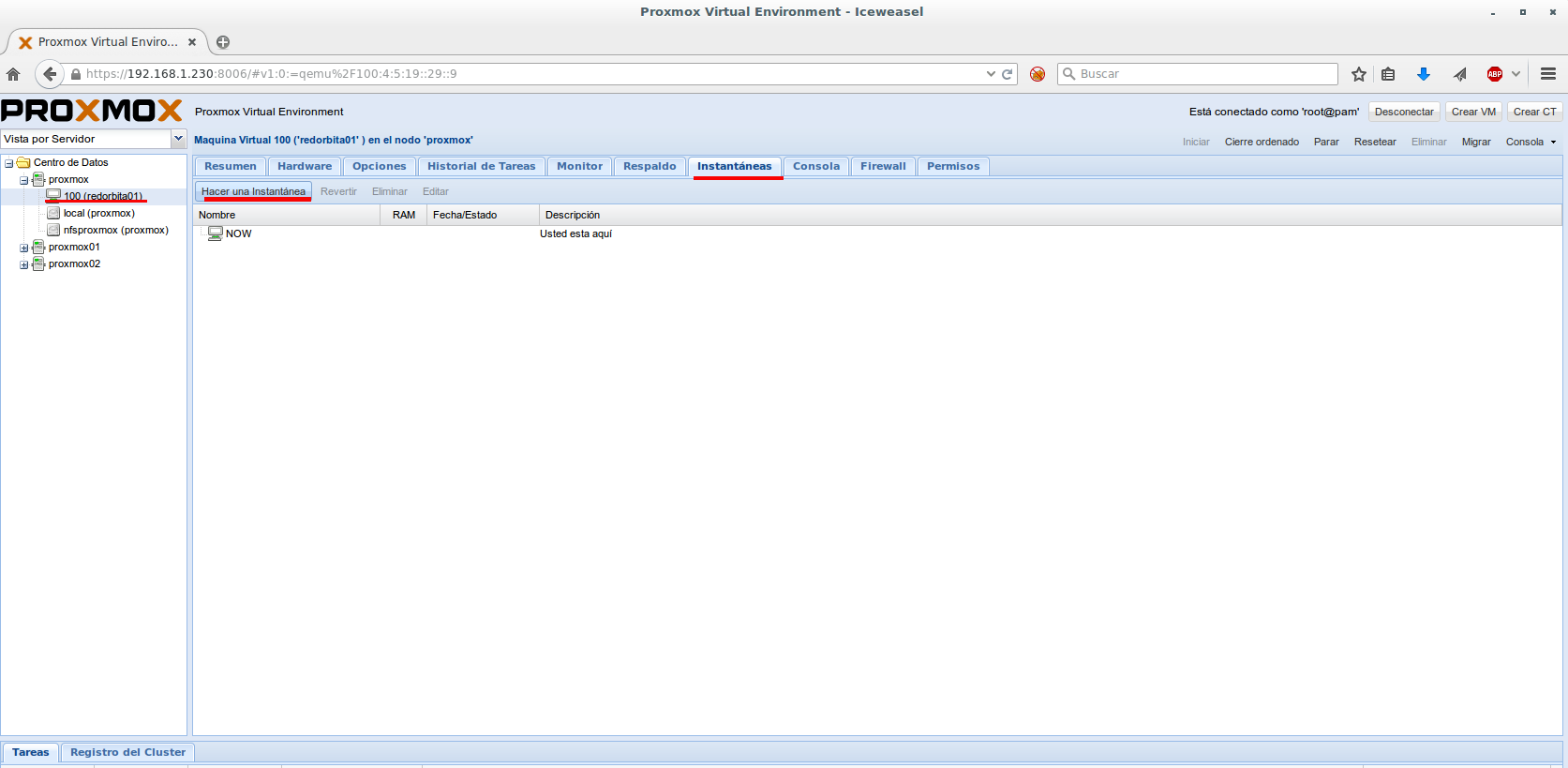
We add a name and a brief description
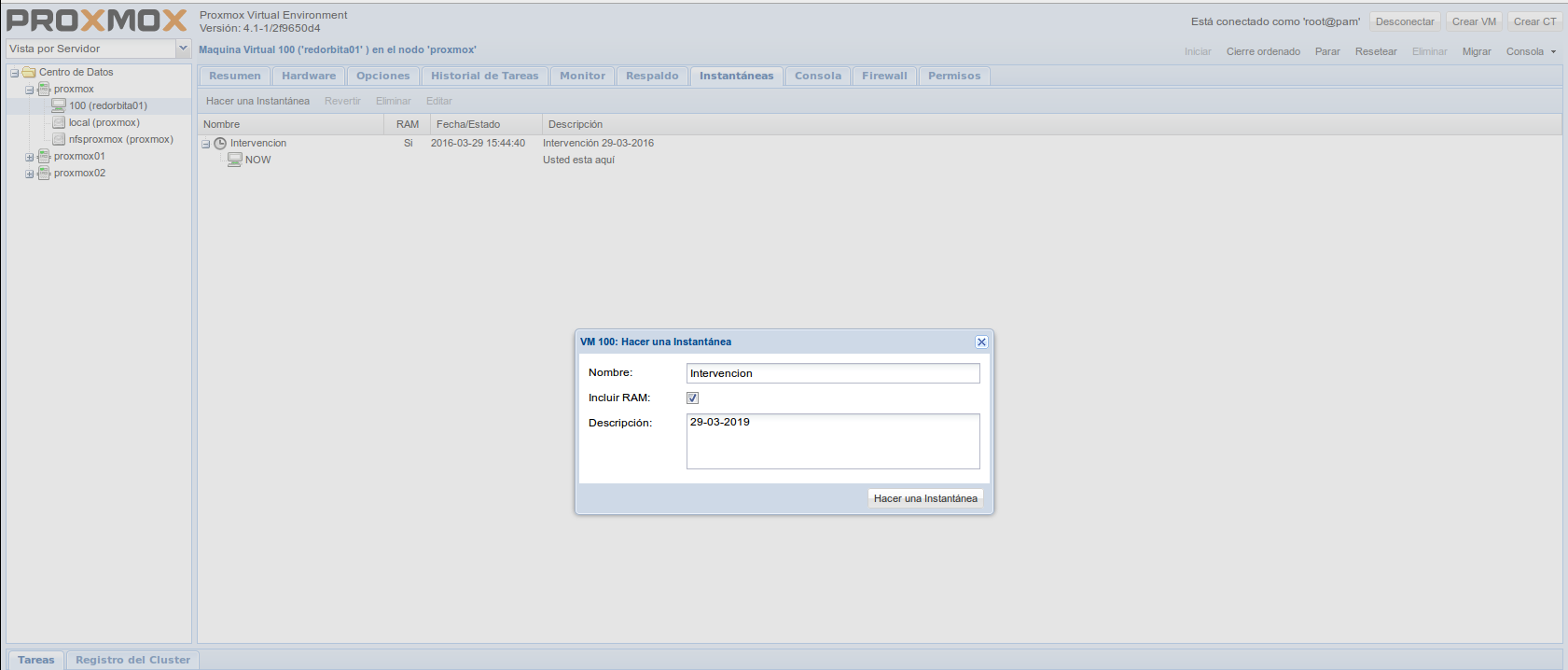
We wait a few seconds…
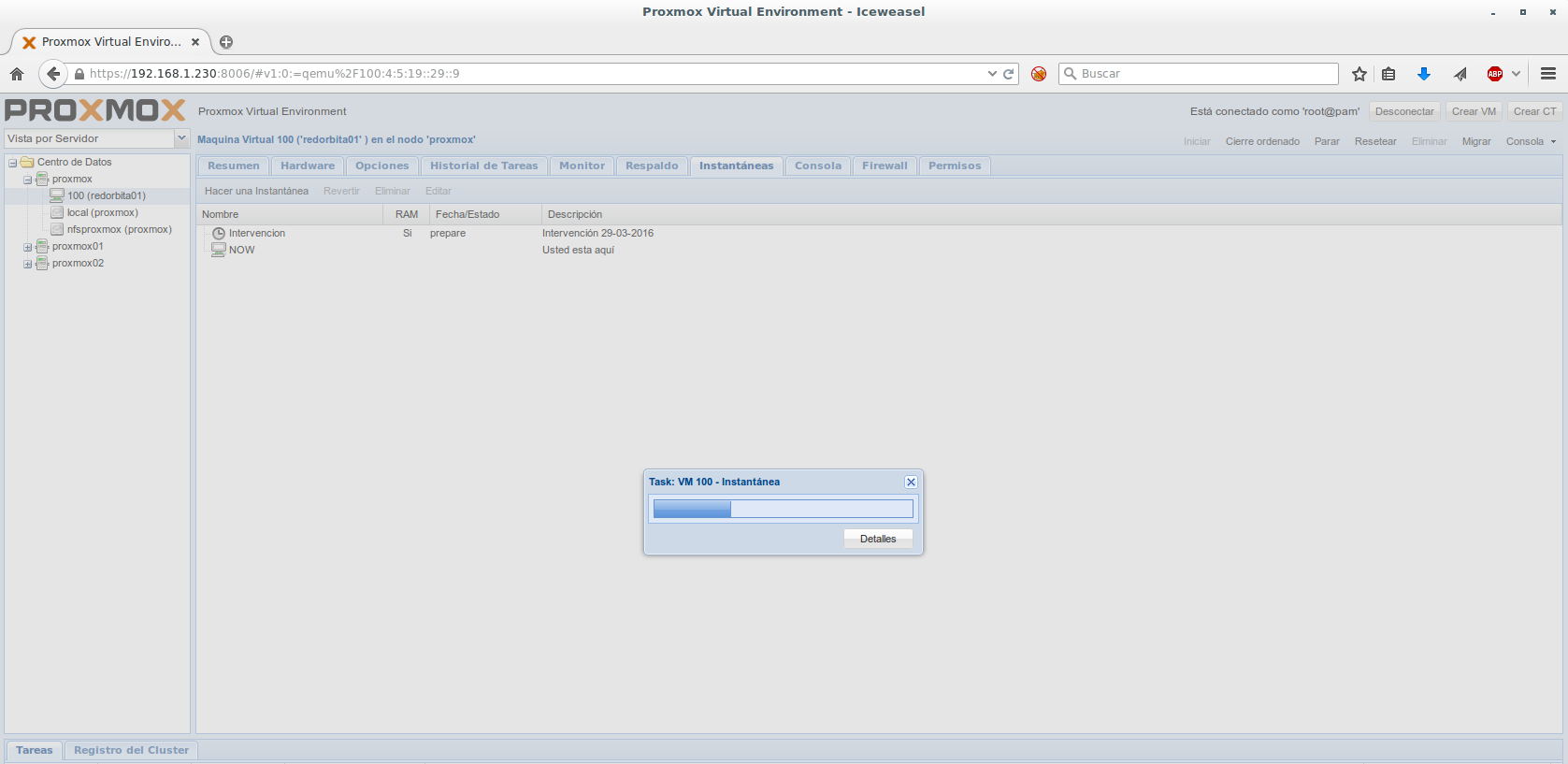
We have already made our snapshot
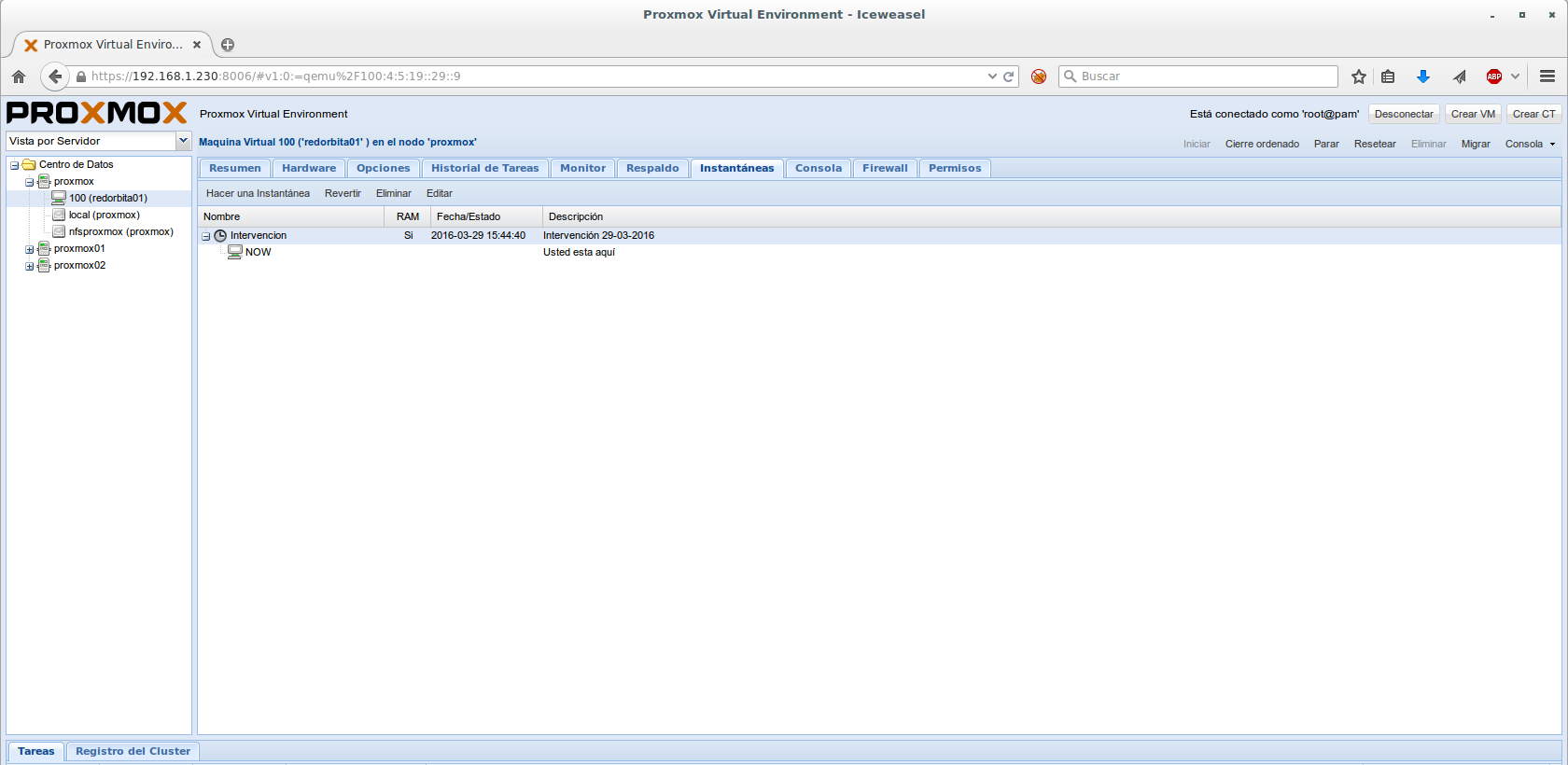
Backup
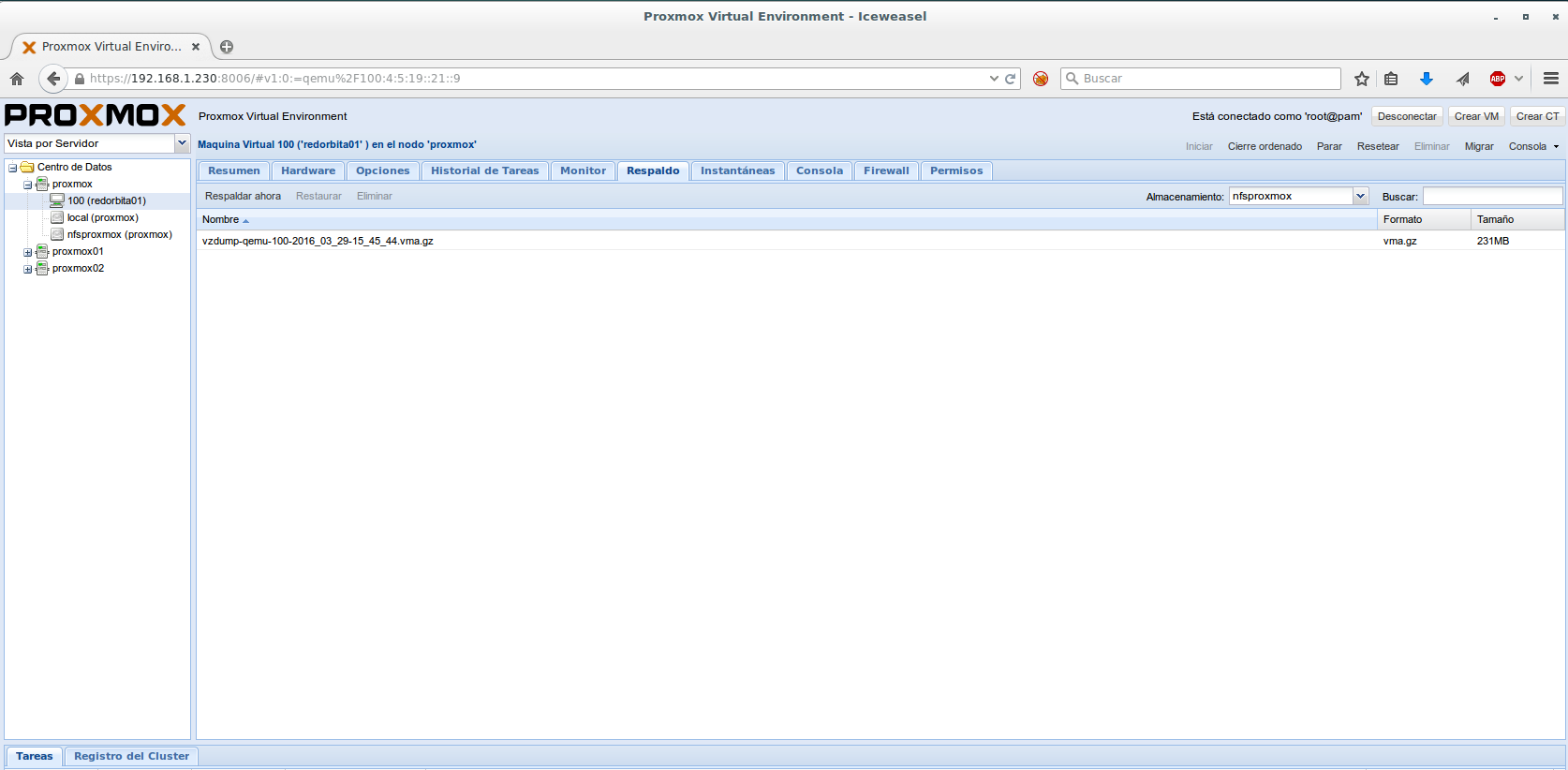
When making a backup (or backup) we must select server > Back > Back up now
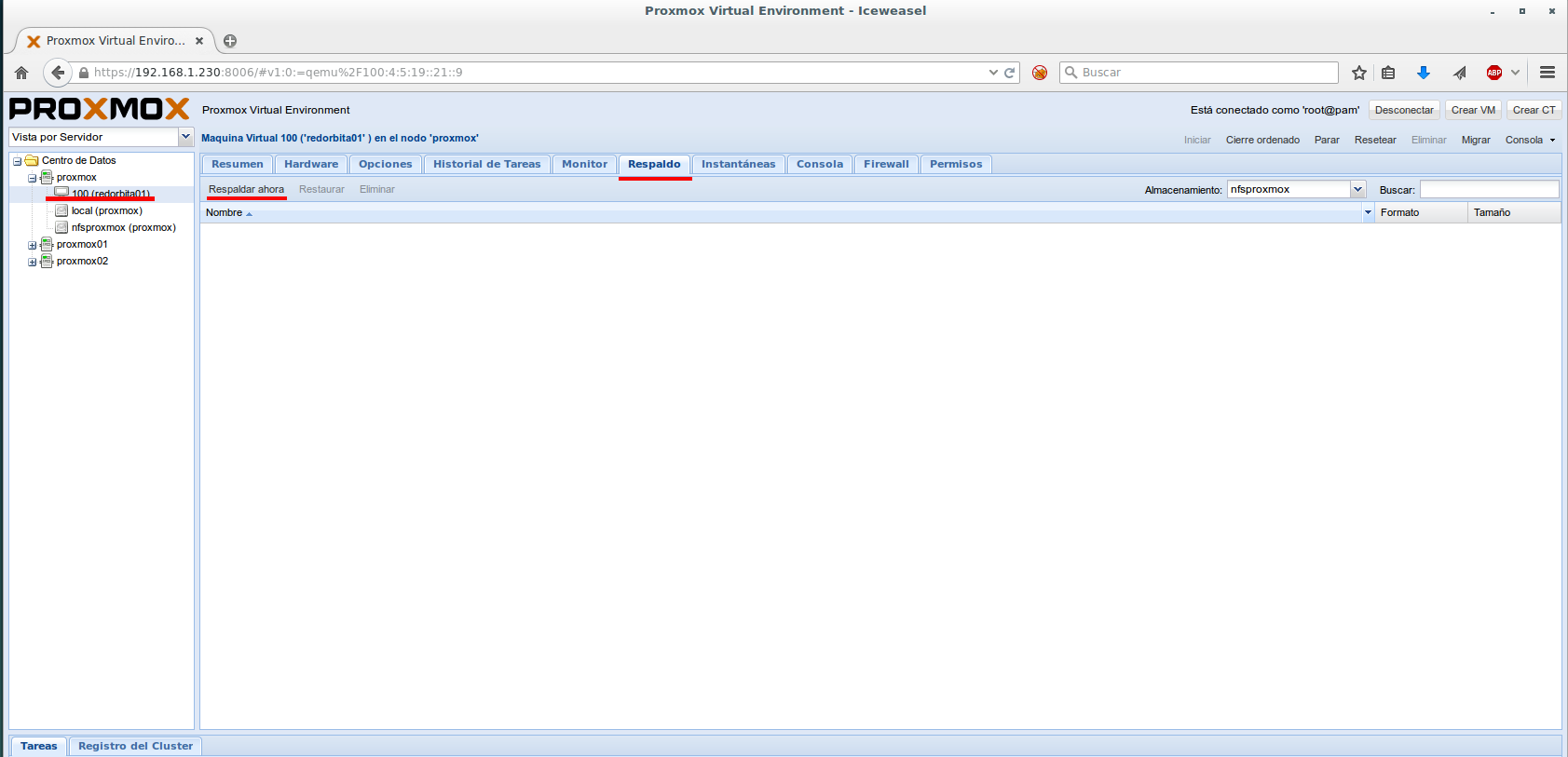
A configuration wizard opens:
Storage: We must indicate where the backup is going to be saved
Mode: gives three options, Snapshot (allows you to make a hot backup), suspend and stop. These last two would result in loss of service.
Compression: None, LZIP (Fast) or GZIP (good) in this option I miss some type of better compression, such as XZ or, failing that, BZIP
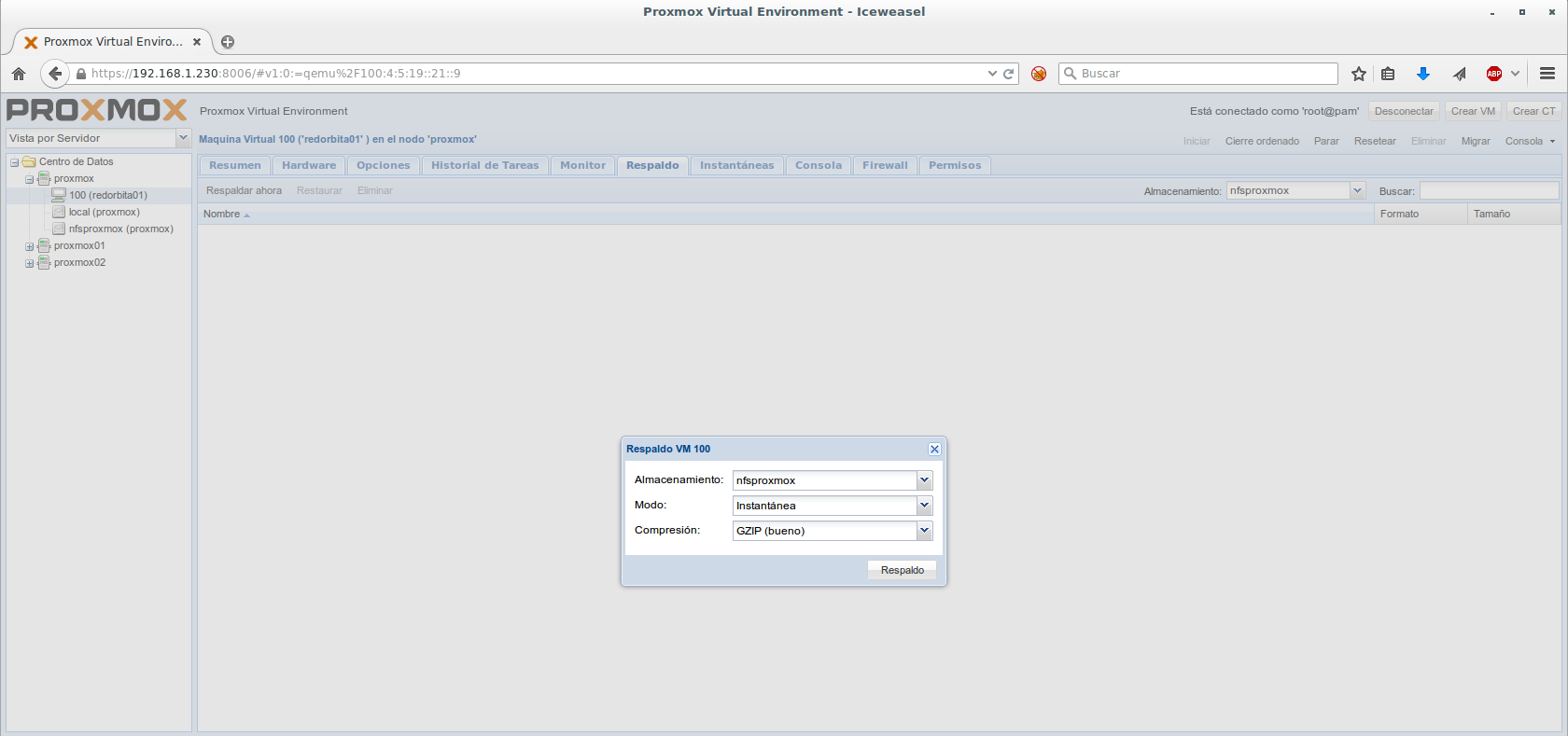
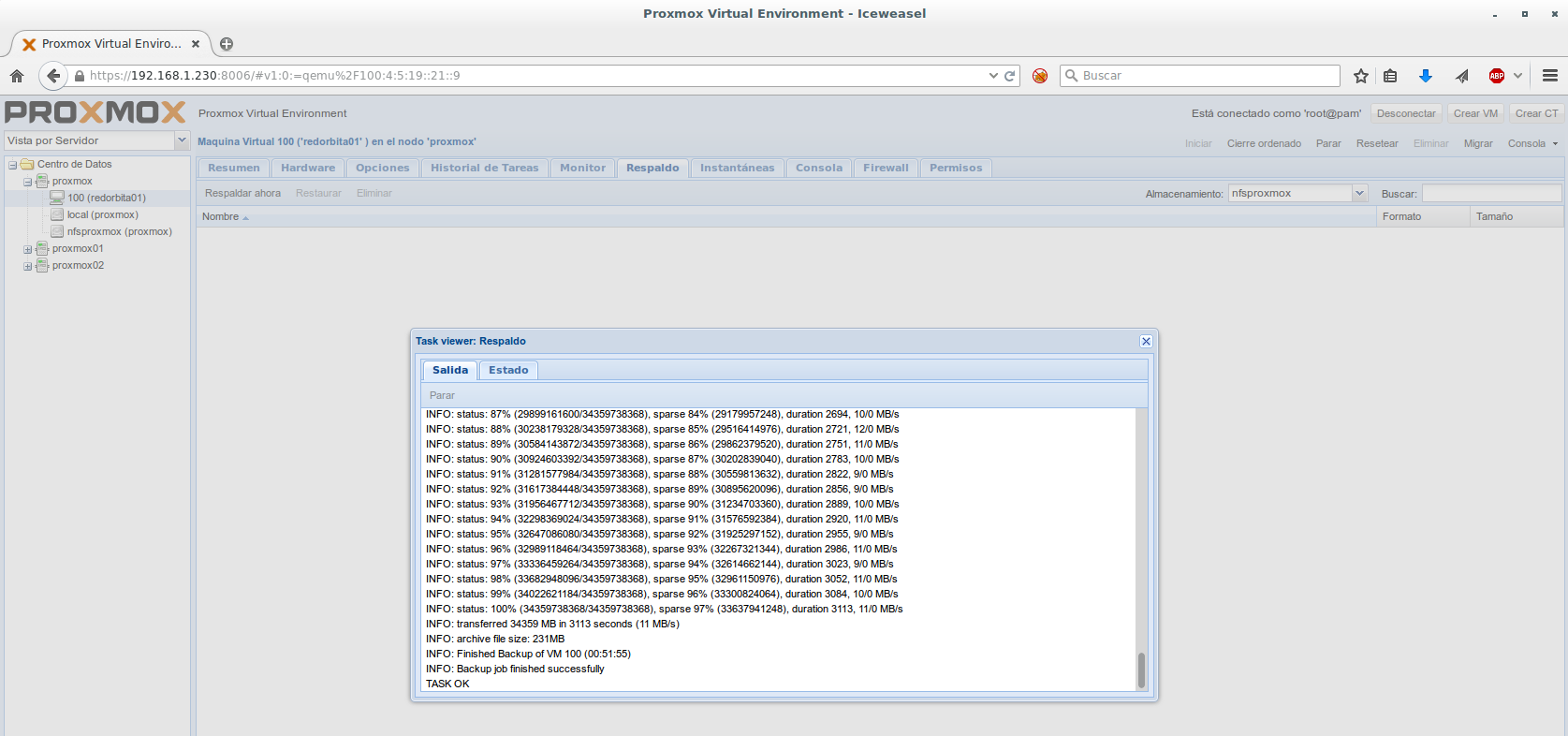
I chose GZIP (good) and the backup actually takes a long time.
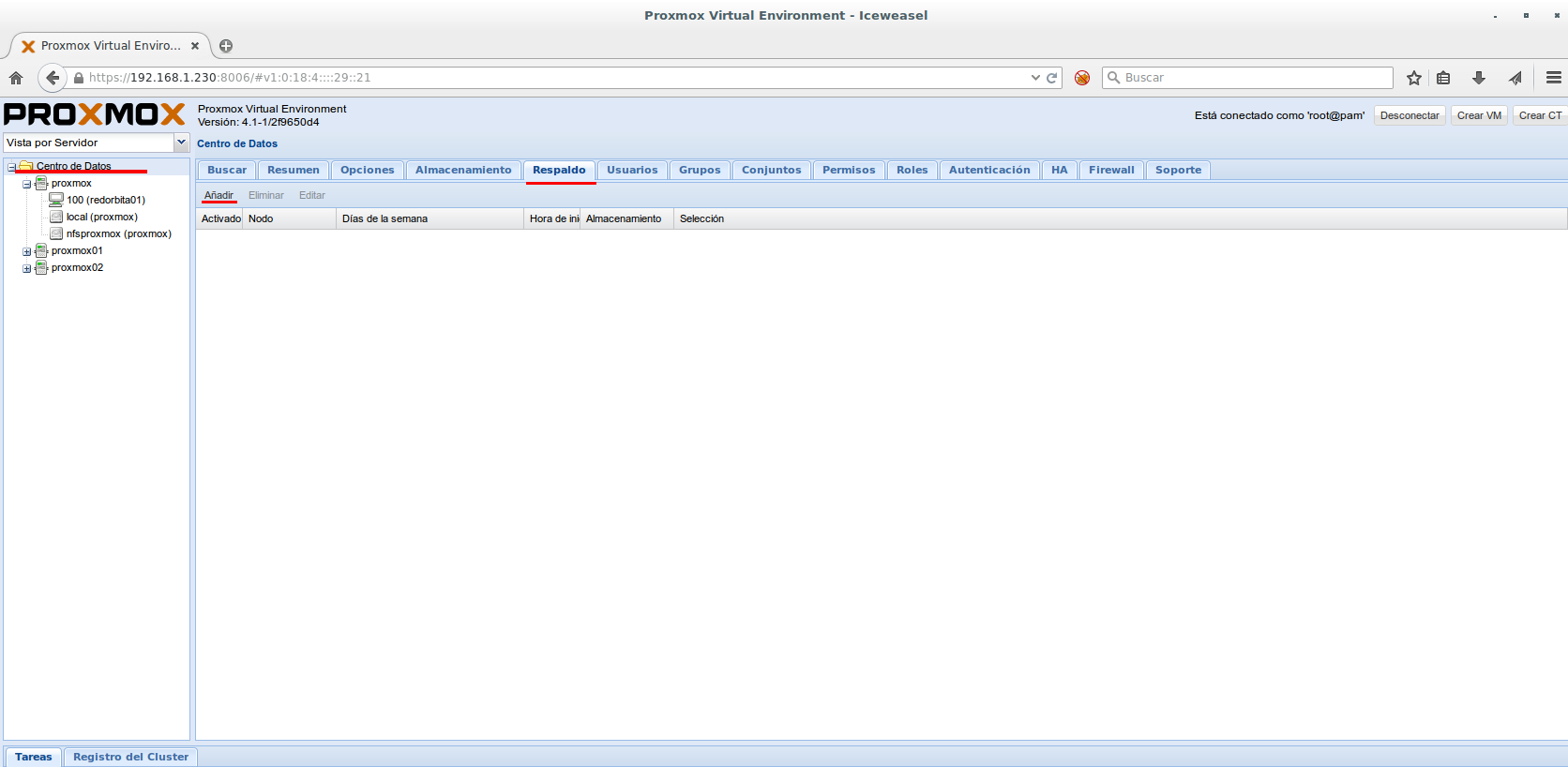
Program BACKUP:
data center > Back > Add
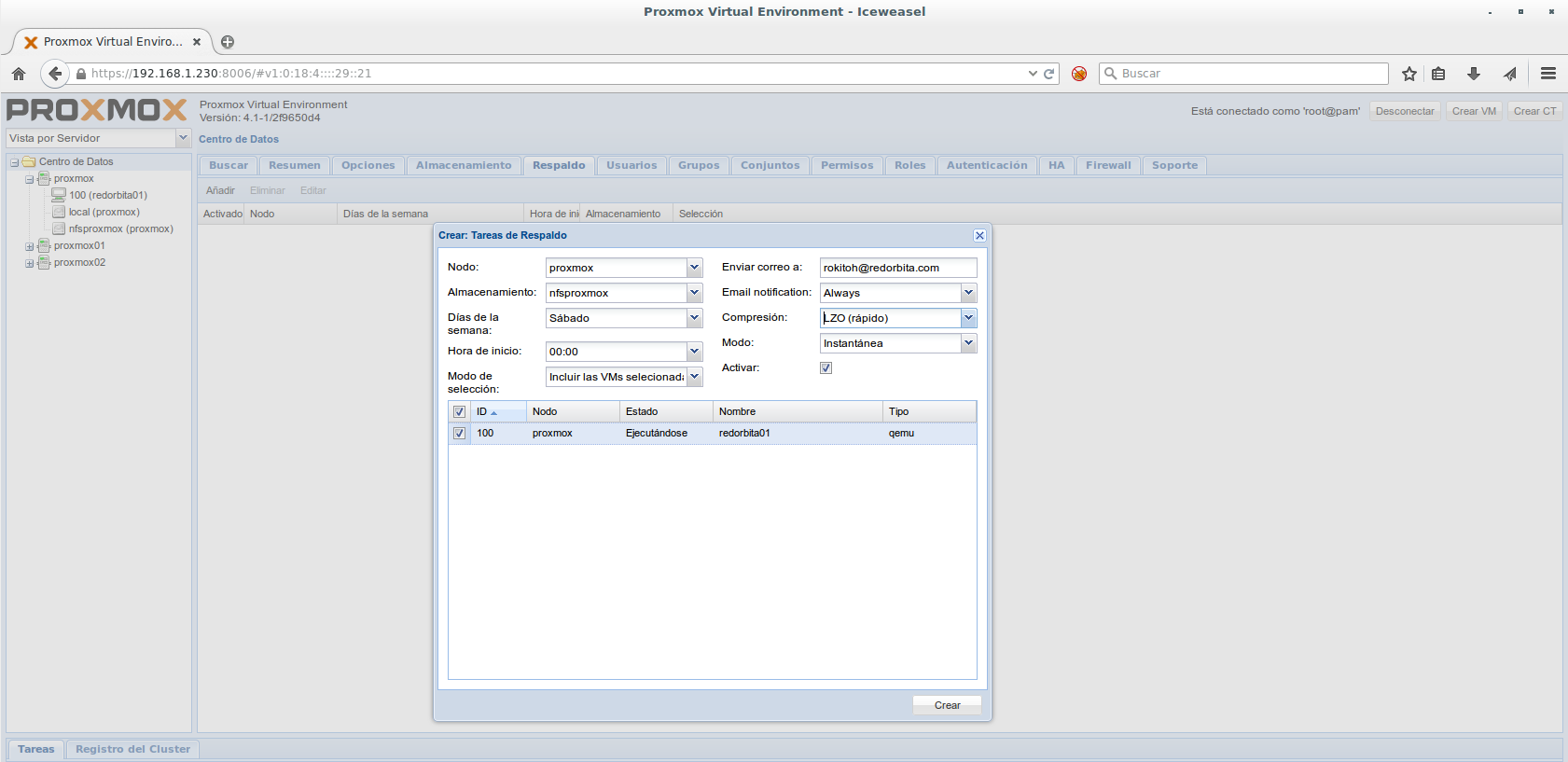
Once again, a wizard opens to configure the backup parameters. We are going to review the most notable options we have:
Node: We choose the node where the VMs are where we are going to perform the backup
Storage: We tell you where you are going to save the backup
Selection mode: In this option we can indicate if we are going to backup all the servers or which one we want to backup.
Compression: As we saw previously, when we took the snapshot it gave us the three options: without compression, LZO or GZIP
Mode: gives three options, Snapshot (allows you to make a hot backup), suspend and stop. These last two would result in loss of service.
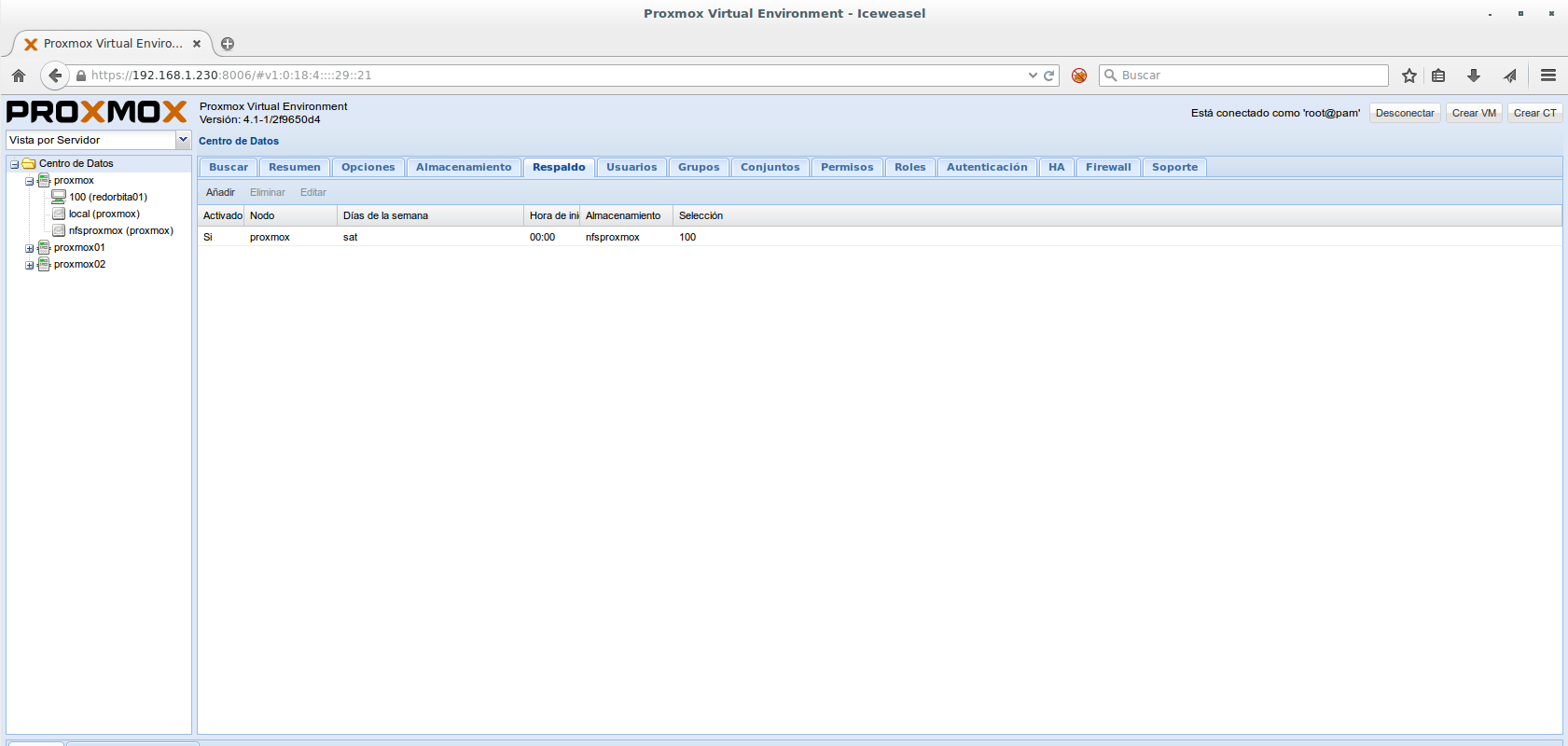
All the best.
:wq!
Comments