
What is OpenStack?
OpenStack It is a project of cloud computing to provide a infrastructure as a service (IaaS).
It's a free software and of open source distributed under the terms of the Apache license. The project is managed by the OpenStack Foundation, a non-profit legal entity created in September 2012 to promote OpenStack software and its community.1 2
Preparatory:
We deactivate the NetworkManager service and the firewall
systemctl disable firewalld

systemctl stop firewalld

systemctl disable NetworkManager

systemctl stop NetworkManager
We start the Network service
systemctl enable network

systemctl start network
Facility:
We update the system and install the repositories
yum -y update

yum install -y centos-release-openstack-mitaka
Once the repositories have been updated and activated, we proceed to install openstack
yum install -y openstack-packstackTaking into account that we are going to carry out a basic installation, as a laboratory test we install all the Packs
packstack –allinoneOnce installed through our browser we access the URL http://192.168.1.200/dashboard
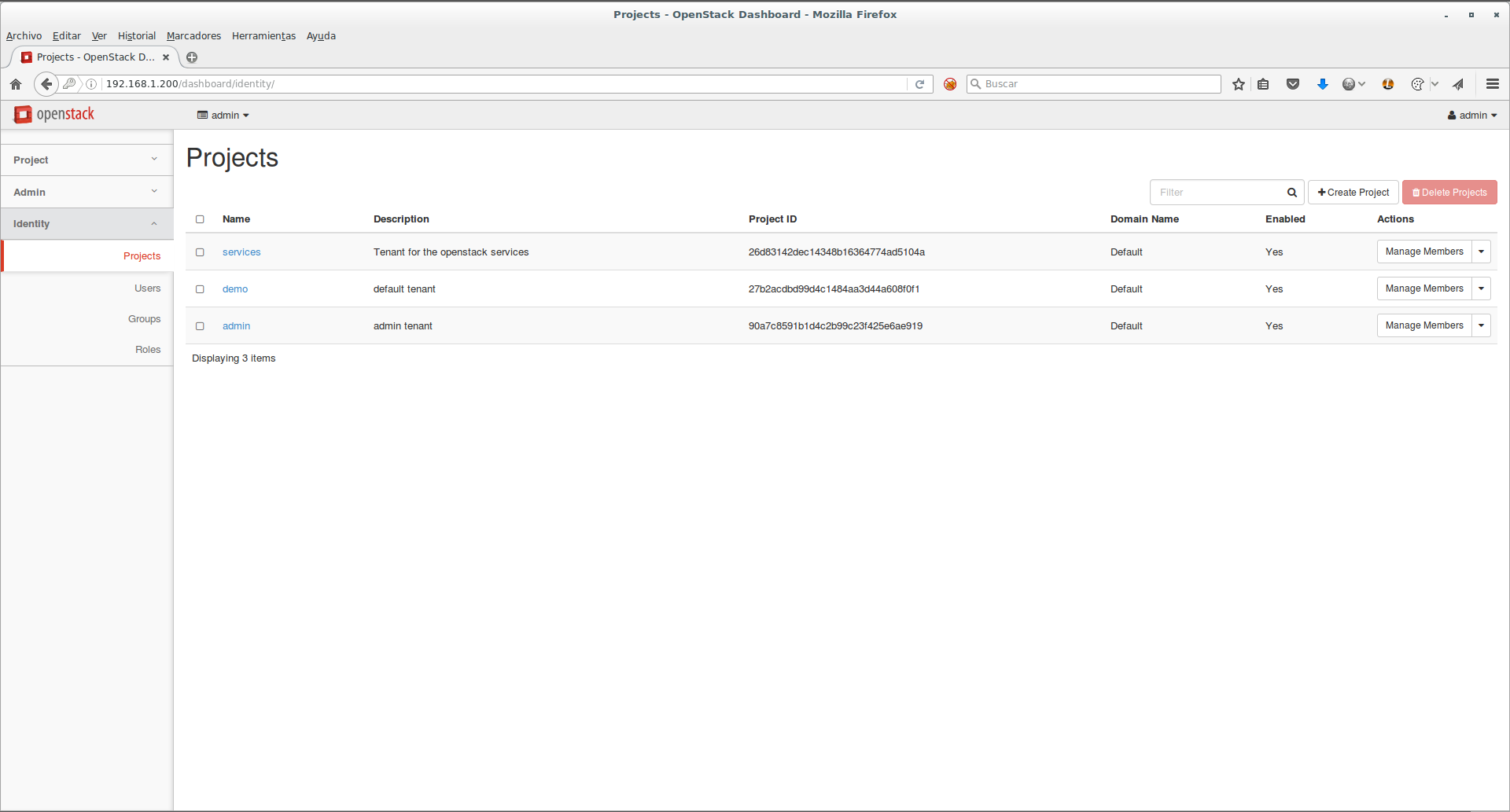
We can see the access username and password in the file: /root/keystonerc_admin
cat /root/keystonerc_admin

unset OS_SERVICE_TOKEN

export OS_USERNAME=admin

export OS_PASSWORD=f314d819965e4ec8

export OS_AUTH_URL=http://192.168.1.200:5000/v2.0

export PS1='[\u@\h \W(keystone_admin)]\$ ‘
export OS_TENANT_NAME=admin

export OS_REGION_NAME=RegionOne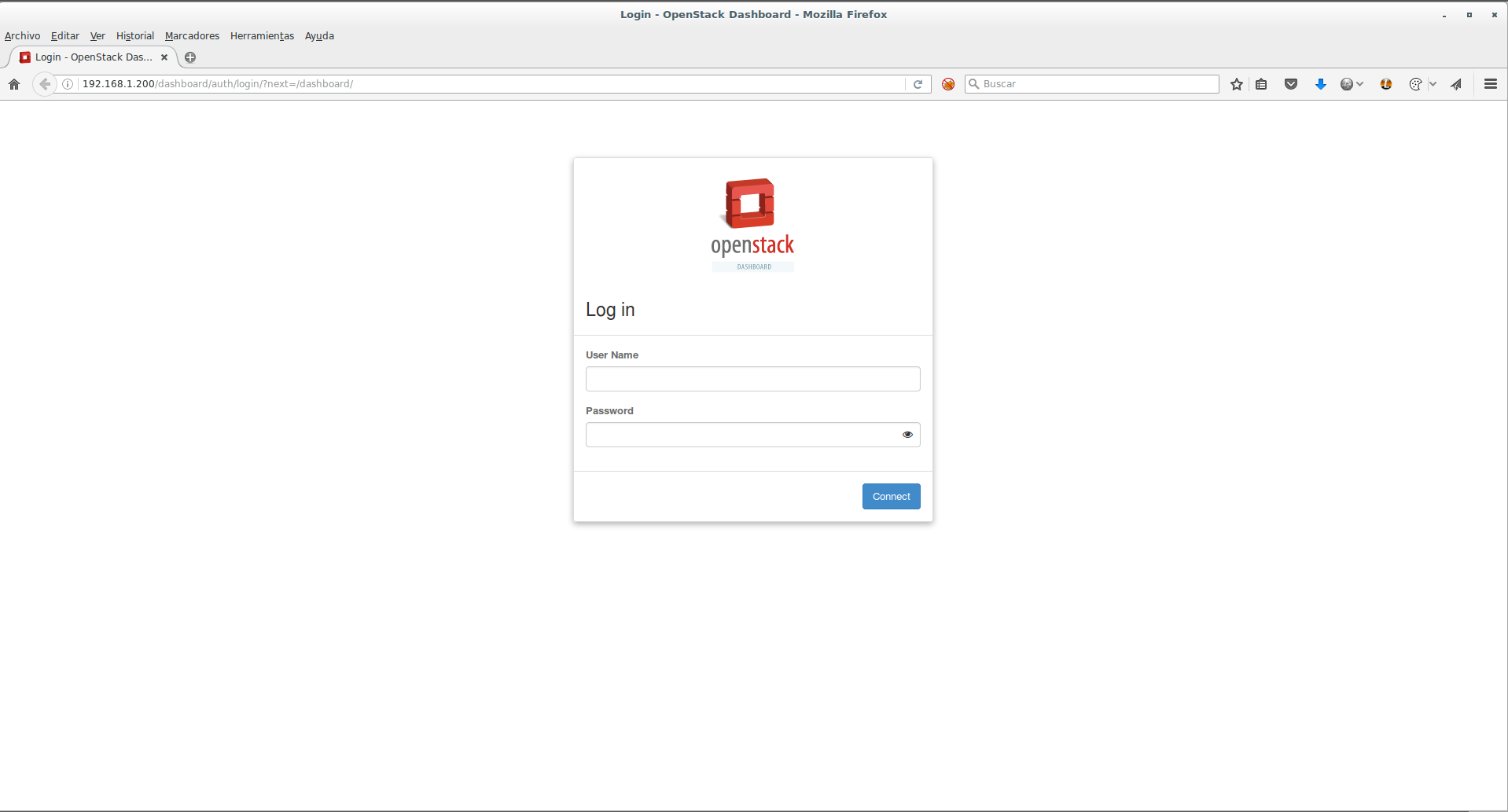
All the best.
Comments