
In this entry we are going to see how to update RedHat 5.x to RedHat 6.x. To do this, we first have to download the corresponding ISO.
RedHat always recommend doing a fresh reinstall for a major version upgrade.
However, many times this reinstallation cannot be carried out given that it is a highly personalized system and non-standard configuration.
PREPARATIONS:
We make a list of all installed packages
rpm -qa | sort > /root/all_old_packagesIf in the /etc/inittab file we had configured to start with init 5, we change it to 3
cat /etc/inittab | grep initdefault

#   0 – halt (Do NOT set initdefault to this)

#   6 – reboot (Do NOT set initdefault to this)

id:3:initdefault:
If we have any NFS configured in our fstab, we must comment on the lines.
We delete all the folders located in: /usr/share/doc/HTML/
rm -rf /usr/share/doc/HTML/We must uninstall the xulrunner package since otherwise the update process would fail
rpm –e xulrunner –nodepsWE STARTED THE UPDATE
We start with the CD-ROM and press <TAB> to edit in “Install or upgrade an existing system” and write upgradeany
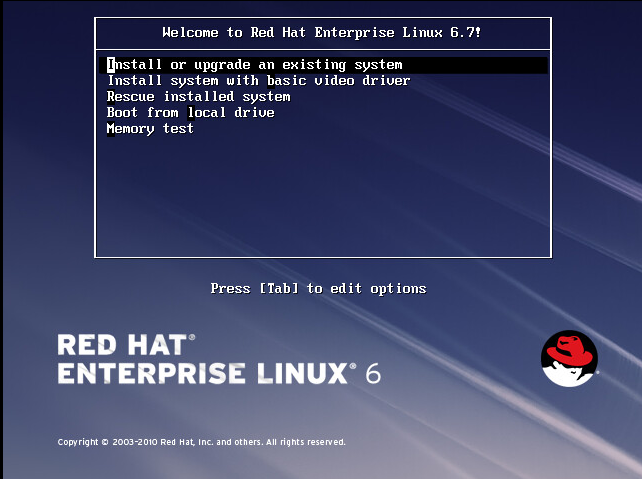
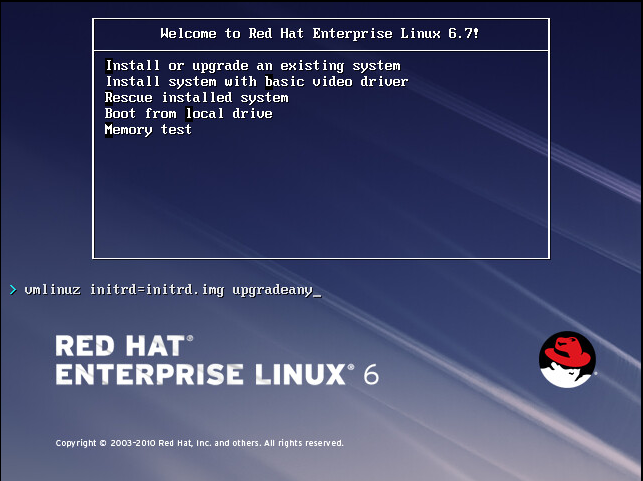
The wizard to perform the update starts, next

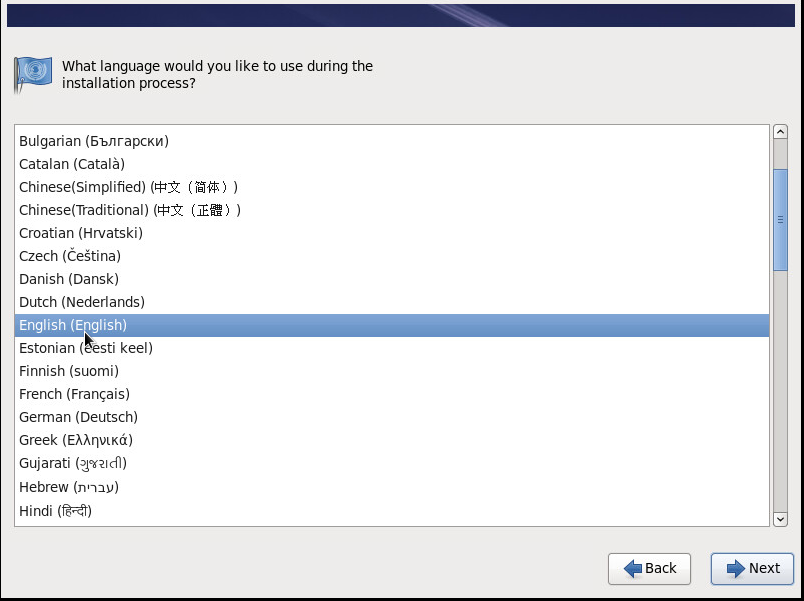
We select the language
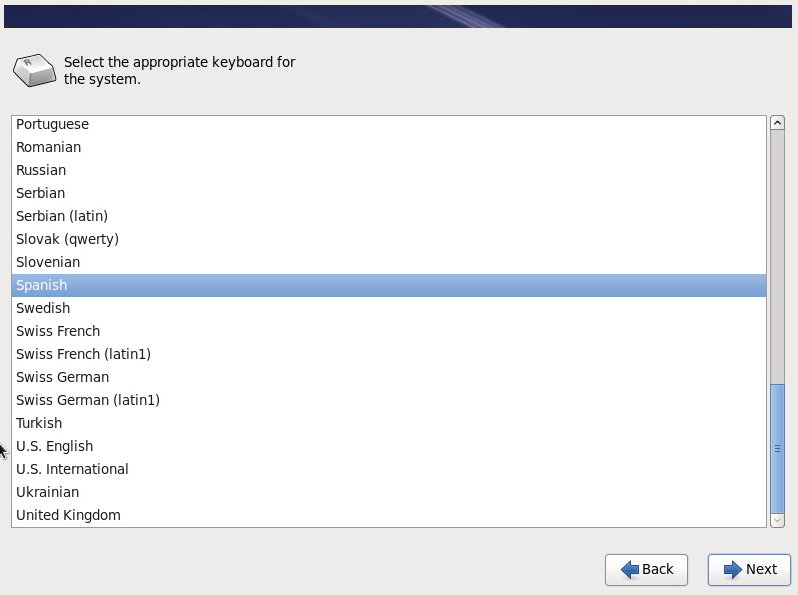
We select the keyboard language
We choose the type of storage we use, in my case Basic Storage Devices.
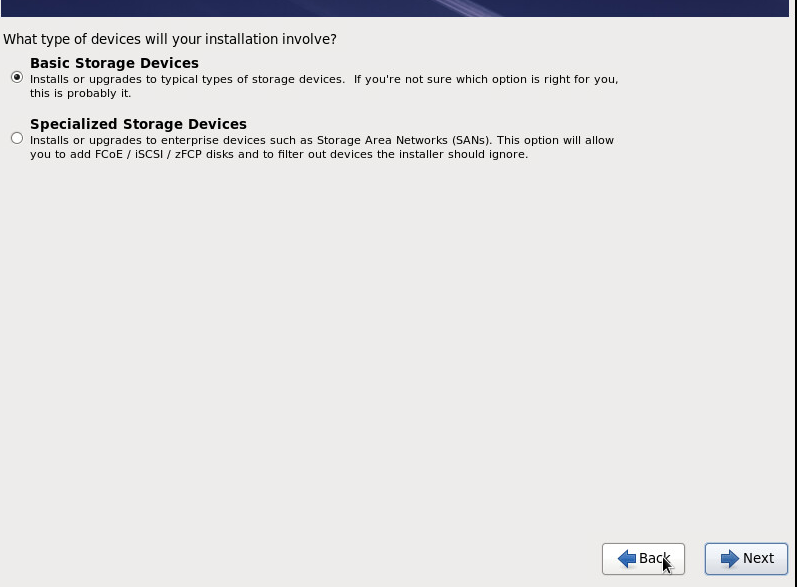
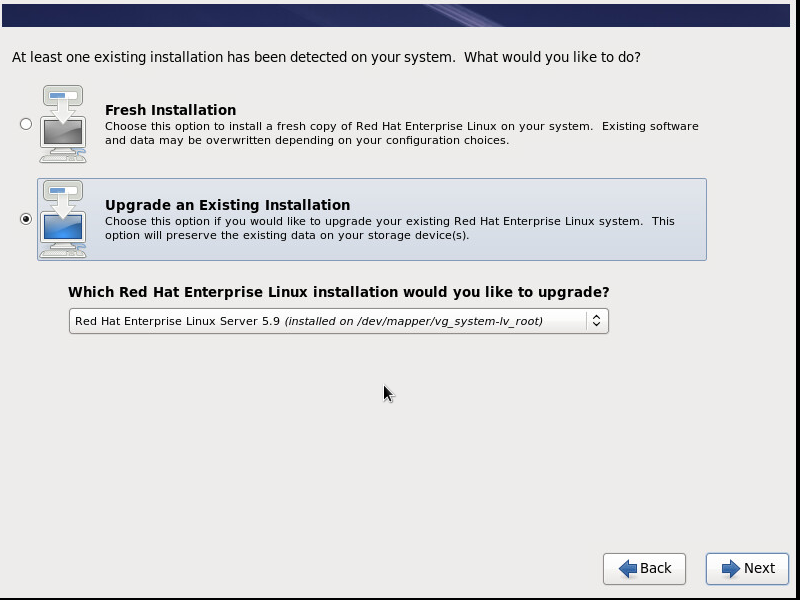
We select the option Upgrade an existing Installation
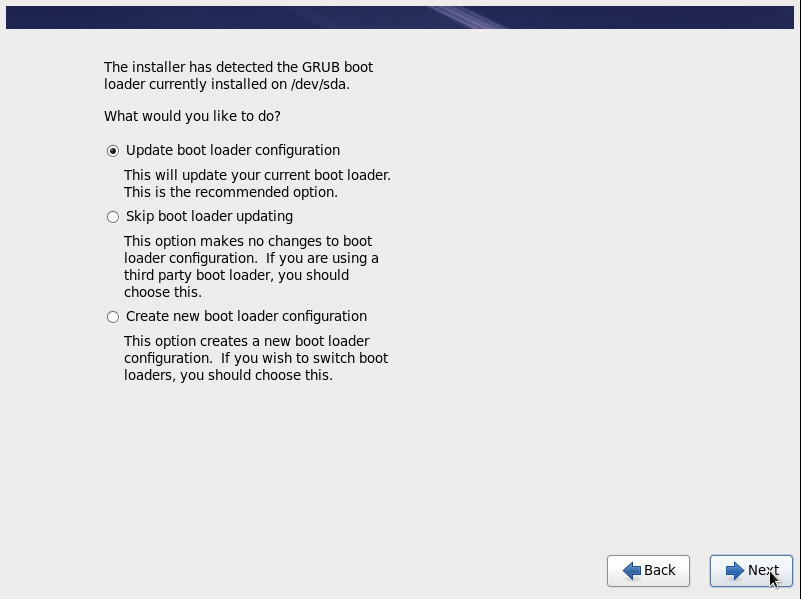
We select the option to update grub.
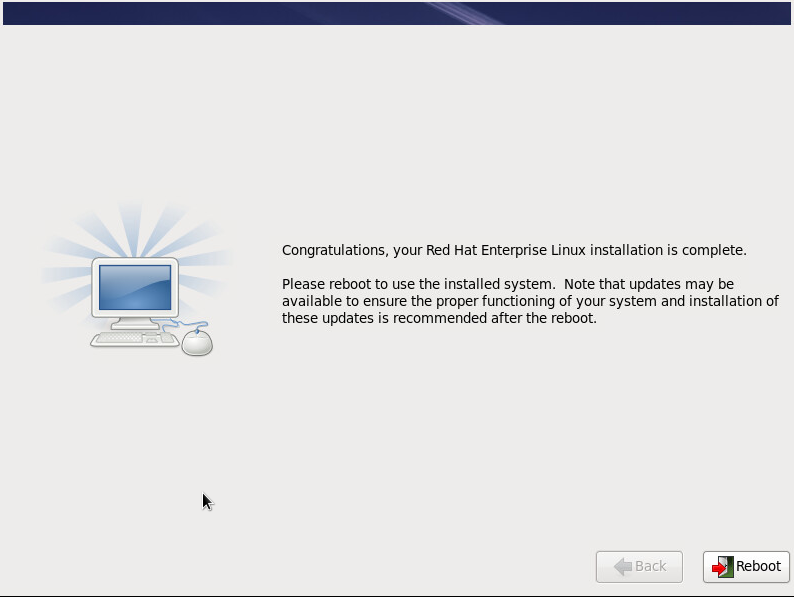
Once the update process is finished, we restart.
Once the server has started we must uninstall all the packages corresponding to the Red Hat 5 version,
We make a list of all the packages
Rpm –qa |grep el5 >> /root/all_packages_RHEL5We edit using VI and add rpm –e –nodeps to the beginning of all the lines, to do this we execute the following command in VI:
%s/^/rpm –e –nodepsOnce all the lines have been modified, we execute the script:
/root/all_packages_RHEL5We uninstall the RHEL 5 package
rpm -e redhat-release-5Server-5.9.0.2.x86_64We clear the cache
yum clean all

rm -rf /var/cache/yum/rhel-x86_64-server-5

rpm –rebuilddb
Using the yum check command we check for dependency problems
yum check
Loaded plugins: refresh-packagekit, rhnplugin, security

This system is receiving updates from RHN Classic or RHN Satellite.

python(abi) = 2.4 is needed by (installed) kudzu-1.2.57.1.26-7.x86_64

python(abi) = 2.4 is needed by (installed) rhpl-0.194.1-2.x86_64

** Found 14 pre-existing rpmdb problem(s), ‘yum check’ output follows:

ntp-4.2.6p5-5.el6.x86_64 has missing requires of libedit.so.0()(64bit)

openssh-clients-5.3p1-111.el6.x86_64 has missing requires of libedit.so.0()(64bit)

parted-2.1-29.el6.i686 has missing requires of libdevmapper.so.1.02

parted-2.1-29.el6.i686 has missing requires of libdevmapper.so.1.02(Base)

rhpl-0.194.1-2.x86_64 has missing requires of libiw.so.28()(64bit)

rhpl-0.194.1-2.x86_64 has missing requires of python(abi) = (‘0’, ‘2.4’, None)

xorg-x11-server-Xorg-1.15.0-36.el6.x86_64 has missing requires of xorg-x11-drv-evdev >= (‘0’, ‘2.1.0’, ‘3’)

Your transaction was saved, rerun it with:
We uninstall the packages with dependency problems:
rpm -e –nodeps ntp-4.2.6p5-5.el6.x86_64

rpm -e –nodeps openssh-clients-5.3p1-111.el6.x86_64

rpm -e –nodeps parted-2.1-29.el6.i686

rpm -e –nodeps parted-2.1-29.el6.i686

rpm -e –nodeps xorg-x11-server-Xorg-1.15.0-36.el6.x86_64
We reinstall the packages again, thus resolving the dependencies:
yum install ntp openssh-clients parted xorg-x11-server-XorgAll the best.
Comments