
What is an ILO card?
An ILO card is a server management component that was developed by Hewlett Packard and is available as part of most HP ProLiant servers released since 2006. ILO cards were designed to replace HP's remote server management products that connected through a PCI card slot. ILO technology allows a network administrator to manage basic server processes remotely. The card has a network address that is different from the server's primary address, which allows remote administration to proceed even if the server is not currently running.
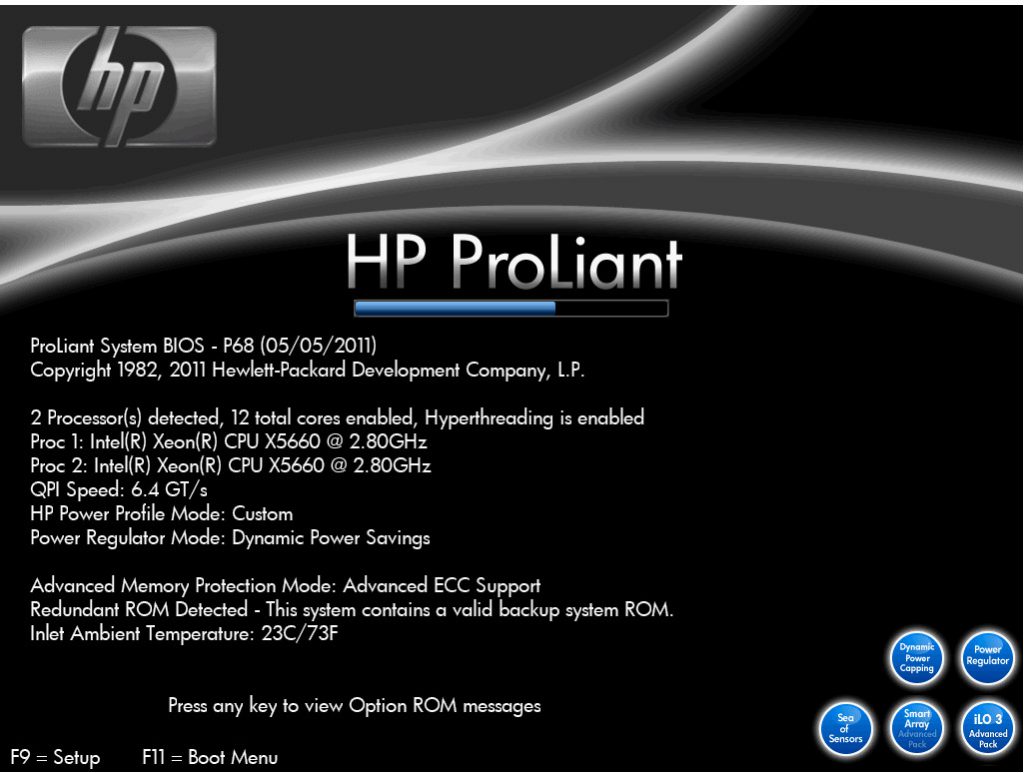
We start the server
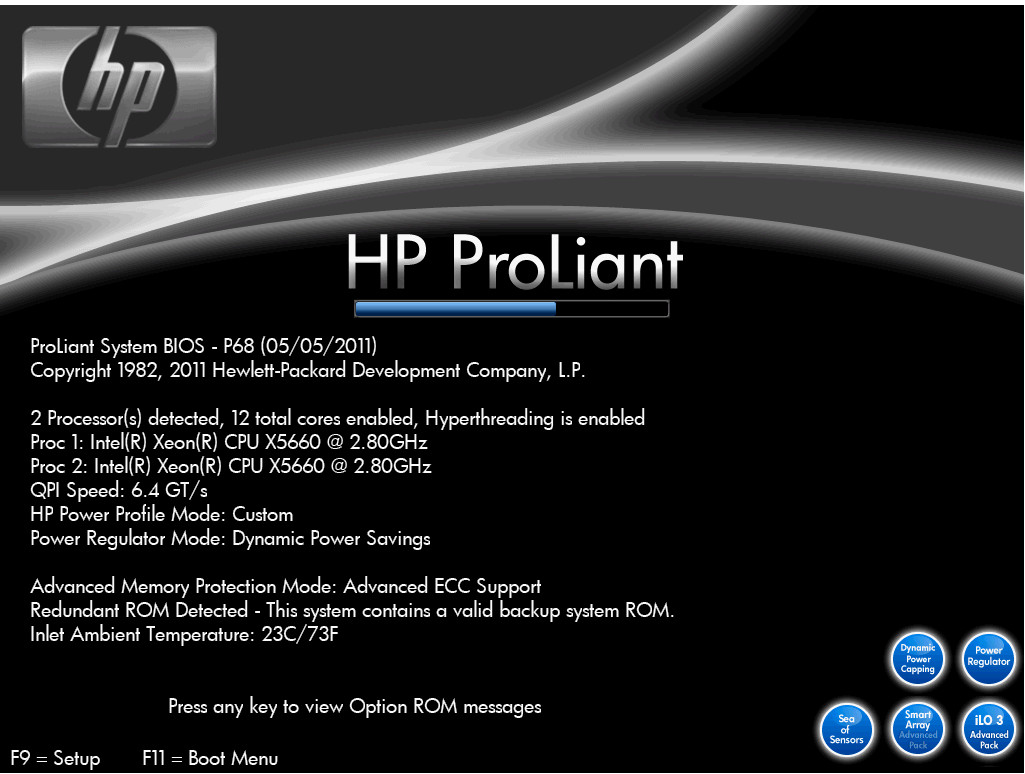
We press F8
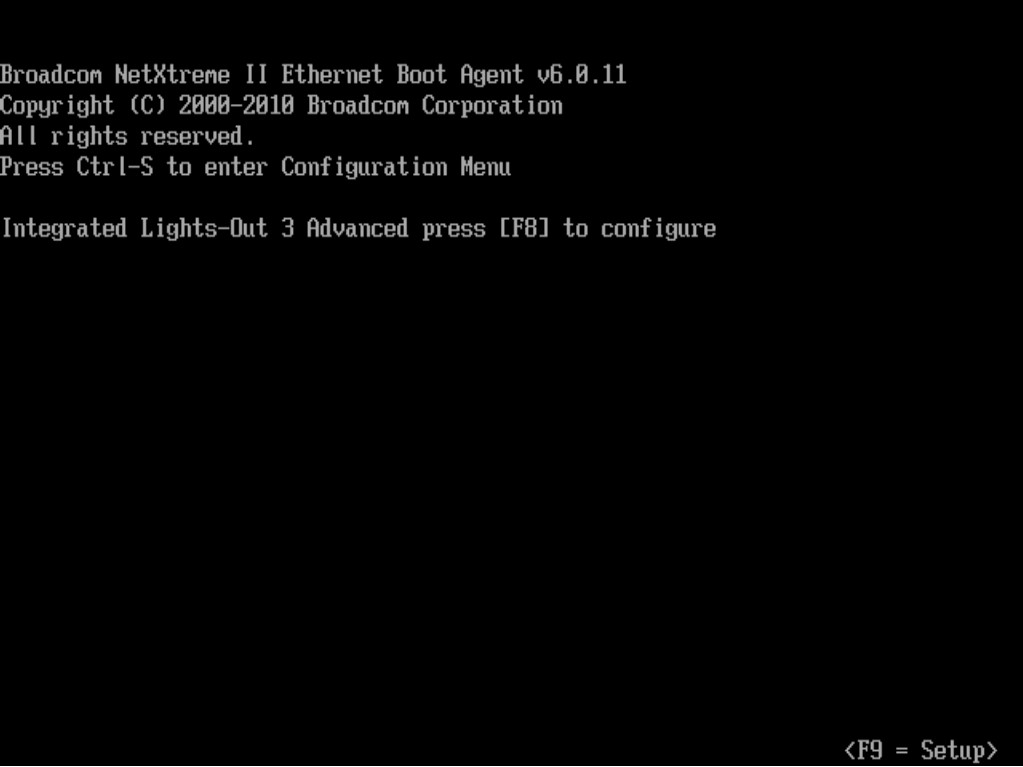
First we have to deactivate the DHCP, for this we are going to network > DNS/DHCP
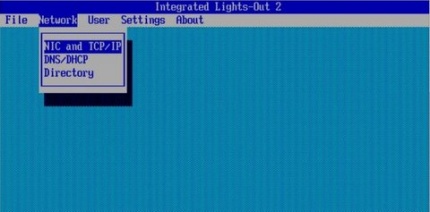
In DHCP Enable we leave it at OFF
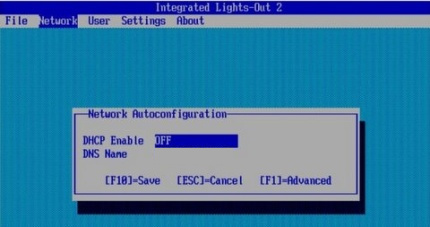
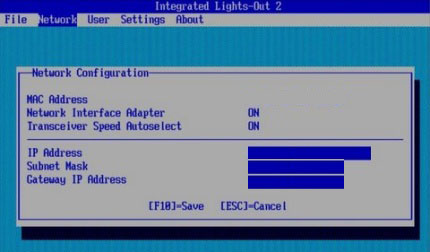
Once DHCP is configured, we have to assign it a static IP, to do this we go to: Network > NIC and TCP/IP.
Here we must assign the IP address. Once configured, press F10 to save.
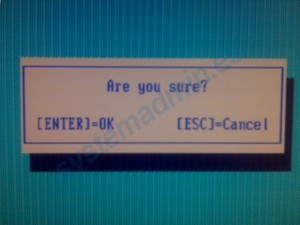
To exit we press File > Exit
:wq!
Comments