
Footprinting
The term footprinting refers to the technique of discovering and collecting as much information as possible regarding a target network, whether it has been published on purpose or due to ignorance. The objective is to extract relative information from the organization that includes, but is not limited to:
- IP address ranges
- Domain registrar information
- Internal servers
- User email accounts
- Machine names
- Type of firewall implemented
- Types of remote access used (SSH or VPN)
- Files (doc, xls, ppt, pdf, txt, etc.)
- Metadata, etc.
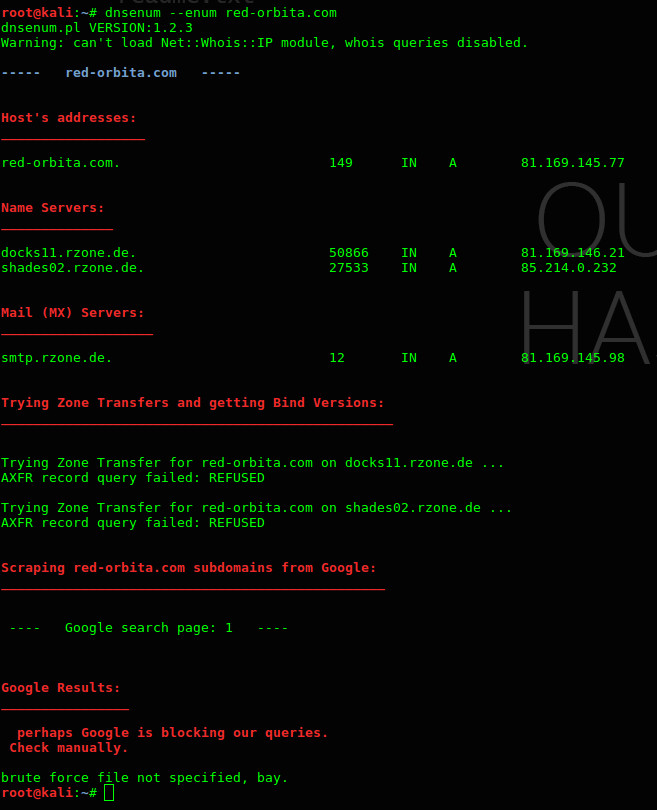
DNSenum: It allows us to obtain information about the domain:
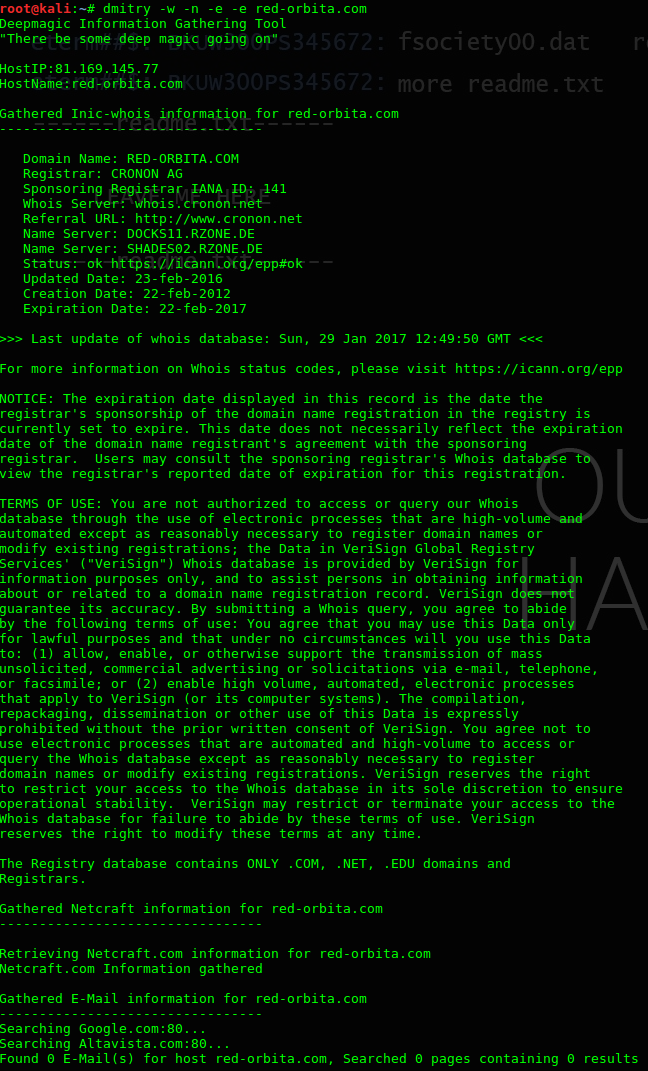
Through Dmitry: can obtain information about a server
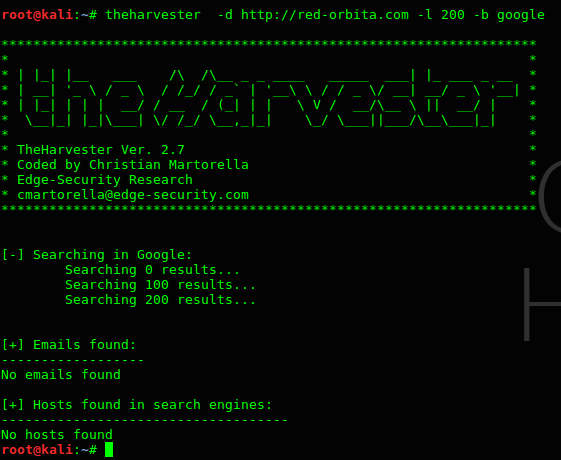
Thehardvester: We will collect information about possible email addresses, names of employees, ports, etc.
In this example we have not obtained much information...
fingerprinting
This stage consists of collecting information directly from an organization's system, to learn more about its configuration and behavior. It is advisable to carry out this stage in an authorized audit, since supposedly the “attacker” has permission to carry out said action.
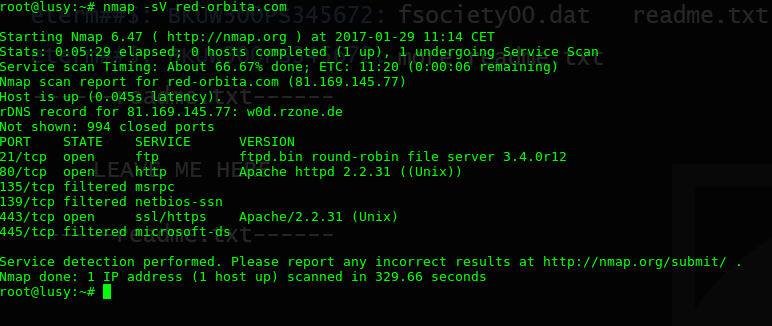
NMAP: allows us detect open ports and operating system:
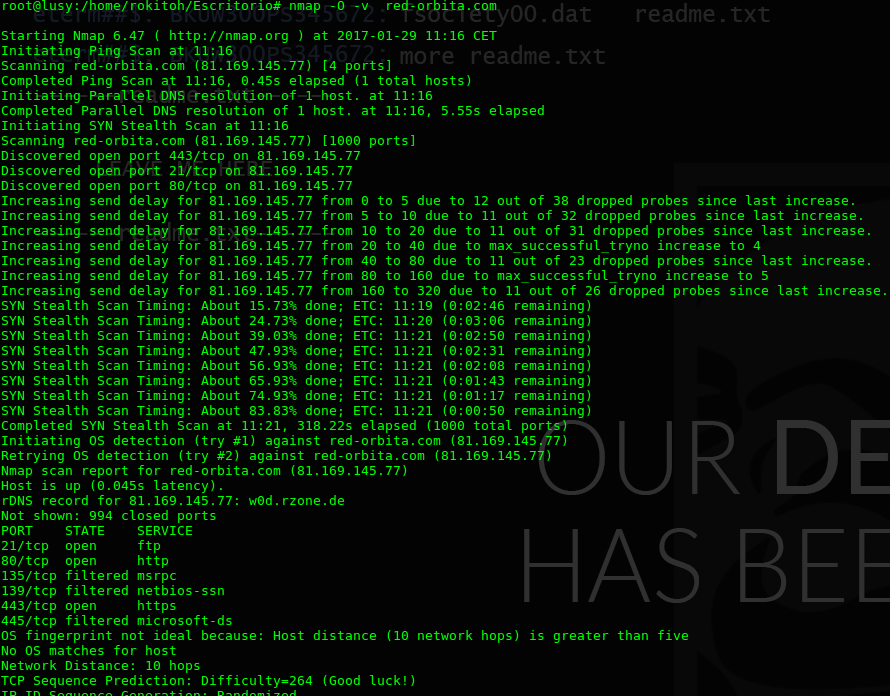
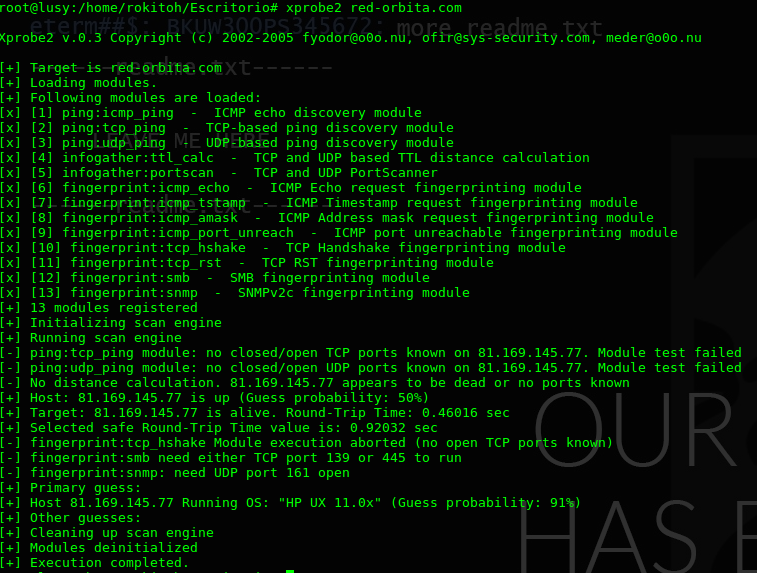
To detect the operating system we can also do it using xprobe2, although in this case I don't think I was very right...
Other tools to obtain information:
WhatWeb:

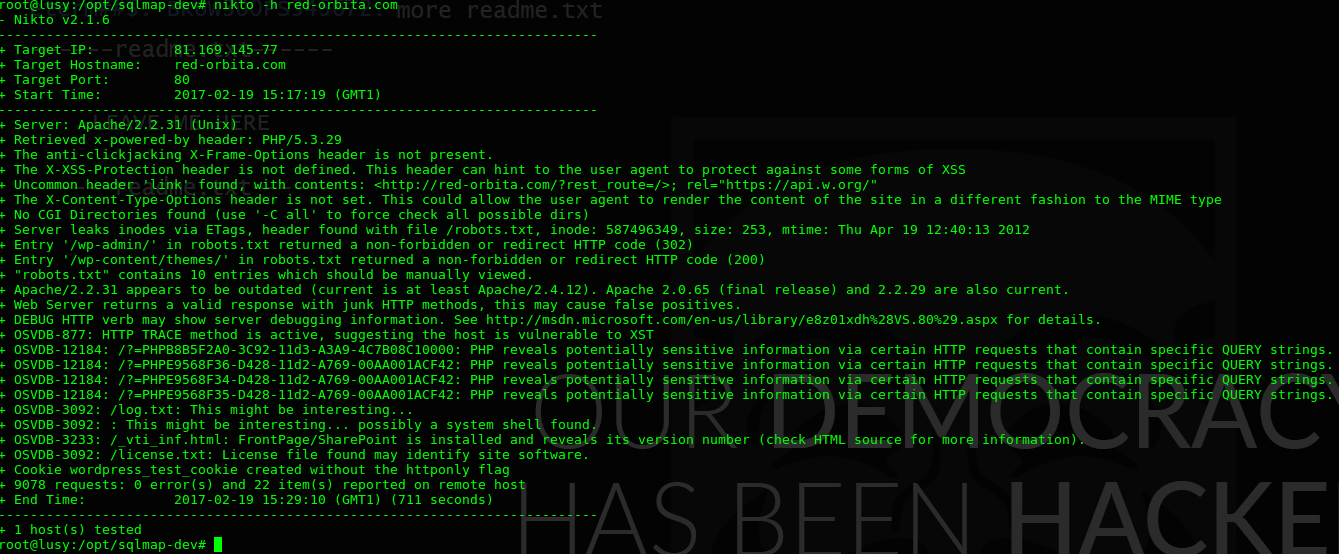
Scan using Nikto
Nikto is a web server scanning tool that is responsible for carrying out different types of activities such as detecting bad configurations and vulnerabilities on the target server, detecting files in default installations, listing the server structure, versions and dates of server updates, XSS vulnerability tests, brute force attacks by dictionary, reports in txt, csv, html formats, etc.
Currently, different websites are usually programmed under CMS, therefore a good option to obtain information would be cmsmap or wpscan
CMSmap:
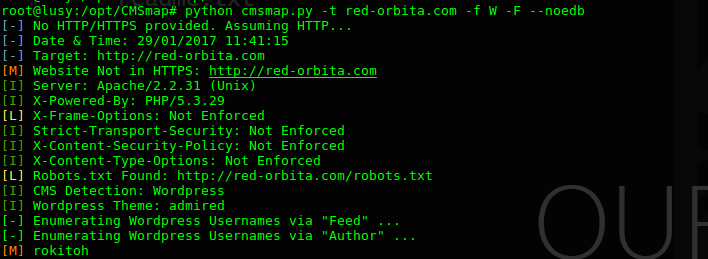
Since we have detected that it is a wordpress, we are going to proceed to perform a scan using WPScan:
Through WPScan we can obtain some information about bugs in the plugins or installed version of WordPress
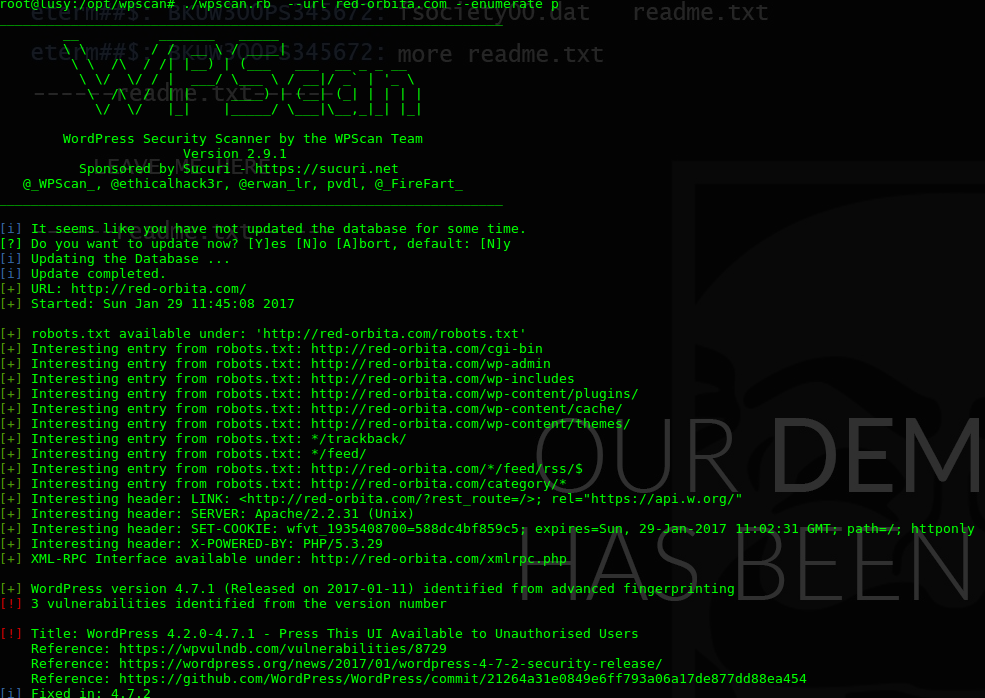
With the information obtained we now have to look for whether the system, service or CMS that is installed has any vulnerability.
:wq!
Comments