
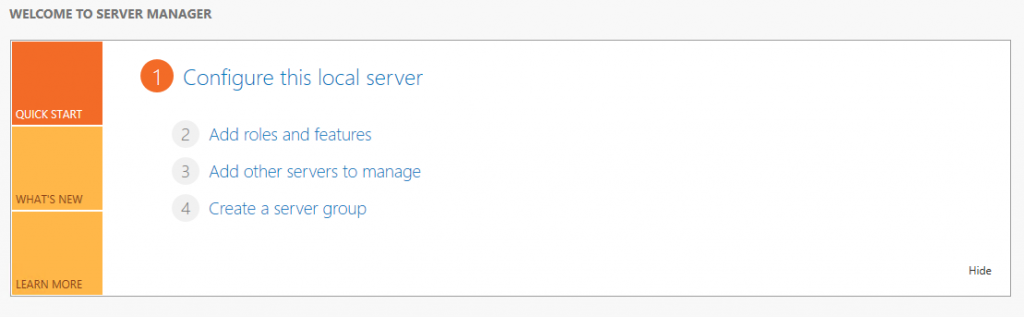
Network Policy Server (NPS) is Microsoft's implementation of a Remote Authentication Dial-In User Service (RADIUS) server and proxy in Windows Server 2008. NPS replaces the Internet Authentication Service in Windows 2003.
As a RADIUS server, NPS performs centralized connection authentication, authorization, and account management for many types of network access, including wireless and virtual private (VPN) connections. As a RADIUS proxy, NPS forwards authentication and account management messages to other RADIUS servers. NPS also acts as a Network Access Protection (NAP) health assessment server.
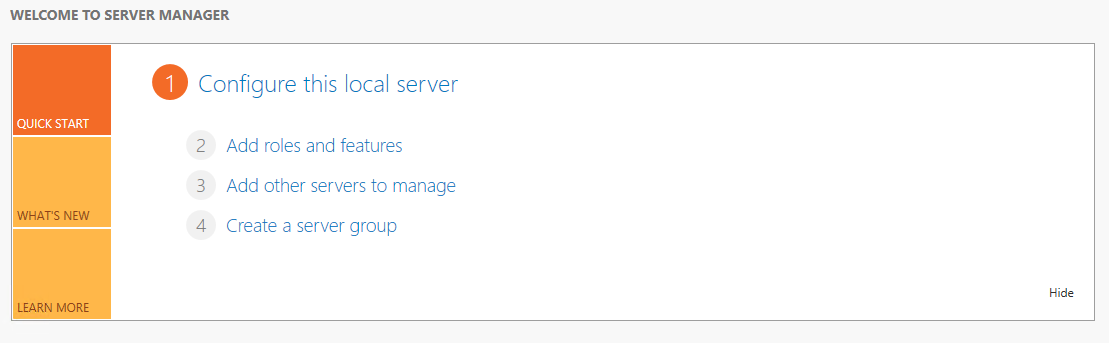
First of all we have to add the corresponding role > Add roles and features
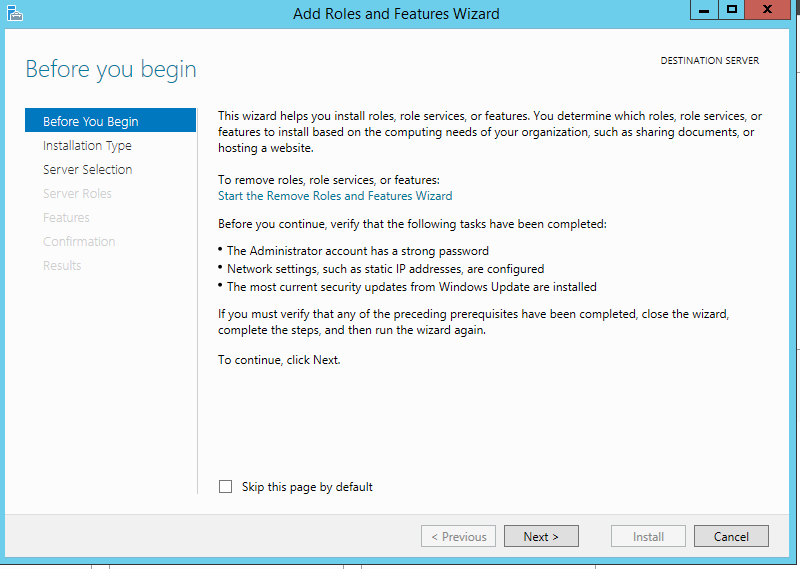
The installation wizard opens
Following
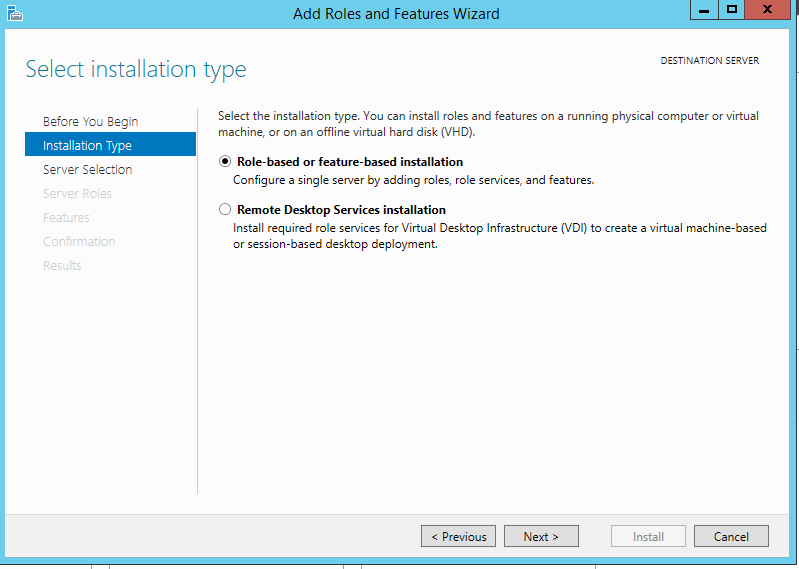
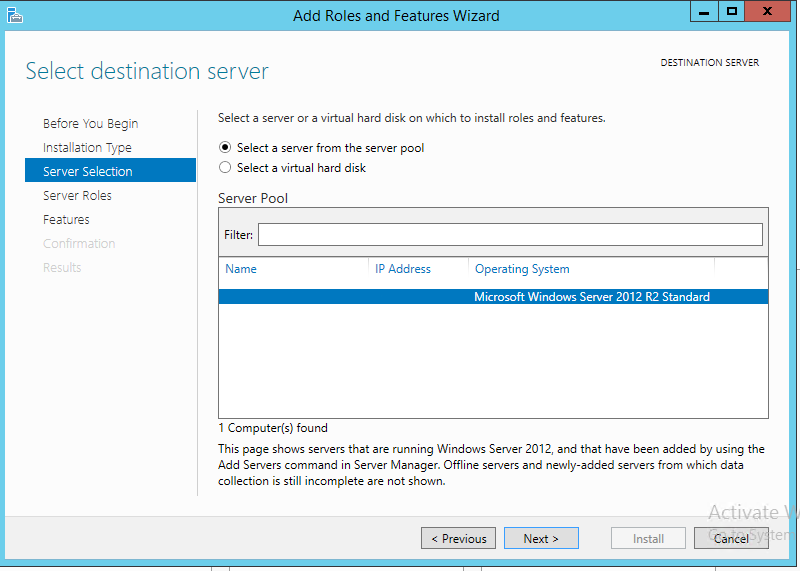
We select the server, next.
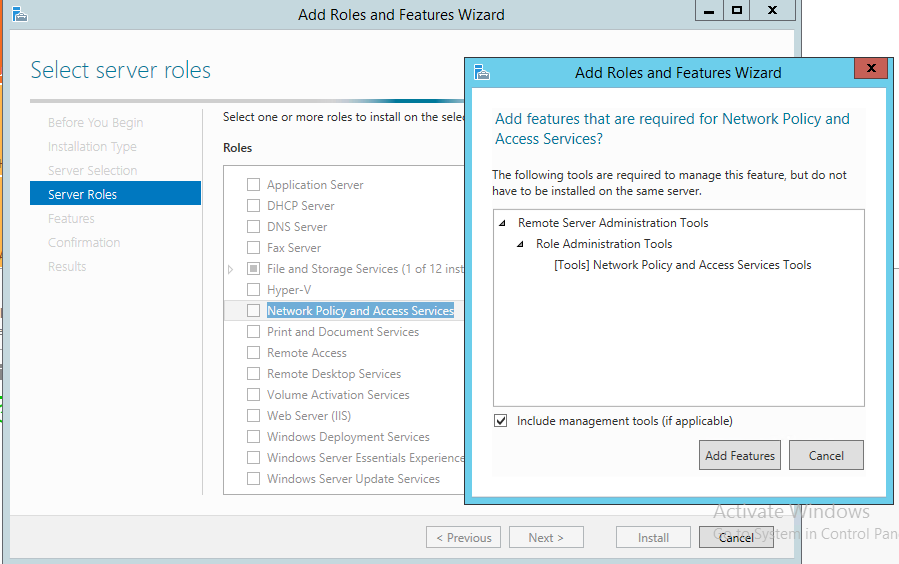
We added the Network Policy And Access Services tools role.
Following.
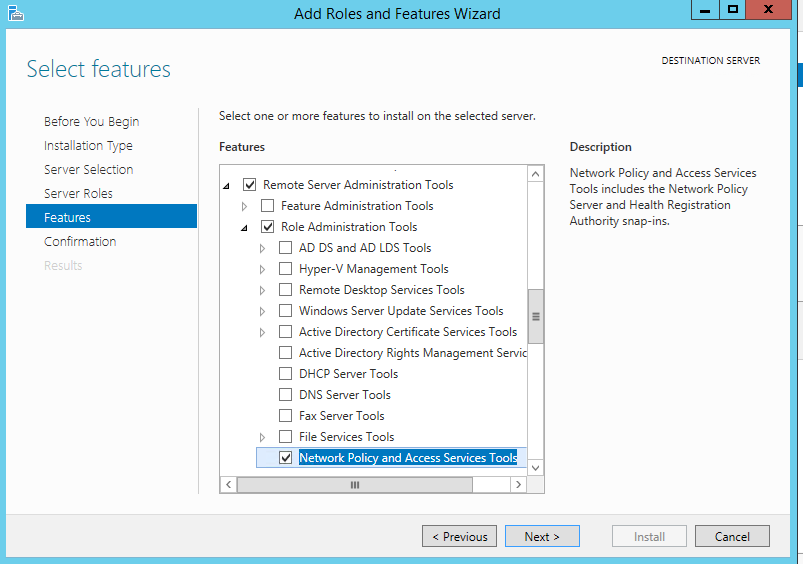
Following.
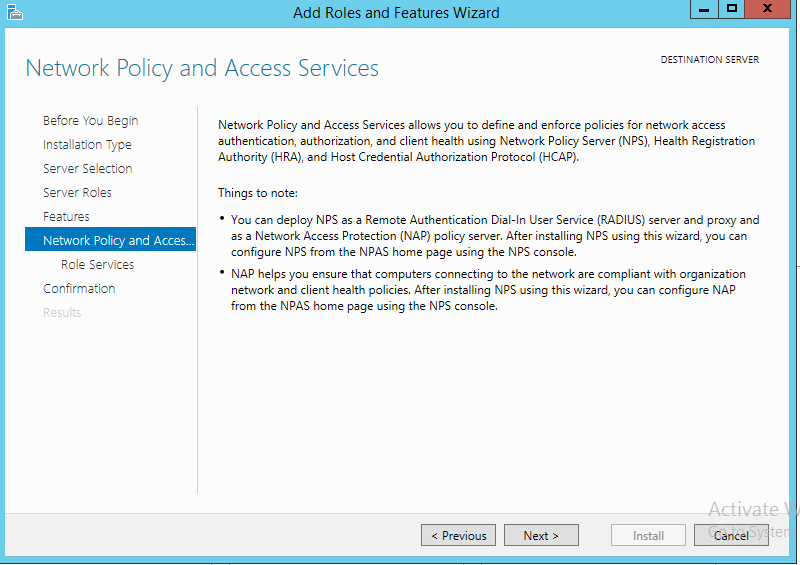
Following.
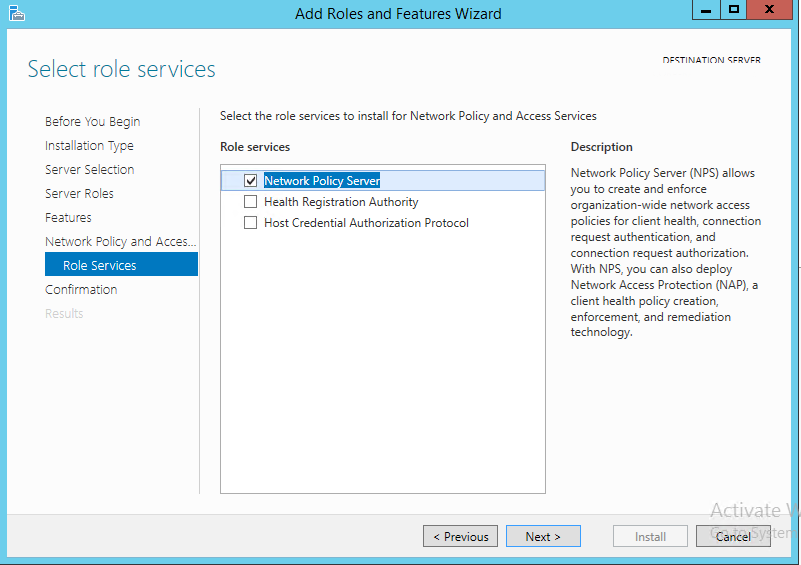
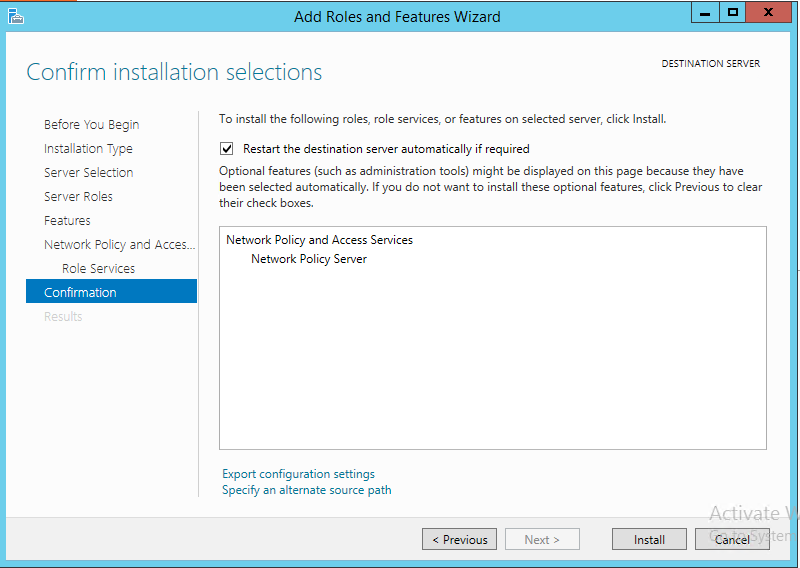
Install
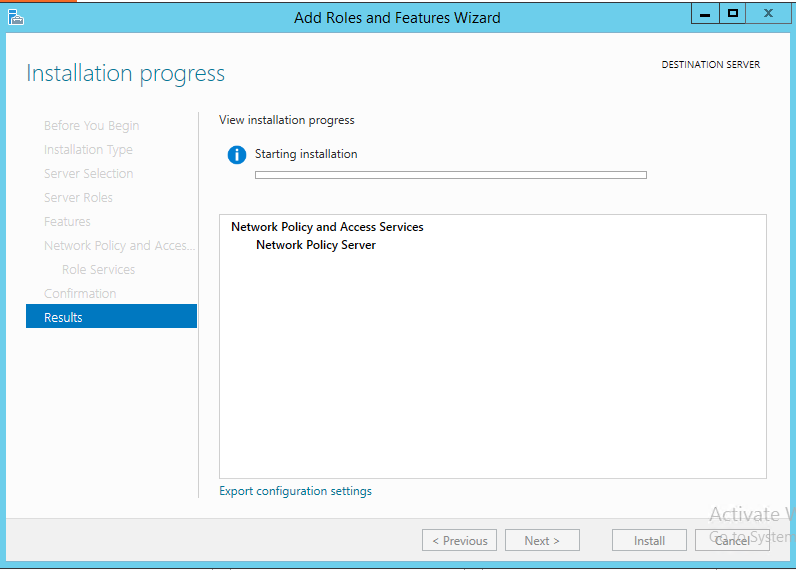
Once the installation is complete, we finish and restart the server.
All the best.
Comments