
This article describes the steps to register or add a virtual machine to inventory on vCenter Server/VirtualCenter or on an ESX/ESXi host.
- Click on the tab Configuration.
- Click Storage.
- Right-click the appropriate data store and click Browse Datastore.
We can use the search engine to find the machine or template in question if we know the name.
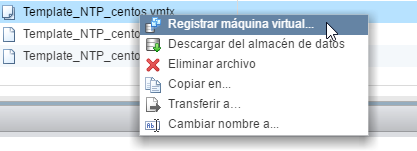
right click on the .vmtx file > Register virtual machine (Add to inventory)
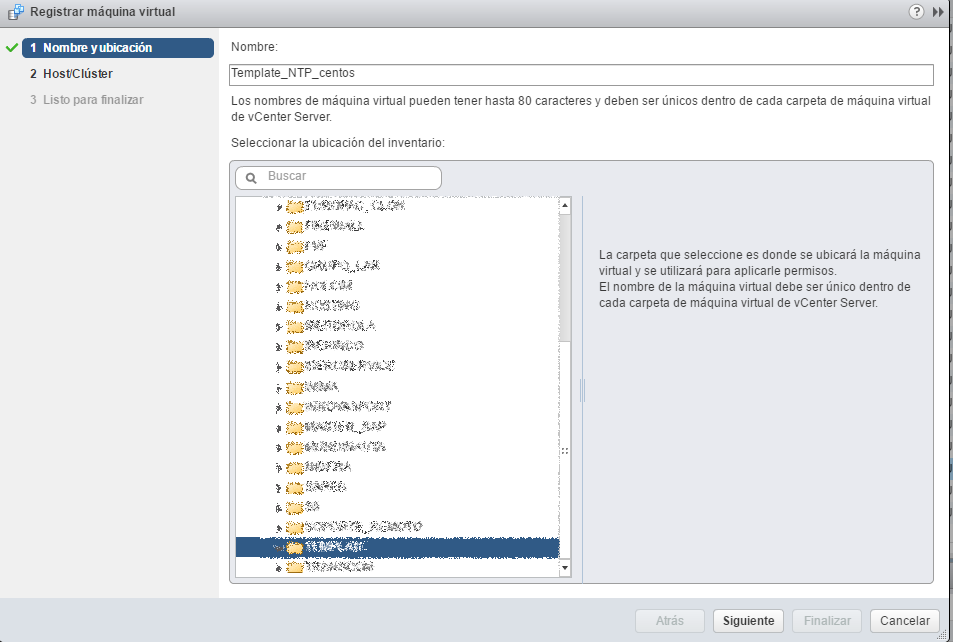
The registration wizard opens, we select the folder where we want to locate the machine or template.
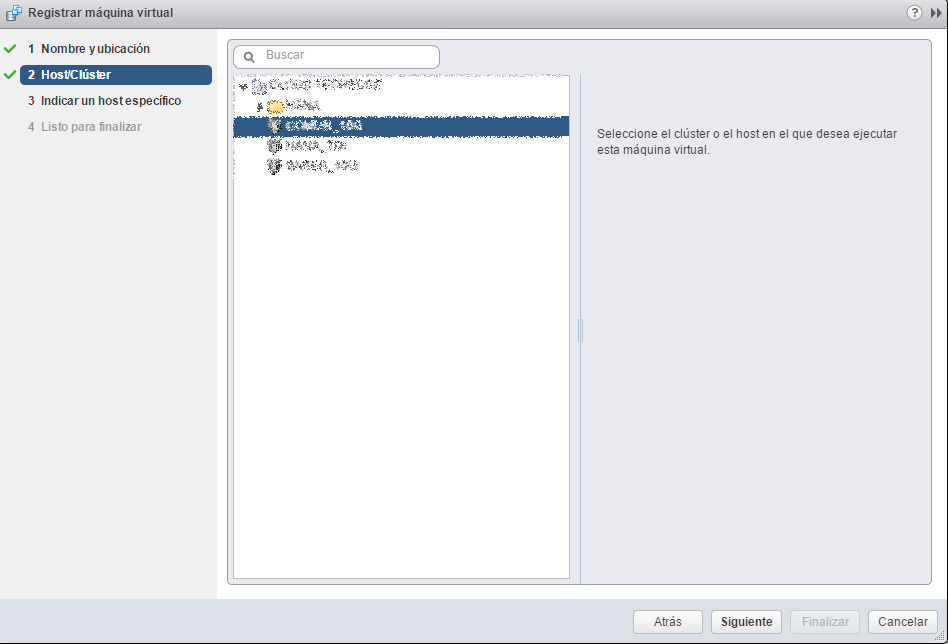
We select a hosts or cluster.
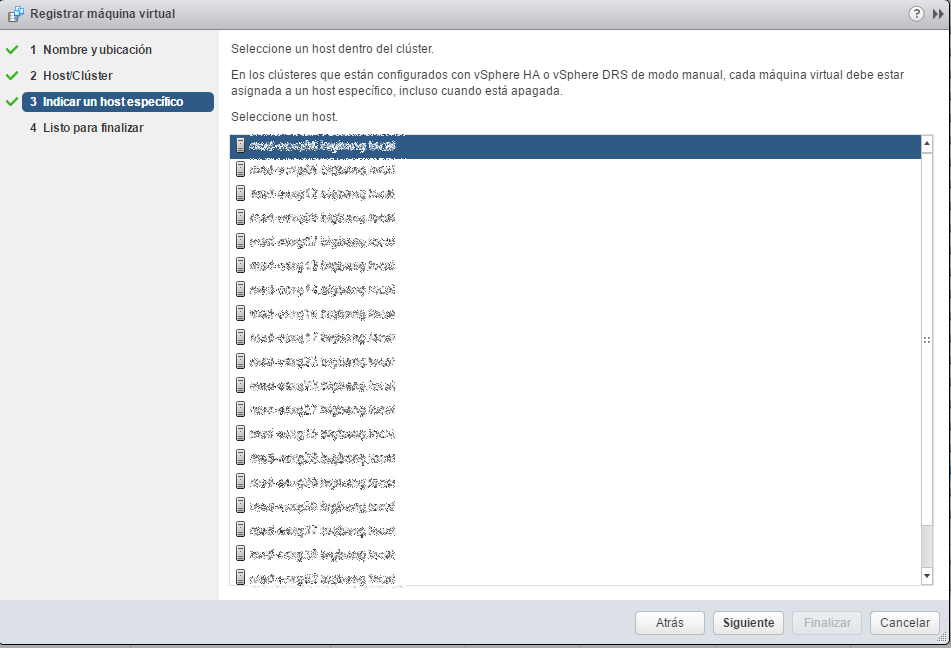
Finally we select a server.
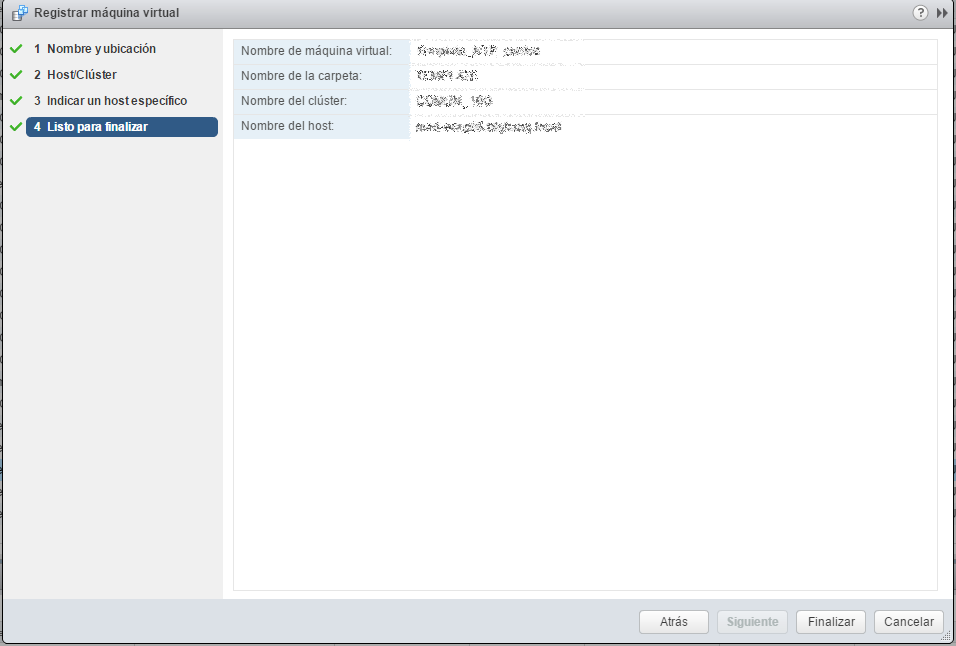
After showing a small summary of the chosen options, we finish.
All the best
:wq!
Comments